
TestDisk & PhotoRec 7.2: a broken partition table is no reason to reinstall
Summary
TestDisk and PhotoRec 7.2 were released on 2024-02-22 and are entirely free and open source. The first specialises in repairing partition tables and finding lost partitions, the second pulls files out of damaged media by signature.
Recommend- Name
- TestDisk & PhotoRec
- Version
- 7.2
- Pricing
- Free
- Open source
- Open source
- Operating system
- WindowsLinuxmacOS
- Website
- https://www.cgsecurity.org/
- Updated
- 2026-10-06 22:50
A corrupted partition table, a drive letter that suddenly disappears, photographs deleted by mistake: these accidents share one property, in that the sooner writing to that disk stops, the better the odds of getting the data back. TestDisk and PhotoRec are a pair of free and open source tools built for exactly that moment. The site lists both at stable version 7.2, released on 2024-02-22, under the GNU General Public License, GPL v2 or later.
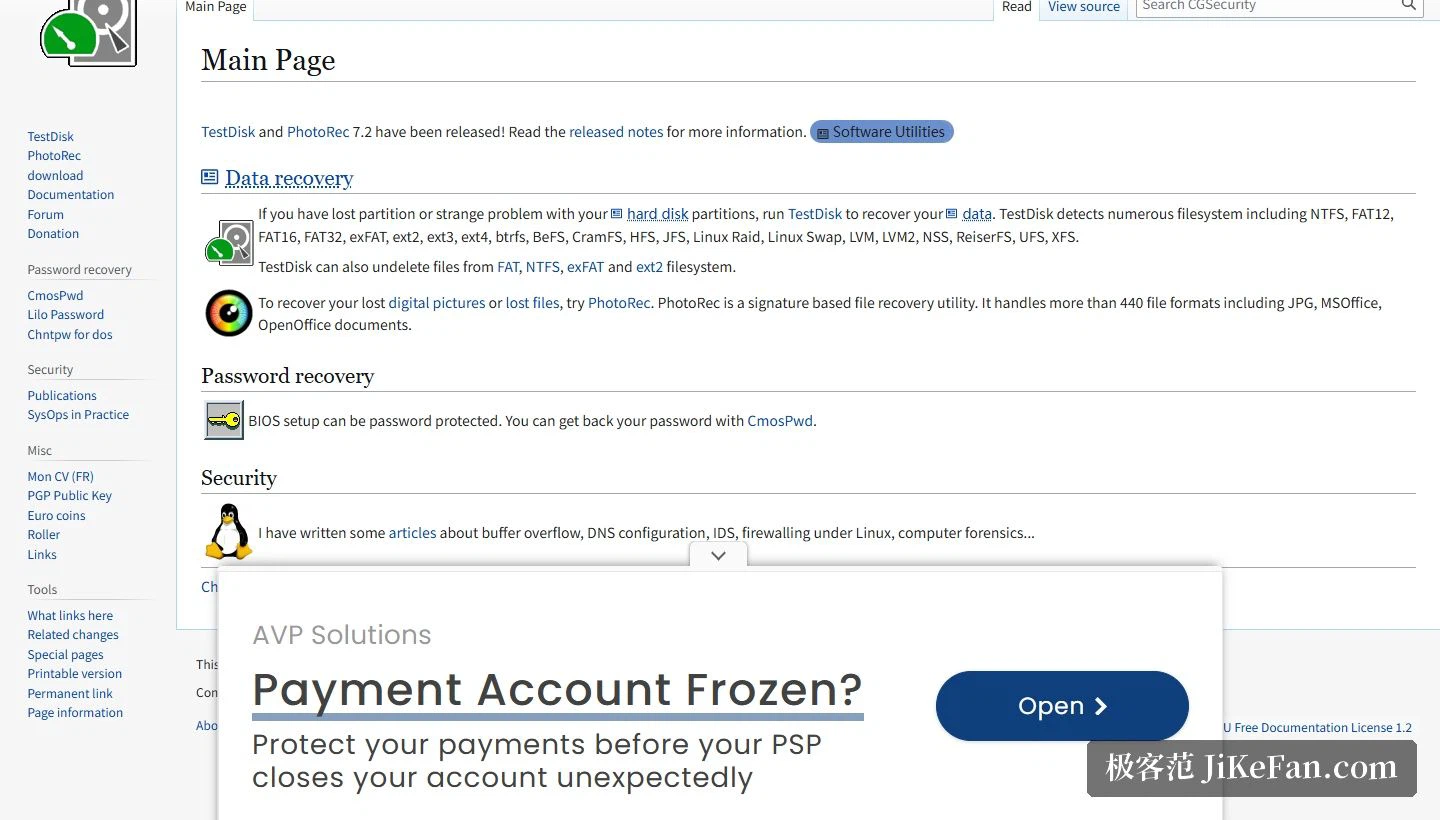
The division of labour: one repairs partitions, one fishes out files
They are companion programs, and the split is clean. TestDisk is mainly there to recover lost partitions, and to make a disk bootable again when a virus or an accidentally deleted partition table has taken that away at the software level. The documentation stresses one point in particular: recovering a partition table with TestDisk is itself simple. PhotoRec goes another way entirely. It never touches the partition table, and pulls files straight out of the raw data instead.
What TestDisk repairs
The most central item on the feature list is repairing the partition table and recovering deleted partitions. Beyond that it can repair the MFT from its mirror, rebuild the NTFS boot sector, or restore that sector from a backup. Down at the file level, the undelete capability covers FAT, exFAT, NTFS and ext2, and files inside a deleted partition can be copied straight out.
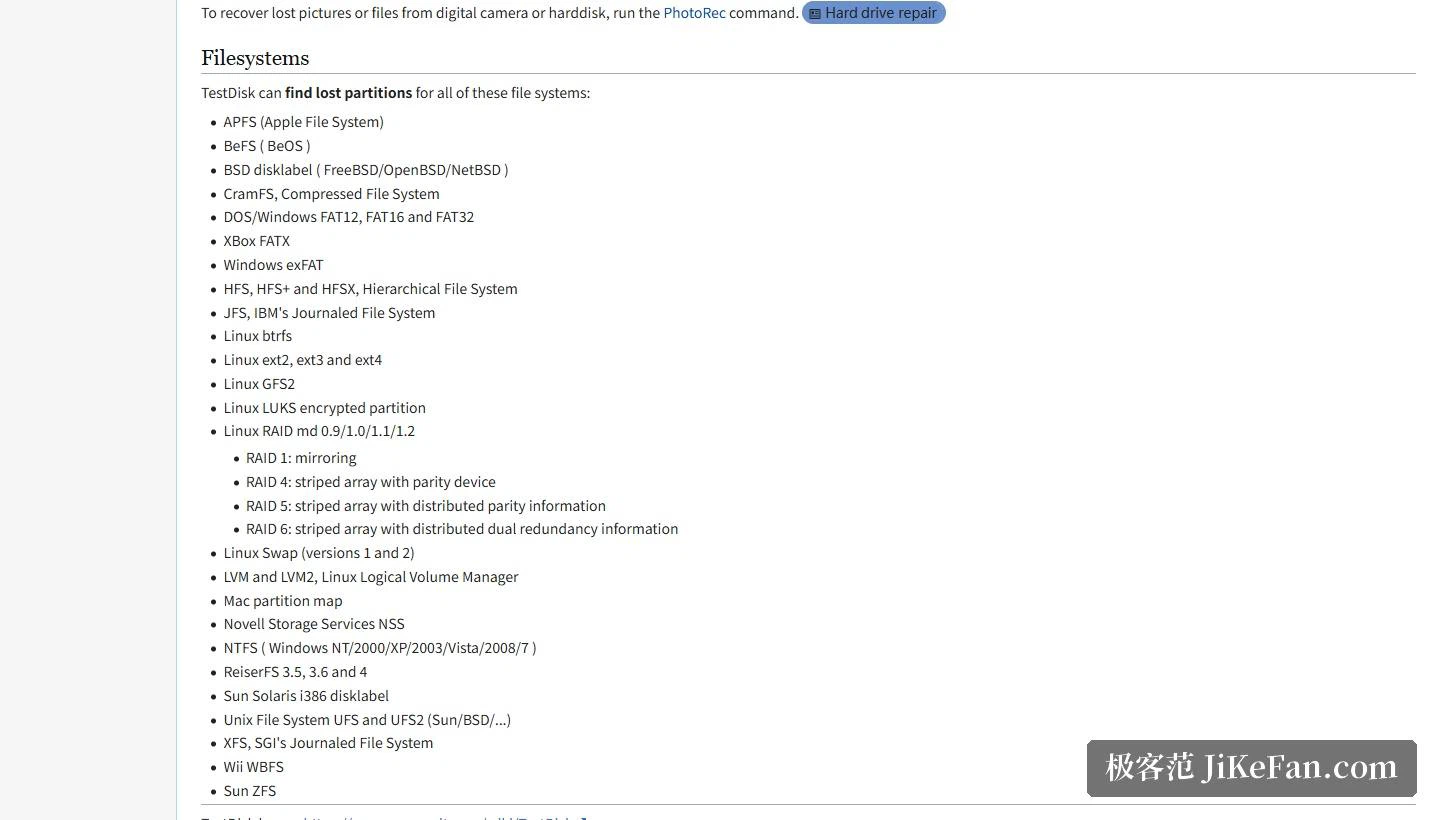
It does not matter much if the partition cannot be recovered at all, because TestDisk can locate lost partitions across a good many file systems. The official list names APFS, XFS and Sun ZFS, and the range runs from the NTFS and exFAT that Windows uses to the file systems found on Linux machines.
The platforms are spread wide. The official range covers DOS, Windows and Windows Server, Linux, plus the BSD family, SunOS and MacOS X, and binaries together with source code are offered directly for four of those platforms.
PhotoRec: it does not read file systems, it reads signatures
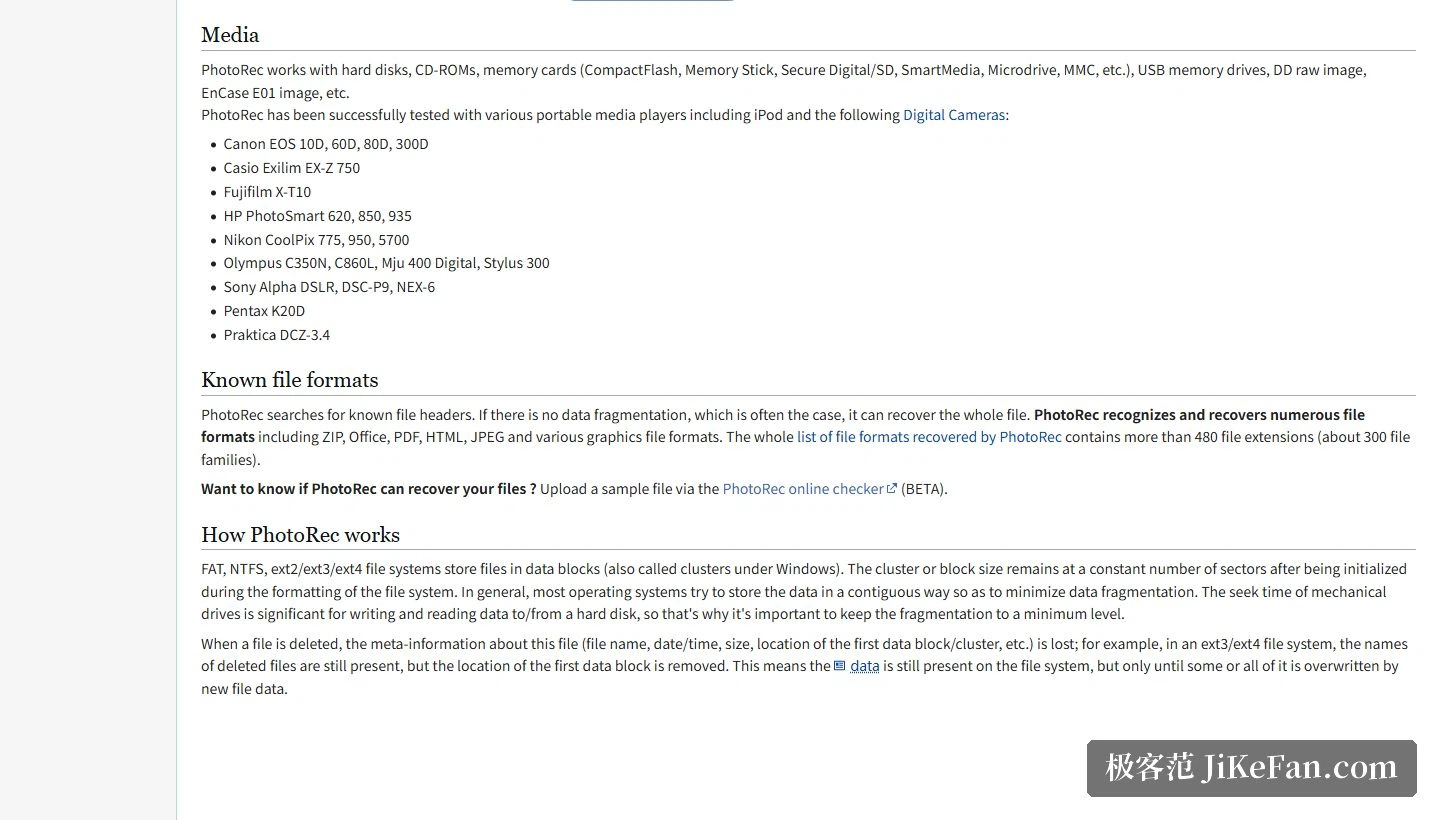
PhotoRec is a signature based file recovery tool, and the idea is to bypass the file system and work on the underlying data directly. It keeps working even where the file system on the medium is badly damaged or has been reformatted altogether. The site puts format coverage at more than 440, the full list on the page runs past 480 extensions, and those correspond roughly to 300 file families.
Media types are treated just as casually: hard disks, CD-ROM, memory cards of every kind and USB storage drives are all in scope, and forensic formats such as raw DD images and E01 evidence images can be handled as well. The site also records tests on portable players.
One thing to know before starting
PhotoRec accesses the drive or memory card being recovered in read-only mode, and that is a safety decision. The caveat that goes with it matters more: recovered files must never be written back to the partition they came from, because fresh writes can overwrite material that has not been fished out yet. The right sequence is to prepare a second disk or a different partition as the destination, and only then start the scan.
On system coverage, PhotoRec supports the consumer Windows line from 11 back to XP, the server line from Server 2022 back to 2003, and Linux, the BSD family, Sun Solaris and Mac OS X besides. It is aimed at ordinary users and professionals at once, in the sense that someone unfamiliar with data recovery can use it to collect detailed information about a disk and then hand that to a specialist for further analysis.
What the two tools really do is widen the window in which a mistake is still reversible. Nothing on the platter changes because a partition table was overwritten; what changes is that the operating system can no longer find its way in. Reading the raw structures back is therefore a completely different errand from restoring a backup, and it is the only one available when no backup exists.
Who it suits
A machine that still starts, where only the partition table has been scrambled, goes to TestDisk. A camera memory card that has been formatted goes to PhotoRec. Both present an interactive command line interface, and the documentation is thorough, with dedicated pages for the step-by-step partition table recovery and for the full file recovery workflow, in several languages.
The first principle of data recovery never changes: stop moving. The moment a partition is gone or a file is deleted, write nothing further to that disk, and only then begin scanning. TestDisk and PhotoRec are both published free of charge under the GPL v2 or later, and a scan can start as soon as they are downloaded.