
Disk Drill 6.3: 100 MB of free recovery is enough to find out
Summary
The Windows build of Disk Drill 6.3 is 6.3.1398, updated on 2026-07-22. The free edition recovers up to 100 MB and can pull files back from the recycle bin, a formatted device or a lost partition.
Recommend- Name
- Disk Drill
- Version
- 6.3.1398
- Open source
- Proprietary
- Operating system
- WindowsmacOS
- Website
- https://www.cleverfiles.com/
- Updated
- 2026-10-06 09:23
Deleting a file by mistake, emptying the recycle bin, formatting the wrong drive: what hurts most in data recovery is noticing late and then carrying on writing new things to that disk. Disk Drill is a cross-platform recovery tool whose Windows build currently sits at 6.3.1398 and whose macOS build sits at 6.3.2326, with both updated on 2026-07-22.
What the free edition does
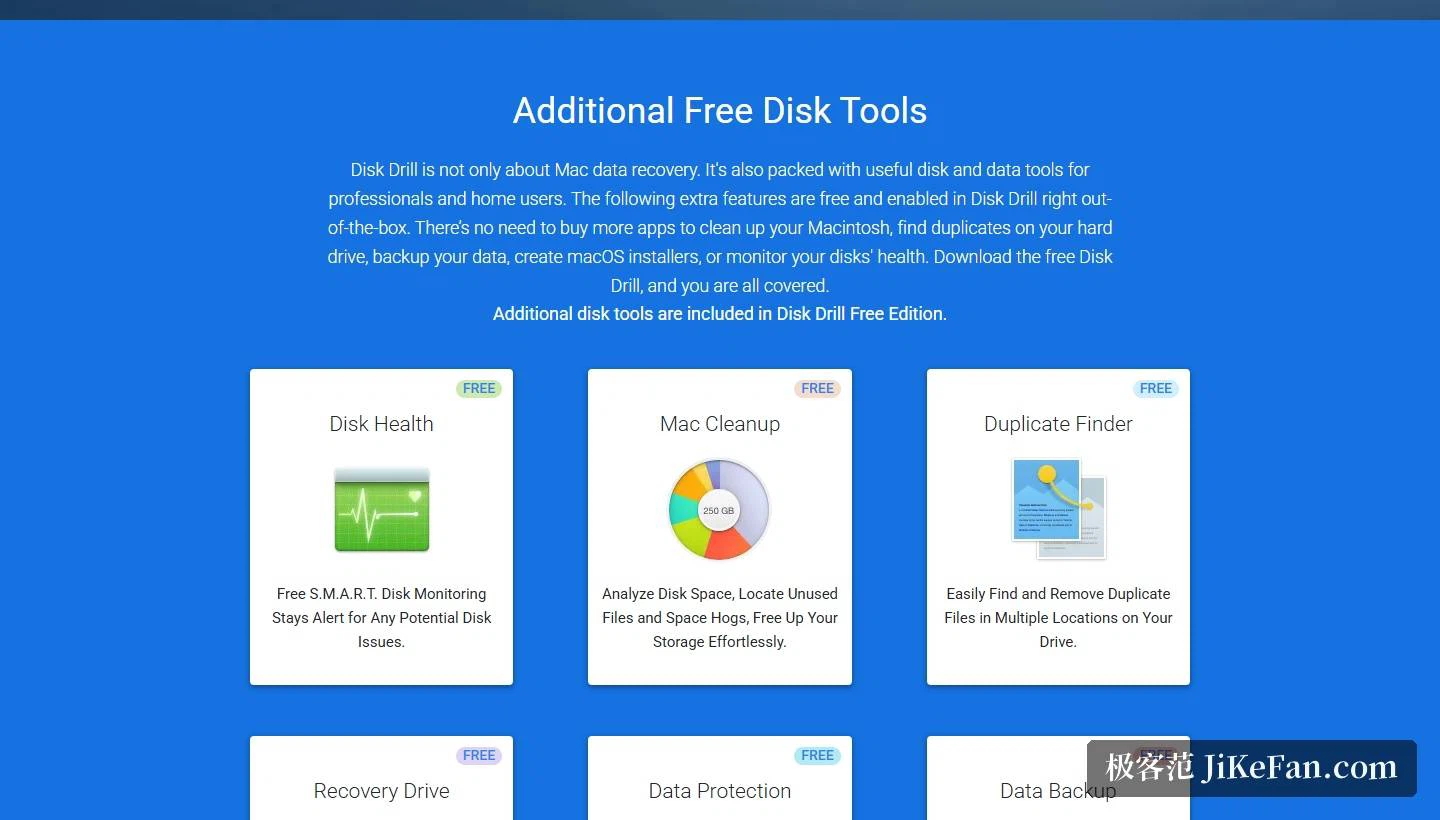
Downloading for free and scanning for free is the way in. The free allowance is stated plainly: up to 100 MB of data can be recovered, which is enough to run a full scan first and see whether the files in question are still on the disk at all. Once it is clear they can be rescued, the decision about upgrading to PRO to unlock full recovery can be taken. On top of that, the free edition carries a set of extras, namely recovery drive creation, disk health monitoring, duplicate file finding, data protection and backup, which the site groups together as additional free disk tools.
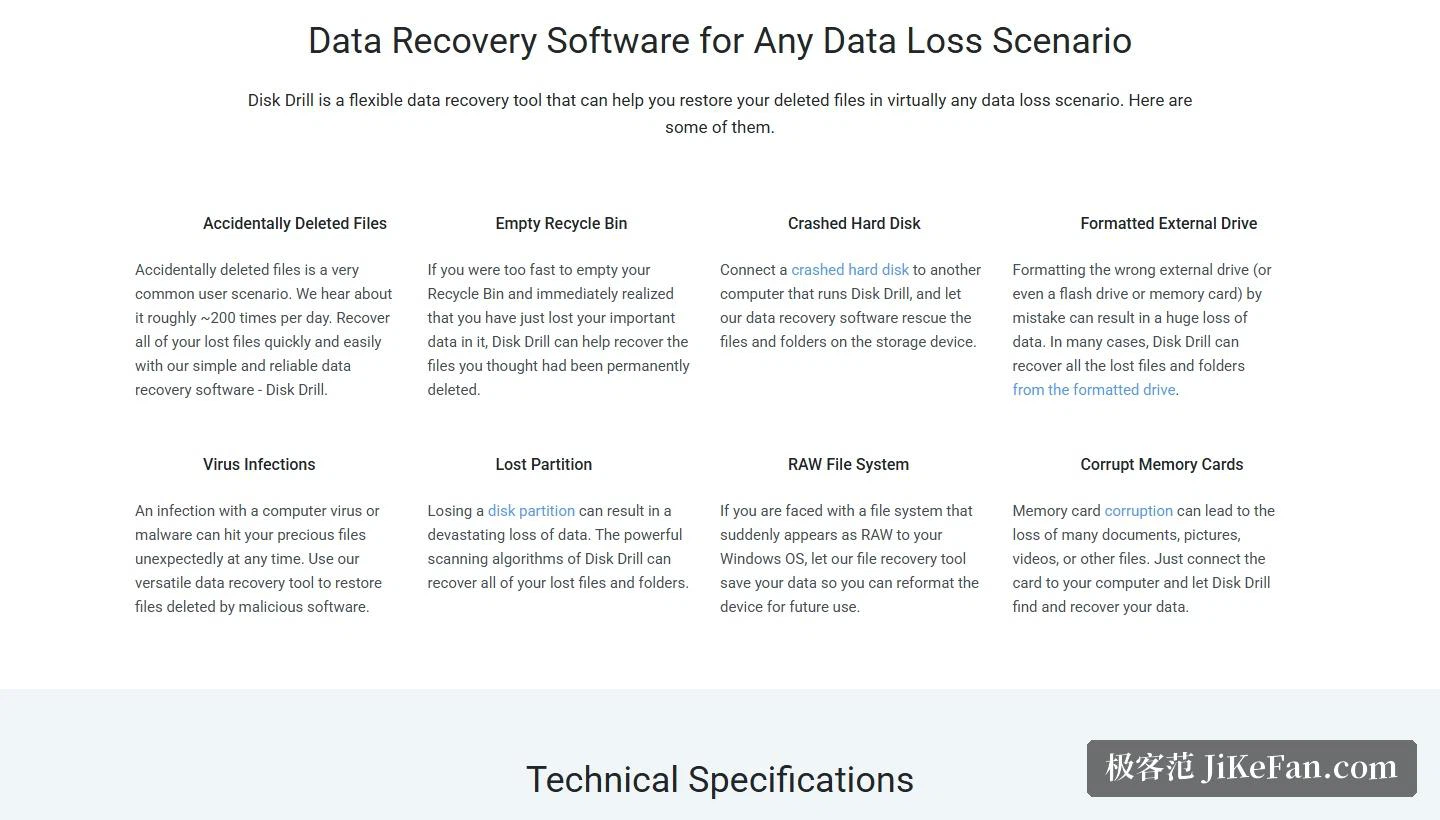
All of these situations are covered
The scenarios listed officially are broad. Deleted files go without saying, and there is still a chance after the recycle bin has been emptied, which the site words as files you thought had been permanently deleted. When an external drive, a USB stick or a memory card has been formatted by accident, whole folders can usually be recovered; lost partitions, a file system that suddenly reports itself as RAW, and a damaged memory card are the three harder cases, and they are on the supported list too. The site adds one useful note: as long as a device shows its capacity properly in the system's disk management, it can still be scanned even when the interface cannot open it.
Which systems, and what it needs
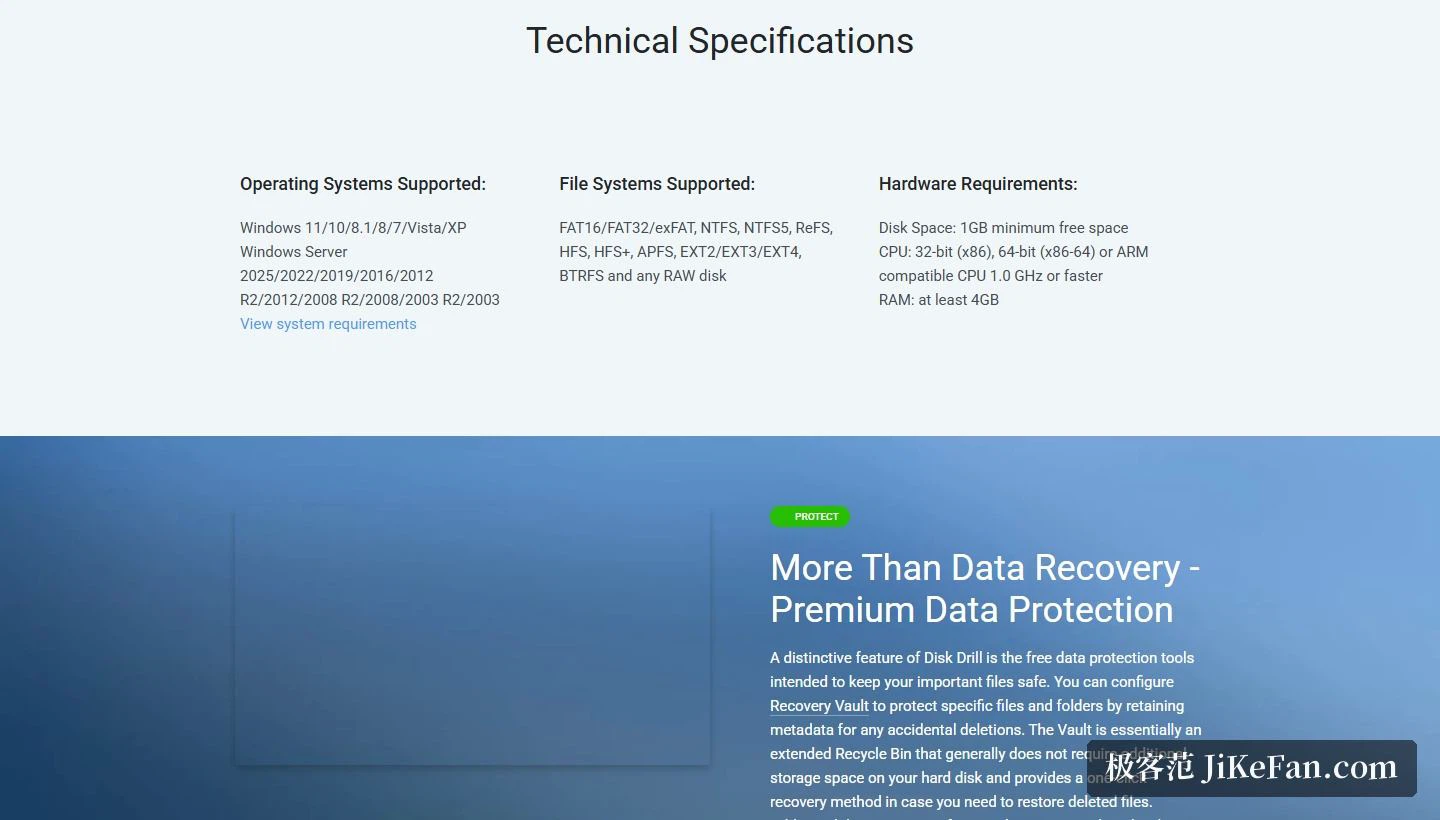
The Windows support list runs from 11 all the way back to XP, and the server line from Server 2025 back to 2003. On file systems, FAT16, FAT32, exFAT, NTFS, NTFS5, ReFS, HFS, HFS+, APFS, EXT2, EXT3, EXT4 and BTRFS are all covered, and any RAW disk can be handled. The installer is 51.3 MB, and the hardware bar is at least 1GB of free disk space and 4GB of memory, with a processor that only has to reach a minimum of 1.0 GHz.
Look before recovering
Once a scan finishes there is no need to act immediately. Disk Drill can preview files one by one before recovery, so the contents can be checked for completeness, and it also produces a recovery likelihood assessment that puts the files most likely to come back intact at the front, which makes them easy to handle first. The site suggests using the two together and starting with the files that look most certain.
Two of the data protection features deserve a sentence of their own. Recovery Vault keeps metadata for chosen files and folders, which turns an accidental deletion into an operation that can be undone; the site describes it as an extended recycle bin that generally costs no additional disk space. A byte level backup, meanwhile, can image a volume together with its deleted files, leaving a fallback for later recovery. Both sit inside the free range.
The free tools that come along
Even with nothing to rescue at the moment, Disk Drill does not sit idle. The free extras listed on the site include disk health monitoring, disk space cleanup, duplicate file finding, bootable recovery drive creation, data protection and data backup. The site stresses that these ship with the free edition and require no further purchase of another application.
What the free allowance really buys is information rather than data. A scan answers the only question that matters at that point, whether the file is still there, and doing that before paying for anything is the right order, because a recovery tool is useless on a disk that has already been written over. The 100 MB is not a trial timer; it is a ceiling on how much can be pulled out, which is a very different sort of limit.
The first principle of data recovery has nothing to do with the tool: the moment a file turns out to be gone, write nothing further to that disk, and only then install Disk Drill and run a scan. The free allowance is enough to establish whether the file is still there at all, and what usually decides the outcome is how early the loss was noticed.