
Recuva 1.55.133: the free tool that goes looking for deleted files
Summary
Recuva 1.55.133 was released on 2026-06-22 as a maintenance update aimed at EU compliance. The free edition already recovers deleted pictures, documents and videos, while the professional edition costs 24.95 dollars.
Recommend- Name
- Recuva
- Version
- 1.55.133
- Open source
- Proprietary
- Operating system
- Windows
- Website
- https://www.ccleaner.com/recuva
- Updated
- 2026-10-06 20:34
Deleting an important file by accident tends to happen during the busiest hour of the week. Recuva is built for that moment, and the opening line of its product page says so plainly: fast, simple recovery of your deleted files. What it reads covers the Windows machine itself, the recycle bin, the memory card out of a digital camera and even an MP3 player. The current version is 1.55.133 according to the official version history, dated 2026-06-22, and it is a maintenance release aimed at compliance for customers in the European Union.
What it can bring back, and from where
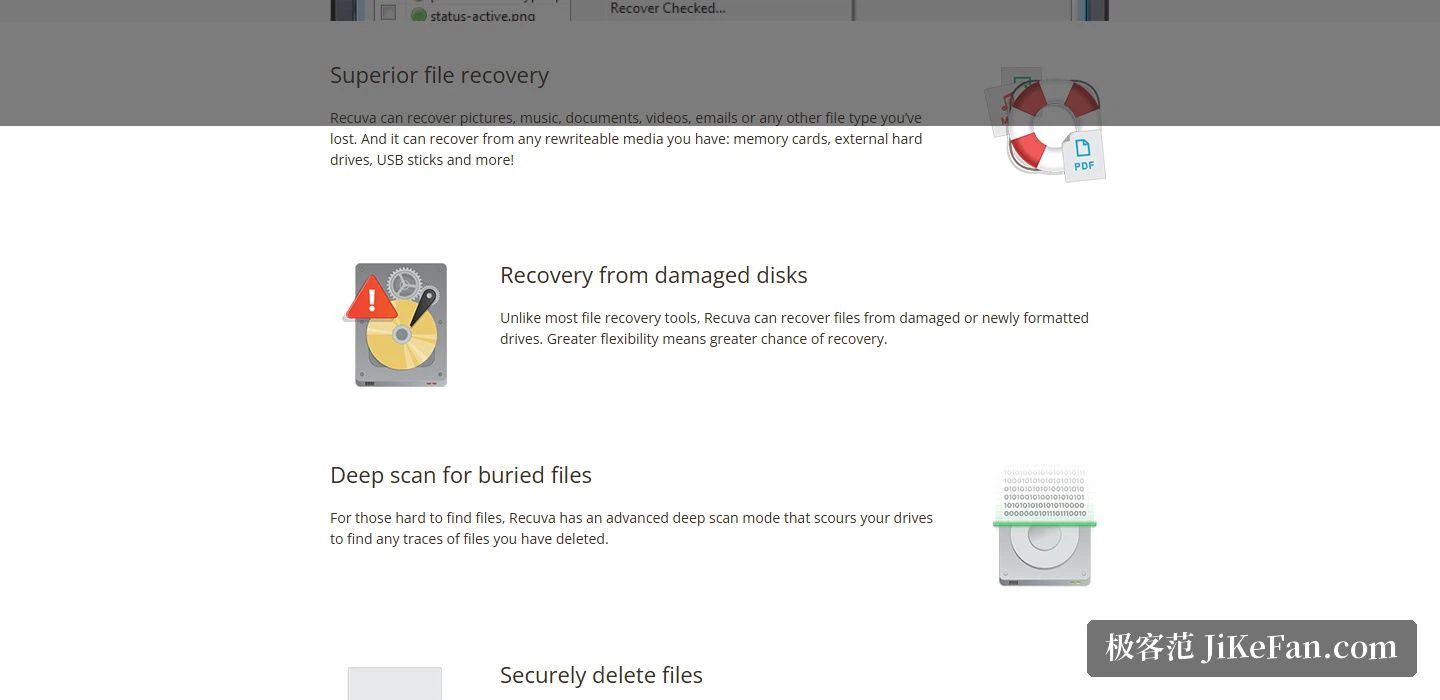
On file types, the range listed on the site runs through pictures, music, documents, video, email and any other type besides. On media, it covers every rewritable storage device within reach, memory cards, external hard disks and USB flash drives included. The site sums this part up as superior file recovery, and the point is that it is picky about neither the file format nor the shape of the medium.
One capability deserves its own paragraph. The site keeps a separate section headed recovery from damaged disks, stating that files can be recovered from a damaged or freshly formatted disk, and stressing that this is not common among file recovery tools. For anyone who has just formatted a memory card by accident and has not yet written anything new to it, that sentence is often what decides whether the data comes back at all.
Deep scan, and the opposite errand
When an ordinary scan finds nothing, there is still the deep scan. The site states that an advanced deep scan mode goes through the entire drive looking for traces of deleted files. The price is a longer wait, and what it buys is a higher chance of getting the file back.
The opposite need is covered too, because some files are meant to disappear for good. The secure overwrite feature uses industry and military standard deletion techniques to make sure a file stays erased rather than merely vanishing from the directory listing. Finding files and wiping them living inside one tool sounds contradictory at first, and it is not: both are the same question about what is actually left on the platter, asked in two directions.
Free edition against professional edition
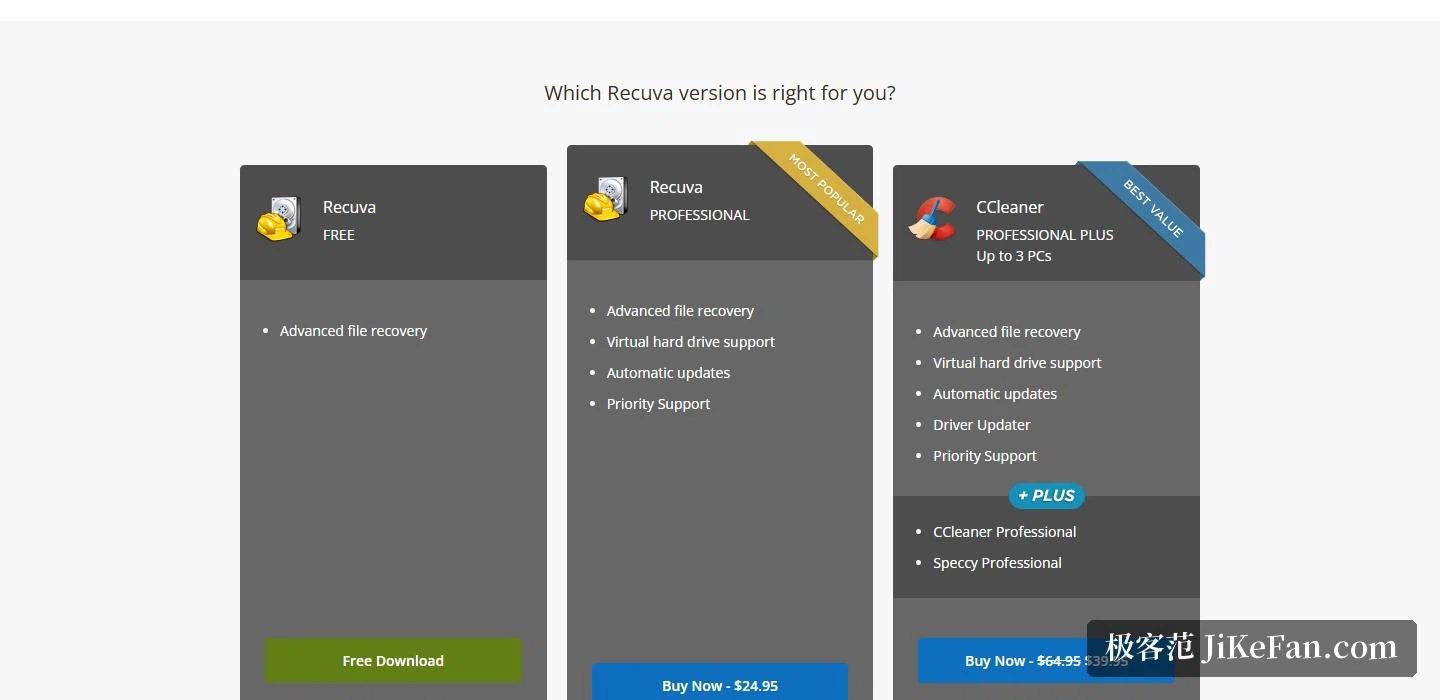
There are two editions. The free one already includes advanced file recovery, which is the part most people actually need. The professional edition costs 24.95 dollars and adds virtual hard drive support, automatic updates and priority support on top. The site also offers a bundle that pairs the recovery engine with a cleanup tool from the same maker.
The system requirements are written generously: Windows 10, 8.1, 7, Vista and XP are supported, with 32-bit and 64-bit builds included, and only the RT tablet edition is left out. The site also notes that both the free and the professional edition are licensed for home use only.
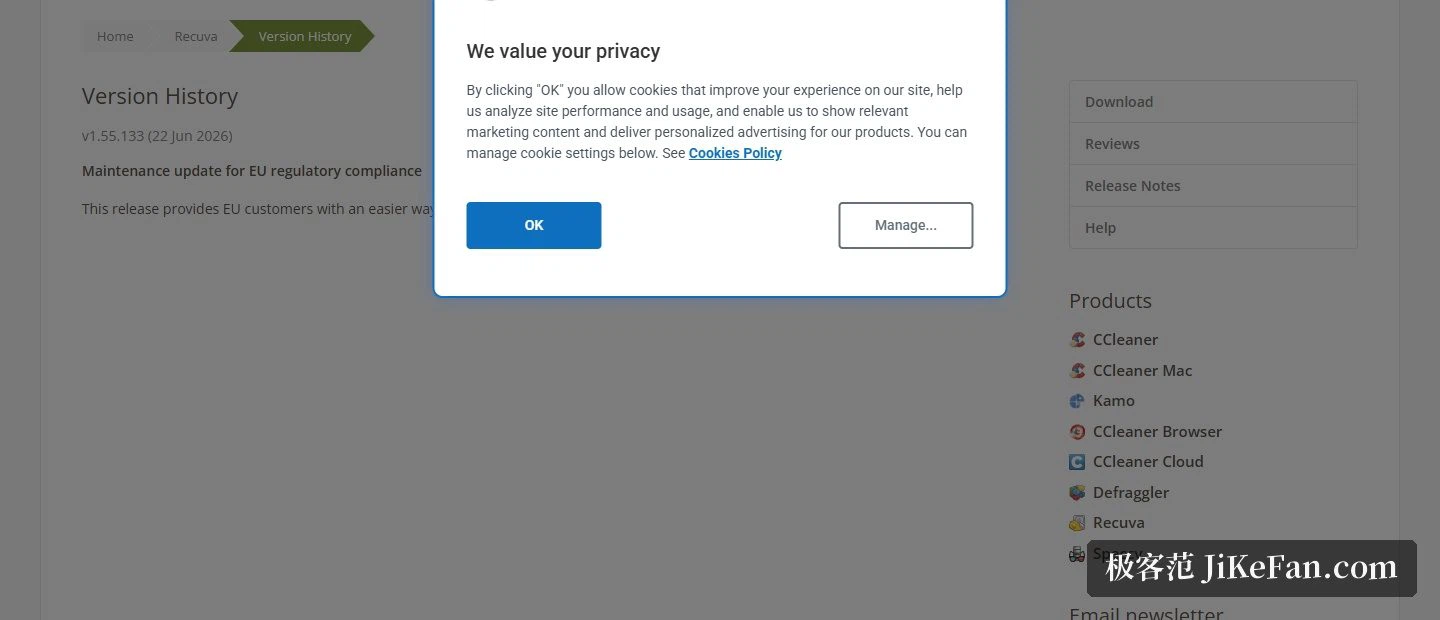
One last word on the version itself: the 1.55.133 update does exactly one thing, namely make it easier for customers in the European Union to exercise their right of withdrawal from the contract. That is a compliance maintenance release and nothing more. The footer's copyright year runs to 2026.
There is one more thing worth knowing before reaching for either mode. A deleted file is usually still there: the directory entry is marked as free, while the contents sit on the sectors until something overwrites them. Recovery reads those leftovers, and secure overwrite deliberately buries them. That is why the outcome of a rescue so often comes down to how early the loss was noticed and how quickly the writing stopped.
The first rule of recovery is to stop moving. The moment a file turns out to be missing, stop writing anything to that disk, and only then open Recuva and start a scan. The free edition already carries the full advanced recovery engine, so trying it costs nothing but time, and whether a file comes back usually depends on how quickly the writing stopped.