
Tera Term Review: One Window for Serial Ports and Remote Logins
Summary
An embedded engineer spends the morning on a serial port and the afternoon on a remote server. Tera Term puts both in one plain window: baud rate, data bits and flow control in plain view for the board, key and password authentication for the server, and a macro language that turns repeated console work into one command.
Recommend- Name
- Tera Term
- Version
- 5.7
- Pricing
- Free
- Open source
- Open source
- Operating system
- Windows
- Updated
- 2026-10-07 16:19
The shared window between a board and a server
An embedded engineer's day tends to split in two. The morning belongs to a development board, where the connection is a serial cable and the thing you are debugging may not even have an operating system yet. The afternoon belongs to servers, where the connection is encrypted and the thing you are debugging is somebody's deployment. These are two different worlds with two different sets of habits, and yet the tool you need is the same shape: a window that shows characters arriving, lets you type, and does not get in the way.
Tera Term is that window, and it has been for decades. A serial connection opens as soon as you choose the port, with baud rate, data bits, parity and flow control laid out in plain view rather than buried in a wizard. Remote login is handled by the built-in component, with both key and password authentication available. The interface has not changed much in twenty years, which some people read as neglect and others read as the reason it still works: character rendering, logging and encoding support are all present, and none of them require hunting.
Tools in this category earn their place through a single virtue, and it is not beauty. It is that every connection happens when it is supposed to, with the settings you set, on the hardware you plugged in. Reliability compounds: the tool you trust in year five is the one you never had to think about in year one.
The macro language is the hidden ace
What keeps this program in the toolkit of experienced engineers is not the terminal window but the scripting underneath it. Log in, send a command, wait for a particular string to come back, capture the output, repeat for the next device: written as a macro file, that sequence becomes one double click. Production line flashing, batch configuration of a hundred boards, repetitive debugging of the same boot sequence, all of it collapses into a single action that does not depend on a human remembering the order.
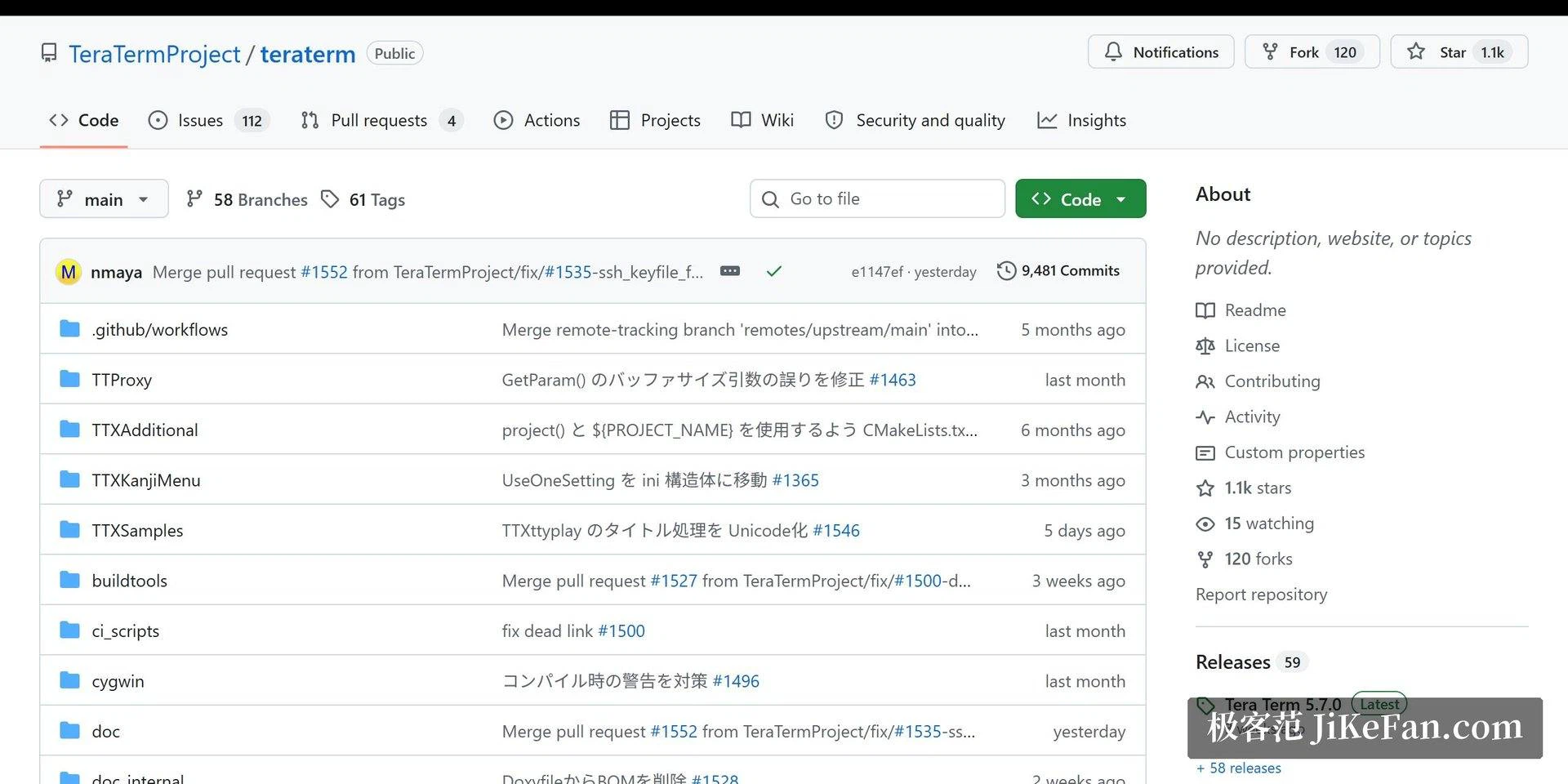
The project has also kept up with its era in the unglamorous ways that matter. Development moved to a modern code hosting platform, the community took over maintenance and continues to publish releases, and recent versions fixed an annoyance that had lasted years, the inability to select high baud rates on newer hardware. That last item is a good sign: a tool that fixes the small complaints is a tool whose maintainers are still listening to the people using it with a cable in hand.
Tera Term is like an old screwdriver: the handle has worn pale, but the tip is still exact. A terminal tool does not need to be impressive. It needs every connection to arrive as promised.
Practical notes for everyday use
Two habits prevent most frustration. Before debugging over serial, confirm the driver and the port number, and align the connection parameters with the target device manual rather than guessing, because a mismatched baud rate produces garbage that looks like a hardware fault. And spend half an hour turning a repeated sequence into a macro, since the return on that investment multiplies with every use.
For remote administration that needs tabs, split panes or a modern font rendering stack, pairing it with a contemporary terminal is entirely reasonable; the two do not conflict. What it remains is the most dependable option on the last mile of a serial connection, which is a narrow claim and a true one. It is free, open source, and Windows only, and for the specific job of talking to hardware it has outlasted most things that tried to replace it.