
OpenSSH 10.6: the tool set behind almost every remote login
Summary
An open implementation of the SSH protocol, providing the ssh, scp and sftp clients and the sshd server. It carries encrypted sessions, tunnels and several authentication methods, and is maintained by developers of the OpenBSD project. Current version 10.6.
Recommend- Name
- OpenSSH
- Version
- 10.6
- Pricing
- Free
- Open source
- Open source
- Operating system
- LinuxmacOS
- Website
- https://www.openssh.com/
- Updated
- 2026-10-16 22:03
Most people never start this program on purpose, and almost everyone has used it today.
A protocol that became infrastructure
Pushing a commit, deploying a server, copying a file to a backup host, running a command on a machine in another building: all of it goes through one protocol, and most of the time nobody thinks about it. That is the mark of infrastructure. It works, it is invisible, and it is only noticed the day it stops.
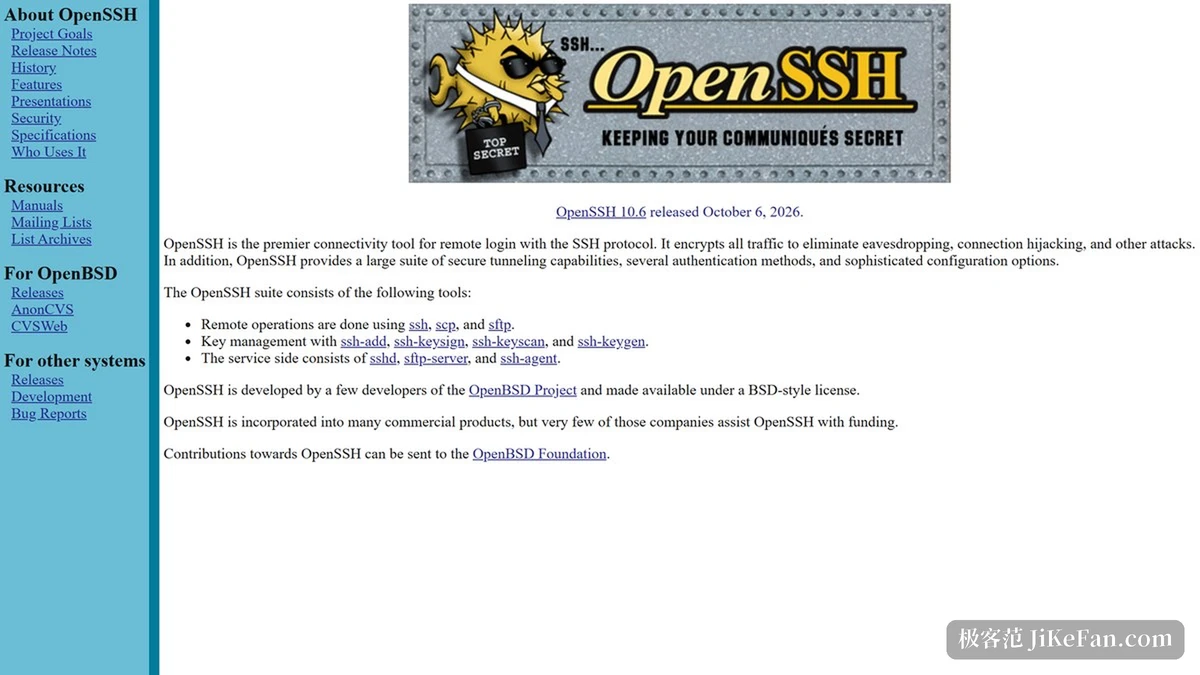
OpenSSH is the implementation most of the world uses. The official description is a list rather than a slogan: the ssh, scp and sftp clients, the sshd server, encrypted transport, tunnelling and several authentication methods. Each item answers a specific need, and the set is coherent because it all speaks the same protocol.
Maintenance comes from developers of the OpenBSD project, which explains a certain conservatism in the design. Features arrive slowly, defaults change rarely, and when a default does change it is announced loudly, because the cost of surprising an administrator is measured in outages.
Three clients, one server, several ways to prove who you are
The clients differ by task rather than by capability. The ssh client gives an interactive shell or runs a single command and returns; the scp client copies files in a syntax borrowed from the older tool of the same purpose; the sftp client offers an interactive transfer session for work that involves many files and directories. All three ride on the same encrypted channel.
Authentication is where most of the practical decisions live. Password authentication is simple and weak. Public key authentication puts a private key on the client and a public key on the server, so nothing secret crosses the wire and nothing can be guessed. Certificate based authentication goes further, letting one authority sign short lived credentials for many hosts, which is the difference between managing keys by hand and managing access as a policy.
Tunnelling is the part people discover late and then use constantly. A local forward puts a remote service on a local port; a remote forward does the reverse, exposing a local service to a remote machine; a dynamic forward turns the connection into a general proxy. None of these require anything installed at the far end beyond the server that is already there.
Version and the habits that age well
The current release is 10.6. Version numbers move slowly here, and each release tends to withdraw an old algorithm or tighten a default rather than add visible features. Reading the release notes is therefore not optional for anyone running a server, because the change that breaks a script is usually a removal.
Two habits age well. First, keys should be replaced on a schedule rather than kept until something goes wrong. Second, the server configuration should be reviewed after every upgrade, since defaults that were acceptable five years ago are frequently no longer offered.
Item | Official information |
|---|---|
Current version | 10.6 |
Components | ssh, scp and sftp clients plus the sshd server |
Transport | Encrypted session |
Features | Tunnelling and several authentication methods |
Maintained by | Developers of the OpenBSD project |
Licence | Open source, permissive style |
The security of a remote login is decided by the habits of the person who configured it, long before any algorithm is chosen.
Practical notes: prefer key based authentication and keep passwords as a fallback only where a policy demands it; restrict which accounts may log in rather than relying on strong passwords for all of them; and when a tunnel is used daily, write it into a configuration file instead of retyping the flags, because a mistyped forward is a debugging session nobody enjoys.