
WinMTR: ping and traceroute merged into one network diagnostic tool
Summary
WinMTR merges ping and traceroute into a single Windows diagnostic tool, showing packet loss and latency for each hop in a live table. It is a portable green build and released as open source under GPL v2.
Recommend- Name
- WinMTR
- Version
- 0.92
- Pricing
- Free
- Open source
- Open source
- Operating system
- Windows
- Website
- https://winmtr.net/
- Updated
- 2026-10-16 22:42
Cross border browsing that slows to a crawl, a voice call that keeps breaking up, game latency that swings without warning: all of these share one feature, namely that nobody can say which segment is at fault. WinMTR puts ping and traceroute into a single window and lays the whole path out as a hop by hop table, so the location of the problem can be pointed at.
Why hop by hop data is needed
Between your machine and a target server, packets usually cross a dozen or even two dozen intermediate points: the home router, the access equipment at the provider, switching nodes on the backbone, the entrance to the far data centre. Congestion or loss at any one of them makes the whole experience worse, yet it all looks identical from the outside, as slow loading, stutter or a dropped stream.
Ping on its own tells you whether the target answers and roughly how many milliseconds it takes on average. Traceroute on its own tells you which nodes the path crosses. Neither answers which hop is where things turn bad. Put both sets of numbers in one table and compare them hop by hop, and the question finally has an answer.
One table that says which hop is at fault
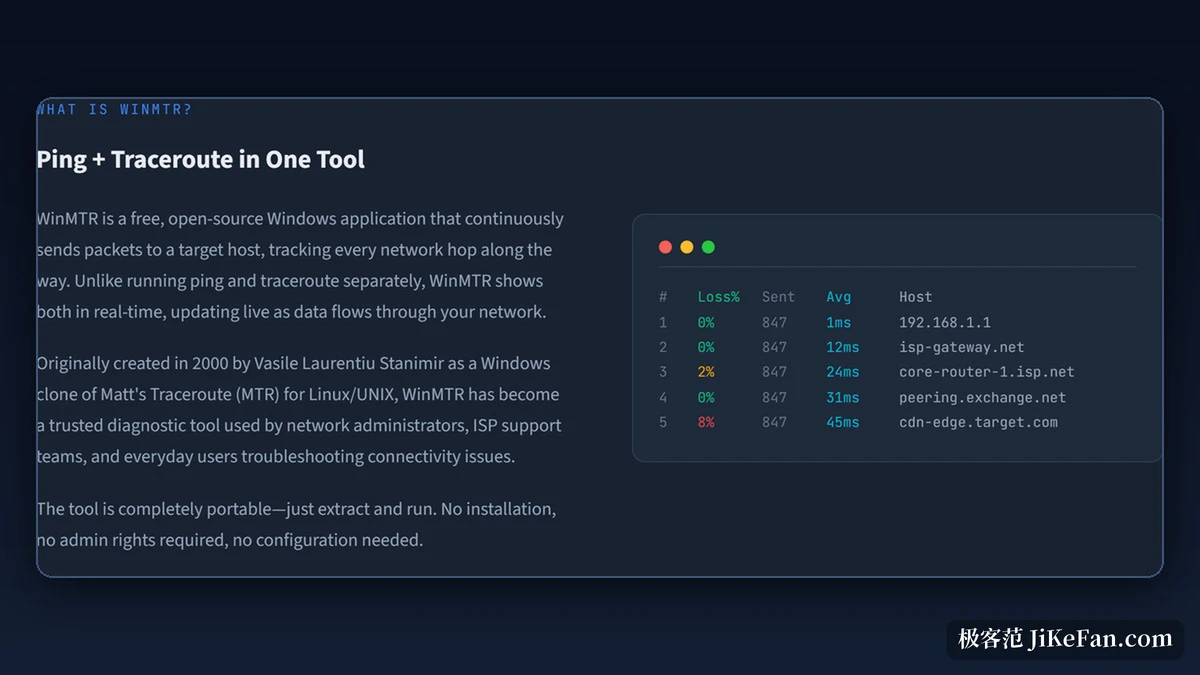
The main body of the interface is a table that keeps refreshing. Each row is one hop along the path, and left to right it gives the node number, the loss percentage, how many probes have been sent, the average response time, and the host name and IP address of that node. The figures update every second and the table follows.
Reading usually starts with the loss column. If one row suddenly shows obvious loss and the rows after it hold the same level, the trouble sits at that hop or upstream of it. If the following rows return to normal, the cause is more likely that node policy on answering probes. The documentation mentions specifically that some routers ignore ICMP requests, and that such empty rows are normal.
Live monitoring and how the figures are counted
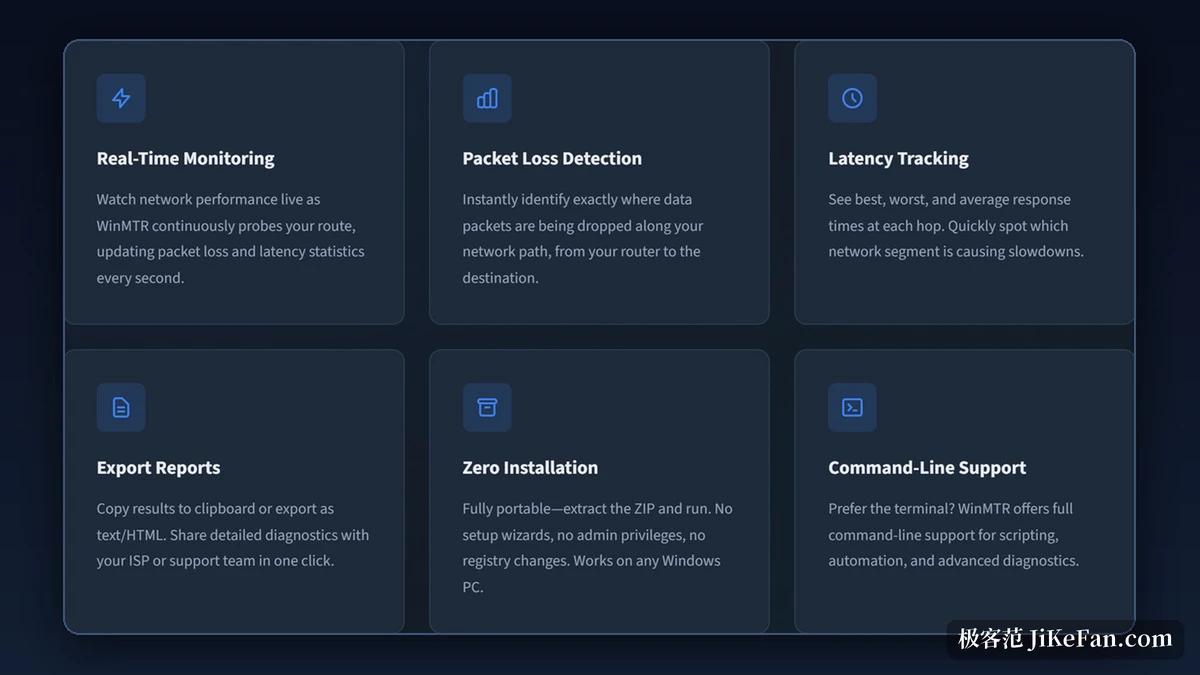
Beyond the table, the official feature list circles a few ideas. Live monitoring means the tool keeps sending probes at the target and keeps adding to the statistics; packet loss detection locates which stretch of the path is dropping packets; latency tracking gives the low and high bounds and the average response time for each hop, so the place where the swing happens can be judged.
The meaning of the statistics rests on sample size. The documentation suggests letting one test run for one or two minutes, since the more probes are sent, the steadier the loss and latency figures become. A handful of probes over a few seconds is easily misled by a momentary blip.
Handing the result over
When a network problem is being chased, the conclusion usually has to go to the provider or to the data centre support desk. WinMTR can copy the result to the clipboard or export it as a text or HTML file, which makes it easy to attach a full hop by hop record to a ticket. That step saves copying the table out by hand and lets the other side see the raw data.
Portable, and a command line
Deployment has been kept light. The official package is an archive: unpack it and run the executable inside, with no installer, no administrator rights and nothing written to the registry. The documentation also notes that the executable can be copied into a system directory, after which it can be called straight from a command line.
Command line support covers scripted work. Besides the graphical window, the tool exposes a full set of parameters, so a batch file or script can run tests against a fixed target and collect the results for long term comparison.
The project and its open source licence
The timeline here is a long one. The project was created in 2000 by Vasile Laurentiu Stanimir, starting out as a Windows port of Matt Traceroute from the Linux and UNIX world, which is where the MTR in the name comes from. It has since been released under GPL v2 with the code public, and the official site was migrated in November 2025, with development moving to a public hosting platform at the same time.
The current maintainer is Dragos Manac. Both the site and the repository notes mention that developers are still being sought to help maintain it, and for a small tool that has been running for more than twenty years, that sentence is itself a portrait of where it stands.
When to reach for it
The fit is clear: a network showing persistent trouble, where the problem needs to be pinned to a specific segment. The conclusion depends on enough sampling time, so it works better as a tool for gathering evidence during an investigation than for a quick speed check.
Item | Official information |
|---|---|
What it does | Ping and traceroute in one diagnostic tool |
Runs on | Windows XP and later |
Interface | A hop by hop table, refreshed every second |
Statistics | Loss rate, probes sent, response range and average per hop |
Export | Copy to clipboard, or save as text and HTML |
Deployment | Portable, unpack and run |
Licence | Open source under GPL v2 |
Put ping and traceroute into one hop by hop table and let it keep refreshing. WinMTR solves a still common diagnostic puzzle with an approach that has barely changed in more than twenty years.
In practice, stretch the test to one or two minutes first so the figures settle, then compare where loss appears against how the hops after it behave, to judge whether this is a link fault or a node answering policy. Once the anomaly is confirmed, attach the full record to the ticket with the export.