
IPFS Desktop 0.50.1: a node and a content browser in one window
Summary
A desktop front end for the InterPlanetary File System that folds a local node, file handling, peer management and content browsing into one application. If a node already runs on the machine it becomes the control panel for it instead of starting a second one. Version 0.50.1, MIT licensed, three desktop platforms.
Recommend- Name
- IPFS Desktop
- Version
- 0.50.1
- Pricing
- Free
- Open source
- Open source
- Operating system
- WindowsmacOSLinux
- Website
- https://ipfs.tech/
- Updated
- 2026-10-14 23:22
Give a file its name from its contents, and the way you fetch it back changes with the naming.
An address that points at a machine, an address that points at a file
Everyday networking works by location. You learn which server holds the file, then walk down the path: protocol, host, directory, filename. The model is simple, and its cost is easy to overlook. Whoever holds the host holds the address. Move the file, rename it, or swap its contents, and the same address either dies or quietly returns something else; nothing in the string tells you which of the two happened. Verification is left to whoever cares enough to perform it.
IPFS takes the other road. The project describes itself as an open set of tools built around content addressing, which means the identifier of a file is derived from the file. Alter one byte and the identifier alters with it. Two things follow. Identical content can be supplied from many machines at once, and whatever arrives can be checked against the identifier before anyone trusts it. The stated goal is verifiable, portable, resilient systems, on public networks and private ones alike.
None of that is hard to grasp. What is hard is the first ten minutes: command line flags, node configuration, long strings that look like noise. That gap is exactly where a desktop client earns its place.
A node, a file shelf and a control panel in one window
The official description is plain: the application merges a node, file management, peer management and content browsing into one program that is easy to use. Those four things used to live in separate subcommands and assorted small utilities. Merged, they get a single interface and a single place to look.
The node itself is handled with different starting points in mind. On a machine with no node, the application installs one and hands you a working setup. On a machine where a node already runs from the terminal, installing the client does not start a rival; it takes over as the panel and file view, and the two ways of working can coexist. Updates are checked automatically, so returning to a release page is rarely necessary.
The interface is split by purpose. The file area holds what you have published or kept, and with the tray icon in reach you can drag items straight in. The browsing area looks content up by identifier and shows the content itself rather than a path on somebody server. The peer area reports how many peers are connected and where they sit, which is the practical test of whether this machine has actually joined the network; whether content comes back quickly depends a great deal on that number. Settings collects storage limits, network and gateway options in one list.
Version, platforms and the fine print
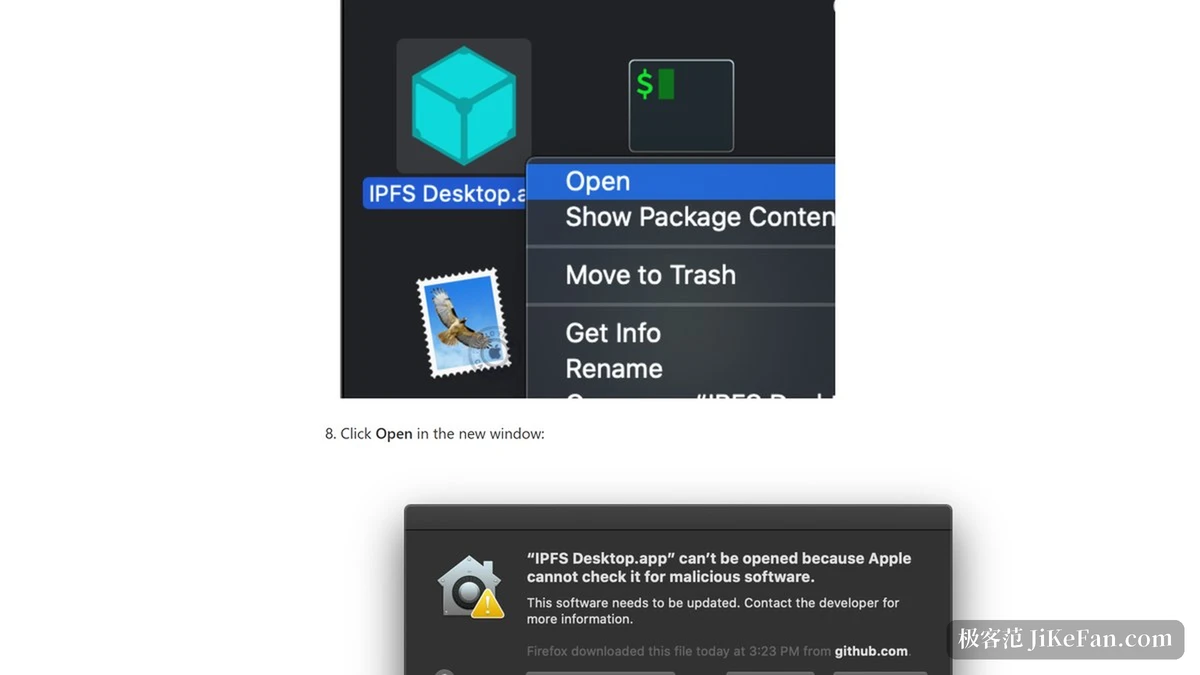
The current desktop release is v0.50.1. Official instructions cover Windows, macOS and Ubuntu separately, and other distributions usually carry it in their own repositories. Some of those packages do not demand administrator rights, which makes a locked-down office machine a friendlier place to experiment.
Two costs deserve a warning before the first install: storage and connectivity. An application of this kind keeps a node resident in the background, so disk and memory use climb with how much you take part. Peer connections also depend on the network you sit behind, and restrictive networks may need extra configuration. A sensible first move is a small trial: set a storage ceiling, watch the numbers for a week, and only then decide whether the node stays on.
Item | Official information |
|---|---|
Current version | v0.50.1 |
Form | Desktop client with an embedded IPFS node |
Platforms | Windows, macOS, Ubuntu |
Interface areas | Files, browsing, peers, settings |
Addressing | By content identifier; content changes, identifier changes |
Licence | MIT |
Content addressing changes how a file is retrieved. A desktop client changes whether anyone gets far enough to retrieve anything at all.
Practical notes from use: set the storage ceiling on day one rather than after the disk fills; when the peer count stays low for days, check network and port configuration instead of blaming the content; and pin anything meant to last, because a cleared local cache means fetching it again from whoever still has it.