
Taskwarrior 3.5: tasks and projects inside the terminal
Summary
A to do list that lives in the terminal: one command records a task, another brings it back. Tasks carry projects, tags, priority, dates, estimates and dependencies, repeating items are defined once, and the whole store is a file on your own machine.
Recommend- Name
- Taskwarrior
- Version
- 3.5
- Pricing
- Free
- Open source
- Open source
- Operating system
- WindowsmacOSLinux
- Website
- https://taskwarrior.org/
- Updated
- 2026-10-06 20:37
Why keep a to do list in a terminal
A graphical task manager usually makes one of two trades. Either the data lives on somebody else's server, which means an account, a connection and a company's continued interest in the product; or the operations are folded into several layers of menus, which means that recording a thought costs six clicks and a decision about which list it belongs to. This tool takes the other trade entirely. One command records a task, another brings it back, and nothing has to be opened first.
The argument for that is not ideology, it is frequency. The things worth writing down arrive in the middle of other work, and anything that interrupts the work for more than a few seconds does not get used. A command that is already in the window you are typing in has an enormous advantage over an application that has to be found, focused and navigated. The project is free and open source under a permissive licence, which for a tool holding your entire working life is worth more than it sounds.
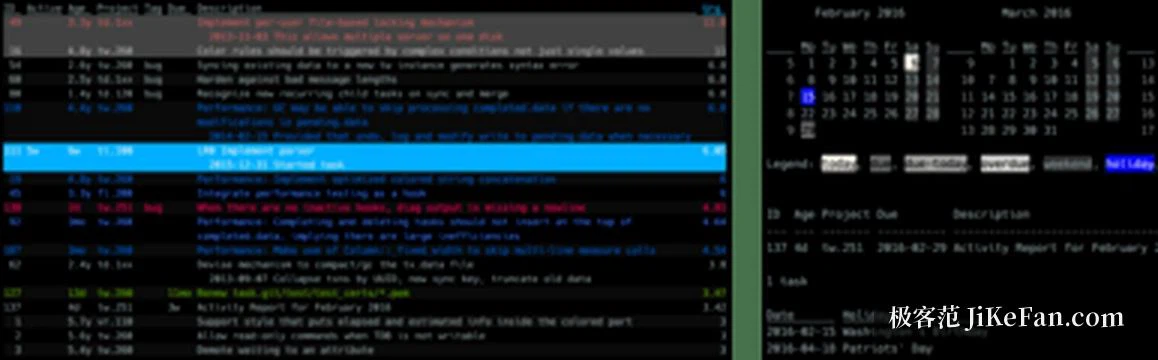
The dimensions a task can carry
A task is not just a line of text. It can belong to a project, carry any number of tags, hold a priority, a due date, a start date and an estimate, and it can declare a dependency, meaning that one thing waits until another is finished. That last one is the feature people underestimate: it turns a flat list into something with an order, and it stops the daily review from consisting of items that cannot be started yet.
Recurring work is defined once with a period rather than recreated every week, so the quarterly check and the Friday review exist as single entries that produce the next occurrence on their own. Querying uses a compact condition syntax: filter by project, by tag, by how overdue something is, and combining a few words produces a list. The output can be sorted and printed in several shapes, which matters more than it sounds, because a list you can shape is a list you actually read.
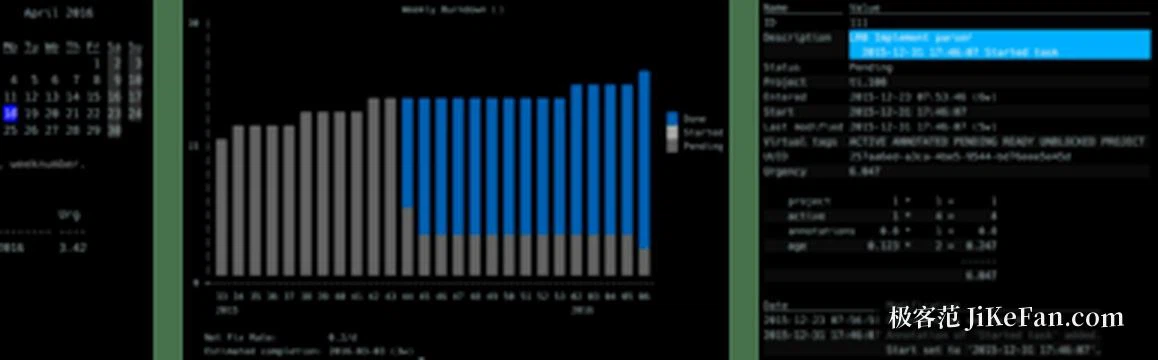
What changed in the third generation
The third major version was a break rather than an increment. Storage and synchronisation were moved onto a new component written in a memory safe language, local data was placed in a sturdier format, and synchronised data is now encrypted so that the server holding it cannot read it. That is a real improvement for anyone who was uneasy about syncing a complete record of their working life.
The cost is worth stating plainly, because it catches people mid-upgrade. The synchronisation scheme is not compatible with the old one, and the old task server is no longer supported, so an upgrade means exporting the old tasks and importing them into the new store. The current stable release is 3.5, and the line keeps moving from there.
Installing it, and what sits around it
It is in the package repositories of the mainstream distributions, available through the usual package manager on macOS, and on Windows the official advice is to run it inside the Linux subsystem rather than natively. Learning cost is concentrated in the query syntax; the recording itself is one line, and the syntax pays for itself the first week you use it to answer a question you would otherwise have guessed at.
For people who want a graphical face there are dozens of community front ends and add ons: something in the status bar, a calendar view, time statistics. The official companion records time spent, which is the other half of a to do list that people usually keep in a separate app or not at all.
It puts the to do list back where it belongs, which is the terminal you already have open. No account, no subscription, and both the recording and the querying happen on your own machine.