
Synara 1.5.3: ten coding agents, one worktree per task
Summary
Synara 1.5.3 is a local workbench for ten coding agents, giving every task its own git worktree, terminal, browser and diff view, under an MIT licence.
Recommend- Name
- Synara
- Version
- 1.5.3
- Pricing
- Free
- Open source
- Open source
- Operating system
- WindowsmacOSLinux
- Website
- https://trysynara.com/
- Updated
- 2026-11-15 12:09
Anyone who has run coding agents in a terminal knows the scene: Claude Code in one window, Codex in a second, a third waiting on tests, and by the end nobody remembers which task touched which files. Synara is a local workbench built against that mess, gathering ten coding agents in one place and giving every task its own working directory, terminal, browser and change log. Version 1.5.3 arrived on November 12 under the MIT licence, with installers for Windows, macOS and Linux.
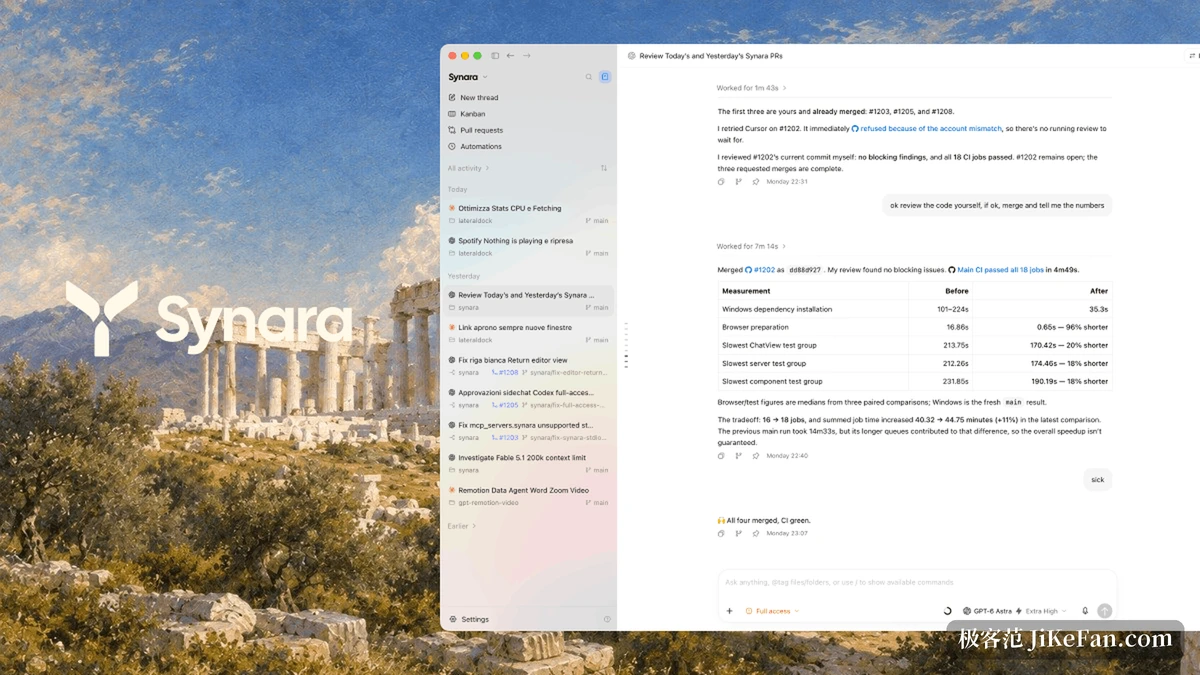
One task, one environment
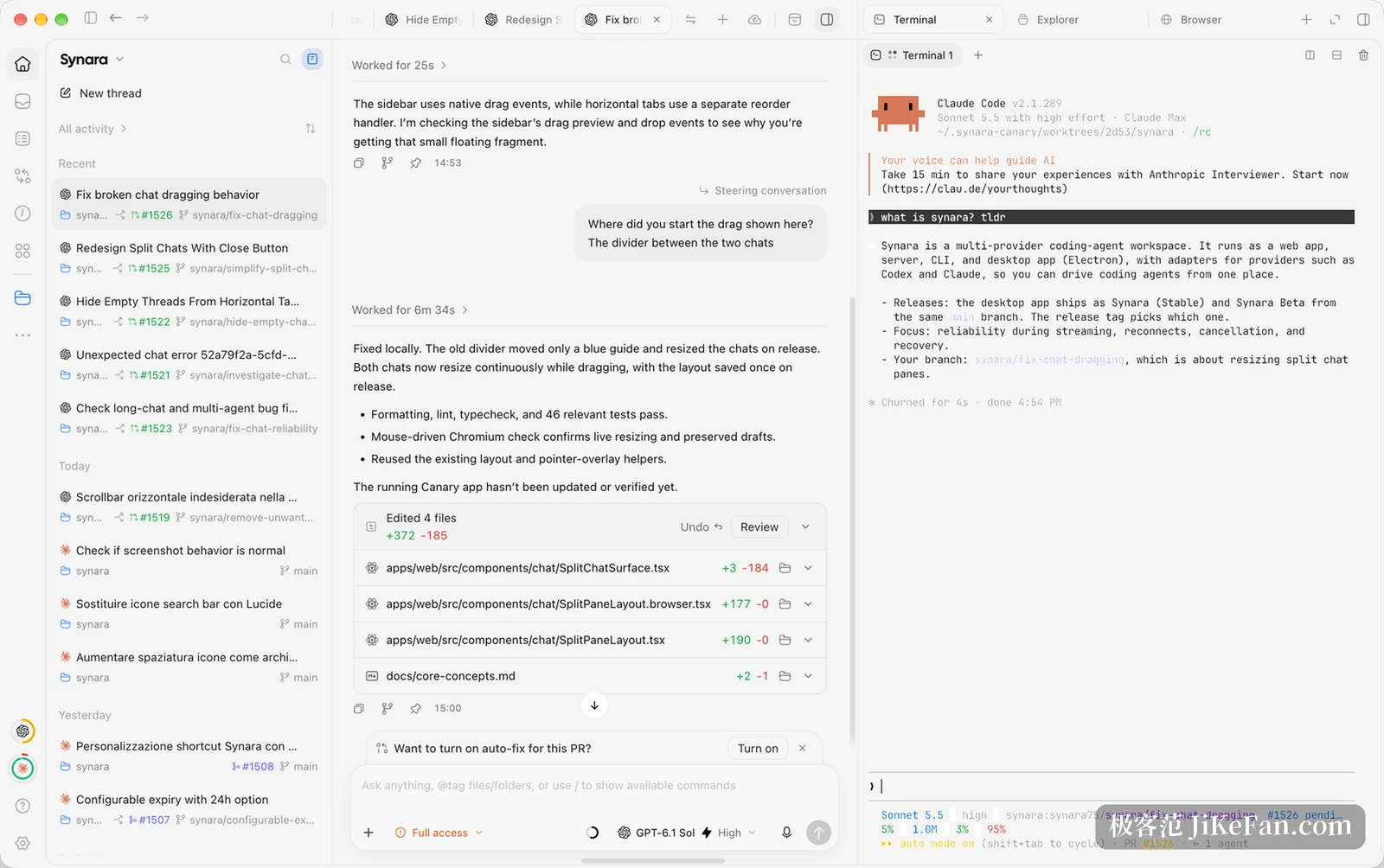
Synara is neither a model nor an agent. It is a console layer: the runtimes already installed and logged in on your machine, Claude Code, Codex, Cursor, OpenCode, Antigravity, Grok Build and the rest, are called one by one. Each task receives its own git worktree together with a terminal, an embedded browser and a diff view. Change direction halfway through and the edit lands in that worktree, never inside another task.
- Worktree
- Each task branches into its own directory, isolated from the rest, and merges back by commit when the work is done.
- Terminal
- Every command line tool runs in the panel, and its output is filed with this task.
- Browser
- Previews a local development server, and an agent can click around inside it.
- Diff view
- Files the task touched are listed line by line, expandable one at a time or reviewed as a whole.
The isolation only shows its worth in parallel. Three tasks editing different parts of one repository keep their changes in their own column, and what was added or removed is visible before any merge. A terminal and a file browser stay on the right, the conversation and a summary of changes sit in the middle, the task list waits on the left, and a click switches between them.
Remote work folded in
Remote access changed shape as well. From 1.5 the separately published remote module joined the stable build: sign in with the same account, connect to another paired computer, watch the tasks running there, and change the settings of that machine. Conversations meant only for this computer stay on it and are not carried away by signing in. For anyone with a desktop plus a laptop, that removes the chore of syncing folders back and forth.
The project describes itself as early software in its own notes, with interfaces and screens still moving, and the record agrees: two weeks in November went from 1.1 to 1.5.3 with a fresh build almost daily. That is fine for anyone who enjoys following along, and it needs a corrected expectation from anyone who wants long stability.
What the 1.5 line was filling in
Recent work concentrates on three things. Platform coverage, where 1.5.2 added the Linux ARM64 package and each architecture got its own update source. Accounting, with usage analytics that read tokens and activity by vendor, model and project, price the work at API list rates, and on macOS also count the Codex and Claude Code sessions that ran on the machine. Reliability, where loading a long conversation history stops hanging, the refetch storm from parallel tasks firing requests at once is suppressed, and a dropped remote connection reconnects by itself.
The analytics deserve one more sentence. Tokens and activity are spread across vendor, model and project, and the cost is priced at each vendor s published rate rather than at a subscription bill, so what it answers is what this work would cost metered, not what the month charged. The same panel can select a connected computer and pull that machine s sessions into the sum.
Version 1.5.3 is all small repairs: less outbound traffic from remote polling, a usage sync that no longer blocks the event loop, sub agent threads nested under the parent task, and a sanitised reason when a browser script fails. None of that tops a chart, and all of it is touched daily.
Who it fits
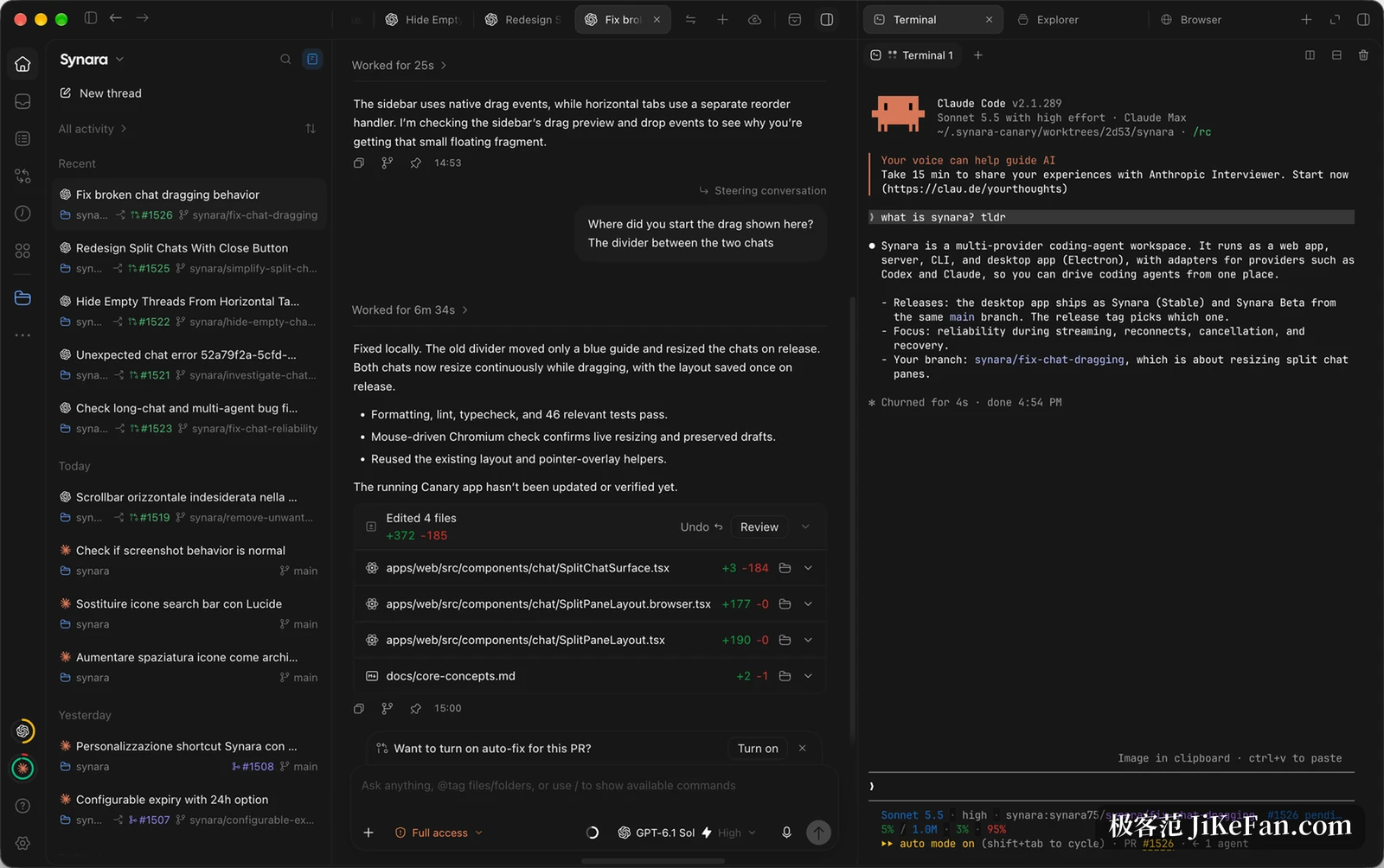
The target user runs two or more coding agents at once and wants changes reviewed in one place, since worktree isolation, diff preview and the multi panel layout were built for that parallel scene. Anyone with one assistant, one project and one straight line of work gains a layer of management instead.
A few conditions are worth knowing first: the Windows build is unsigned this round, so the system raises a prompt during install; the stable channel has no Chinese interface yet, with Simplified Chinese only in the test channel; and each command line tool must be installed and logged in by you, since Synara only calls them. Accept those terms and it does pull work scattered across several windows onto one desk.