
CodePen is a front end editor in the browser that publishes your work as a URL
Summary
A front end editor and developer community in the browser, with three panels holding HTML, CSS and JavaScript side by side, every change showing in the preview at once, and a finished pen published as a public address in one click.
Recommend- Name
- CodePen
- Version
- 20261010
- Pricing
- Free
- Open source
- Proprietary
- Operating system
- Web
- Website
- https://codepen.io/
- Updated
- 2026-10-11 10:42
Writing a piece of front end code is rarely slowed down by the code itself. What costs time is the chain of preparation before you can open it: install an environment, wire up a toolchain, find somewhere to host it, each step pushing the idea further back.
Three panels and a preview
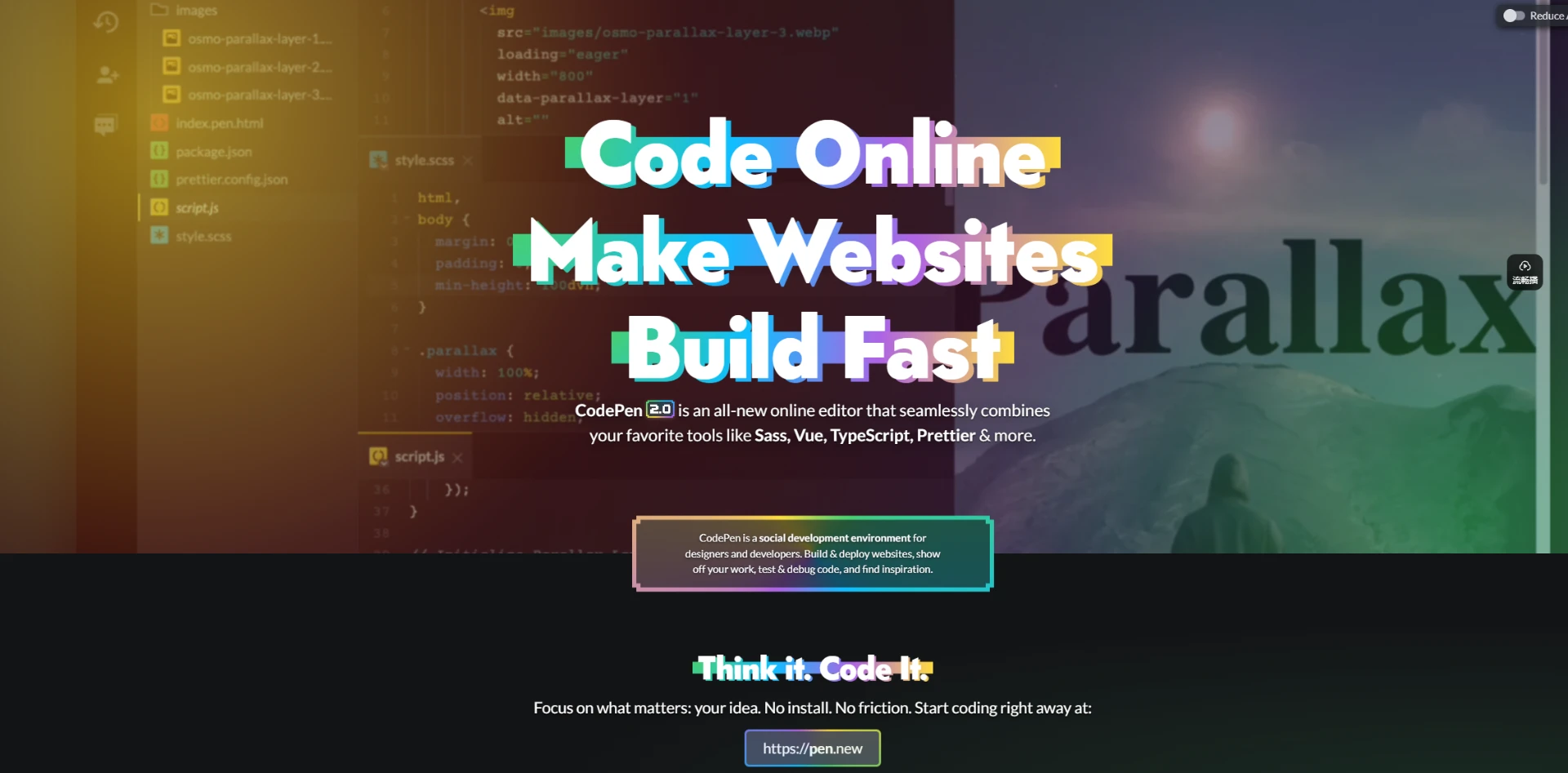
CodePen moves the smallest closed loop of front end work into the browser. Open the site and a Pen is there: three panels hold HTML, CSS and JavaScript, changes show in the preview at once, nothing needs installing, there is no command line to wrestle and no configuration file to untangle. The site puts it plainly: nothing to install, no command line to confront, no config to get tangled in.
A Pen can hold more than those three. Files and folders can be added until a loose demo becomes the structure of a whole site, and syntax needing preprocessing such as Sass or TypeScript is handled by a built in compiler, so no toolchain has to be standing before you begin. Rather than start from blank, a community pen or one of your own saved templates can be applied, and even made the default so every new Pen opens somewhere familiar.
Where what you write lives
Work is kept in the account. A public Pen sits on your profile, where others can read it, save it and find it in search; a half formed idea can be tucked away with privacy settings first; and once there are many, Collections put them in order. Subscriptions add asset hosting as well: images, styles, scripts and even audio or video dragged into a panel are uploaded, and the platform hands back an address with HTTPS, caching and cross origin support that any Pen can reference, saving the search for somewhere to keep static files.
Publishing collapses into one click. Any Pen can become a reachable address without preparing a server or dealing with domain records. Who sees it is yours to decide too: fully public, hidden, behind a password, or locked away entirely.
Where free ends and subscription starts
The edge of the free tier is clear: public Pens are unlimited, but each holds at most three files and its content is public by default. Private Pens, private collections and asset hosting begin with a subscription, and the higher the tier, the looser the file count, media size and hosting total for each Pen.
Item | Free | Starter | Developer | Super |
|---|---|---|---|---|
Monthly | $0 | $8 | $12 | $26 |
Public Pens | Unlimited | Unlimited | Unlimited | Unlimited |
Files per Pen | 3 | 50 | 150 | 300 |
Private Pens | No | Yes | Yes | Yes |
Asset hosting | - | 2 GB | 25 GB | 50 GB |
Collaborators | - | 5 | 10 | 15 |
Paying yearly saves a stretch over monthly: Starter at ninety six dollars a year, Developer at one hundred and forty four, Super at three hundred and twelve. API quota rises with the tier as well, one hundred requests an hour on free against three thousand on a subscription. A round of interface and flow changes landed in version 2.0, and the details of newer abilities are best taken from the official release notes.
Which problem it solves
Front end work always includes code that is not worth a local project: checking how a layout behaves at a certain width, reproducing a styling bug someone reported, showing a colleague a transition, or simply noting a fragment you will want again. What these share is code that is short and short lived, yet needs a result immediately and an address that can be sent to someone.
The container's weak points are just as plain: it faces the rendering layer and cannot run a full back end service; free Pens hold three files each, so a slightly larger demo hits the ceiling; and content is public by default, which matters while work is unfinished. Treating it as a doorway for quick checks and sharing, and leaving projects that need long term care in a local repository, is the natural division.
A tool usually lowers a threshold not by adding features but by deleting the steps that come before it. When a URL is enough to start writing code, the loss between idea and screen is down to typing.
A practical note: for a short check or demo, open a new Pen rather than reaching for a local environment; when sending to someone, use the publish function to make an address they can simply open; and for fragments holding internal detail, fix the visibility before writing a line.