
ScreenToGif 2.43.2: Record a Screen Area Straight Into a GIF
Summary
ScreenToGif records a chosen area of the screen, a webcam or a sketch board and saves the result as an animated GIF, with a frame editor that removes duplicates and smooths the loop.
Recommend- Name
- ScreenToGif
- Version
- 2.43.2
- Pricing
- Free
- Open source
- Open source
- Website
- https://www.screentogif.com/
- Updated
- 2026-10-06 19:36
The shortest path from a screen to a GIF
ScreenToGif does one job in the least number of steps the job allows: a rectangle of the screen is chosen, recorded, and written out as an animated GIF. The version described here is 2.43.2, and the program is free and open source.
The choice of GIF as the output format is the whole argument. A video file needs a player, a codec that may or may not be installed, and a place to live; a GIF drops into a bug report, a chat window, a wiki page or a slide and plays itself. For showing three seconds of a menu opening, that difference decides whether anyone will look at it.
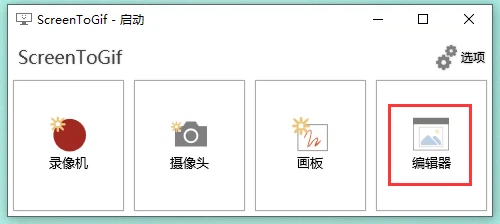
Three things it can record
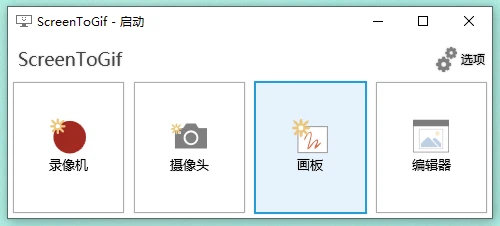
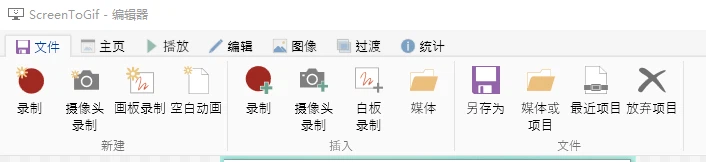
The screen is the obvious source, and the one most people arrive for: a region is framed by hand, the recording starts, and the frames accumulate as they happen rather than as a video file to be decoded later. The editor is open from the first instant, which changes the habit — instead of recording for minutes and hoping, one records a short burst and looks.
The webcam is the second source, and it makes the program useful for the small explanation that needs a face in the corner. The sketch board is the third and the least expected: it is a blank canvas inside the program where something can be drawn while it is being recorded, so a pointer and an arrow are enough to explain a change without recording an entire desktop.
The editor is the reason to keep it
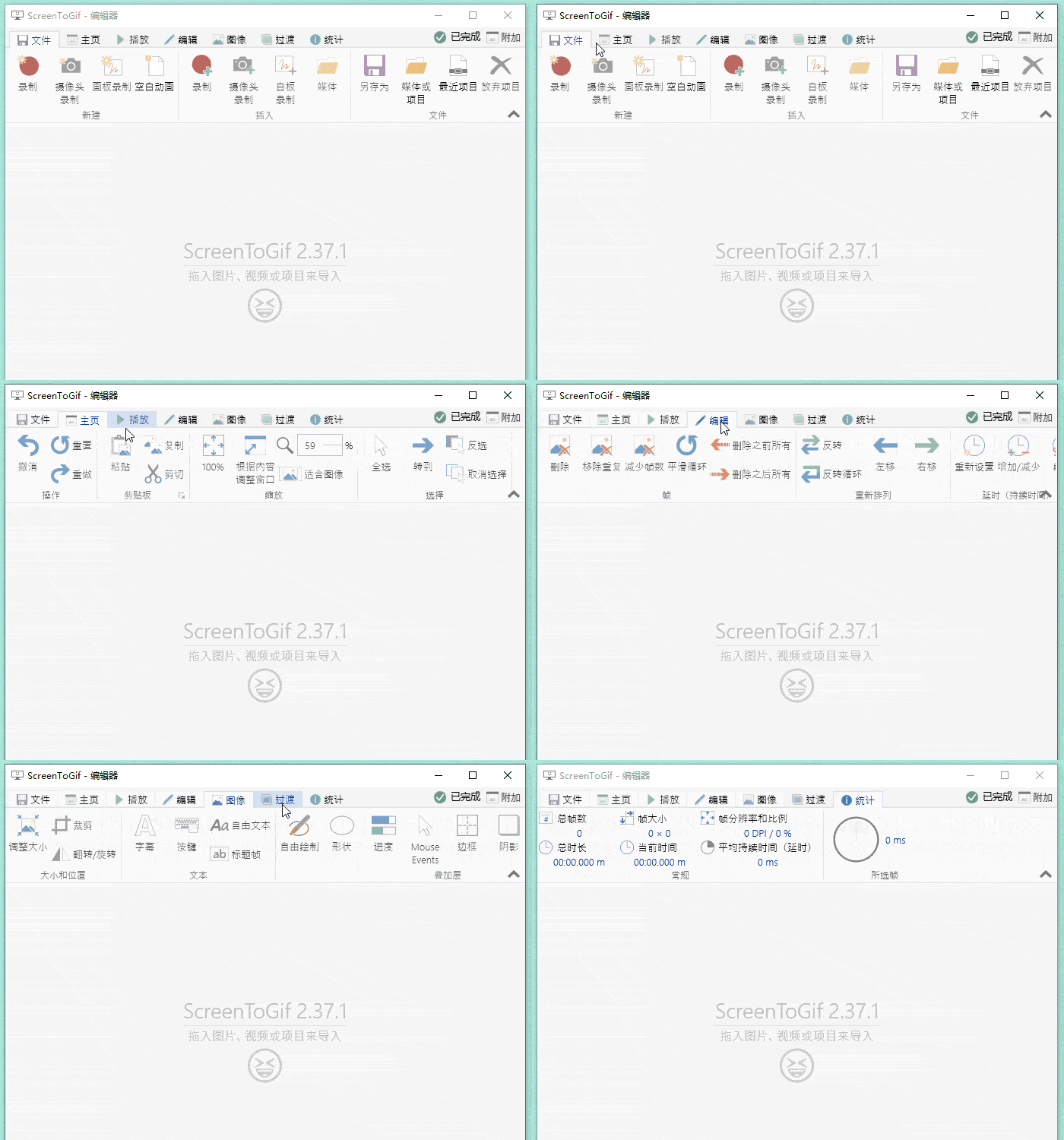
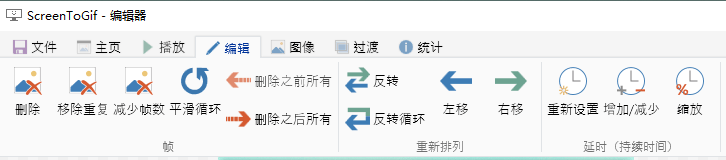
Recording is the easy half. A raw capture contains a great deal that nobody needs: the same frame repeated forty times while a cursor did not move, a mouse that hovered, a half-second of hesitation before the click. The frame editor exists to take that away. Selected frames can be deleted, duplicates can be removed in one action, the frame count can be reduced, and the loop can be smoothed so the end meets the beginning instead of jumping.
None of that requires understanding codecs or timelines. It is a list of frames with pictures on them, and the operations are named after what they do to that list, which is why the program can be used by people who would never open a video editor.
GIF and video in both directions
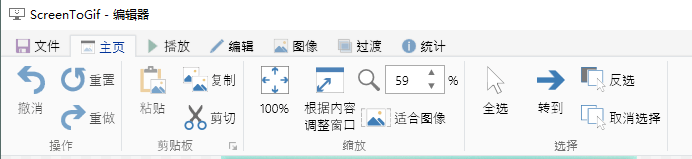
The conversion works both ways: an animation can be turned into a video file, and a video file can be brought in and turned into frames. That second direction is the one that saves work, because the material often already exists as a recording and only needs to become something that plays everywhere. Several encoders are available, so the trade-off between size and quality is a choice rather than a fixed rule.
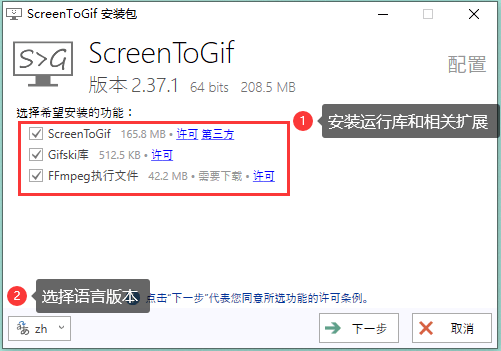
The interface is translated, and the Chinese interface is included, which matters for the same reason the format does: the tool is used by people who are not going to read documentation in a second language to find one checkbox.
Where it stops
A GIF is a poor container for anything long, detailed or quiet: the format has no sound, its palette is limited and its size grows quickly with resolution and length. ScreenToGif does not pretend otherwise — what it offers is a short loop that plays anywhere, produced in less time than it takes to describe the problem in words. Used for that, it is one of the few programs that does exactly what its name says and nothing else.
The honest summary: free, open source, three recording sources, a frame editor that does the boring cuts, and output that needs no player. For a bug report or a two-line tutorial, that is the entire requirement.