
PeaZip: a free and open archiver that reads almost anything
Summary
A free and open-source archive manager for Windows, macOS, Linux and BSD that extracts more than two hundred formats, creates the common ones, previews images directly from inside an archive and adds encryption, password management and checksum calculation.
Recommend- Name
- PeaZip
- Version
- 11.1
- Pricing
- Free
- Open source
- Open source
- Website
- https://peazip.github.io
- Updated
- 2026-10-23 22:00
Archive tools are the least interesting category of software, which is exactly why paying for one, or trusting a closed one, is unnecessary.
Why the default choice deserves questioning
Compressing a file is an old solved problem. The formats are stable, the algorithms published, the implementations numerous. Yet the most familiar archivers on a given desktop are commercial, ask for money after a trial period, occasionally display a reminder window asking whether the purchase is really necessary, and treat the ability to open a file as a product to license. For a task this mundane, the arrangement has survived mostly through habit.
This program is the other arrangement. It is free, the source is open, the license is a permissive one, and it is assembled from several pieces of open code that already existed rather than from a proprietary engine. It runs on Windows, macOS, Linux and BSD, which means the same tool is available on every machine in a mixed household. The honest question is not whether it is good, but why anyone would keep paying for the alternative.
What it opens and what it makes
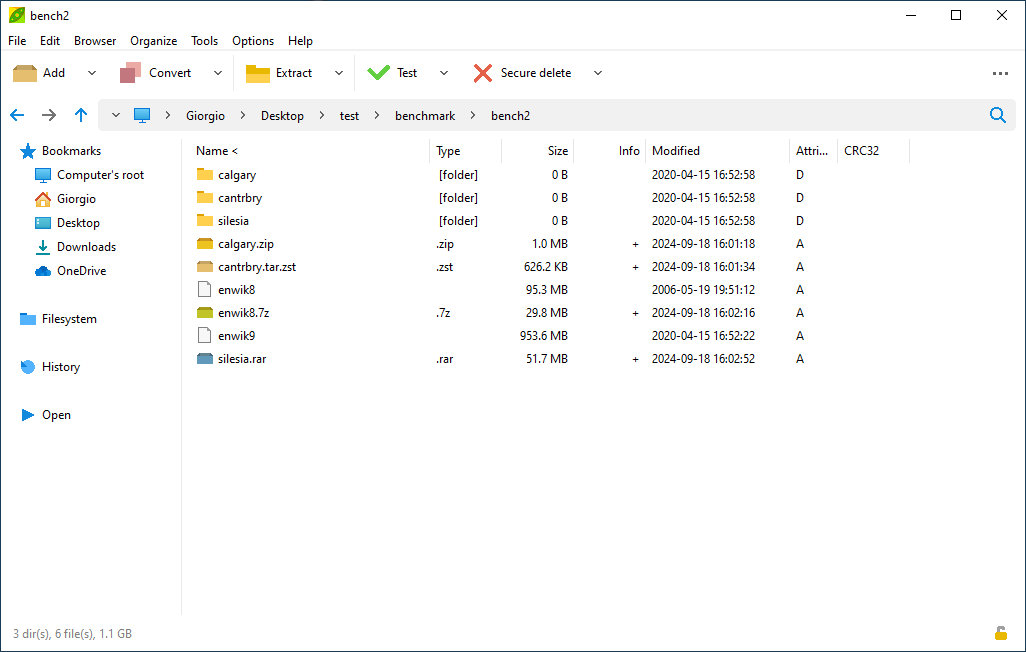
Extraction covers more than two hundred formats. In practice that means the ones people actually encounter, including the commercial archive format whose decoder is usually the reason a particular paid application stays installed, along with disc images, cabinet files and the various compressed tar arrangements. Creation is narrower and sensible: the modern compressed container, bzip2, gzip, xz, tar, wim, plus the program's own format and a few specialised ones. Nobody needs to create two hundred kinds of archive; they need to open anything that arrives and to produce something the recipient can open.
A file manager in tabs
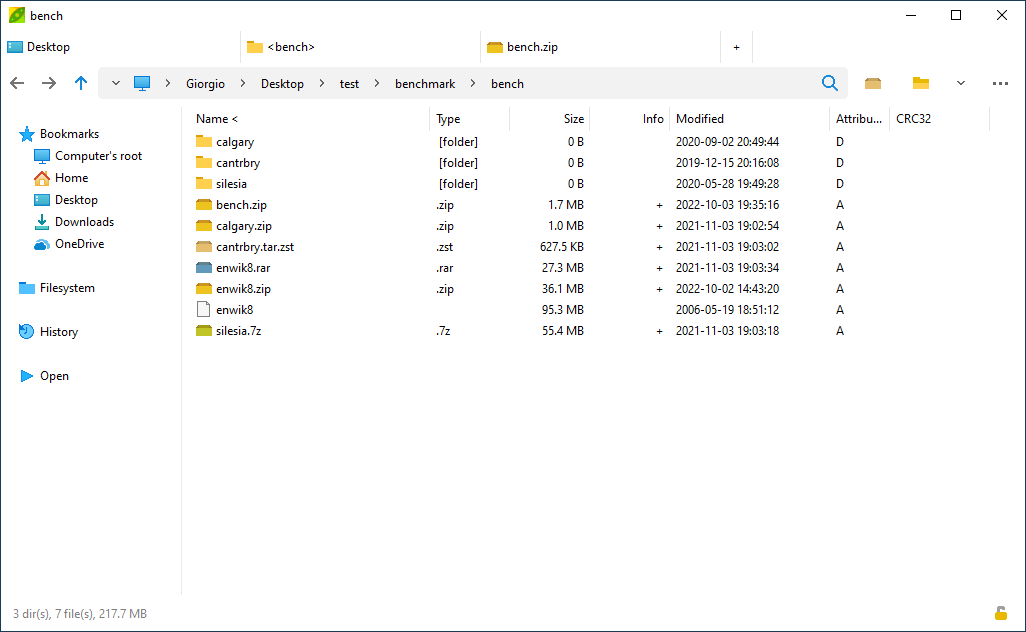
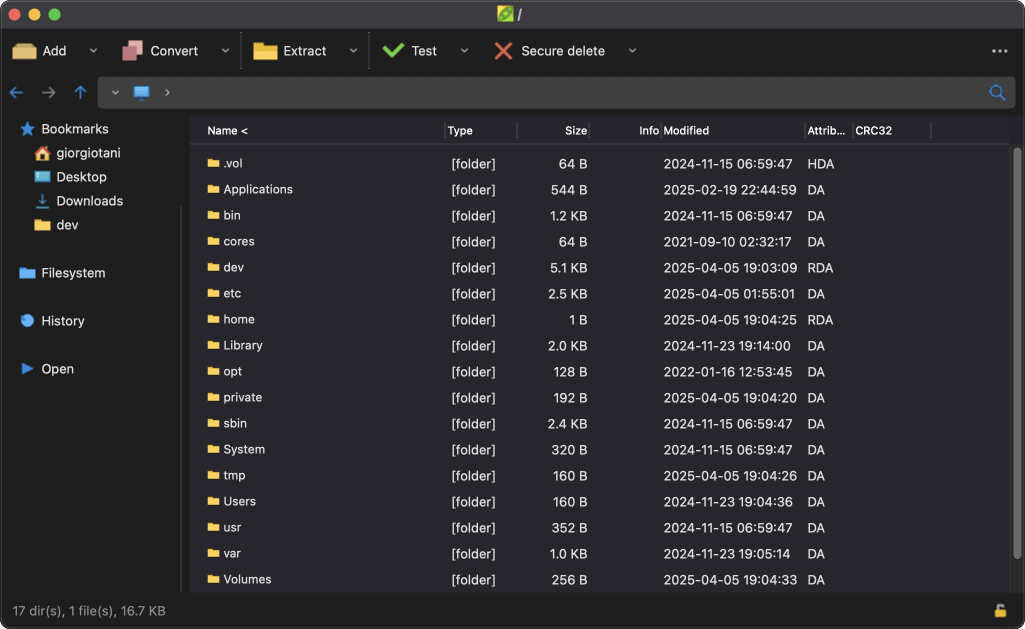
The browsing interface is closer to a proper file manager than to the small dialog that most archivers present. Several folders or several archives occupy separate tabs in the same window, so moving a file between two archives is a matter of dragging between tabs instead of extracting to a temporary location and rebuilding. The address bar shows a breadcrumb path and supports bookmarks and history, which sounds like a detail until you have used a tool where going back to the previous folder means closing a window and starting again.
Looking inside without unpacking
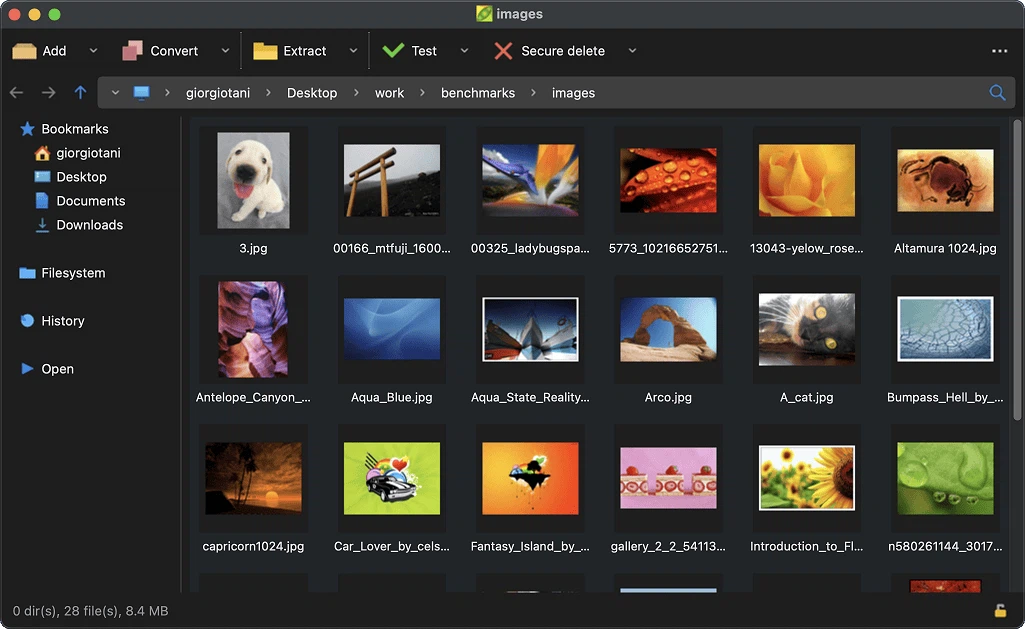
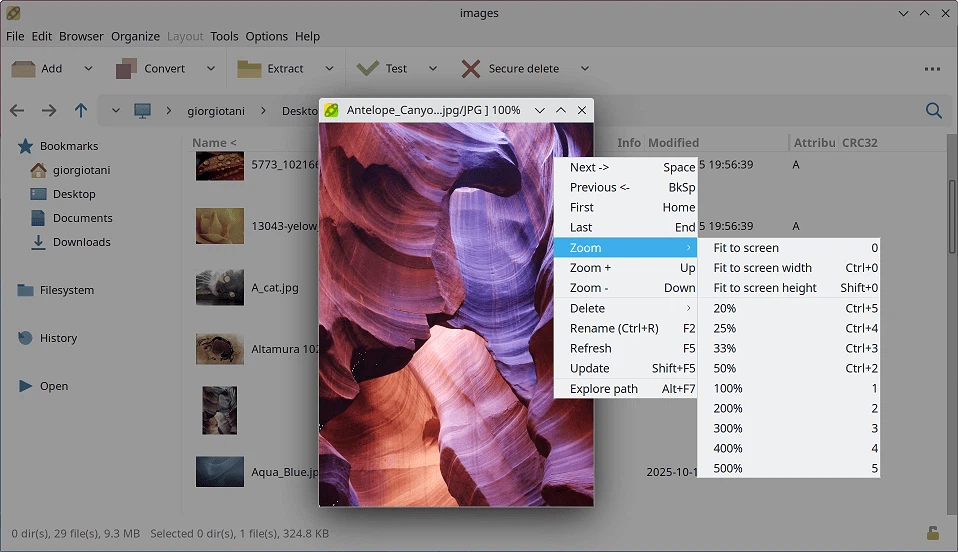
The built-in image viewer opens a picture directly out of an archive, without extracting it first. For the specific and common situation of receiving a large archive of photographs and needing one of them, this removes the entire ritual of unpacking to a folder, looking, and then deleting the folder. Zoom, rotation, sequential navigation and a full-screen mode are all present, and the browser can switch to large thumbnails, which turns the archive list itself into a contact sheet.
Encryption, deletion and verification
Archives can be created with strong symmetric encryption, and a password manager keeps the passphrases for the archives that get reused. Secure deletion overwrites a file rather than removing its directory entry, which is a meaningful difference on any storage medium that does not physically erase on command. Checksum calculation covers the common digest algorithms, both for a file on disk and for the contents of an archive, which is how one verifies that a download arrived intact instead of assuming it. None of these are advertised as headline features; they are simply present, and their presence at no cost is the argument.
Themes, systems and the portable build
The interface follows the system dark mode on all three desktop platforms and can also be themed by hand, with contrast, colour temperature, accent and background adjustable. That is cosmetic until the evening arrives and the alternative is a white window at full brightness. Versions exist for the usual desktop systems including the older Windows releases that people keep on old hardware, installers and a portable build are both provided so the tool can live on a removable drive without touching the host system, and an experimental build covers ARM Linux.
Nothing here is remarkable on its own. An archiver is not a category where remarkable is available. What is remarkable is that the whole set of ordinary capabilities arrives free, with open source, on every platform, and without a nagging window asking to be purchased.