
RPCS3: an open source emulator that brings console games back to the PC, with most titles now finishable
Summary
A multi-platform emulator and debugger written in C++, running on Windows, Linux, macOS and FreeBSD. The official compatibility list puts the playable share above seventy percent, and the current build is 0.0.42.
Recommend- Name
- RPCS3
- Version
- 0.0.42
- Pricing
- Free
- Open source
- Open source
- Operating system
- WindowsLinuxmacOS
- Website
- https://rpcs3.net/
- Updated
- 2026-10-06 22:19
A decade of work on an awkward piece of hardware
The processor at the heart of the third PlayStation generation was unusual enough that emulating it is far harder than emulating its contemporaries, and RPCS3 is one of the few projects that stayed with the problem. It is a multi-platform emulator and debugger written in C++, running on Windows, Linux, macOS and FreeBSD, with a native build for 64-bit ARM machines as well. Releases roll forward, with new builds appearing almost daily, and the current one is 0.0.42. It has become the dominant choice in this direction: the community keeps sending compatibility reports, patches and translated text, and the project ships automatic patch management, so many titles reach a playable state without hand tuning. For anybody who still has the discs and no room for another console under the television, that is a decent way out.
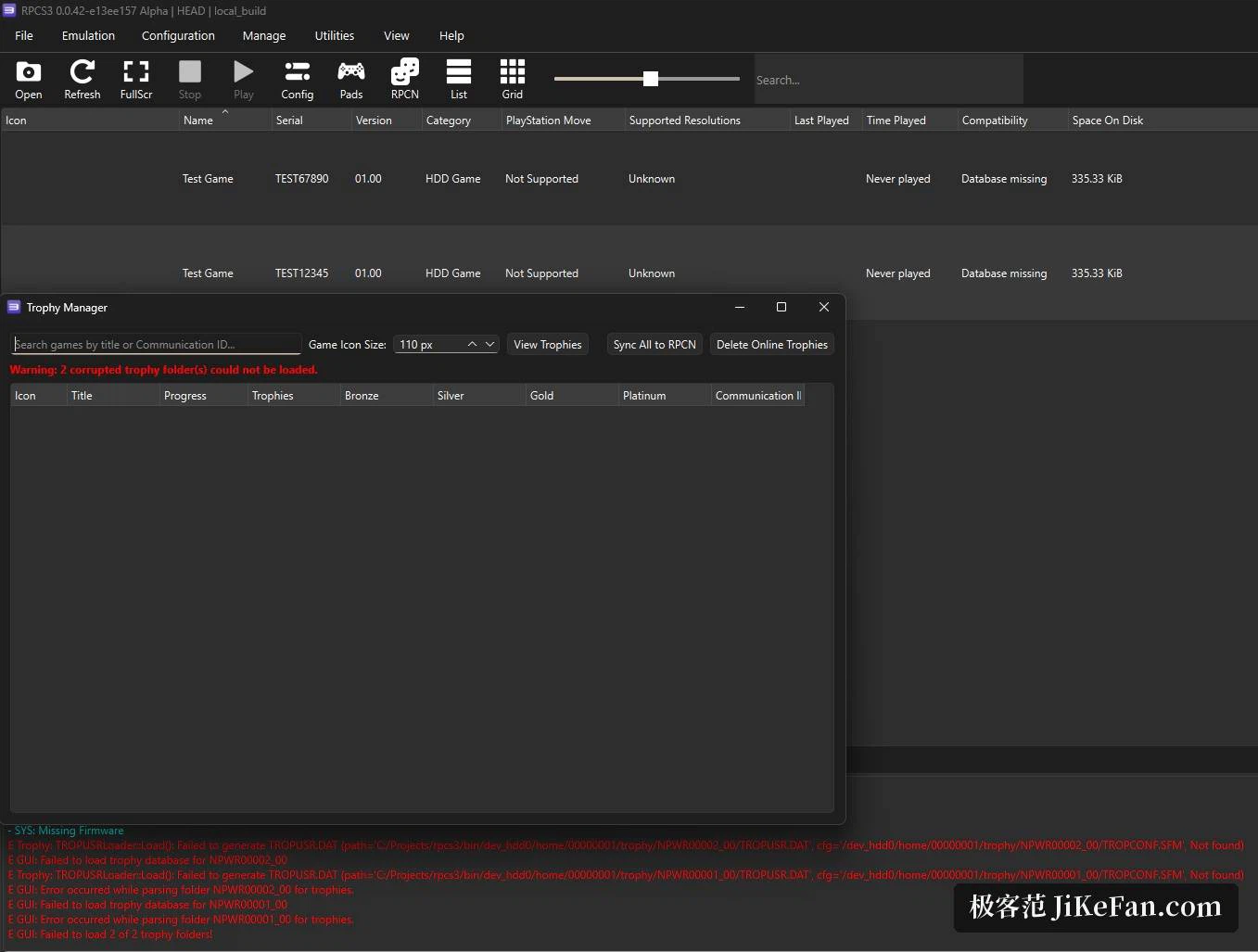
More than seventy percent is playable
Whether an emulator is worth the trouble comes down to whether games can be finished. The project maintains a compatibility list that marks each title as finishable, bootable, or stuck at the opening. By the figures published there, the playable share passed 70 percent in 2026-01 and had climbed to 73.82 percent by 2026-04. In the same month contributors found new patterns in how the audio processor was used and rewrote a more efficient execution path around them, which helped every title that leans on it; in the example given, average frame rate rose by 5 to 7 percent. Optimisations of that kind do not care about the hardware tier, and a version update is enough to collect them.
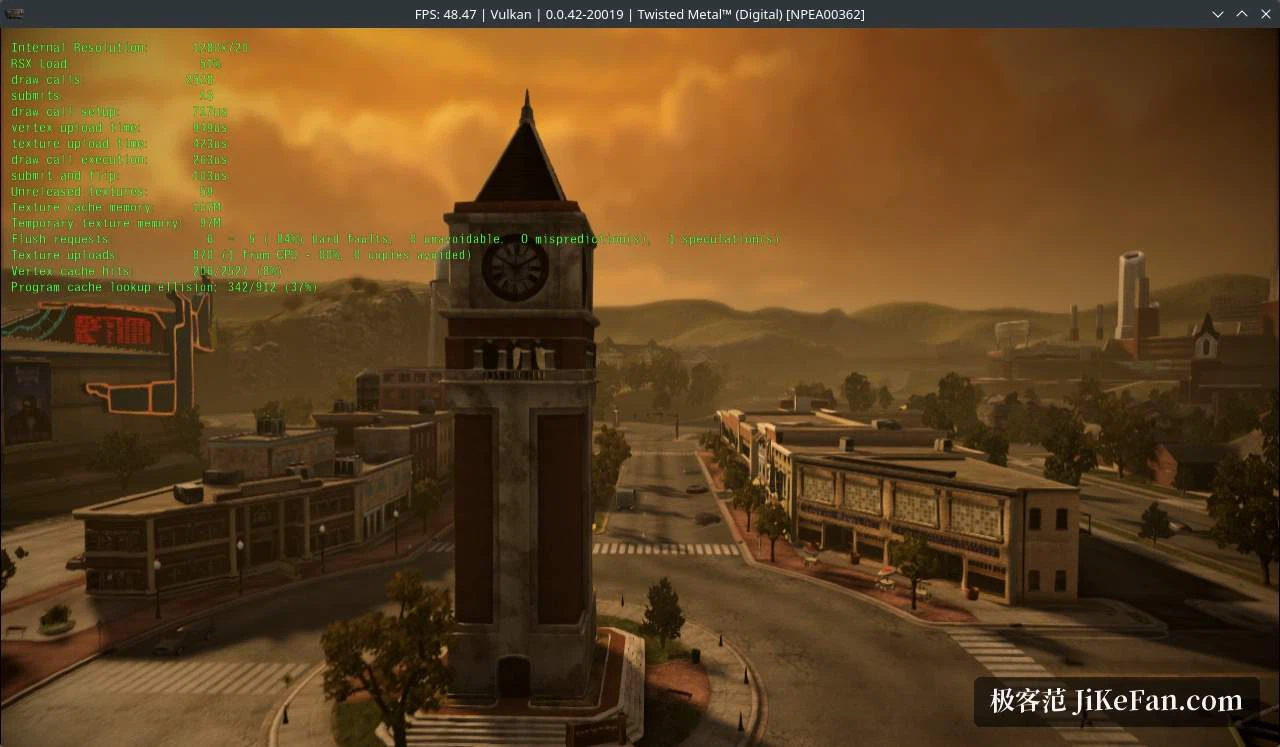
What it takes to start, and how far the picture can go
Two things are needed beforehand: the console system firmware, obtained through official channels, and games the user legitimately owns, which can be imported as a folder or as an image file. Once the firmware is in place the emulator scans and lists what it finds, with a compatibility rating attached, and many titles come with community-written recommended settings, so a game can start straight away. The rendering backends are Vulkan, D3D12 and OpenGL, with Vulkan offering the best mix of speed and compatibility. On the processor side the recompiling decoder is the default; the first run spends a few dozen seconds compiling modules and never repeats it. Resolution scaling lets a game built for 720 lines output at 1440 or even 4K, which looks finer than the original machine managed.
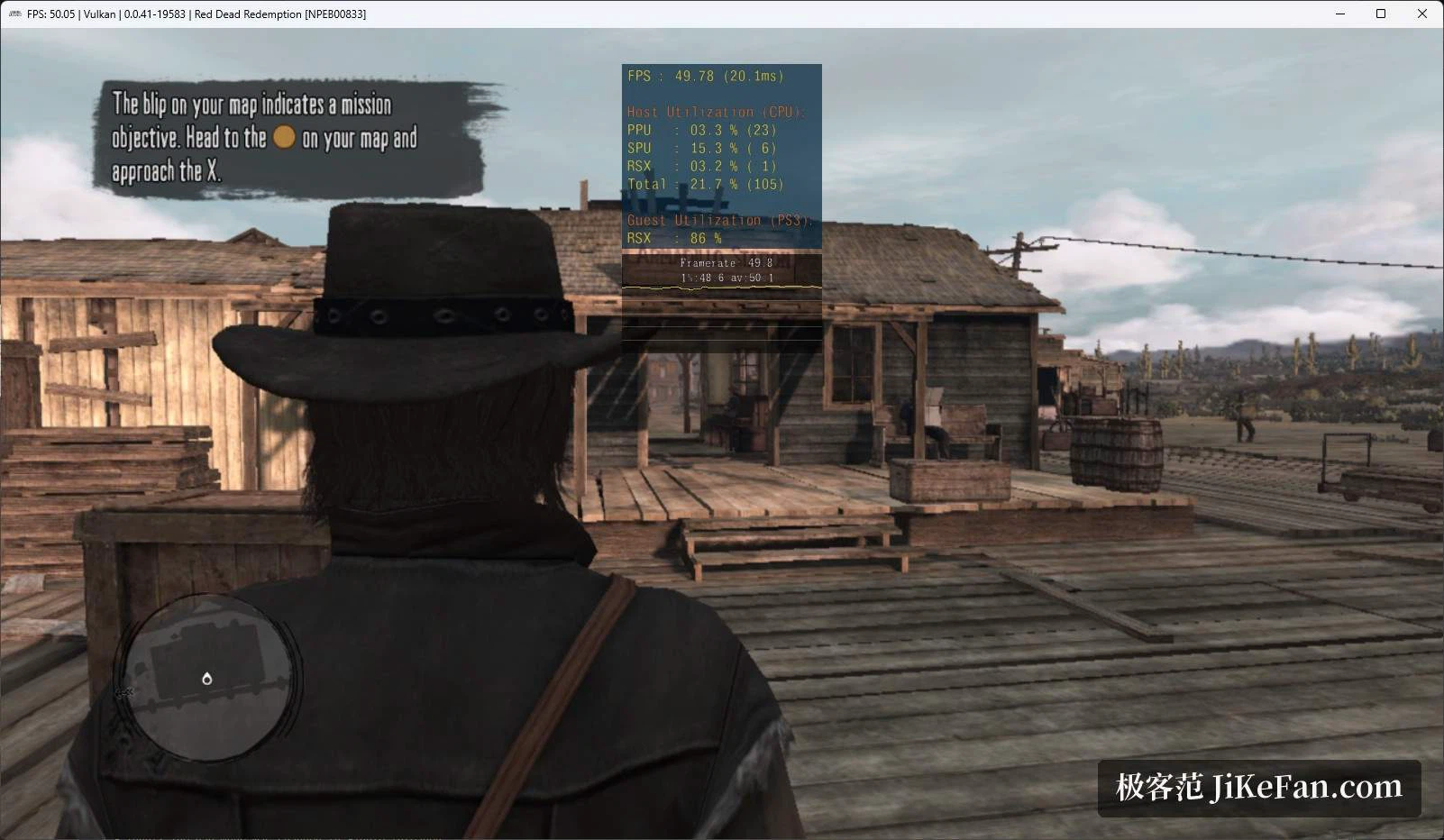
The other half of its identity: a debugger
Beyond playing, the project puts a full set of development and inspection tools in plain sight. A built-in graphics debugger walks through draw calls frame by frame, a log window streams messages from the emulator and from the game process in real time, and save management plus trophy management keep progress available for backup, import and export. Controller configuration maps a keyboard and mouse, or a gamepad, onto the original button layout, and profiles can be stored per title. These features were written for developers and are just as useful to a player who likes to tinker: when a scene stutters or a texture goes wrong, switching options off one at a time usually locates the cause.
Who it suits
Emulation of this generation leans hard on the processor, so a six-core chip from recent years with a card that supports Vulkan is a comfortable pairing, and a solid state drive makes the first-run shader cache smoother. As an open source project it is entirely free, carries no advertising, and its interface speaks many languages; themes can change the background picture too. For somebody who simply wants to revisit a title they missed, this is the most mature and most actively updated path available. It is still not the original machine, though, and a given title may show texture or performance trouble, so checking the rating for that game in the compatibility list before starting is the sensible first step.