
Rio Terminal: a cross-platform terminal on Rust and WebGPU, with split panes, tabs and themes built in
Summary
A terminal written in Rust with WebGPU as its drawing backend, so text painting and scrolling run on the graphics card. Native split panes, tabs and themes, packages for every desktop platform, and one configuration file that carries the whole environment.
- Name
- Rio Terminal
- Version
- 0.5.27
- Pricing
- Free
- Open source
- Open source
- Operating system
- WindowsmacOSLinux
- Website
- https://rioterm.com
- Updated
- 2026-10-06 20:24
A terminal that hands drawing work to the GPU
The command line is still where a large part of a developer day is spent, and every keystroke passes through the terminal window, so how smoothly that window answers shapes the working experience more than most tools do. Rio takes a different route from the classics: it is a cross-platform terminal written in Rust, with WebGPU as its drawing backend, so text painting, scrolling and animation are handled on the graphics card instead of the processor. Development has run continuously since 2022, the code is released under a permissive open licence, and by 2026-09 the stable build has reached 0.5.27 with several thousand saves on its public code host. The claim is narrow and concrete: the window should stay responsive even when a command floods it with output.
Every desktop platform at the same priority
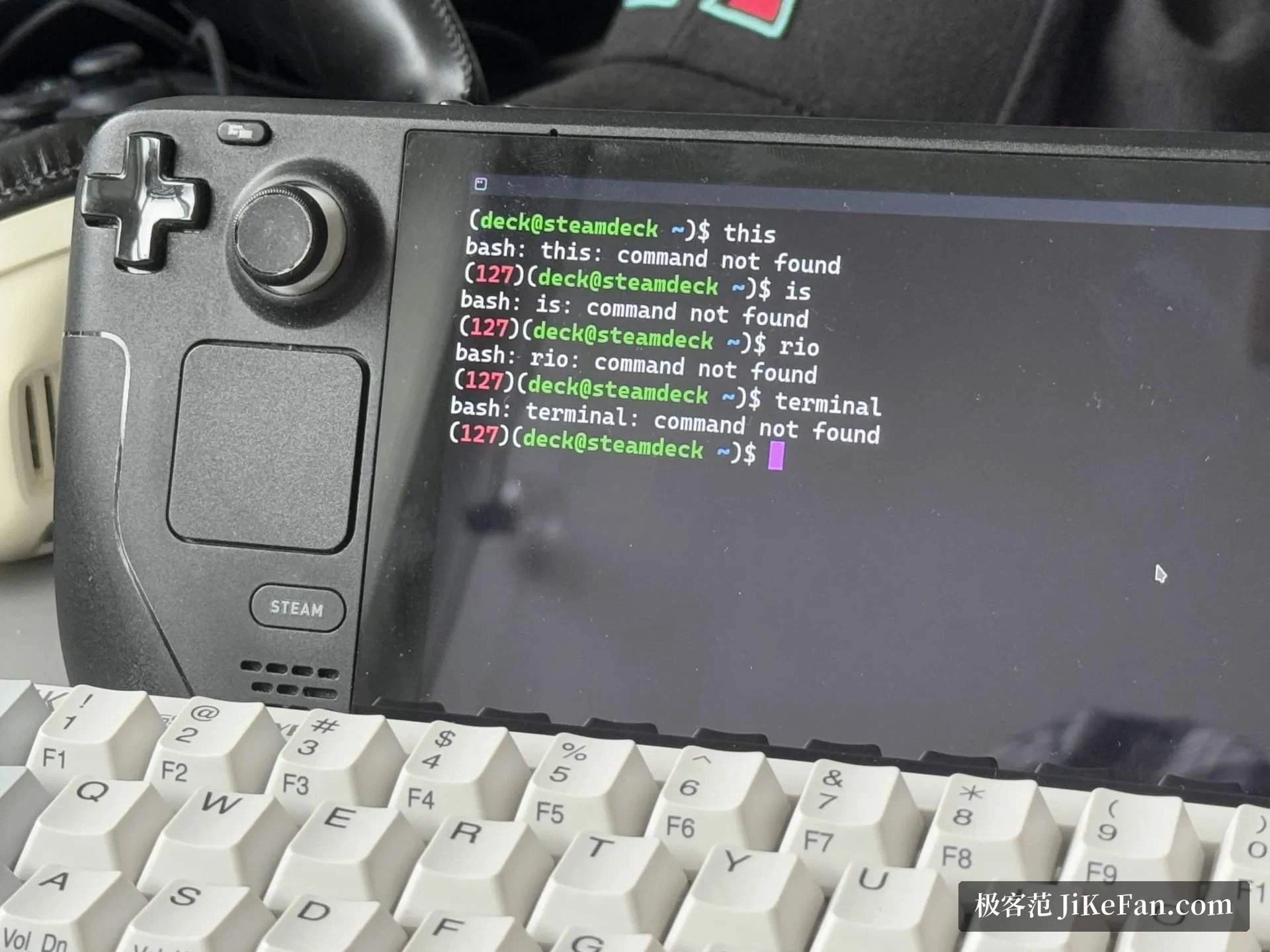
Cross-platform is an easy label to print and a hard one to earn. New terminal projects usually serve one system first, and users of the other systems wait months for an official package; Rio set out from the beginning to treat all three desktop systems as equals. On macOS a single universal binary covers both the modern Apple machines and the older Intel ones. On Windows there is an installer and a portable build, the system package manager carries it, and a community channel does too. Linux gets the widest treatment: packages sit in several distribution repositories, an official sandboxed bundle exists for the immutable-desktop crowd, and both the Debian-style and the RPM-style package appear in the release listing. Past the three desktops, a port exists in the FreeBSD collection as well.
For anybody who rotates between systems and wants the same terminal behaviour everywhere, that evenness matters more than any single feature. The portable build deserves a word of its own: on a locked-down machine where installing software is not allowed, unpacking a folder is often the only option that exists.
One ambition further: the browser
The project has set itself a more aggressive target, which is to run inside a browser through WebAssembly and WebGPU. The drawing engine part is already in place and the full port is still being worked on. That gap says something useful about where the engineering effort has gone: rendering came first, and everything else follows the rendering. It also explains why the graphics work reads as the centre of the project rather than a marketing line attached to it.
Split panes, tabs and themes without extensions
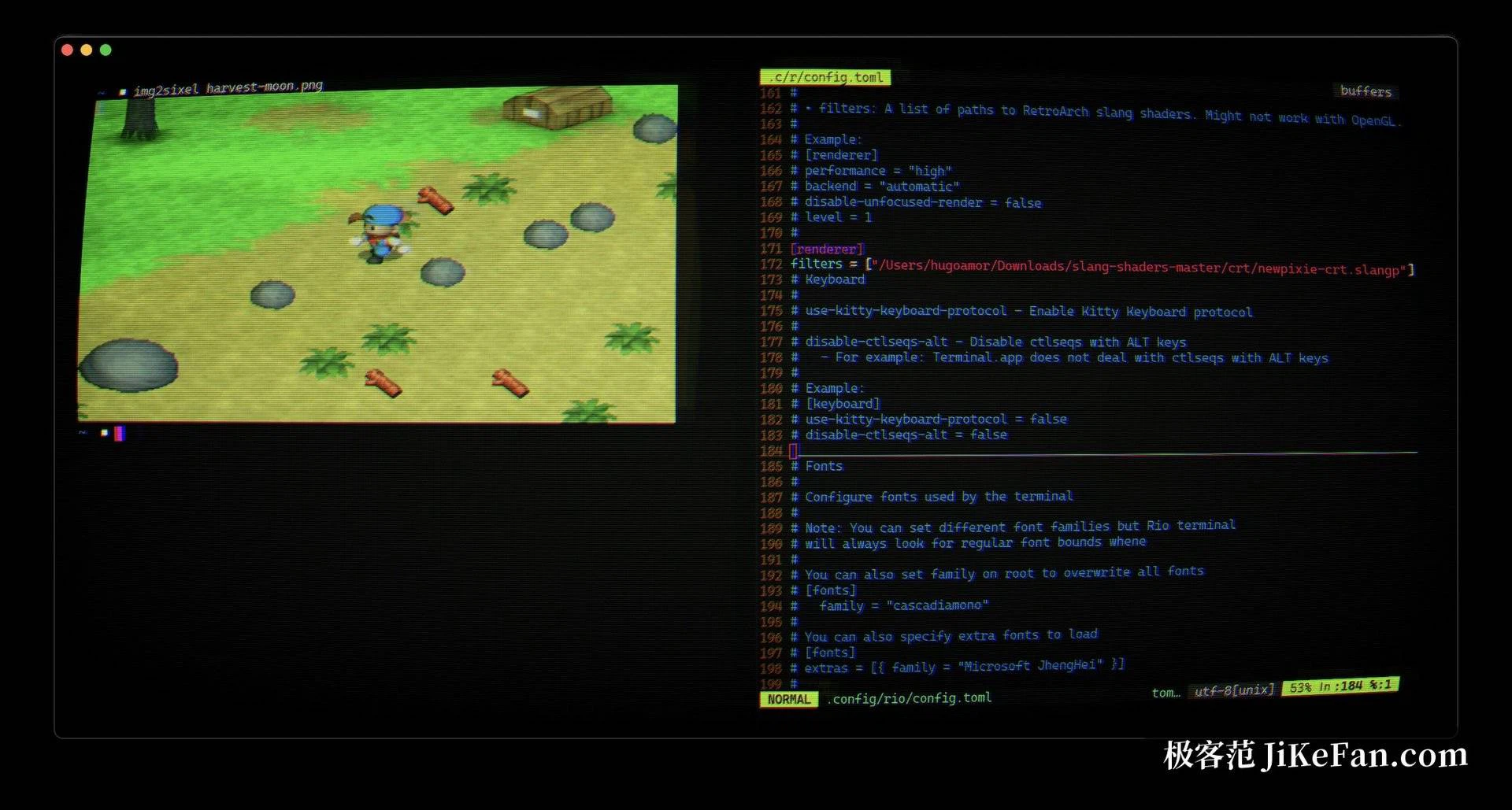
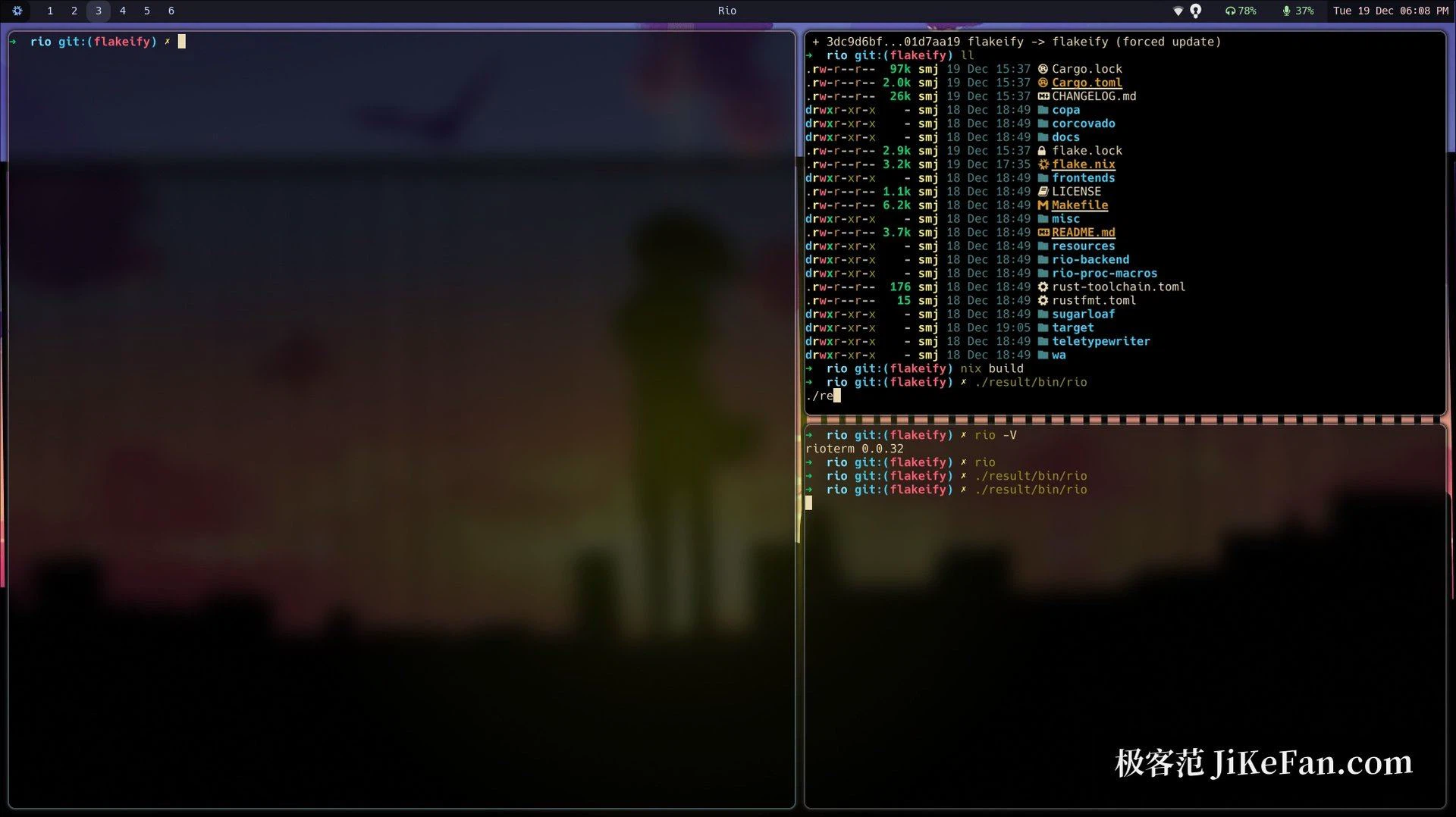
Split panes, multiple tabs and custom themes are native capabilities here, not add-ons bolted on through a plugin interface. Panes split in any direction and a shortcut moves the focus between them; tabs gather several tasks into one window so the desktop stays tidy. Themes are driven by a configuration file in which colours, fonts, cursor style and inner padding can all be adjusted, and visual effects such as a blurred background sit on top; on Linux desktops and on macOS those effects land well. Font rendering supports ligatures, so arrows and combined symbols inside monospaced programming fonts display the way their designers intended. The value of building these in is not the length of a feature list, it is that a split layout behaves the same way however the window is arranged.
What the GPU pipeline actually changes
The performance card is Sugarloaf, a rendering engine written for the project on top of WebGPU, which falls back to a native backend per platform: Metal on macOS, Vulkan or DX12 elsewhere. Compared with drawing characters on the processor, a GPU pipeline holds a steady frame rate while large amounts of text scroll and redraw, and that is the reason a demonstration can switch on scanline and motion-blur style effects and still feel fluid. A high-resolution display fed by a heavy stream of output is exactly the case where the difference becomes visible.
Configuration is equally centralised. One TOML file holds everything from the default shell and the window size to the key bindings, so moving to a new machine means copying a single file and getting the whole environment back. Keeping the settings in one text file also means the terminal can be versioned alongside the rest of a configuration collection.
A caution about the pace
Rio is still iterating quickly, the main branch moves often, and individual releases do change configuration keys. Anybody who wants stability should follow the stable releases and update on that rhythm; anybody who enjoys the churn should read each changelog and accept an occasional round of fix-ups after an update. That trade is normal for a young project and is better stated plainly than discovered in the middle of a working day.
Who gets the most out of it
Three kinds of people will find it worth a try. One works across Windows, macOS and Linux and wants a single configuration to carry everywhere. One cares about rendering performance and wants the terminal to stay smooth on a large display with a heavy stream of output. One simply likes desktop applications built with new graphics technology and enjoys watching the approach develop. For individual users it is free to use, the source is fully open, and the project site explains the rest.