
Resilio Sync: standard, encrypted and selective folders
Summary
A synchronisation tool that moves files directly between devices instead of parking them on a server. Folders are joined with a key or a link rather than an account, and they come in three kinds: standard, encrypted for machines you do not trust, and advanced for teams.
Recommend- Name
- Resilio Sync
- Version
- 3.1.2
- Pricing
- Paid
- Open source
- Proprietary
- Operating system
- WindowsmacOSLinux
- Website
- https://www.resilio.com/sync/
- Updated
- 2026-10-06 18:11
How it differs from syncing through a drive
A cloud drive syncs along one path: this machine, then the vendor's server, then the other device. The data is handled once in the middle, and that single hop is the whole design. This tool takes the other route. Files are split into pieces and passed directly between the devices that hold them, while a server does nothing but help them find each other. It never keeps the content.
Two consequences follow immediately. The first is that a large file no longer has to go all the way up before it comes down, which matters because the upload side of a domestic connection is usually a fraction of the download side; removing that hop can be the difference between an hour and a few minutes. The second is the part people find surprising: the more people share a folder, the more sources exist for the same pieces, so the transfer can get faster rather than slower as the group grows. That is the same logic a peer to peer protocol has always used, and it is the reason this approach scales in the direction opposite to a central server.
Sharing works with a key, not an account
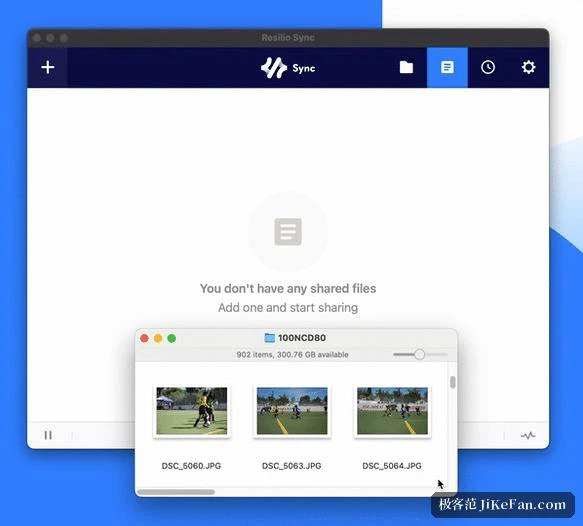
There is nothing to sign up for. A folder is given a key, or a link that carries it, and whoever receives that string pastes it into the field that asks for a key or a link and joins the folder. The key is the credential: whoever holds it, gets in. That has an obvious consequence worth stating, namely that a key should be treated like a password rather than like a file name.
Permissions can be set to read only, so the other side can take files out and cannot put changes back. A one-time link or a passphrase can be added for shares that should not stay open forever. Folders themselves come in three kinds, and the difference between them is the interesting part. A standard folder is for your own machines. An encrypted folder is written to a machine you do not trust in encrypted form, so that machine stores the pieces without being able to read them, which is exactly what a backup box at somebody else's house should do. An advanced folder is for teams, where the owner can adjust or withdraw access as the group changes.
Large files, broken connections, and the one real risk
Transfers resume where they stopped, so a connection that drops halfway through a long copy does not send you back to the beginning. Between machines on the same local network the speed is essentially whatever the network can carry, which is usually far more than any internet link would give. All traffic is encrypted end to end, and the key is generated with the folder rather than handed out by a server.
The thing to understand before using it seriously is consistency. The folder is one object with several copies, not several copies that agree from time to time, so a file deleted on any one device is deleted everywhere. For your own machines that is the correct behaviour and exactly what synchronisation means. For a folder you just joined to pull down somebody else's material, it is a trap: copy what you want into a separate place as soon as the transfer finishes, and the state of the shared folder stops being your problem.
Editions, platforms, and the licence question
The free edition is for personal, non-commercial use and is not a cut-down version. Selective sync and device linking, which used to be paid features, have been open to non-commercial users for several major releases now, so the honest summary is that an individual gets the whole thing. Commercial use requires a licence, which is the point at which a business should look at the price rather than the feature list.
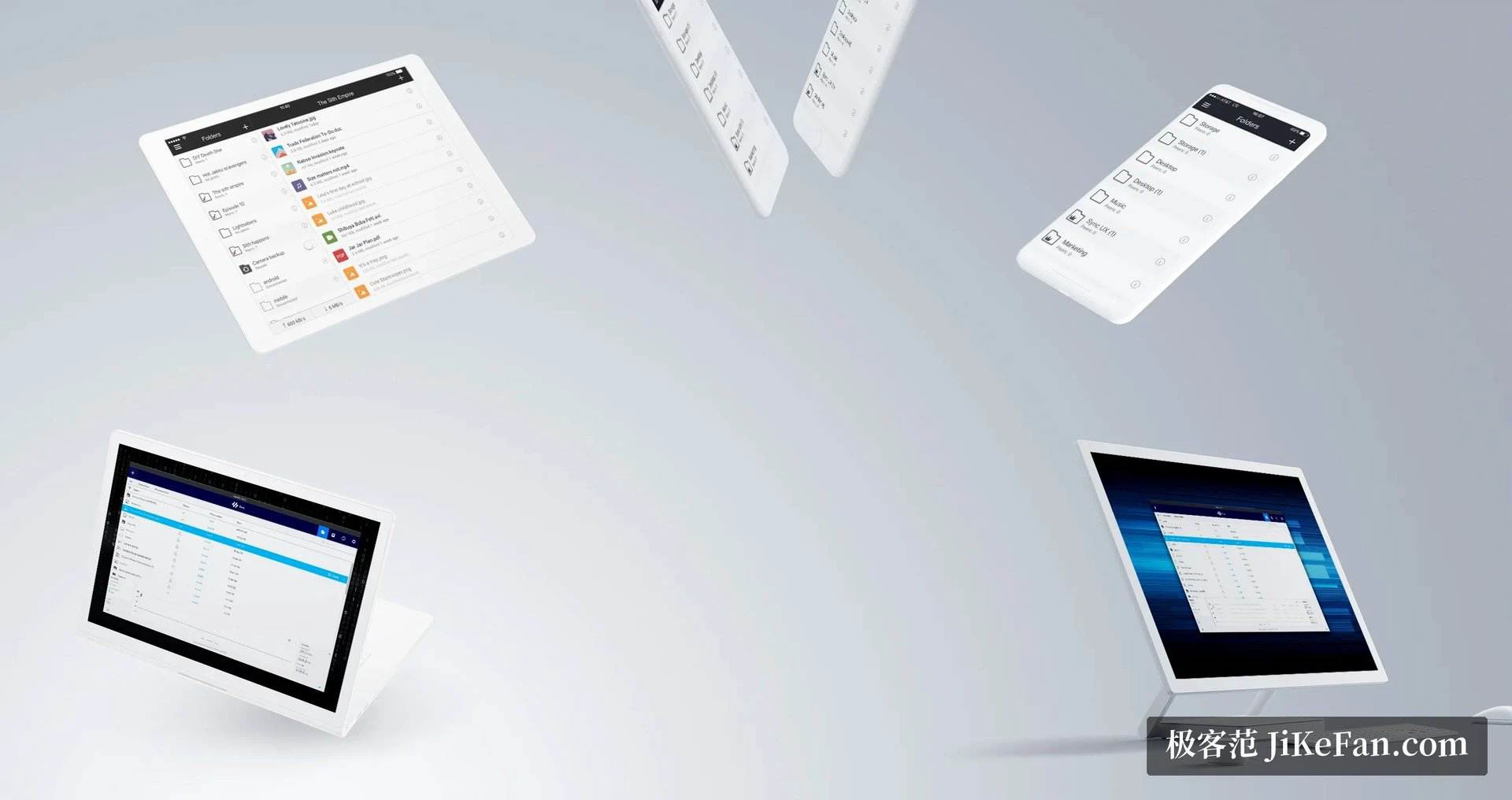
Clients exist for the three desktop systems, for network attached storage, and for phones, and the phone client can push the camera roll back to a computer on its own. One difference from the open source camp is worth naming: this project is not open source, so anyone who cares about that should weigh it before building a workflow on top of it.
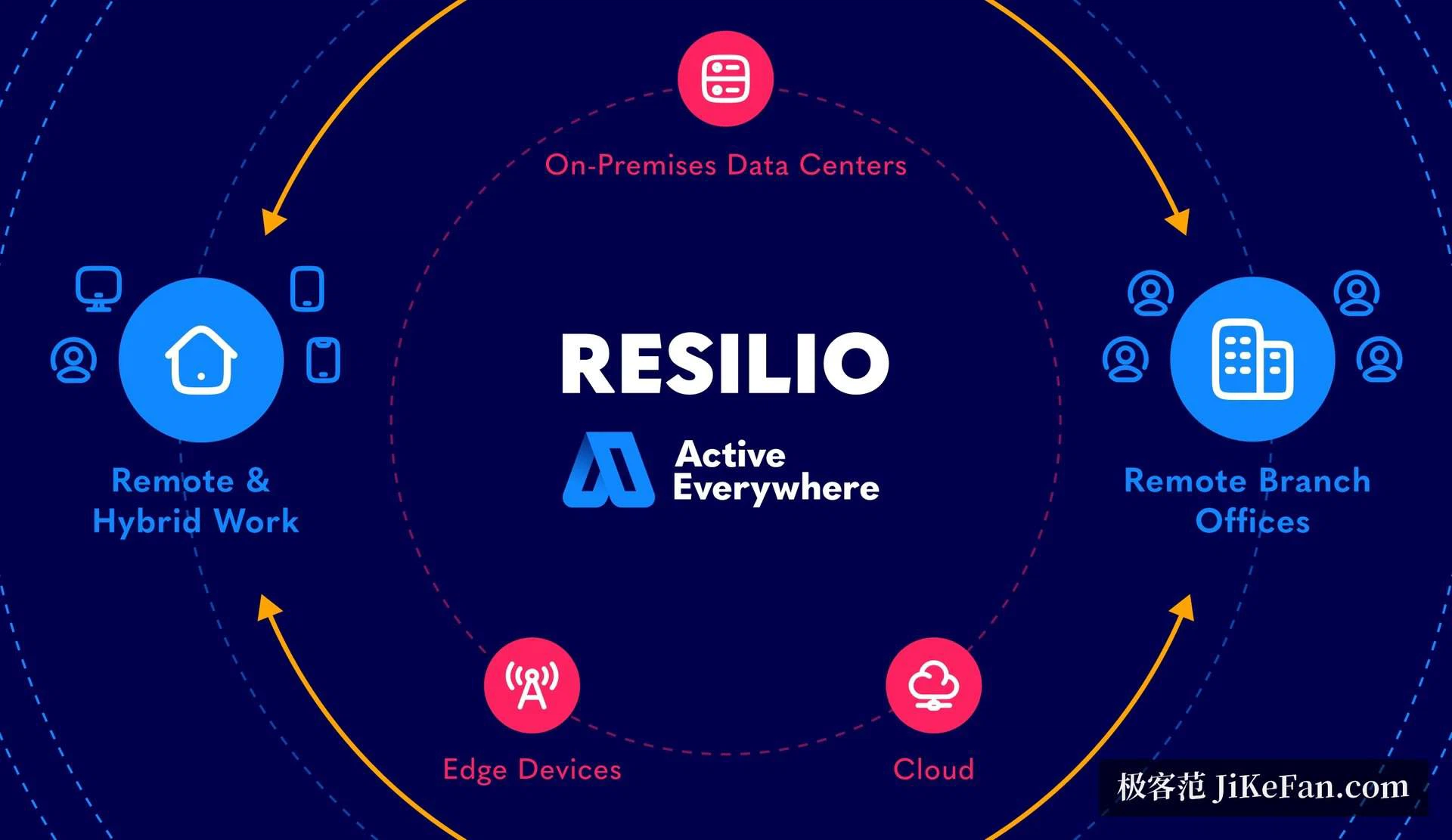
The idea is to take the cloud out of the sync path. Files stay on devices you own, and the server is only an introducer. The cost is that the devices have to be online at the same time; the return is that capacity and bandwidth stop being something you rent.