
Quark sells itself as an AI browser, an AI search box and an AI assistant in one
Version 1.2.5.25
Summary
A sidebar that reads the page with you, a PDF view that keeps a scanned document's original fonts and colours, translated subtitles for any video, and 6T of download space — wrapped in a claim of no ads anywhere in browsing or search.
Recommend- Name
- Quark
- Version
- 1.2.5.25
- Pricing
- Free
- Open source
- Proprietary
- Operating system
- WebWindowsmacOSAndroidiOS
- Website
- https://quark.cn/
- Updated
- 2026-10-06 17:59
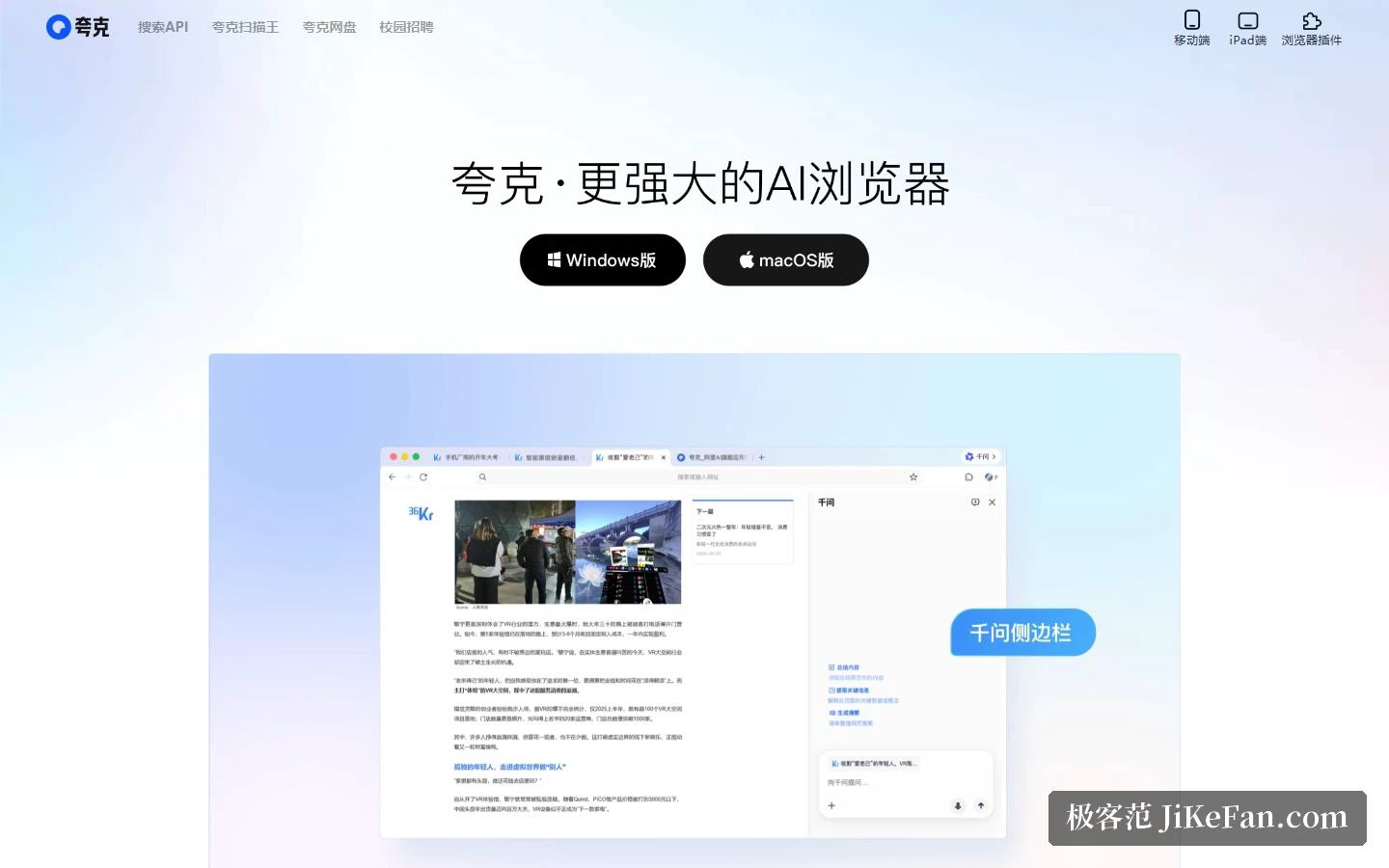
The front page states the position in one line: a more powerful AI browser, with Windows and macOS builds side by side beneath it, and a navigation row that already lists a search API, a document scanner, cloud storage and campus recruiting. The footer is where the operating entity and its registration numbers live — the first thing to check if you want to be sure you are on the real site.
A browser built to be interrupted
The self-description runs three terms together: AI browser, AI search, AI assistant. The hero image shows a web page with a question-and-answer panel docked beside it, and the AI browser section lists three abilities: a sidebar you can question while you read, where the AI interprets the page content live; tab management that sorts itself into order; and a page toolbox that wipes away the clutter in one pass.
The speed-and-safety section beside it leads with the absence of advertising — none in browsing, none in search — followed by a plainer interface, lower memory use and a faster start.
Documents, video and downloads
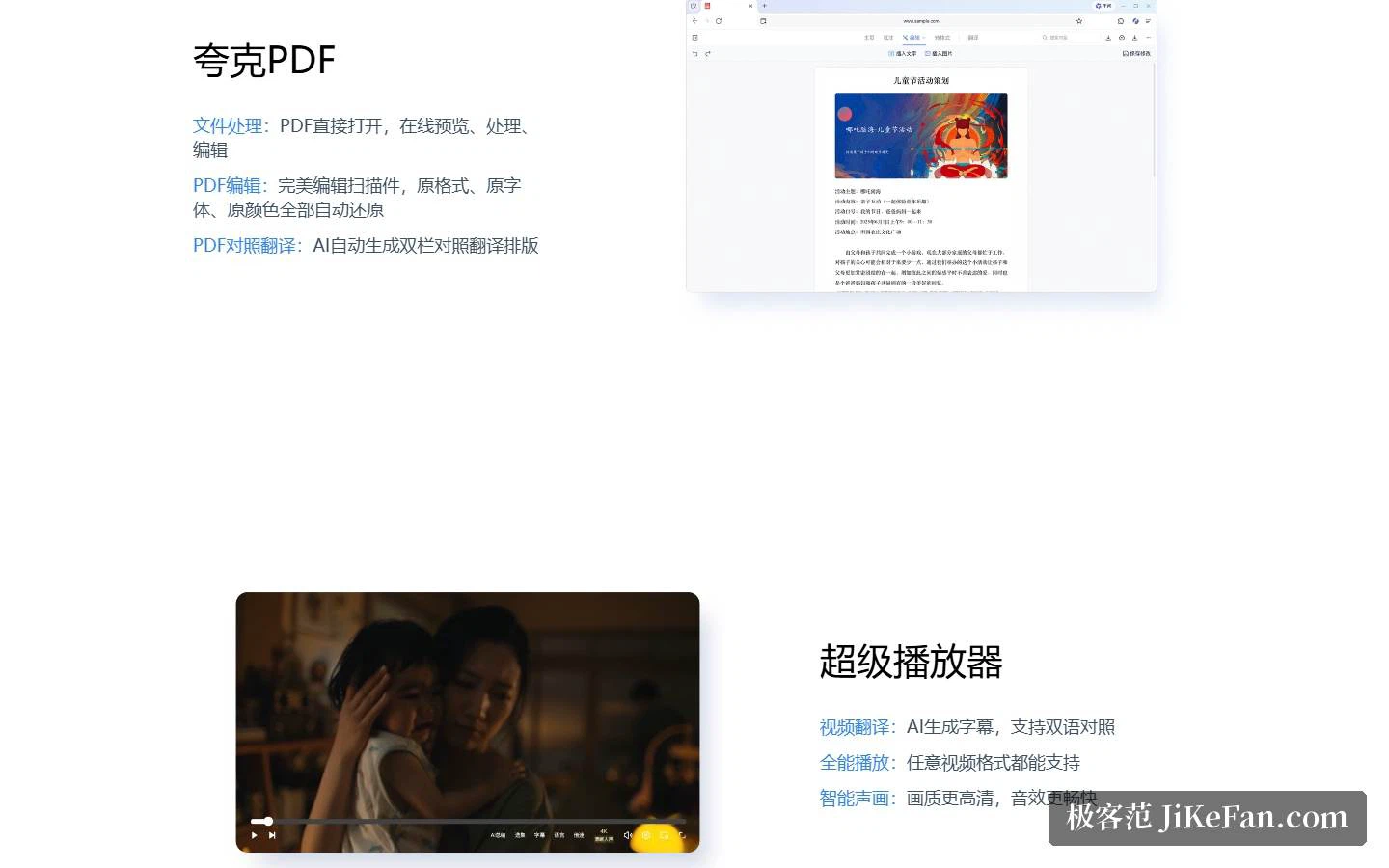
The PDF section opens PDFs directly and handles preview, processing and editing in the browser. When you edit a scanned document, the original format, fonts and colours are restored automatically, and a comparison translation is laid out in two columns by the AI so source and target can be checked paragraph by paragraph.
The player centres on video translation: subtitles generated by AI, a bilingual view, and any video format accepted. Downloads get 6T of space with accelerated transfer, 100G single-file moves without loss, and automatic backup of what is on the computer.
The scanner as its own product
The scanner in the navigation runs on its own site, with the same operator and the same registration number in the footer. Its pitch is high-definition scanning, universal format conversion and precise extraction: paper documents, ID cards, invoices, books, drawings and screens all scan, then get beautified into a clean PDF. Text in an image can be recognised and copied by character or by paragraph, and the layout survives conversion to an editable word-processing or spreadsheet file. It also restores and colourises old photographs, erases passers-by from a shot, produces ID photos, unpacks archives online up to 40G, and syncs across phone, tablet and computer.

What it points at
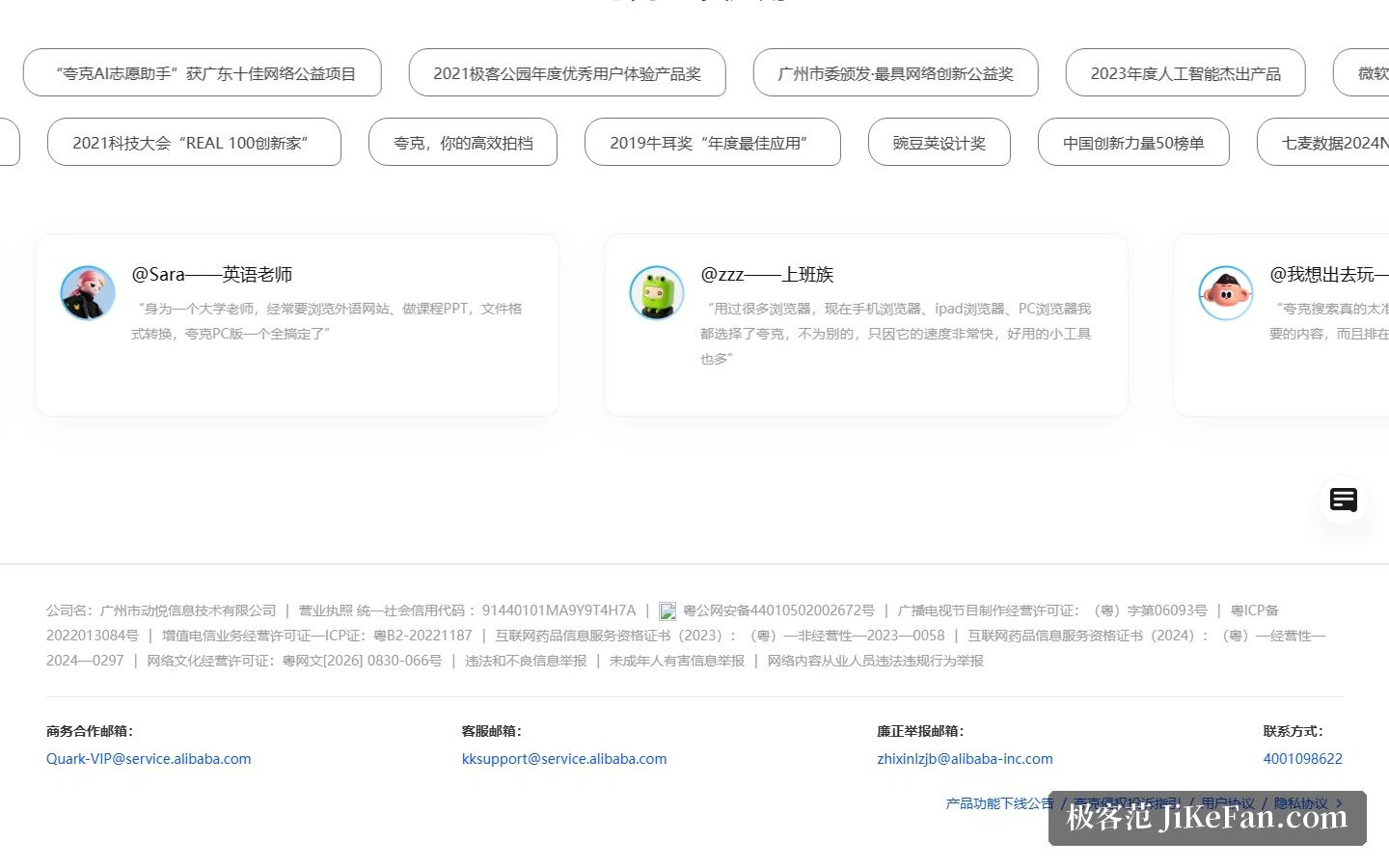
The awards shelf names a 2025 breakthrough award from an app store, a 2023 outstanding AI product, a 2021 user-experience award and a 2024 data-platform prize, alongside business and support contact channels published in the footer.
Who it suits
Three groups follow from the layout: students and office workers who want search without advertising plus a live reading of the page; heavy document users who live in PDFs, scans and foreign-language video; and multi-device users who need large download space, fast transfer and automatic backup.
Two honest notes. First, Quark has grown from a search tool into a matrix, with the browser, the scanner and the storage each on their own site, so take only the pieces you need. Second, the capability descriptions are mostly feature bullets and the awards come from third parties, so the sensible move is to try it on your own high-frequency task before drawing conclusions.
Read, scan, store, ask
What the three products share is one account and the same set of devices: read a page in the browser, tidy a scanned invoice in the companion app, push a large file through the transfer tool, ask from the sidebar while a foreign-language clip plays with bilingual subtitles. The navigation also keeps a search API entry, which points at a different audience — developers who want the search layer rather than the browser.
The way the argument is built is worth noticing too. Almost every claim is a bullet, and the reassurance rests as much on absence — no ads, fewer distractions — as on presence. The awards are external, the capacity figures are quotas rather than measurements, so the honest reading is a feature list to test, not a scorecard to trust.
Once a browser grows an AI sidebar, a web page stops being a destination and becomes the opening of a question.