
FOSS Browser: an Android browser that keeps privacy in profiles
Summary
A privacy minded open source browser for Android that uses profiles to control ad blocking, scripts, cookies and fingerprint protection separately, and lets a profile be bound to specific domains. Bookmarks and history can be backed up. Current version 24.
Recommend- Name
- FOSS Browser
- Version
- 24
- Pricing
- Free
- Open source
- Open source
- Operating system
- Android
- Updated
- 2026-10-16 22:06
Every setting you turn on for one site is a setting you have to remember to turn off for another.
The problem with a global switch
Mobile browsers tend to offer one set of privacy controls for everything. Block ads globally, or not. Allow scripts globally, or not. The simplification is understandable on a small screen, but it does not match how people actually browse, because the sites people visit are not alike: a bank that breaks if scripts are blocked, a news site where scripts are mostly trackers, a documentation page that works perfectly with nothing enabled.
FOSS Browser approaches this with profiles. Instead of one global configuration, each profile carries its own decisions about ad blocking, scripts, cookies and fingerprinting protection, and switching profile switches the whole set at once. The difference from a toggle is that the decisions are grouped by intent rather than by site.
Profiles can also be bound to specific domains, which is where the design becomes useful rather than merely tidy. Bind a strict profile to the handful of sites you read daily and a permissive one to the sites that genuinely need it, and the question of what to allow stops being asked every time.
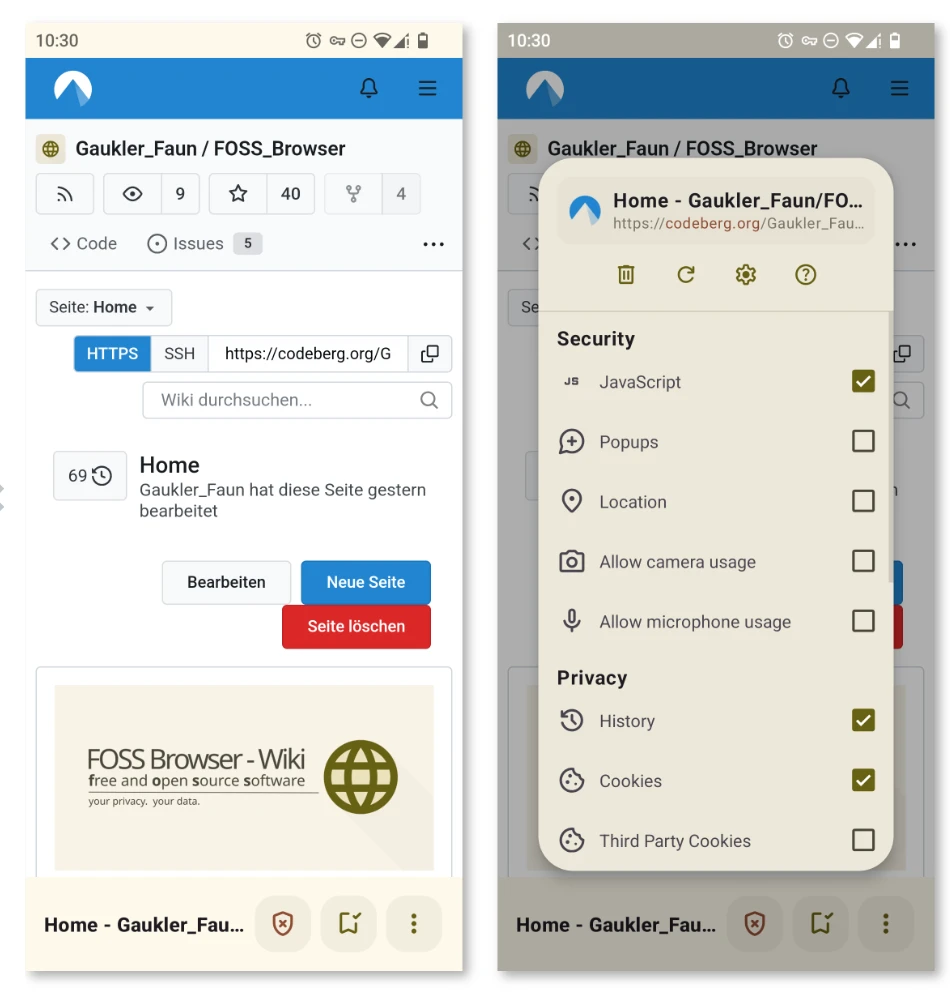
What each profile actually controls
Ad blocking handles the obvious: requests to known advertising and tracking hosts are refused before they load. Scripts are the bigger lever, because most tracking on the modern web happens through script rather than through images. Cookies are the third, and the useful distinction here is first party against third party, since a site keeping its own session is different from twenty other domains doing it.
Fingerprint protection is the subtlest of the four. Blocking cookies is not enough when a browser reports the same screen size, fonts and rendering details as millions of others in a combination specific enough to identify it. The protection works by making those reported values less distinctive, which is a trade: the less distinctive the browser looks, the more sites occasionally misrender.
Bookmarks and history can be exported and restored. That matters more than it sounds for anyone who has lost a phone, and it is also what makes the browser usable as a daily one rather than an experiment.
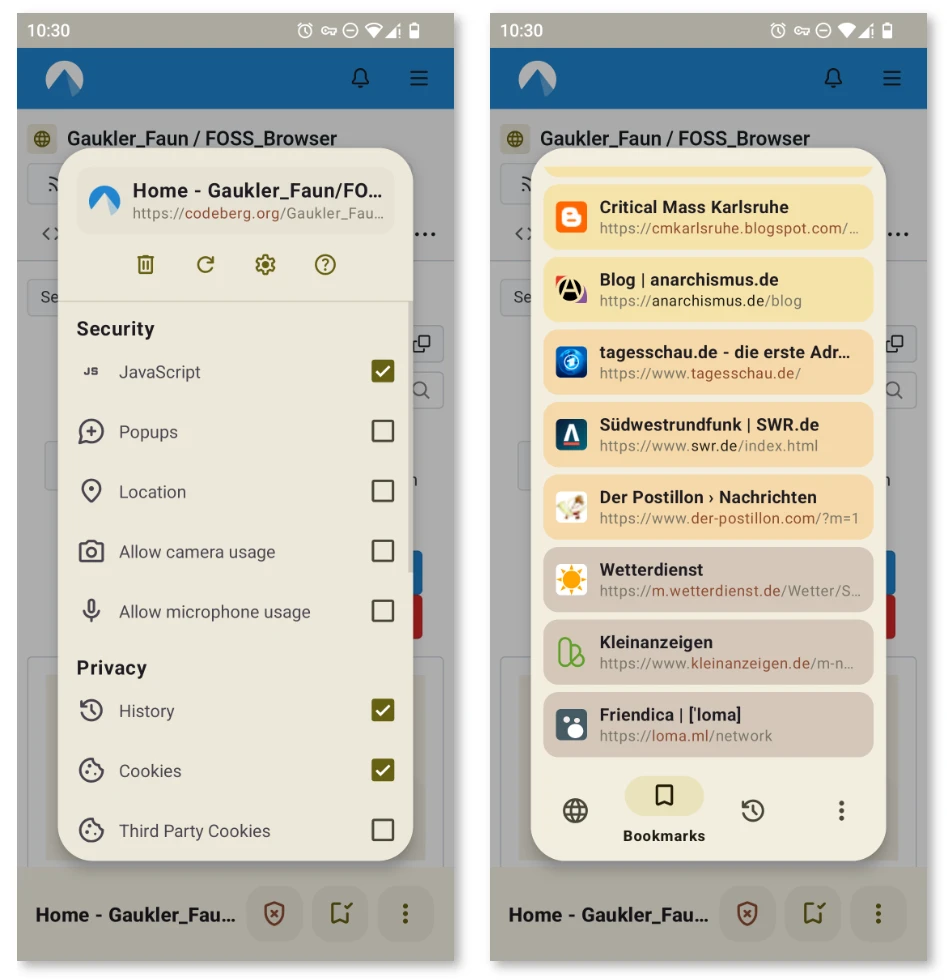
Version, distribution and expectations
The current release is 24, distributed through the F-Droid catalogue, which means the build is reproducible from source and carries no proprietary components. The trade for that purity is real: pages that depend on such components may not work, and there is no account sync to fall back on.
Set expectations accordingly. This is a browser for someone willing to spend an afternoon arranging profiles, not one that behaves well out of the box on every site. The reward is a phone browser where the decision about what runs is made once, deliberately, rather than every time a page loads.
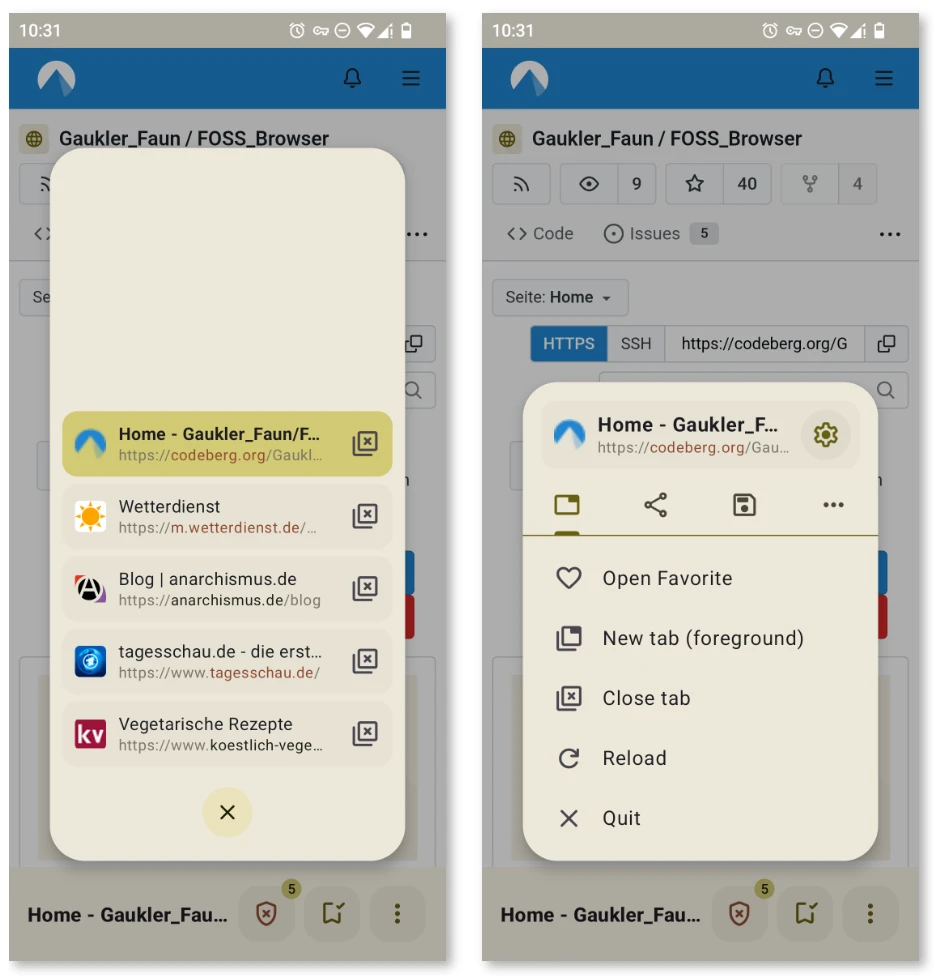
Item
Official information
Current version
24
Platform
Android
Control model
Profiles carrying per-profile settings
Covered
Ad blocking, scripts, cookies, fingerprint protection
Binding
Profiles can be tied to specific domains
Data
Bookmarks and history can be backed up
A privacy setting is only useful if it can be turned off for the one site that needs it, without turning it off everywhere.
Practical notes: start with two profiles, strict and permissive, and add more only when a third genuinely different case appears; bind domains to the strict profile as you notice yourself switching manually; and export bookmarks and history on a schedule rather than trusting one phone to survive.