
Waterfox: a cross-platform Gecko browser with built-in filtering and vertical tree tabs
Summary
Waterfox is a cross-platform browser on the Gecko engine with built-in content filtering and vertical tree tabs, and tabs that can be unloaded by hand. Version 6.7.4 brought RSS and live bookmarks back, and 6.7.5 added a subscription manager.
Recommend- Name
- Waterfox
- Version
- 6.7.5
- Pricing
- Free
- Open source
- Open source
- Operating system
- WindowsmacOSLinuxAndroid
- Website
- https://www.waterfox.com/
- Updated
- 2026-10-11 20:35
Change the shell of a browser, keep what works, fix what does not, and the rest comes down to whether the details get polished over years.
An independent branch of Gecko
Waterfox is a cross-platform browser built on the Gecko engine. The project publishes desktop and mobile on separate lines: the desktop build covers Windows, macOS and Linux, while mobile carries its own set of version numbers. The release notes record engine baseline upgrades one by one, and that record matters to anyone who stays for years, because web compatibility follows the engine.
On the interface side, the 6.7 series concentrates on the tab bar. The approach is vertical tree tabs, stacked in a sidebar by hierarchy, with automatic hiding that only expands when the pointer reaches the window edge. Tabs can also be unloaded by hand from the context menu, and the preview of an unloaded tab was improved so a page that has been put down is still recognisable in the list. Both choices point at the same thing: handing control of memory back to the person using the browser.
A fork always faces the same question, which is why anyone should install it instead of the browser it came from. The answer here is not a rewritten engine but a set of interface and privacy decisions taken earlier than upstream takes them, plus the freedom to keep features upstream has dropped. That is a narrower promise than a new browser, and a more honest one.
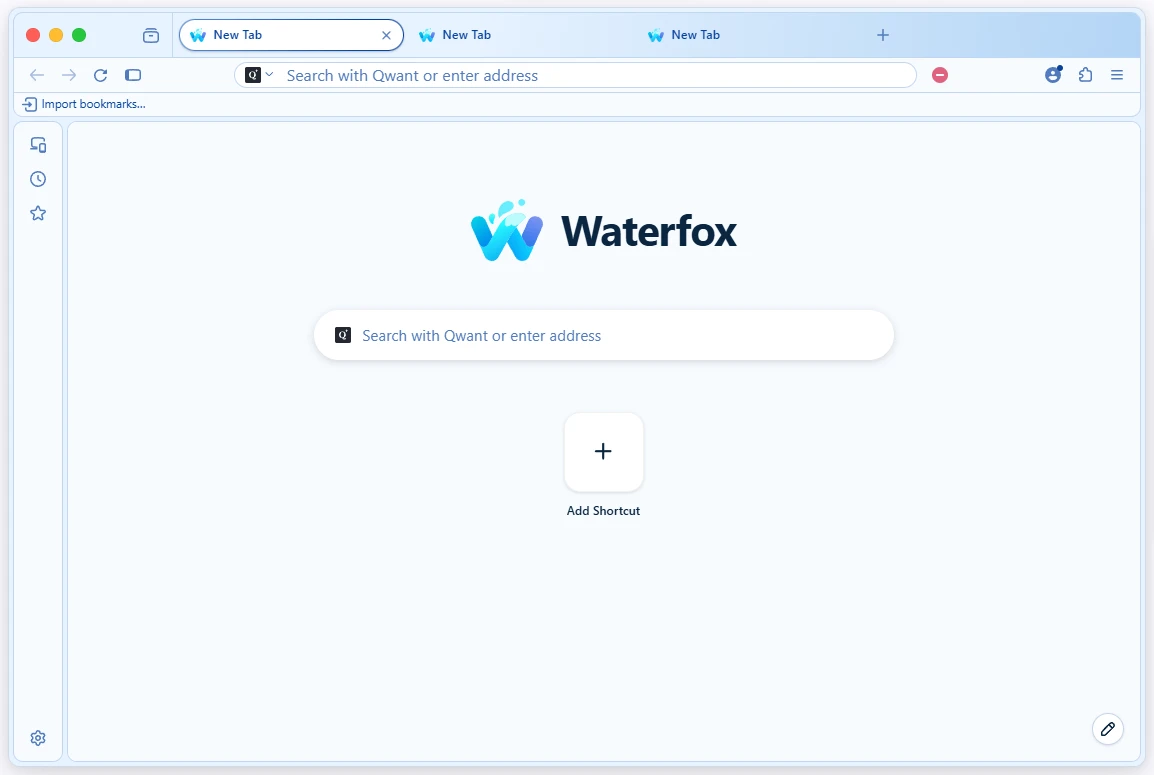
Content filtering and search settings
Filtering is built in. The release notes describe improvements to the filter list page: search, manual refresh, a configurable refresh interval, and a separate status for each list; the update logic was adjusted too, with caching and finer error handling. The rules are not fixed, so they can be edited when needed.
Two entries in the search settings deserve attention. Waterfox hides AI answers returned by search engines where that can be switched off, and the switch is on by default, so restoring them takes one untick. Search suggestions for autocomplete are relayed through a proxy, and that relay can be turned off in the settings as well. Both belong to the same design idea: start from a more cautious default, then hand the choice back.
Item | Official notes |
|---|---|
Engine | Gecko, with desktop and mobile released separately |
Tabs | vertical tree tabs, auto hiding and manual unloading |
Filtering | built-in rule lists that can be searched and refreshed |
Search | AI answers hidden by default, suggestions relayed by a proxy |
Feeds | 6.7.4 restored RSS and live bookmarks, 6.7.5 added a manager |
Two older capabilities brought back
Version 6.7.4 brought RSS and live bookmarks back. The notes are plain about it: feeds in RSS and Atom can be previewed and subscribed again, and an icon in the address bar adds a feed to the live bookmarks folder on the bookmarks bar. The following 6.7.5 added a subscription manager that gathers that content in one place: browse every feed, filter by folder or single subscription, search articles, filter unread items, and switch between list and grid views, with read state and read-later kept between sessions.
Smaller details show the maintenance rhythm too. Version 6.7.4 moved the bundled JPEG-XL decoder from 0.6.0 to 0.7.4, after the project had already done repair and performance work on that decoder. On versions, the official release index lists 6.7.5 first on the desktop line, dated 30 September 2026, followed by 6.7.4 and 6.7.3.
This is the part that is hard to judge from a feature list. A browser is judged in months, not in an afternoon, and what decides it is whether the release notes keep arriving with engine updates inside them. Someone who wants a stable shell around a moving engine is the right audience; someone who wants a completely different rendering path should look elsewhere.
A more restrained default, with the switch put back in the hand of the user, is the least troublesome way for software and its user to get along.
A few suggestions. After upgrading, look at the search and subscription pages in the settings once, to see whether the defaults suit your habits. When many tabs are open, unload them from the context menu instead of closing them, so they are easy to bring back. Start subscriptions with a few feeds you actually read, let the reading state build up first, and worry about folders later.