
Chromium: the upstream project that several browsers share
Summary
An open source browser project maintained mainly by Google, with core code under a permissive licence and test oriented builds published alongside release channels. Design documents, architecture notes and test material sit next to the source, across Windows, macOS and Linux.
Recommend- Name
- Chromium
- Version
- 20261013
- Pricing
- Free
- Open source
- Open source
- Operating system
- WindowsmacOSLinux
- Website
- https://www.chromium.org/
- Updated
- 2026-10-15 21:45
The browser most people open every morning is a wrapper around an open project.
What sits between a project and a product
The address bar, the rendering, the developer tools and the tab strip look familiar across most modern browsers, and that familiarity is not a coincidence. Those foundations do not belong to a single vendor. They come from a project kept open over years, and finished browsers stack their own accounts, sync services, update mechanisms and a set of custom features on top of it.
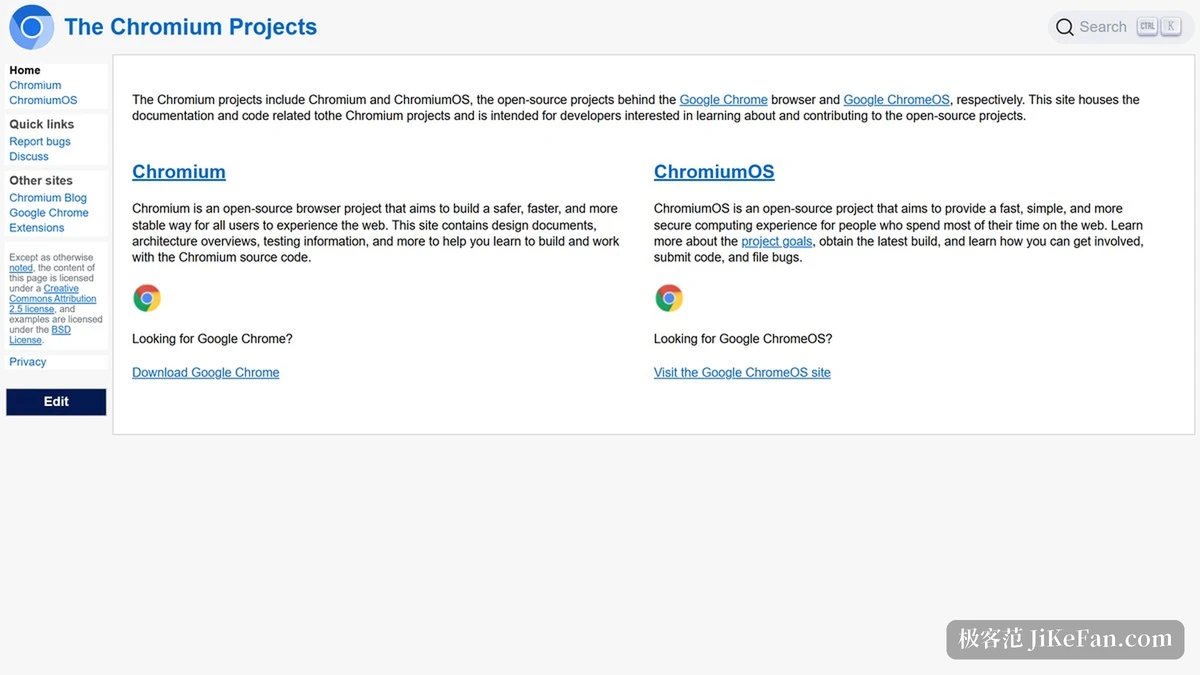
Chromium is that upstream project. The official site organises its documentation under the plain heading of a browser project, and keeps the distinction from finished products explicit: what is published here is the project and the code. Interface work, engine work and developer tooling all happen in the open, which is why changes seen here tend to surface in several browsers a while later.
Maintenance is led by Google, and build outputs come off the same pipeline as the finished products, so the mapping between versions is straightforward. The core is released under a permissive licence that allows modification and redistribution, which is a large part of why several commercial browsers can use it as a foundation.
Why build outputs are split by purpose
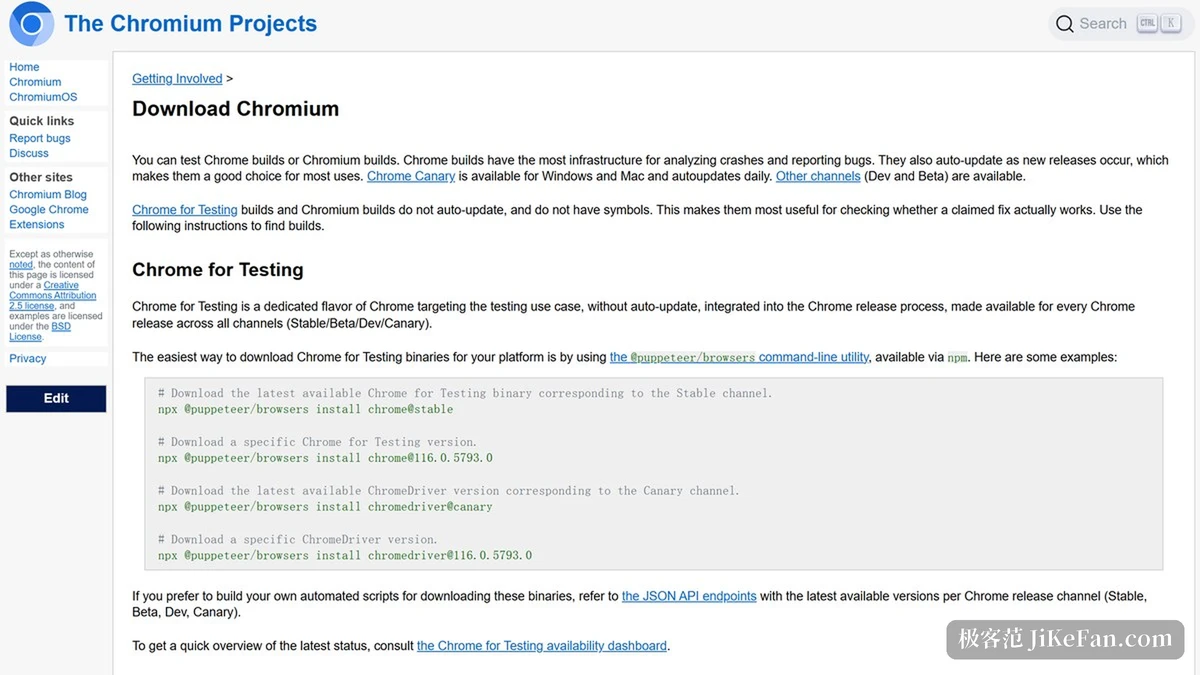
The site sorts its builds by what they are for. Channels aimed at daily use move quickly and change often; channels further upstream are calmer and change less. Which one to take depends on whether the goal is to live with the browser or to check a specific change early.
A separate family of builds exists for testing, and the official wording is blunt: these are the builds to use when you need to confirm that a reported problem is actually fixed. The moment a fix is marked as landed, reproducing the case on the matching build settles the question, which is quicker than waiting for a general release and hoping. Behaviour in these builds differs from the everyday product, and the documentation says so.
For anyone running automated tests this distinction matters most. A test environment wants a fixed version and predictable behaviour; an auto-updating channel is the opposite of that. Purpose-built test builds map one to one onto release channels, which also makes it easier to keep versions aligned across platforms.
More than source code is public
Alongside the code, the site publishes design documents, architecture notes and test material in the same place. The point of that arrangement is that outside developers can read the same reasoning the maintainers used instead of reverse engineering intent from a diff. It is also a precondition for a project of this size to keep long term contributors.
One thing to remember is that code and documents shift constantly here, and version identifiers advance by commit rather than by the neat major numbers a finished browser shows. When a specific behaviour matters, the reliable source is the relevant document and its change history, not an inference from a version string.
Item | Official information |
|---|---|
Nature | Open source browser project, upstream for several browsers |
Maintainer | Led by Google |
Platforms | Windows, macOS, Linux |
Build types | Split by release channel, plus test oriented builds |
Published | Source, design documents, architecture notes, test material |
Licence | Permissive core licence; samples in the documents under BSD |
Knowing what the upstream project is doing is the shortest route to guessing how a browser will behave next.
Practical notes: read the documentation and change history when behaviour shifts, because a version number alone will not tell you; keep a testing environment separate from the one you browse in, so an auto-updating channel cannot spoil results; and treat the project documents as the entry point for understanding implementation, especially where a finished browser behaves differently from what the documents describe.