
Pulsar editor: the community kept Atom alive and kept improving it
Summary
Pulsar continues the Atom codebase under community control, keeps the familiar interface, keybindings and package ecosystem, and modernises the internals release after release.
Recommend- Name
- Pulsar
- Version
- 1.132.1
- Pricing
- Free
- Open source
- Open source
- Operating system
- WindowsmacOSLinux
- Website
- https://pulsar-edit.dev/
- Updated
- 2026-10-06 01:34
An editor that was archived, and then restarted
At the end of 2022 GitHub archived Atom, the editor that spent years being described as the hackable editor of the 21st century. The repository went read only, the releases stopped, and the usual ending followed: users drift away, packages rot, the project becomes a footnote.
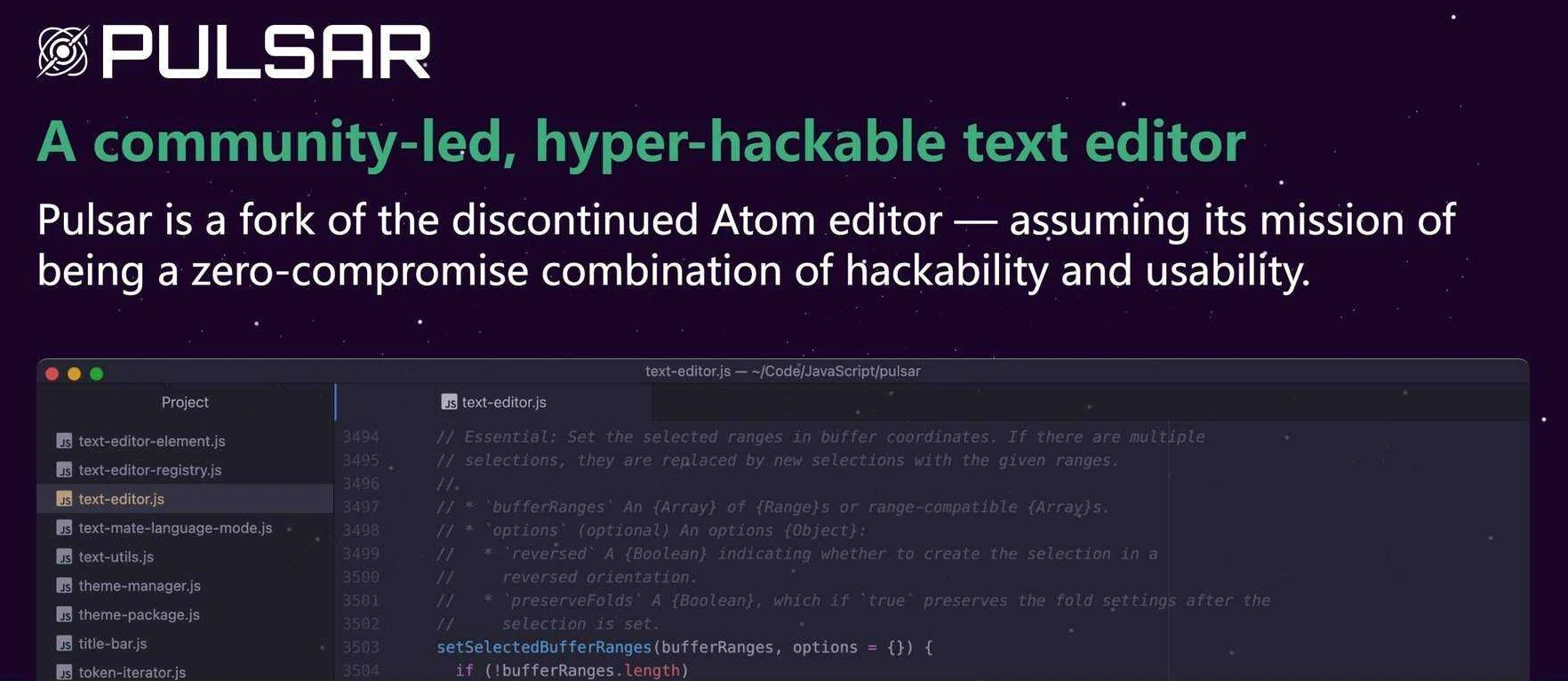
That is not what happened. Pulsar picked up the code and the spirit and became the community run successor. The interface is the one people remember, the keybindings are the same, and the package ecosystem still loads, which means an old Atom setup migrates with almost no work. The licence is MIT, and installers exist for Windows, macOS and Linux rather than a single platform getting attention.
Not life support, but steady modernisation
The team behind Pulsar does more than keep the lights on. Syntax highlighting has been moving to Tree-sitter, which changes parsing speed and accuracy in a way users feel on large files rather than in a changelog. The Electron base has been carried forward to version 30, so the editor keeps pace with the runtime it is built on instead of freezing at the version that shipped years ago.
Version 1.132.1 went further and made the terminal a core package, available out of the box instead of through a third party add-on. Smaller entries in the release notes point the same direction: conflict hints when switching Git branches, a configurable threshold for large file mode, settings for how autocompletion behaves. None of them is a headline, all of them are the friction people hit every day. Releases arrive roughly monthly.
Who should use it
If configuration files, themes and keyboard habits were formed in the Atom years, Pulsar is the only choice that takes over without a migration project. Thousands of community packages still work, theme styling survives as it was, and nobody has to relearn where things live.
For someone arriving new, it is a general purpose editor with an unusual degree of control: interface, behaviour and shortcuts can all be changed, and the package ecosystem lets the whole thing be shaped into whatever the work needs. It is not the fastest editor available, and it does not try to be. What it offers is the older promise, that the person typing decides how the editor looks and works.
That promise is worth something in a market where editors increasingly decide for you: which language server to run, which panels to show, which settings are exposed at all. Pulsar keeps the levers visible, and the community that maintains it has an interest in keeping them visible.
The trade off is the familiar one for editors built on a browser engine: start up time and memory use do not match a native implementation written in C or Rust. In exchange, the whole interface is made of web technology, which is exactly why themes can restyle anything and why a package can add a panel, a command or a full mode without touching compiled code. For someone who edits text all day in the same window, the first cost is paid once in the morning and the second benefit is collected all day.
The package ecosystem is also where the project keeps its promises honest. A package that stopped being maintained can be taken up by anyone, because the source is open and the format is documented, and that is how several of the thousand odd extensions still in use keep working. Nothing about that is guaranteed by a company roadmap; it is guaranteed by the licence.
Pulsar shows that a community can catch a project a company has set down. What was archived was a repository; what could not be archived was the people using it and the people contributing to it.