
Windows Terminal 1.24.11911: the console rewritten, tab by tab
Summary
Windows Terminal 1.24.11911 is the vendor's own open source terminal, under the MIT licence, with tabs, rich text, themes and a store channel that updates itself.
Recommend- Name
- Windows Terminal
- Version
- 1.24.11911
- Pricing
- Free
- Open source
- Open source
- Operating system
- Windows
- Updated
- 2026-10-06 01:52
Windows Terminal is the open source terminal application published by the vendor of the operating system itself, released under the MIT licence, and the repository behind it has collected roughly a hundred and five thousand stars. That repository holds more than the terminal. The source for the stable application, its preview channel and the older console host all live in the same place, along with a colour scheme tool and some sample projects. The current stable release carries the number 1.24.11911.0 with a date of 2026-07, while the preview line has already moved on to 1.25.
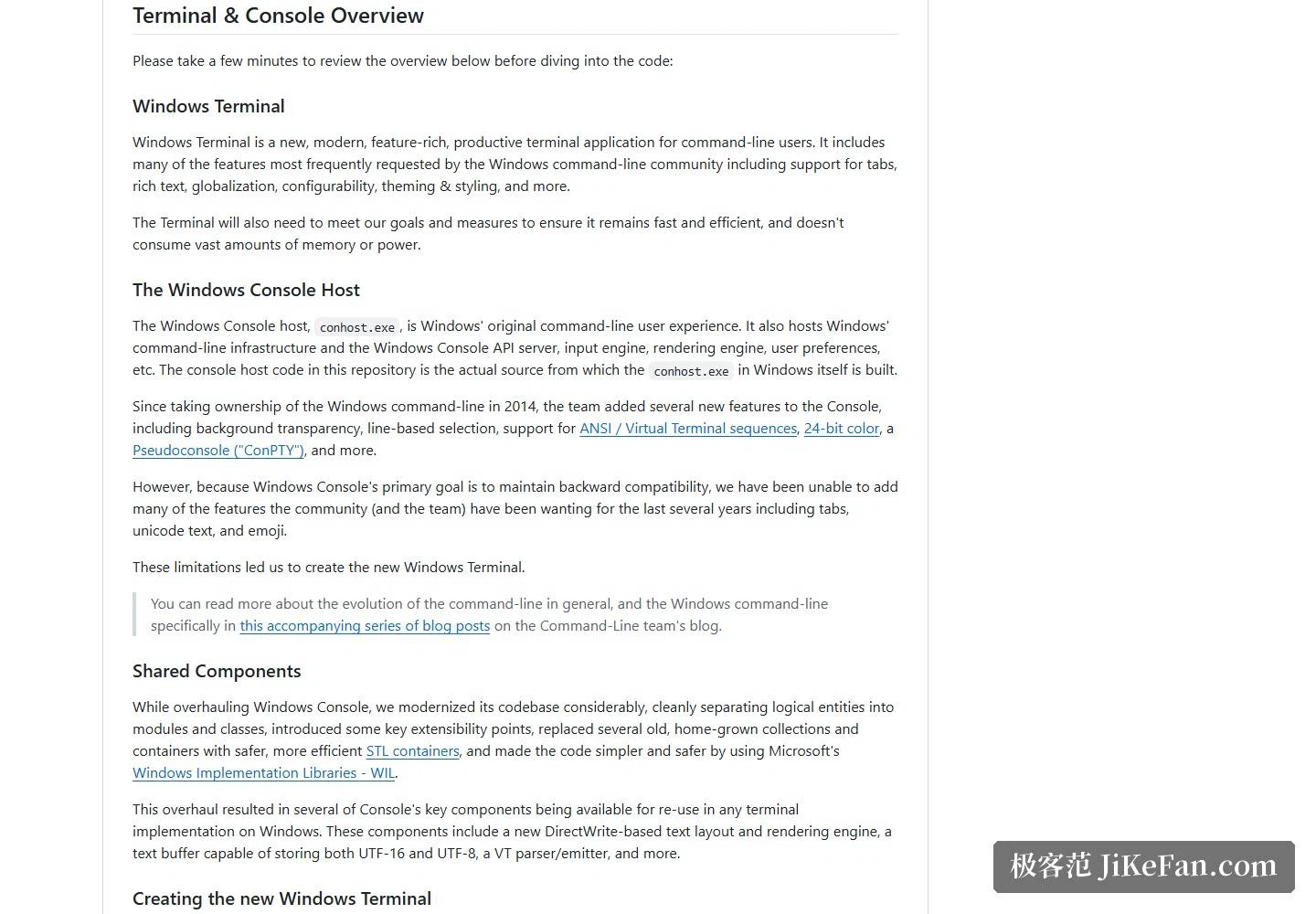
The stated purpose is a new, modern, feature rich and productive terminal aimed at people who spend their day on a command line. The features the community asked for most loudly over the years have all been taken up: tabs, rich text, internationalisation, configurability, and themes with distinct styles. The documentation is also careful to promise that it stays fast and efficient, and will not quietly eat a large share of memory and battery.
How the console became a terminal
The history laid out in the project documentation is worth reading. In 2014, when the team took over the command line in Windows, the console gained background transparency, line based selection, ANSI and VT escape sequences, 24-bit colour and a pseudo console layer for hosting other programs. But because the console had to preserve backward compatibility, the things the community had wanted for years, meaning tabs, full Unicode text and emoji, could never be added to it. That dead end is exactly what produced a separate terminal application.
The results at the level of shared components are just as concrete. A text layout and rendering engine built on the system text interfaces, a text buffer able to hold both 16-bit and 8-bit Unicode encodings at once, and a parser and emitter for the VT vocabulary, all of which any terminal implementation on Windows can reuse. A companion monospaced font is also developed in the open, in a repository of its own.
How easy it is to get running
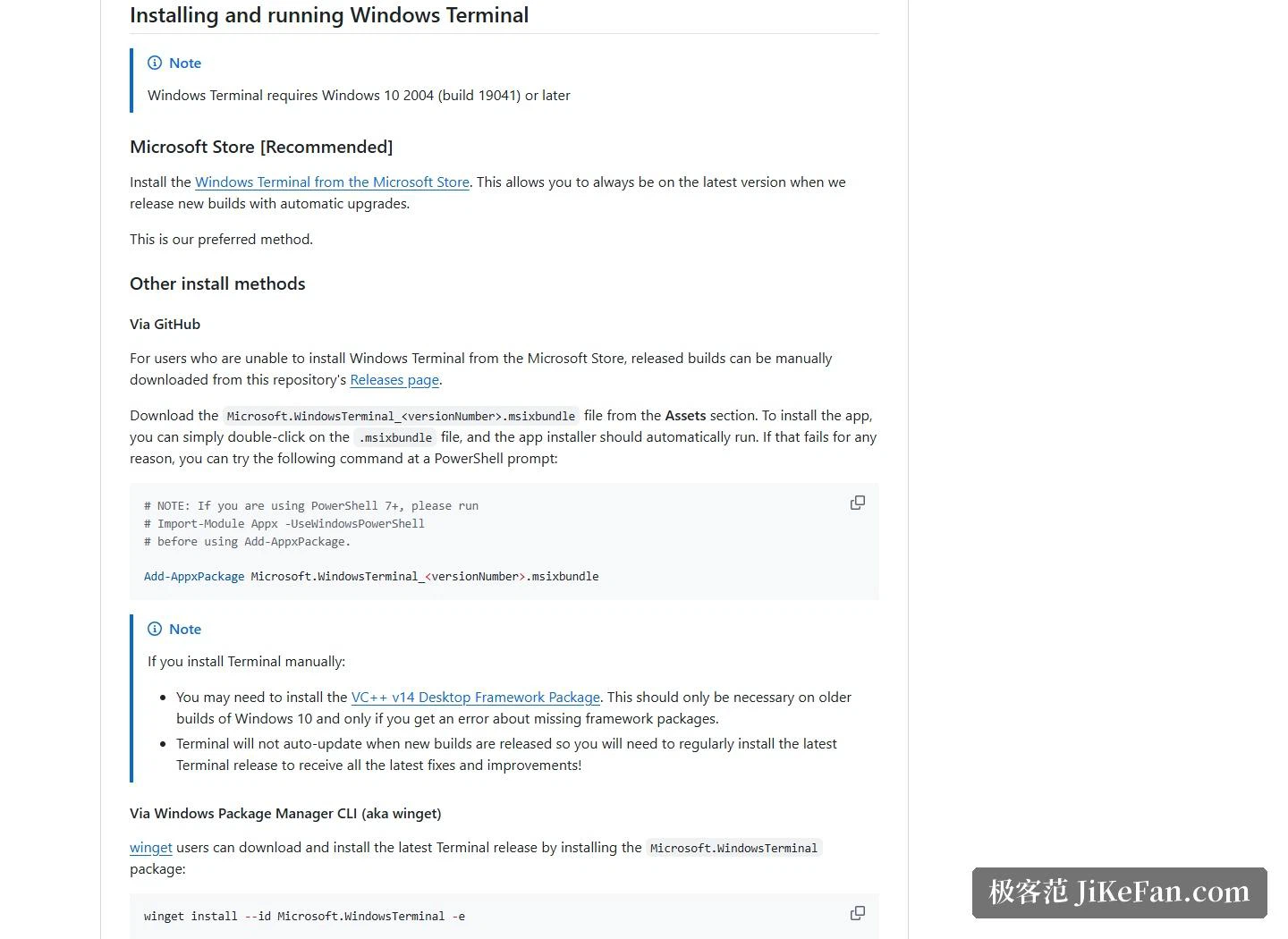
The requirement is stated plainly: Windows 10 version 2004, build 19041 or newer. The recommended route is the application store of the operating system, which upgrades the program automatically once a new release lands, and that convenience matters for anyone who does not want to think about versions. Those who cannot reach the store can take a bundle package by hand from the releases page and either open it directly or install it from a command line, with the caveat that a manual installation will not update itself.
People who live in a shell have their own routes as well, through a command line package manager, plus two community maintained package channels. Anyone who wants to see the future before it arrives can opt into a daily build channel.
Rhythm of releases
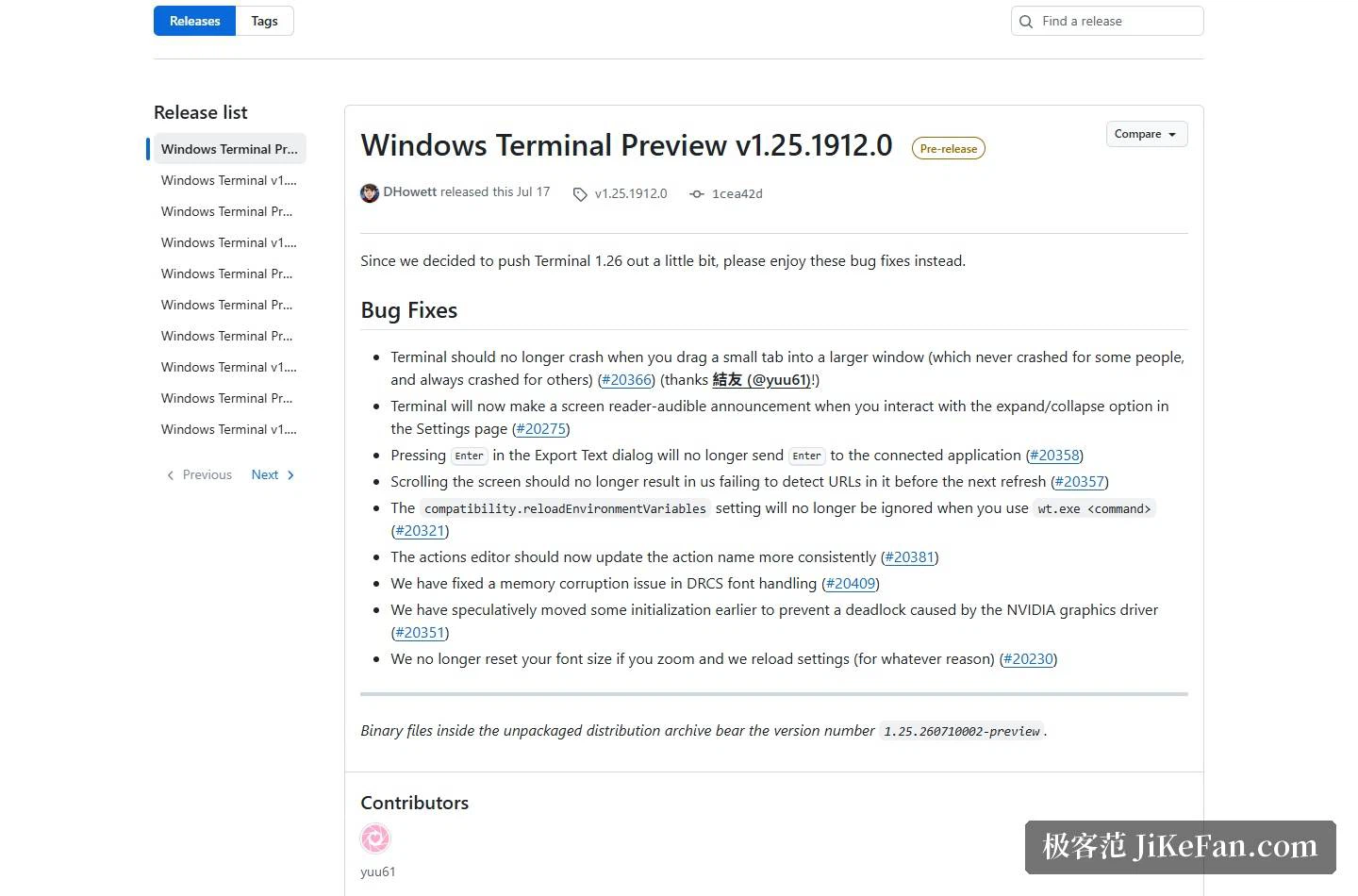
The releases page makes the pace of the project obvious at a glance. The stable release 1.24.11911.0 is tagged as the latest, with the preview 1.25.1912.0 close behind it. The release notes are candid in tone as well, noting that the stable channel keeps being hardened while the next feature release is deliberately pushed a little further out, and that this batch of fixes fills the gap meanwhile. What follows is a list of repairs: a crash when dragging a tab, screen reader announcements, and the way the return key behaves in an export dialogue.
This is close to a model case of a vendor building an open source tool in the open: a modern architecture, a permissive licence, frequent updates, and automatic updating through the store with no barrier at all for an ordinary user. If the old console with its blue background and white letters is still what you see, it is time to move on.