
PrivaZer: What Deleted Actually Means on a Disk
Summary
PrivaZer is a free Windows cleaner built on an uncomfortable fact: removing a file does not remove its contents. It scans for the traces left behind, overwrites what it finds, and clears the free space where old data still sits.
- Name
- PrivaZer
- Version
- 20260403
- Pricing
- Free
- Open source
- Proprietary
- Operating system
- Windows
- Website
- https://www.privezer.com/
- Updated
- 2026-10-09 22:00
The uncomfortable fact underneath the whole idea
When you delete a file, the operating system does something modest: it removes the entry that says where the file lives and marks those blocks as available. The bytes stay exactly where they were. They stay until something else needs the space and overwrites them, and on a big disk that can be a very long time. Every recovery tool that exists works on this principle, and so does every privacy incident that begins with a machine being sold, lent, or repaired.
PrivaZer is built on that fact rather than around it. It is a free Windows tool with two jobs that look separate and are not: finding the traces that ordinary cleaning misses, and overwriting data instead of merely detaching it. The second job is what makes the first one worth doing — there is no point locating something sensitive if the response is to unhook it and leave it lying there.
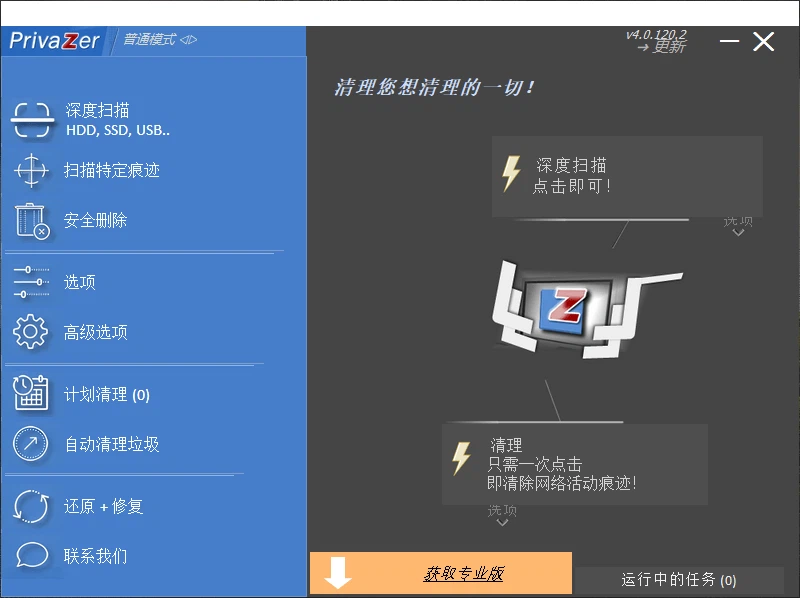
What a deep scan is actually looking for
The visible part of this is familiar: browser history, cache, cookies, the list of files recently opened. The less visible part is the reason the tool exists. Applications write logs, thumbnail caches, crash reports, temporary files that were never cleaned up, and indices that record what you searched for. None of these appear in an ordinary cleanup dialogue, all of them survive a deleted file, and most of them are readable by anyone who gains access to the disk.
A deep scan walks the areas where this material accumulates and reports what it finds before acting. That ordering matters and deserves to be respected: a cleaner that deletes first and explains later is a cleaner you cannot audit. Being shown the list, and being allowed to uncheck things, is the difference between a maintenance tool and an act of faith.
Overwriting, and the honest limit of the promise
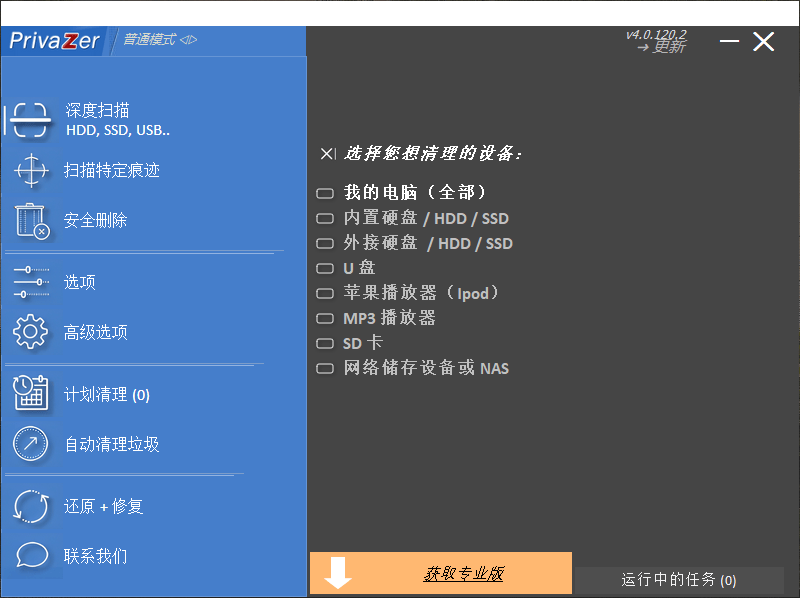
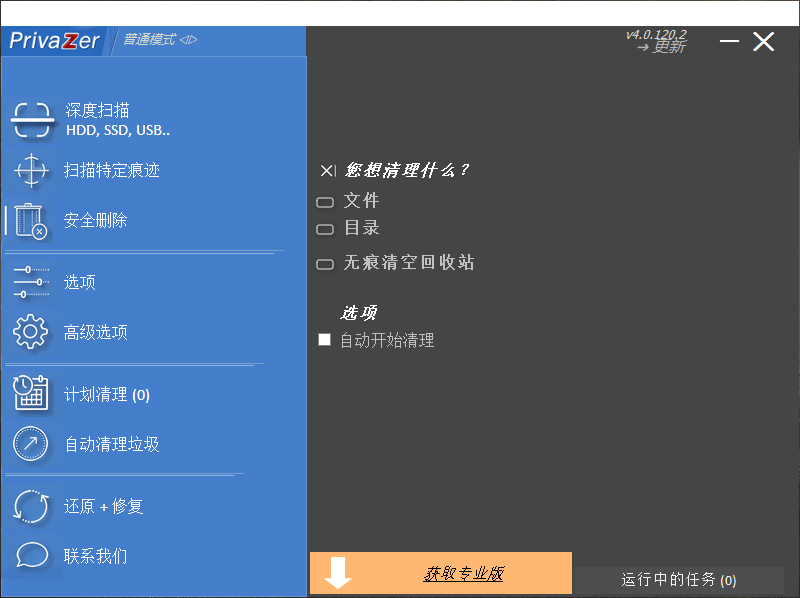
Secure deletion works by writing over the blocks that held the data, so that whatever is read back is new noise rather than the old content. On a magnetic disk this is a coherent idea and the tool's claim to render data unrecoverable is reasonable. On a solid state drive it is more complicated, and the complication is not the software's fault: those drives relocate data internally to spread wear, so the copy the file system thinks it overwrote may not be the only copy that physically exists. Whole-disk encryption, or the drive's own secure erase command, does more for that case than any overwriting utility can.
This is worth stating plainly because it changes how the tool should be used. As a way of removing traces from a working machine before it changes hands, overwriting is exactly the right instrument. As a guarantee about a device that has already left your possession, no software of this kind can offer one, and any that claims to is selling certainty it does not have.
The second benefit, which is not about privacy at all
Clearing temporary files, caches and leftover installers frees space, and on a machine that has been in use for a couple of years that space is not trivial. The performance improvement that follows is usually described too generously: a disk with more free space and fewer stray files does behave better, but the gain is modest and it is not a substitute for memory or for a faster drive. What genuinely improves is the feeling of the machine being understood — knowing what is on it, rather than guessing.
This is also where the risk sits. A cleaner with broad permissions can remove something a program needed, and the symptom appears later and elsewhere. The defence is the same as everywhere in this category: read what is selected before agreeing, keep the first run conservative, and do not let a tool decide on your behalf what counts as unnecessary.
Where it earns a place
Three situations make this kind of tool clearly worth having. A machine about to be sold, given away or sent for repair, where the point is that the next person finds nothing. A shared or workplace computer, where the traces of one person's session are visible to whoever sits down next. And an ordinary personal computer that has never been cleaned, where the accumulated material is both a privacy exposure and a few gigabytes of wasted space.
The two user quotes in the original description — reassurance about personal data, and a machine that runs faster — describe those first and third situations accurately, and they are the honest reasons people keep a tool like this installed. What they do not describe is the middle case, which is the one where the tool is doing the most useful work and getting the least credit.
Being free, and what that implies
A free privacy tool is in an awkward position: it asks for deep access to a disk while costing nothing, and the user has no purchase relationship to hold it to. That is not an accusation, it is a reason to be deliberate. Install it from the developer rather than from a bundle, read what the scan reports before running the clean, and keep the settings that decide what gets touched under your own control rather than accepting defaults wholesale.
Verdict
PrivaZer does one job that most cleanup utilities only pretend to do: it deals with data that has already been deleted, which is where the real privacy exposure lives. The deep scan is informative, the secure deletion is the correct instrument for magnetic disks, and the free-storage side benefit is real if unspectacular. The caveats are worth keeping in view — solid state drives complicate the overwrite promise, and a tool with this much access should be pointed at specific jobs rather than left to run unattended. Used that way, it answers a question most people never think to ask until the machine is already out of their hands.