
Doubao Input Method: The Layer Between a Keystroke and a Character
Summary
Doubao Input Method is a free Chinese keyboard for Android and iOS built around an awkward problem: a Latin keyboard, thousands of characters, and a user who expects the right one first. Predictive candidates, voice input and a dictionary that adjusts to the person typing.
Recommend- Name
- Doubao Input Method
- Version
- 20260403
- Pricing
- Free
- Open source
- Proprietary
- Operating system
- AndroidiOS
- Website
- https://shurufa.doubao.com/
- Updated
- 2026-10-09 22:00
An awkward problem nobody thinks about
Typing Chinese on a phone is a two-stage act that users have stopped noticing. You press Latin letters, which spell out how the syllable sounds; the software turns that string into a short list of characters that could match it; you pick one. Everything difficult happens in the middle. A single syllable can correspond to dozens of characters, the same syllable appears in thousands of words, and the correct answer depends on grammar, on the topic, on what the previous sentence was about, and on the particular vocabulary of the person typing.
Doubao Input Method is a keyboard for Android and iOS that lives entirely in that middle stage. It is free, it is not open source, and its whole value is measured in two questions that a user never asks consciously: how often is the first candidate right, and how much does typing cost in attention. Everything the description claims — prediction, voice, a personal dictionary, sync between devices — is a different answer to those two questions.
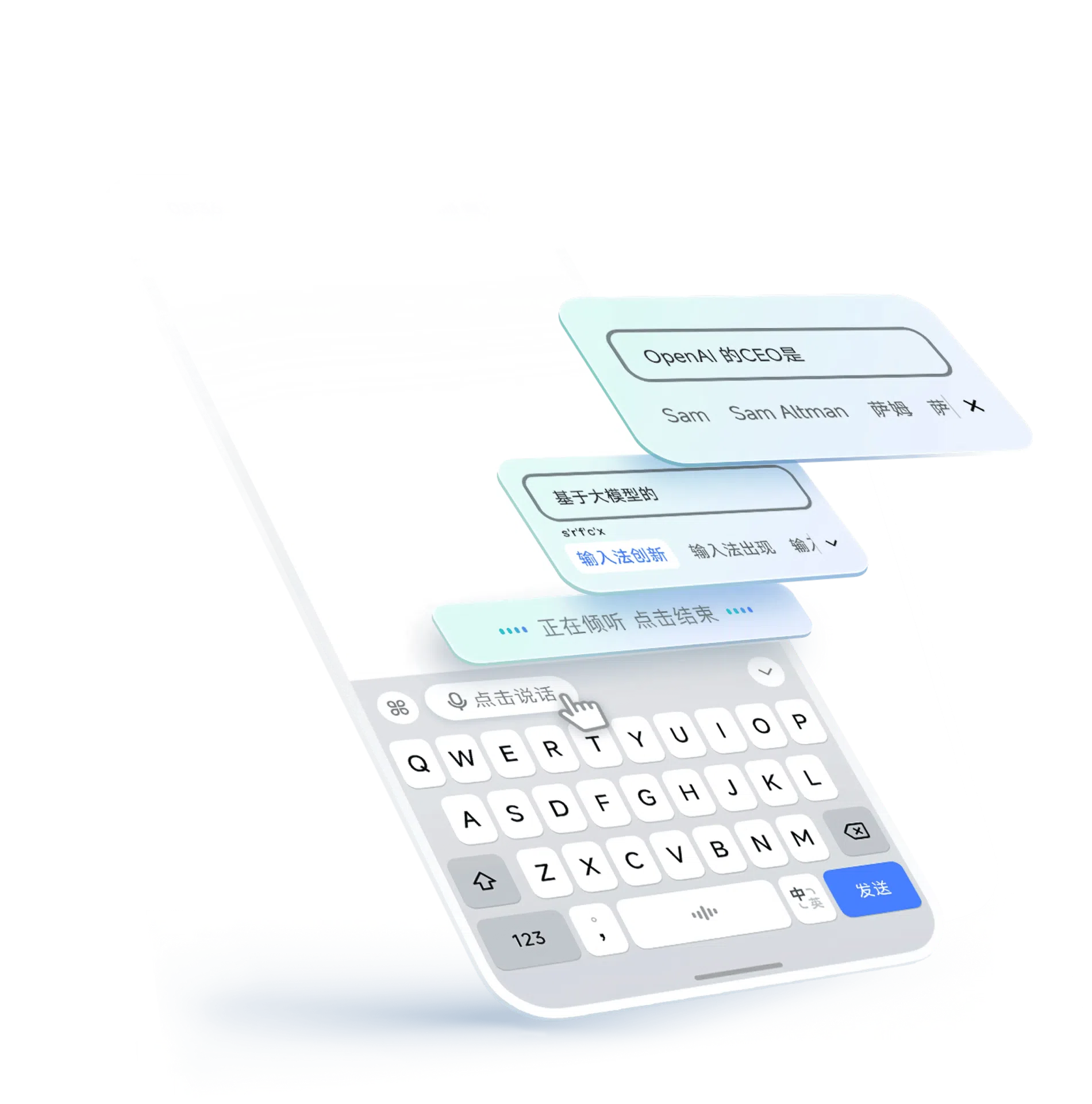
Prediction is a statistics problem wearing a friendly face
The candidate list is where an input method is won or lost. A good one does not simply offer every character that matches the spelling; it ranks them by how likely they are in this position, in this sentence, after the two words that came before. That is why the quality of the suggestions improves with use — the model has more evidence about what this person writes about.
The same mechanism explains the most common complaint. A model trained on general language will keep proposing the common word when you wanted the unusual one, and the correction is remembered only if the software is designed to remember it. Frequent small frustrations of this kind are why input methods are judged by feel rather than by feature list: nobody can name the ranking algorithm, but everybody knows when it guesses wrong twice in a row.
Voice input changed what the keyboard is for
Speaking instead of typing is the feature that most changes behaviour, because it removes the two-stage problem entirely: there is no spelling, no candidate list, only speech converted to text. The situations where this matters are specific and worth naming — walking, driving, cooking, holding something with both hands — and they share a property: the person cannot look at the screen, which is exactly when a keyboard is useless and a microphone is not.
The honest limit is that recognition degrades in the conditions where hands-free matters most. A busy street, a car, a room with other conversations — these are harder than a quiet desk. Voice input is best understood as a second channel that is excellent in some places and unusable in others, not as a replacement for typing.
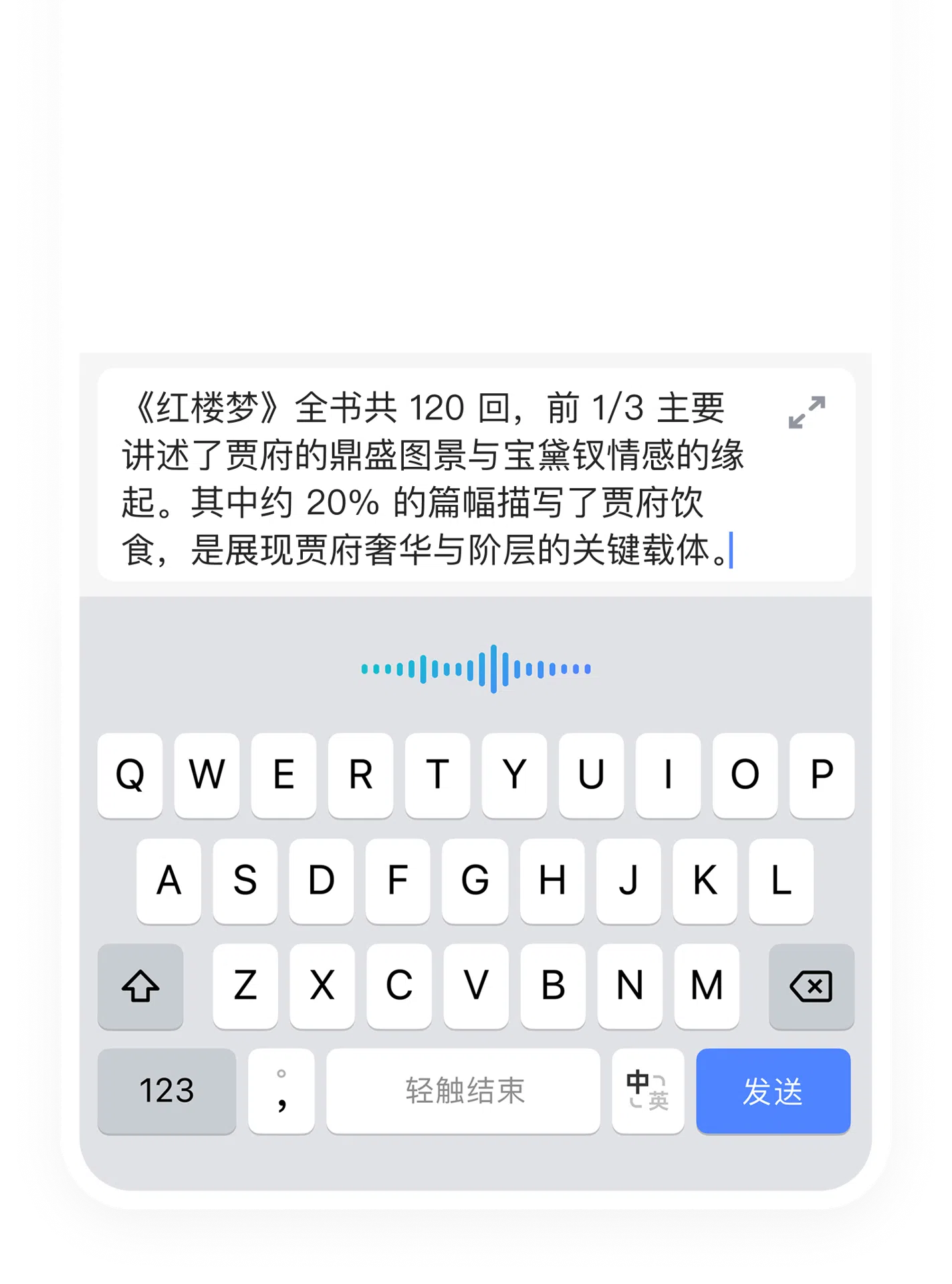
The personal dictionary is the quiet workhorse
Adding and removing words sounds like a minor setting and is actually the feature that separates a keyboard that is adequate from one that is pleasant for a particular person. Names, product terms, place names, the abbreviations a workplace invents — every one of them is a word that the general model will get wrong, and every one of them will be typed hundreds of times. Once it is in the dictionary, it stops being a small daily tax.
Handwriting recognition belongs in the same category. It is slower than typing for long text and indispensable for the case where you know what a character looks like but not how it is spelled — a situation that is common enough among people who read more than they type, and one that no amount of prediction can solve.
What syncing actually buys
Keeping the same input behaviour across devices means the dictionary, the habits and the ranking travel with the person rather than with the phone. That matters more than it sounds: an input method that has spent months learning your vocabulary is a genuine asset, and starting from zero on a new device is a real loss. The cost is the familiar one — what is synced is also stored somewhere, and a keyboard sees everything typed, including things that should not be stored anywhere. That trade should be made consciously, and it is the strongest argument for choosing an input method from a vendor whose data practices you are willing to accept.
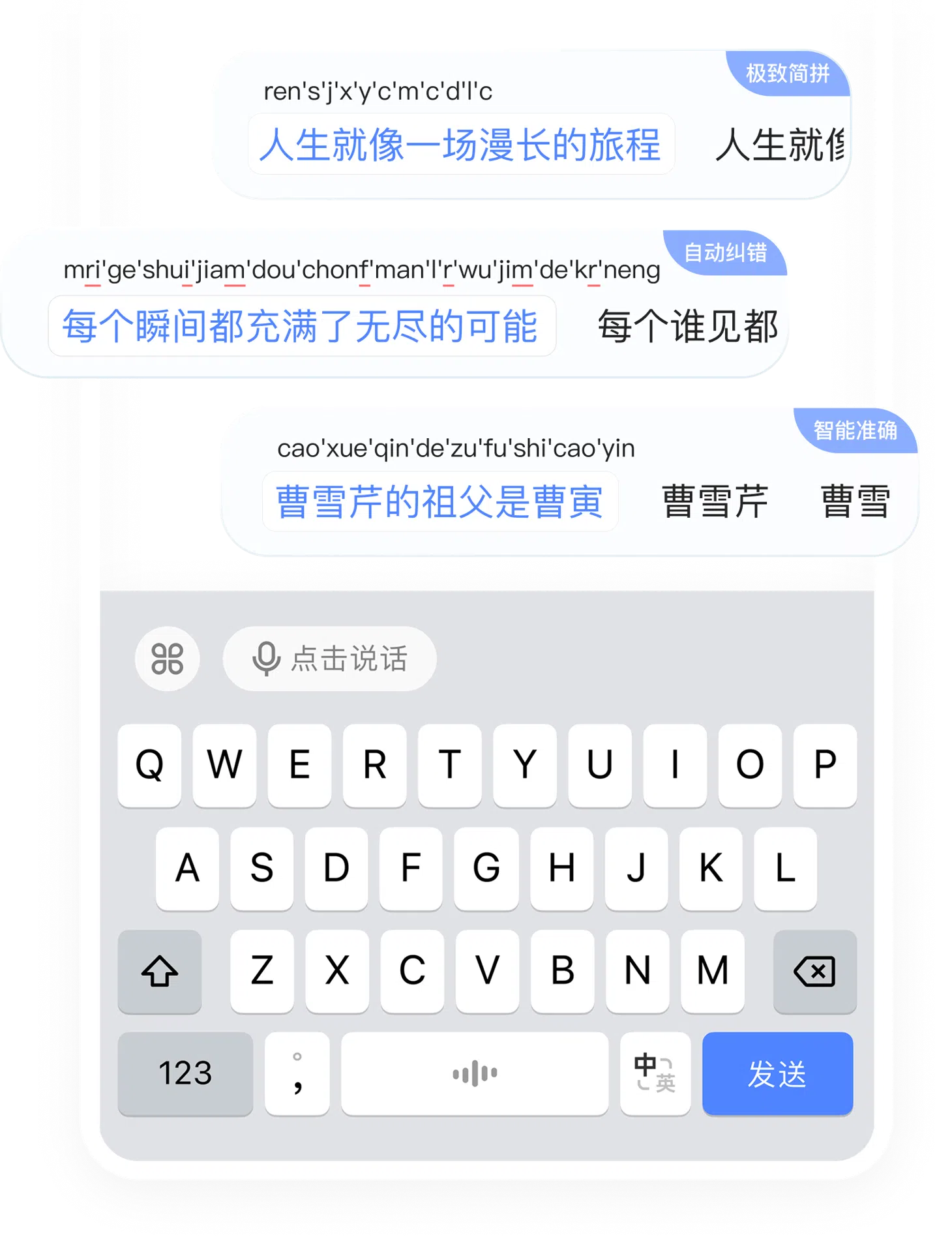
Where it fits in a day
The three situations named in the original description are accurate and unglamorous. In an office, accurate prediction means a message is written in fewer keystrokes and with fewer corrections, which is a small gain repeated fifty times a day. In a classroom, voice input turns a lecture into notes without requiring the student to look down. In social applications, where most messages are short and most replies are quick, the value of a good first candidate is at its highest because there is no time to correct anything.
What none of this is, is a reason to change how you write. An input method is infrastructure: it succeeds by disappearing, and the best evidence that it is working is that you never think about it. Judged that way, the features that matter are the dull ones — latency, candidate order, and whether the dictionary remembers what you told it yesterday.
Verdict
Doubao Input Method is aimed at the ordinary case: someone typing Chinese on a phone, in a hurry, in conditions that are not ideal. It covers the parts that case needs — prediction that improves, voice for when the hands are busy, handwriting for when the spelling is unknown, a dictionary that can be taught, and sync so the teaching survives a new device. It costs nothing, which lowers the bar for trying it, and it is not open source, which is the thing to weigh if you care where typed text goes. On a keyboard, that question is worth more attention than any feature comparison.