
Wondershare PDFelement: edit a PDF as if it were a document, summary and translation in the same flow
Summary
A full function PDF editor: text and pictures are changed in place without a round trip through another format, recognition turns scans into searchable text, batch conversion, forms and electronic signatures are all present, and an assistant can summarise, answer questions about the document and translate. It runs on the desktop, on a phone and in a browser, by subscription or as a single purchase.
- Name
- Wondershare PDFelement
- Version
- 11
- Open source
- Proprietary
- Operating system
- WindowsmacOSAndroidiOS
- Website
- https://pdf.wondershare.com
- Updated
- 2026-10-05 23:38
Editing a PDF should not cost the price of a profession
Say the words PDF editor to most people and the first reaction is that it will be expensive. This one takes the other road. The layout follows the shape people already know from ordinary office software, with editing, conversion, comments and signatures each in a clear place, so anybody who has used a word processor needs almost no new learning. It covers the desktop, a phone and a browser, and files can be passed from one device to the next through a companion service in the cloud, so a contract can be started at a desk and signed on a train.
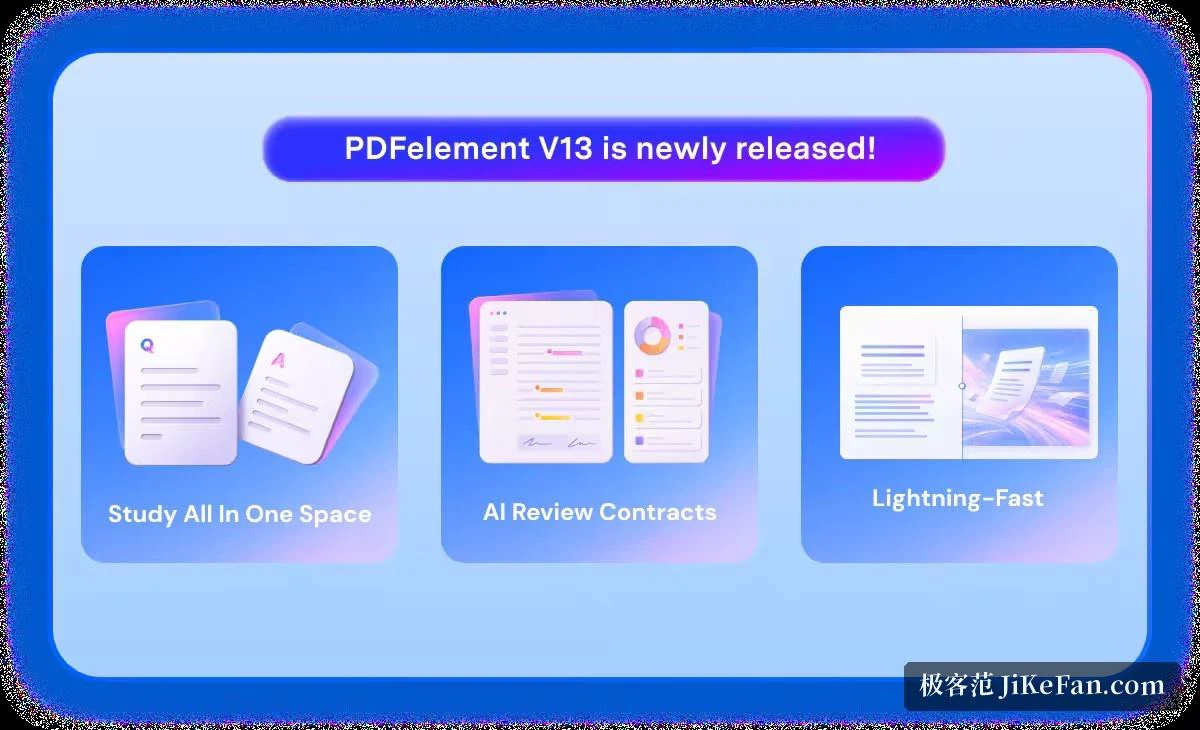
Change a PDF the way a document is changed
Text and pictures inside the PDF can be edited directly, without the detour of converting the file into something else and converting it back, and the way paragraphs reflow and fonts are substituted is better than most of its neighbours manage. A scan can be put through text recognition and come out as a document that can be searched and edited, and the recognition handles more than one language. A whole file, or a folder of them, can be turned into a word processor document, a spreadsheet, a presentation or a set of pictures in one movement, and the repetitive chores have their own doors: watermarking in batches, encrypting in batches, and the rest.
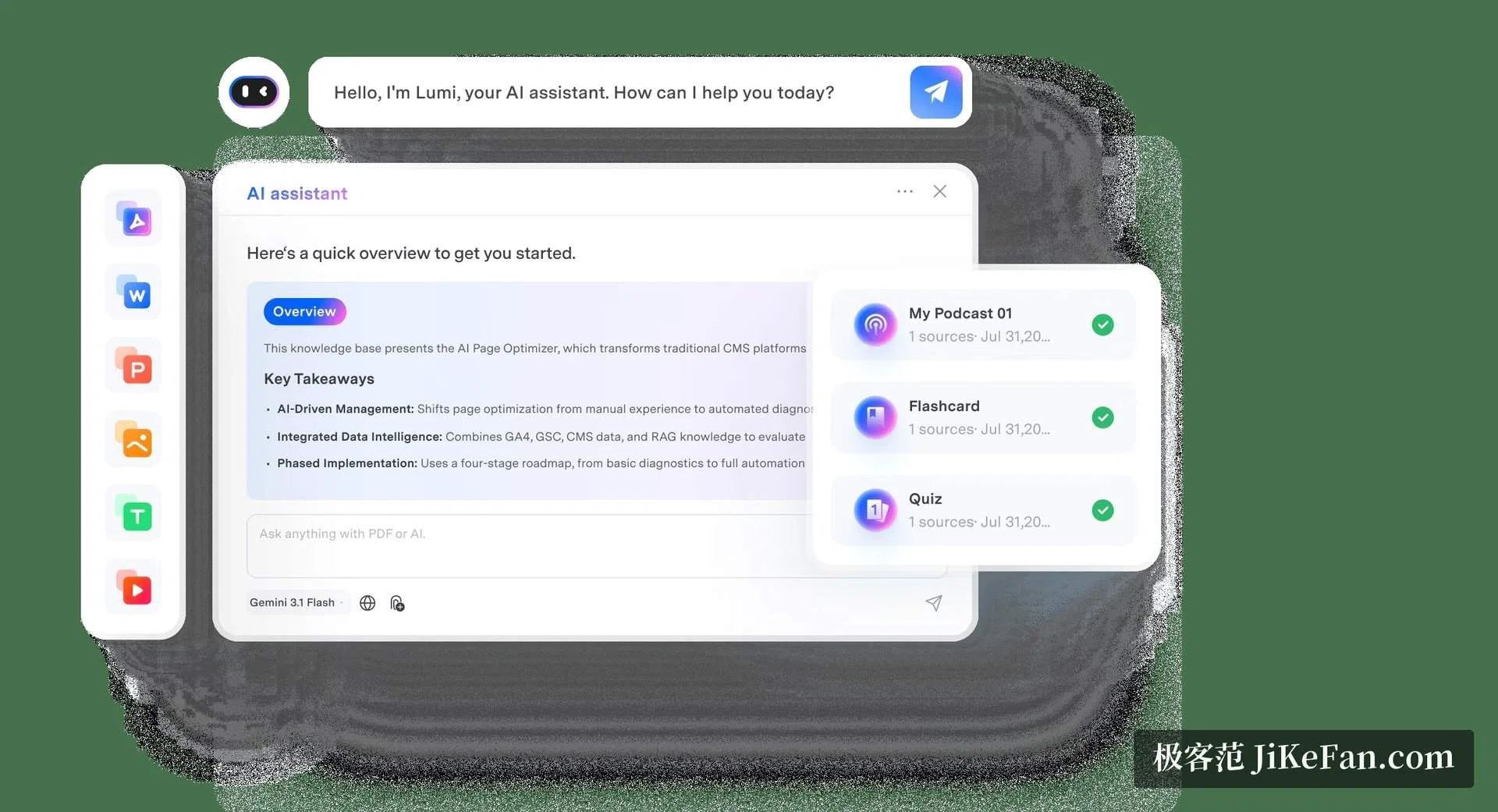
An assistant has been brought in
The newer releases put an assistant into the reading and editing flow. A long document can be summarised and its key terms pulled out; questions can be put to the document and the answer points back at the place in the text it came from; translation, grammar checking and rewriting all act on whatever is selected, which saves the constant switching of tools that a foreign contract or a paper otherwise demands. The assistant is charged by use, and it is an addition rather than a condition: the editing that the program is for works without it.
Forms, signatures and a serious attitude to secrecy
Building and filling forms is one of its stronger sides. Interactive forms can be made and the data pulled out of them in batches, which suits questionnaires, sign up sheets and the annexes of a contract. An electronic signature can be tied to a handwritten mark, and a signed document can carry a timestamp. For material that must not travel, there is a redaction tool that genuinely removes the sensitive part from the file instead of drawing a black box over it, and encryption and permissions can be set finely enough to treat printing, copying and editing as separate decisions. The panel for pages allows them to be dragged into a new order, split and merged, so a long document can be tidied without reaching for another program.
Flexible terms, and a trial that shows the goods
The terms are more flexible than the field usually offers: a subscription by the year, or a permanent licence bought once. The price sits clearly below the big international names, which suits individuals and small teams. The free trial opens most of the functions and puts a watermark on what is exported, so trying before buying is a real test rather than a brochure, and the assistant comes with a small free allowance as well. As of September 2026 the eleventh release keeps adding to what the assistant can do, and the experience across the three kinds of device is being brought closer together. Anyone who wants a PDF toolbox that is complete, quick to learn and reasonably priced should give it a look.
The one thing to watch
A tool that does this much carries the temptation to do everything, and the honest advice is to buy it for the editing and the forms and treat the assistant as a bonus. The work that pays for the licence is still the plain one: opening a file somebody sent, changing a sentence, signing the last page, sending it back. That part is fast, and it is the part that gets used every day.