
pCloud: encrypted cloud storage sold as a one time purchase
Summary
A cloud storage service that charges once rather than yearly. Registration starts with a basic allowance that simple tasks can push up to 10GB, an optional encryption add on leaves the service holding only ciphertext, and clients exist for five desktop and mobile systems.
Recommend- Name
- pCloud
- Version
- 20261011
- Pricing
- Free
- Open source
- Proprietary
- Operating system
- WindowsmacOSLinuxAndroidiOS
- Website
- https://www.pcloud.com/
- Updated
- 2026-10-12 11:13
Before handing files to somebody else s machine room, make sure the key is still in your own hand.
How far the free allowance reaches
pCloud is a cloud storage service. The help centre defines the free tier precisely: capacity of up to 10GB. That number is a ceiling rather than a starting point. Registration gives 2GB, and the rest unlocks gradually through tasks such as finishing the onboarding tour or inviting friends. Describing both the initial figure and the ceiling separately is the honest way to present it, and it avoids the disappointment of expecting 10GB on the first day.
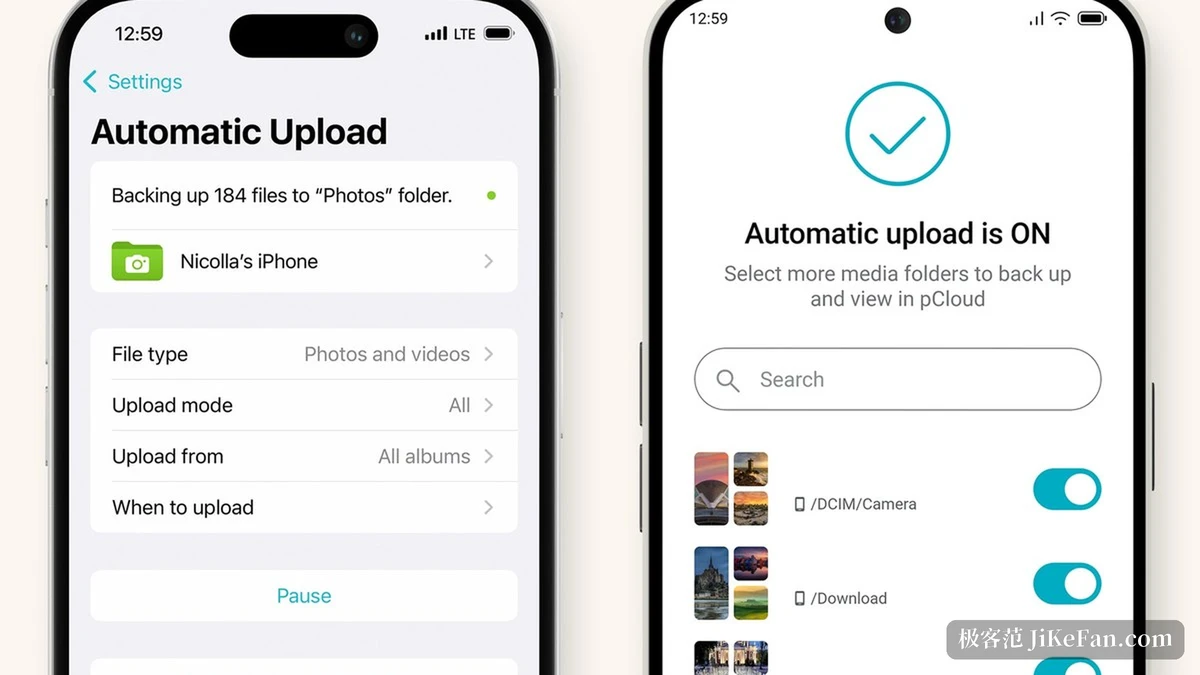
Beyond the browser there are sync clients. The download page lists Windows, Mac, Linux, iOS and Android, so both the desktop and the mobile side can have a program installed, and moving between machines does not mean opening a browser each time. For anyone who works across two or three devices in a day, that is the difference between using the service and remembering to use it.
It is worth being clear about what the free tier is for. At 2GB it holds documents and a modest number of photos, which makes it a reasonable place to test the sync behaviour and the client itself. It is not a place to keep a media library, and treating it as one is the usual source of frustration with any storage service.
Buying once instead of subscribing
The most notable difference of this service is how it charges. The pricing page marks several tiers as lifetime and notes a single payment, with capacity from 500GB to 10TB: the discounted prices listed are 219 US dollars for 500GB, 499 for 2TB and 1499 for 10TB. After paying, no periodic charge follows, so the long term cost can be worked out once and left alone. The page also states that the price is final, with no setup fee or hidden extras.
The larger the capacity, the more the cost per unit falls, and the three tiers form a gradient that covers everything from personal archiving to a small team asset library. For anyone who dislikes renewing every year and does not want another fixed line in the accounts, this model is easier to accept. The catch is that the decision has to be made upfront: buying too small means buying again, and the discount on the second purchase is not guaranteed.
Item | Official notes |
|---|---|
Free tier | 2GB at sign up, unlockable to 10GB through tasks |
Lifetime tiers | 500GB at 219, 2TB at 499, 10TB at 1499 US dollars |
Pricing | final price, no setup fee or hidden charges |
Encryption add on | zero knowledge, only the owner knows type and contents |
Clients | Windows, macOS, Linux, iOS and Android |
Data location | European or United States data centres |
Encryption and where the data sits
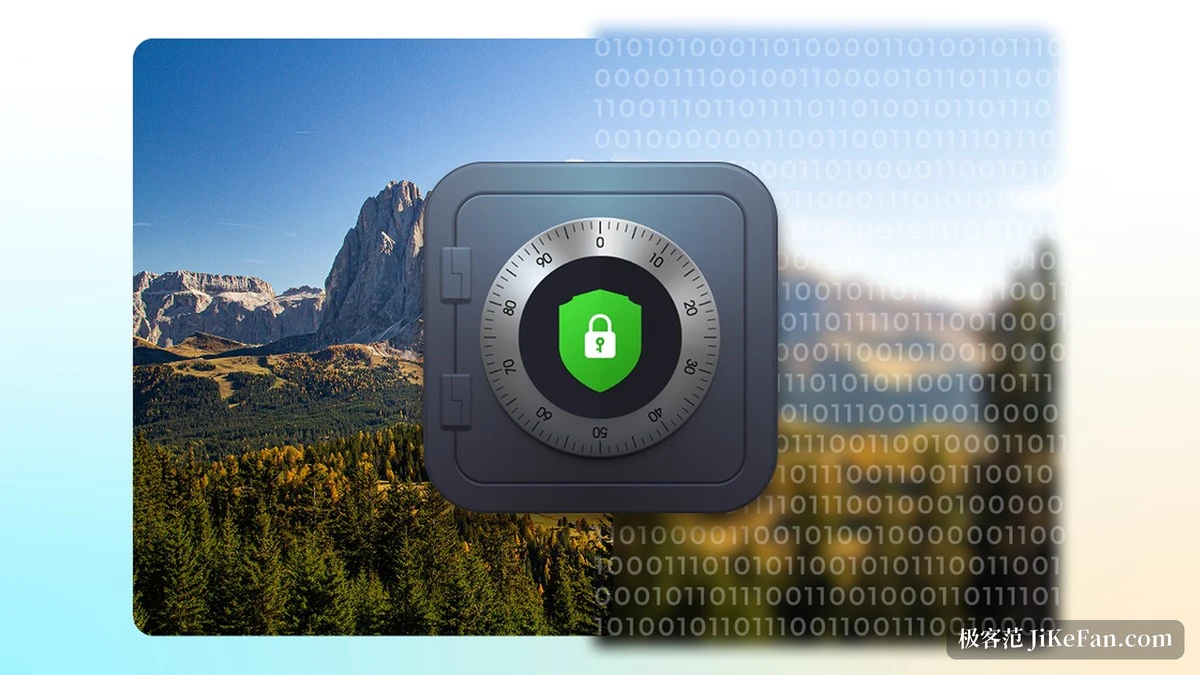
Sensitive material can go into the encryption add on. The official notes describe a zero knowledge arrangement in which only the user knows the type, contents and size of a file, because encryption happens before the file leaves the machine and the service keeps ciphertext it cannot read directly. Scanned identity papers and financial records belong in an encrypted folder rather than a plain one.
The location of the data is also a choice. The service describes itself as Swiss, and users can pick between data centres in Europe and the United States, deciding by their own compliance needs where material should rest. For teams working across regions, that point deserves more weight than a raw capacity figure.
The practical consequence of a one time payment deserves a mention too. There is no renewal date to forget and no price change to absorb, but there is also no monthly reminder that the service exists. Keeping a local copy of anything irreplaceable, on a drive you own, remains the habit that makes any cloud arrangement safe rather than merely convenient.
Long term storage rests on knowing where it sits, who holds it, and what you can still recover in the worst case.
A few suggestions. Run through the onboarding tasks first to unlock the free allowance to its ceiling, and only consider buying once sync speed and the client feel right. Put important material in an encrypted folder, but back up the passphrase separately, since the service cannot restore it for you. And work out the capacity you actually need before choosing a tier, because buying larger than necessary is the one mistake a lifetime licence does not let you undo cheaply.