
Muse: Meta hands an AI its own cloud computer so it can actually do the errands
Summary
Meta's personal agent Muse runs on a separate cloud machine with its own browser: it fills forms, compares prices and places orders, keeps working after you close the app, and asks Sentinel before anything irreversible.
Recommend- Name
- Muse
- Version
- 20260908
- Open source
- Proprietary
- Operating system
- macOSWeb
- Website
- https://muse.ai/
- Updated
- 2026-10-10 11:01
Meta put an AI agent inside a separate computer in the cloud, and told it to open the browser, fill the forms, compare the prices and place the order, stopping to ask only before something cannot be undone.
Meta released the personal agent Muse on 8 September 2026, describing it as the first personal AI agent built for everyone. The weight of that sentence is not on chatting. It is on a verb: Muse is meant to act on the user's behalf, not merely to advise.
Handing over a job follows the pattern people already know. Inside the Muse app, on a Mac, or straight in WhatsApp, describe the goal the way you would describe it to another person, and the official line is that there is nothing to learn and no technical background needed. It runs on Muse Spark, a model Meta built in house, which the company says was trained for long, multi step real agent work.
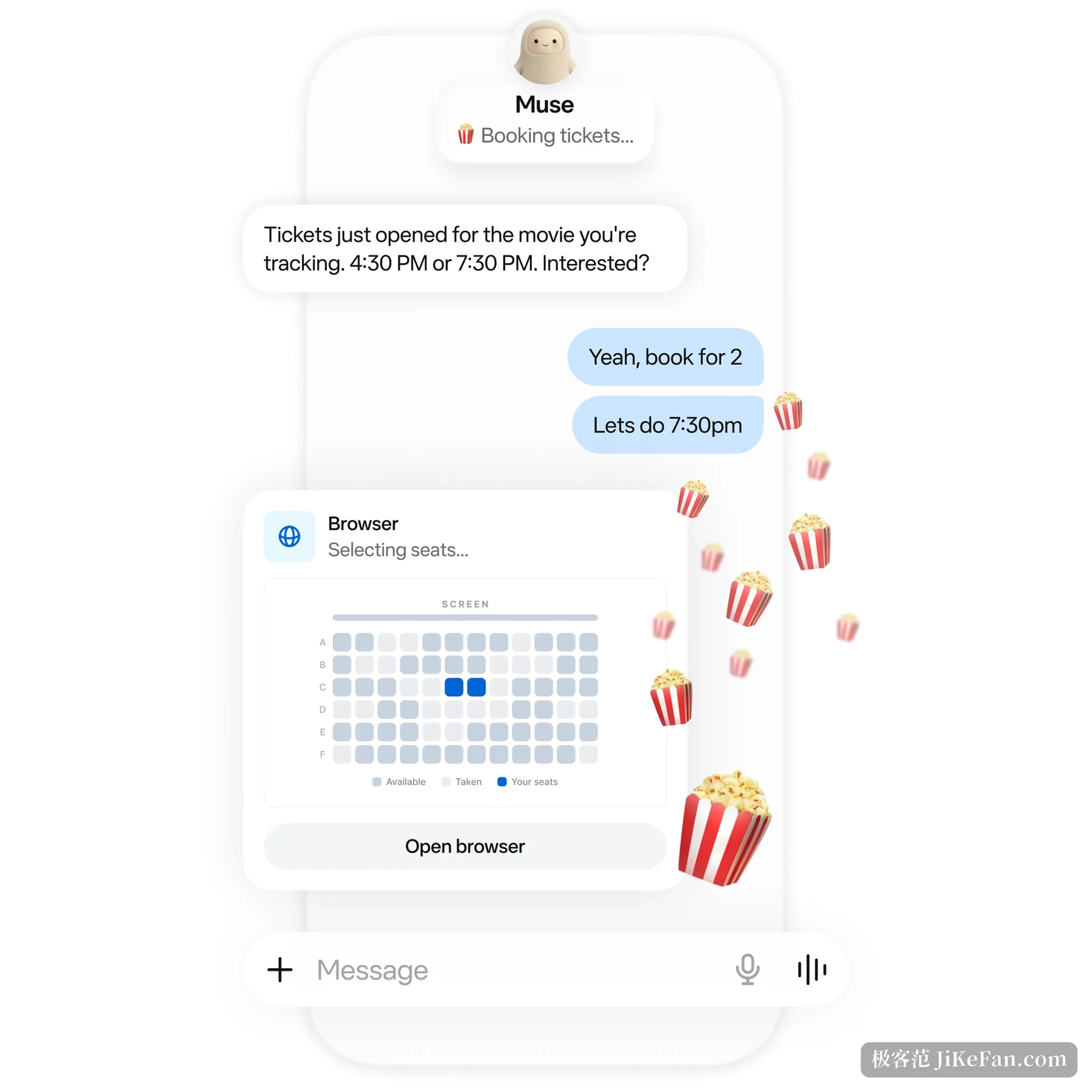
It lives in a cloud computer of its own
Unlike an assistant installed locally that borrows the user's hardware, Muse runs inside a cloud virtual machine called Muse Secure VM. The machine is allocated per user and carries a complete browser along with storage, processor and memory enough for real work. According to Meta, those resources have to be enough for it to compile code it wrote itself and to run concurrent subtasks and scheduled jobs.
The machine is deliberately cut in two. The Muse core, together with the user's workspace, files and the tools it operates on the user's behalf, runs in a runtime container; root inside the container is mapped to an unprivileged user on the host, which is to say root in the container is not root on the machine. The container has a root filesystem separate from the host, its system calls are filtered, and kernel capabilities are reduced. The security service lives outside the container as a separate system unit.
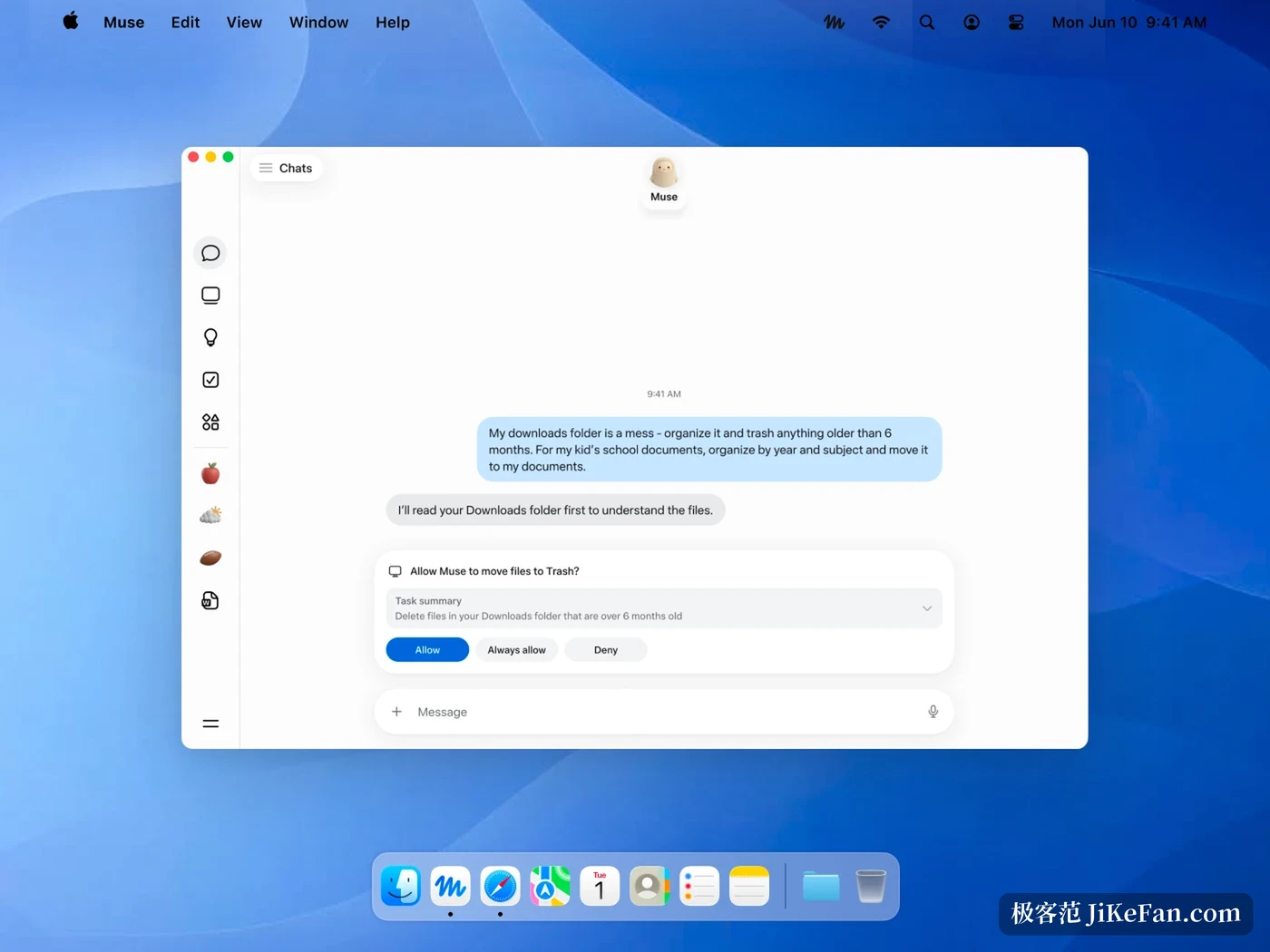
Muse does the work, Sentinel lets it through
What decides whether something may happen is not Muse. Meta placed another agent on the same machine, separated from it, called Sentinel. Muse can only propose an action; only Sentinel can grant permission to execute. Every call to a third party service through a connector, and every individual outbound request, passes through it. It judges a request by hostname, resolved address, port, protocol, method and path, and uses address level restrictions so that a domain which looks public cannot resolve to internal infrastructure.
When Sentinel decides a matter needs a person, it suspends execution and pushes the pending action straight to the client interface instead of burying it in a conversation for the user to find. Approval comes in several granularities: once, for the session, for the task, for a time window, or permanently, and it is bound to a specific destination and purpose. The official position is that read only actions, previously allowed ones, or provably low risk ones do not interrupt, and friction sits only where consent is genuinely needed.
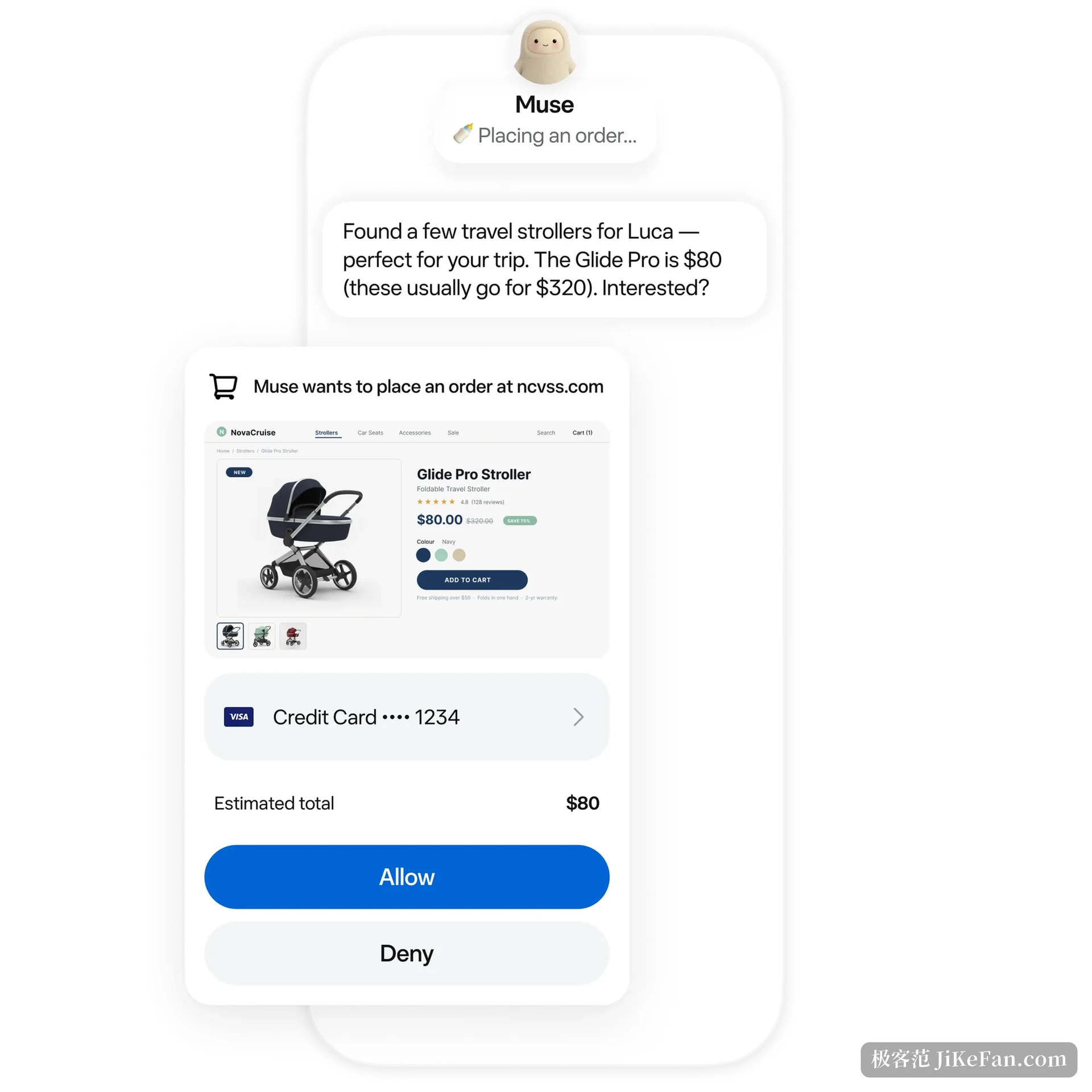
Passwords and card numbers are hidden from it
An agent that can log in and pay for you cannot avoid the credential problem. Muse solves it by keeping the model away from the real thing: login details sit in a vault it cannot read and a dedicated component fills them in at the right place, and at checkout a one time card number is generated so the real number stays hidden from both the merchant and the agent.
On the payment side Muse plugs into Stripe Link. Meta claims it is the first AI agent covered by Link purchase protection, which covers items that go missing, arrive damaged, drop in price or are returned.
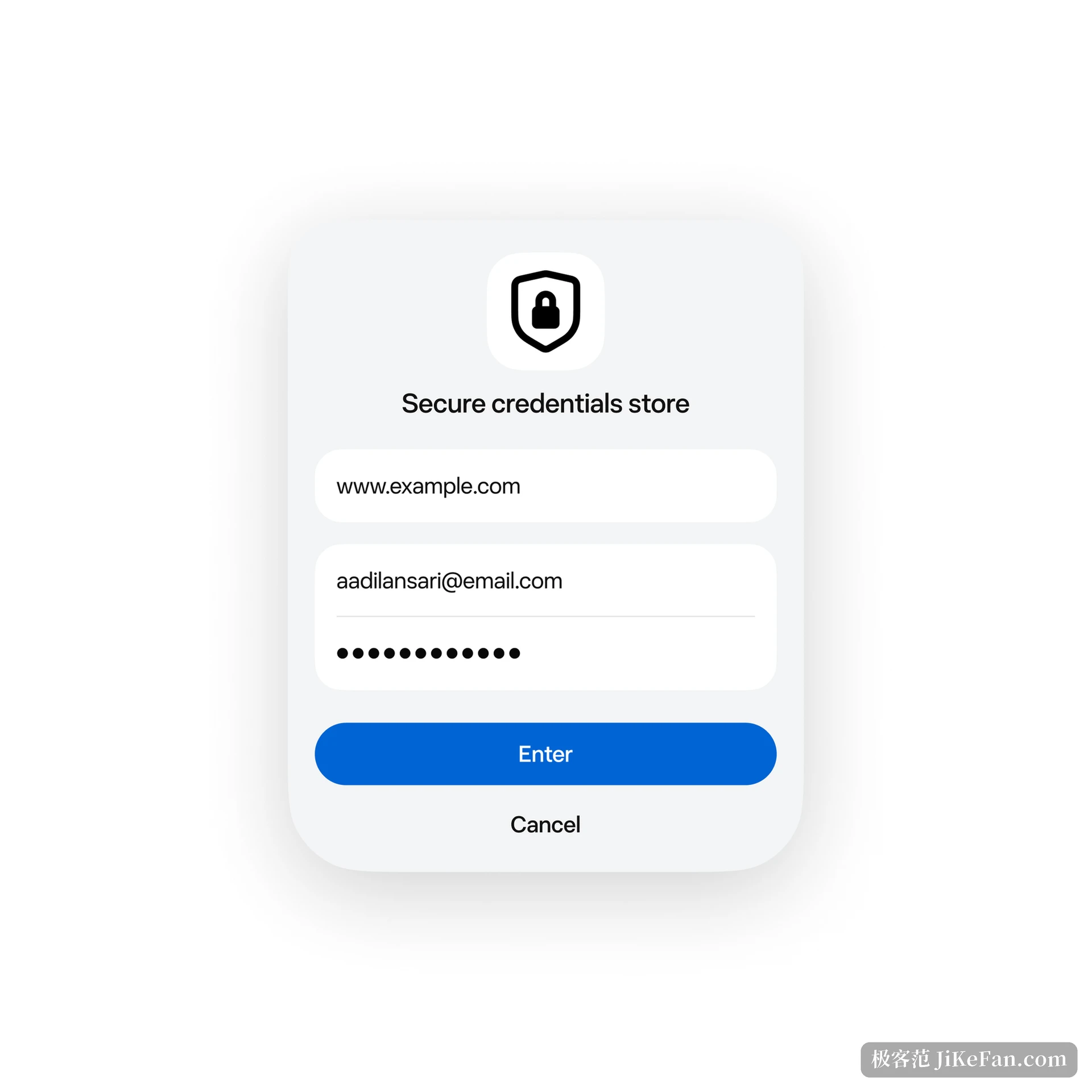
Close the app and it keeps going
This is the clearest line between Muse and a chat box. The official answer to whether it keeps working after the app is closed is yes: long tasks continue in the background and it comes back when conditions change or approval is needed. It also remembers what the user cares about, turning a saved recipe video into a shopping list, or holding on to a preference mentioned in passing for later use.
What it can do right now
Muse is offered in the United States and Canada to users aged eighteen and over, through iOS, Android, the web and WhatsApp, and a macOS desktop version has arrived that can tidy files, fill forms and draw on Messages, Calendar and Notes. Meta says glasses are the next step. On price, most everyday features are free with a cap, and when the cap runs out you can wait for it to refresh or subscribe at twenty dollars a month or a hundred dollars a month for more compute.
The boundaries are worth noting. Meta says plainly in its technical blog that Muse is not immune to attack, that prompt injection remains unsolved across the industry, and that it will sometimes make mistakes; the design aims to keep the damage of a mistake inside a limited range and to leave the user in control. Muse Confidential VM, listed as the next step, goes further: the whole virtual machine, data and conversations included, encrypted with a key only the user holds, so that even Meta cannot read it.
Handing a whole cloud computer to an AI is where Muse gets its capability and where its risk comes from. Meta has boxed the risk in with isolation, credential substitution and a layer of approval, but whether it is any good still depends on how reliably it finishes the job, and on how much authority the user is willing to hand over.