
OpenClaw review: an open-source personal assistant on your own hardware
Summary
An assistant that lives in the chat apps you already use and keeps every trace of its memory on your own disk. A non-profit foundation holds the project, there is no paid tier, and one gateway process routes 29 channels into a coding agent.
Recommend- Name
- OpenClaw
- Version
- 2026.9.4
- Pricing
- Free
- Open source
- Open source
- Operating system
- WebLinuxmacOSWindowsiOSAndroid
- Website
- https://openclaw.ai/
- Updated
- 2026-10-06 14:07
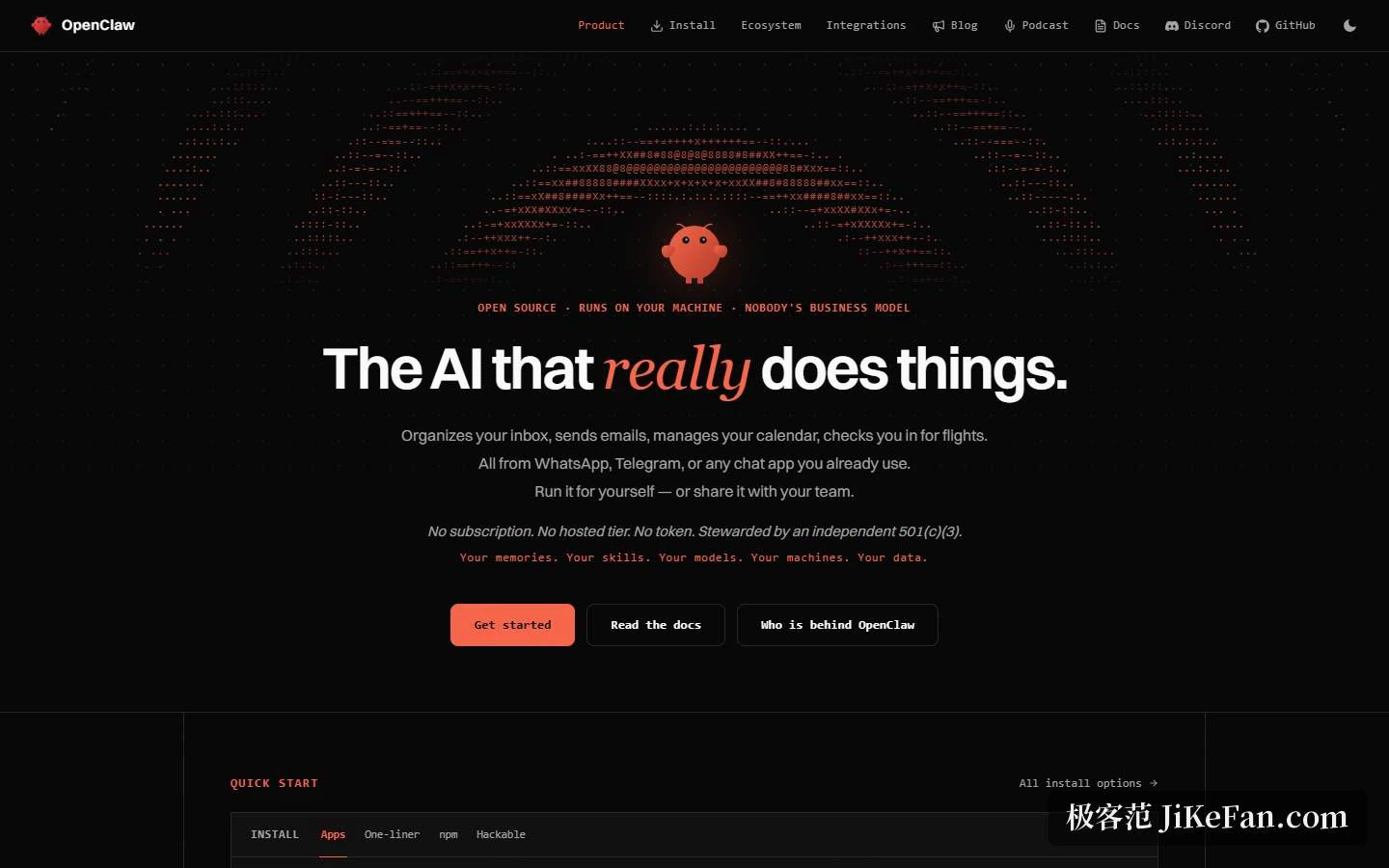
Three sentences carry the whole pitch: put the assistant inside the chat apps you already have open, run it on hardware you own, and keep the data off anyone else's server. The project prints the first two on its front page and backs its introduction with a claim that the thing actually finishes work — clearing an inbox, sending mail, keeping a calendar, checking in for a flight — inside the same windows you already chat in.
The business model is that there isn't one
One line on the site is genuinely rare: no subscription, no hosted tier, no token sale. An independent American foundation with 501(c)(3) status holds the project, and five short lines sit right underneath — your memory, your skills, your model, your machine, your data. The foundation section is more specific still: it employs the core team, signs every release, and keeps the entire product under the MIT license, with no enterprise edition and no commercial tier above it. Money arrives as donations and infrastructure sponsorship from backers that include a university, several AI labs, a cloud provider and an enterprise software vendor. The same passage insists that donors neither own nor steer the project, that no lab's model receives privileged treatment in the code, and that one AI lab is best understood as a donor and an employer rather than an owner. The only automatic outbound call is a single version check per day after installation, and it can be switched off.
Underneath is one gateway process
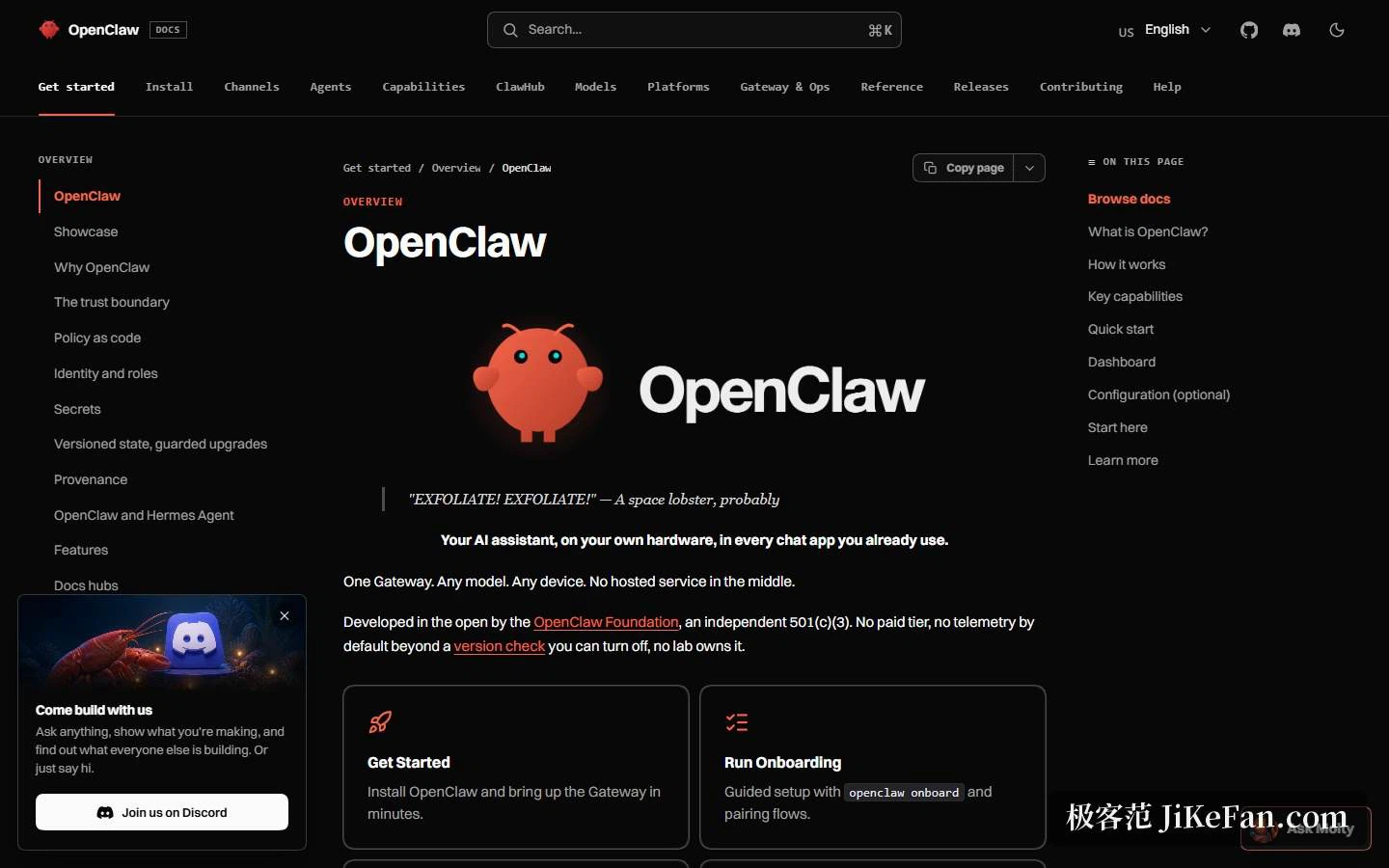
The documentation's own definition is a self-hosted gateway: a single process on a laptop or a server, connecting chat applications to an AI coding agent through channel plugins. The published channel list spans team collaboration suites, consumer messengers and federated chat, all of it inside the same routing layer, and the front page puts the count at 29, with direct messages and group chats both supported. Four properties separate it from a bot bolted onto one service. It is self-hosted, so your hardware and your rules apply. It routes many channels at once through one gateway. It is built for coding agents natively, which in practice means tool calls, sessions, persistent memory and routing between several agents. And it is open source under the MIT license. The stated audience is developers, heavy users and teams, and the documentation notes that a personal assistant and a team deployment are the same software with different configuration.
Six capabilities, four ways in
The front page groups the capabilities into six. First, it runs on your machine, whether the model behind it is a hosted interface, a subscription, a gateway or a local file, with all state stored locally. Second, you talk to it inside chat apps you already use instead of learning another window. Third, memory persists, so preferences, projects and people survive between sessions. Fourth, it holds real system permissions — browsing, filling forms, reading and writing files, running command-line instructions — and you choose between granting all of it and boxing it inside a sandbox. Fifth, a team can share one gateway and open or take over the same session. Sixth, skills and plugins can come from the community or be written on the spot, including by the assistant itself.
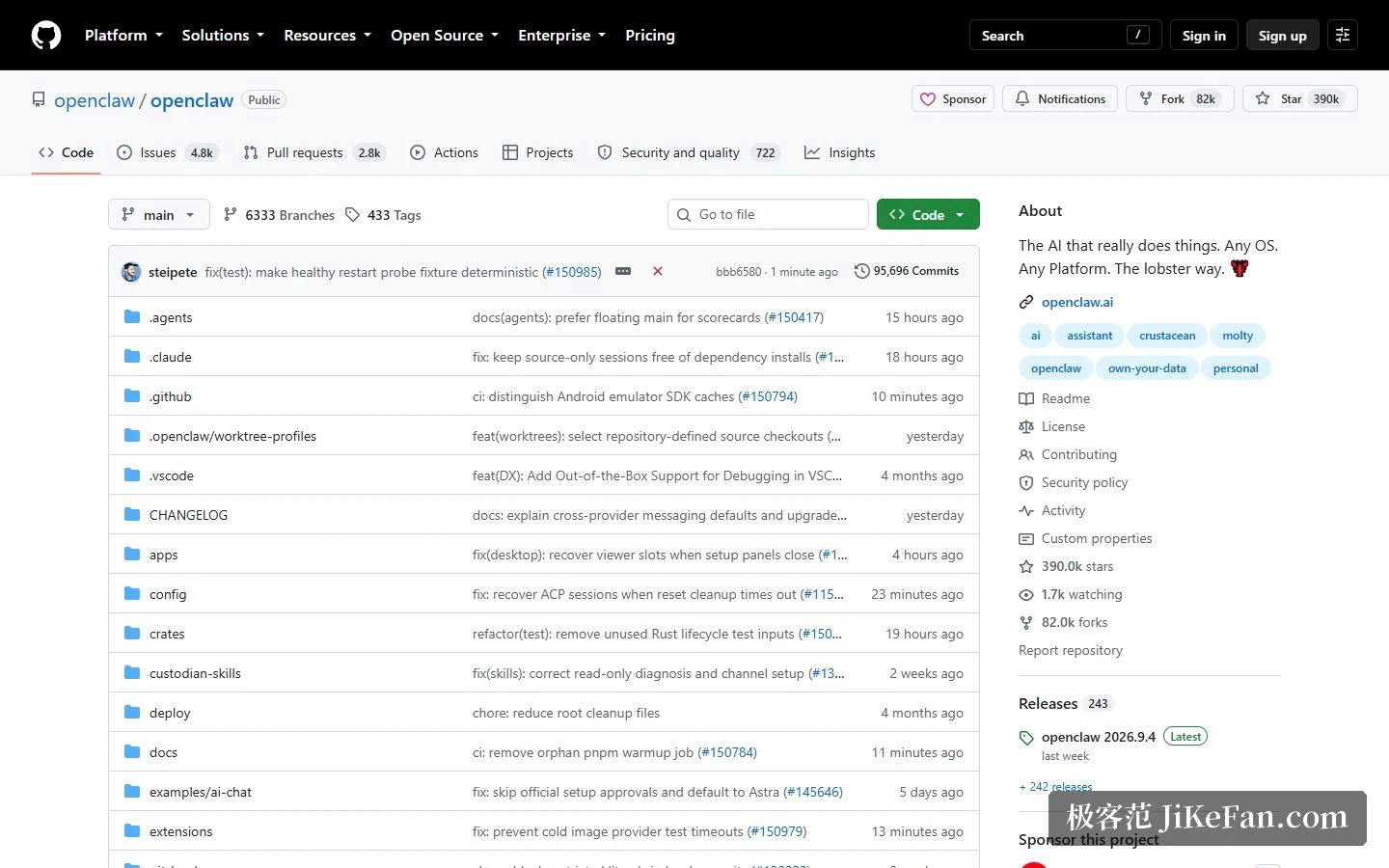
Installation offers four routes: a desktop application for all three major platforms, a one-line command, a package manager, and building from source. The desktop build covers macOS 15 and up, Windows 10 and 11 on both x64 and ARM64, and Linux through AppImage and deb packages. The application and the one-line command both install the runtime for you, and an update command afterwards switches between the development and stable channels. The documentation asks for Node 26 as the recommendation, or anything from Node 24.16 and 26.1 upward, plus a key from one model provider, and claims five minutes to a working assistant. On the repository side the numbers are roughly 390,000 stars, 82,000 forks, more than 3,000 contributors, 242 releases, and a current version of 2026.9.4.
The examples are more persuasive than the marketing
What the site shows off is real workflows from the community rather than feature screenshots. One operator runs more than 15 agents across three machines to clear tens of thousands of emails, review slide decks, build command-line tools, tune ad campaigns, draft posts and drive a squad of coding agents from a phone. A second treats a daily briefing as a personal operating system: scheduling time blocks, turning meeting notes into weekly reviews, preparing pre-meeting briefs, tracking school deadlines, resolving calendar collisions and issuing invoices. A third, recorded while walking a dog, uses voice to have the assistant investigate a failing production build, find the root cause, adjust the deployment configuration, redeploy and open a merge request.
Integrations are listed in three separate columns, and the split is the interesting part. Channels cover the messengers and team tools where the conversation already lives. Models are described as the hosted options from the major providers. Tools reach into a browser, mail, code hosting, a notes vault, social feeds, music and the smart lights in a house. Keeping those three apart is what makes the channel count meaningful: the same assistant, the same memory, a different doorway.
Who it fits, and what it costs you
Three groups line up. Individuals who care about where the data physically sits get the most direct answer available: local execution with state that never leaves the machine. Teams that have already moved their working life into chat software get one gateway reusing one set of sessions and skills, with the personal and team cases differing only in configuration. Developers who want to give a coding agent hands and eyes get tool calls, sessions, memory and multi-agent routing as native features rather than as a plugin they have to maintain.
The responsibility is the other half of that capability. Trust boundaries, policy as code, identity and roles, and key management each get their own page in the documentation, which is a polite way of saying you configure security yourself. The repository also warns that prompt injection remains an unsolved problem across the industry, and advises picking a stronger model and reading the security practices before pointing the thing at anything valuable.
Whether a personal assistant is really yours comes down to two questions: whose disk the data sits on, and whether you could bring it back up on the day someone switches it off.