
OneCommander 3.108: a dual pane file manager with Miller columns
Summary
OneCommander 3.108.0.0 is free for home use with no ads and no tracking, and pairs a dual pane with tabs, Miller columns and a built-in preview. Commercial use needs a 30 dollar licence.
Recommend- Name
- OneCommander
- Version
- 3.108
- Open source
- Proprietary
- Operating system
- Windows
- Website
- https://www.onecommander.com/
- Updated
- 2026-10-06 14:48
The file manager that comes with Windows is enough for everyday work, but the moment files have to be carried back and forth between several folders it starts to strain. OneCommander is built for exactly that situation. The official description is direct: a modern dual pane file manager for Windows 11 and 10, with performance as the headline. The product is developed by a small software company, and the copyright line runs from 2013 through 2026.
Version and licensing
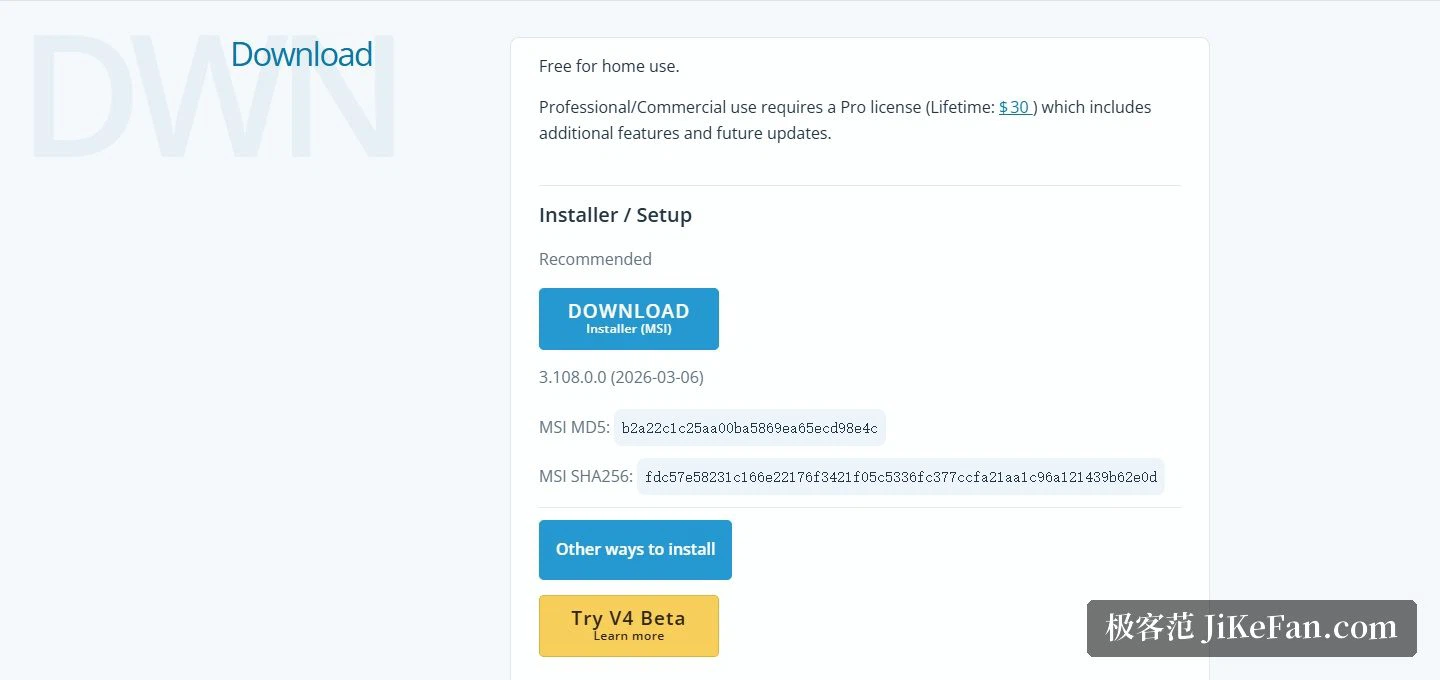
The current release is 3.108.0.0, published on 2026-03-06. The download area also lists MD5 and SHA256 checksums for the installer, so the integrity of the file can be verified. Licensing splits in two: home use is free, and the site states explicitly that there are no ads and no tracking; commercial use needs a Pro licence, a one-time perpetual purchase at 30 dollars that brings more features and subsequent updates. The project is also described as under active development, with at least one release every week.
Dual pane and Miller columns
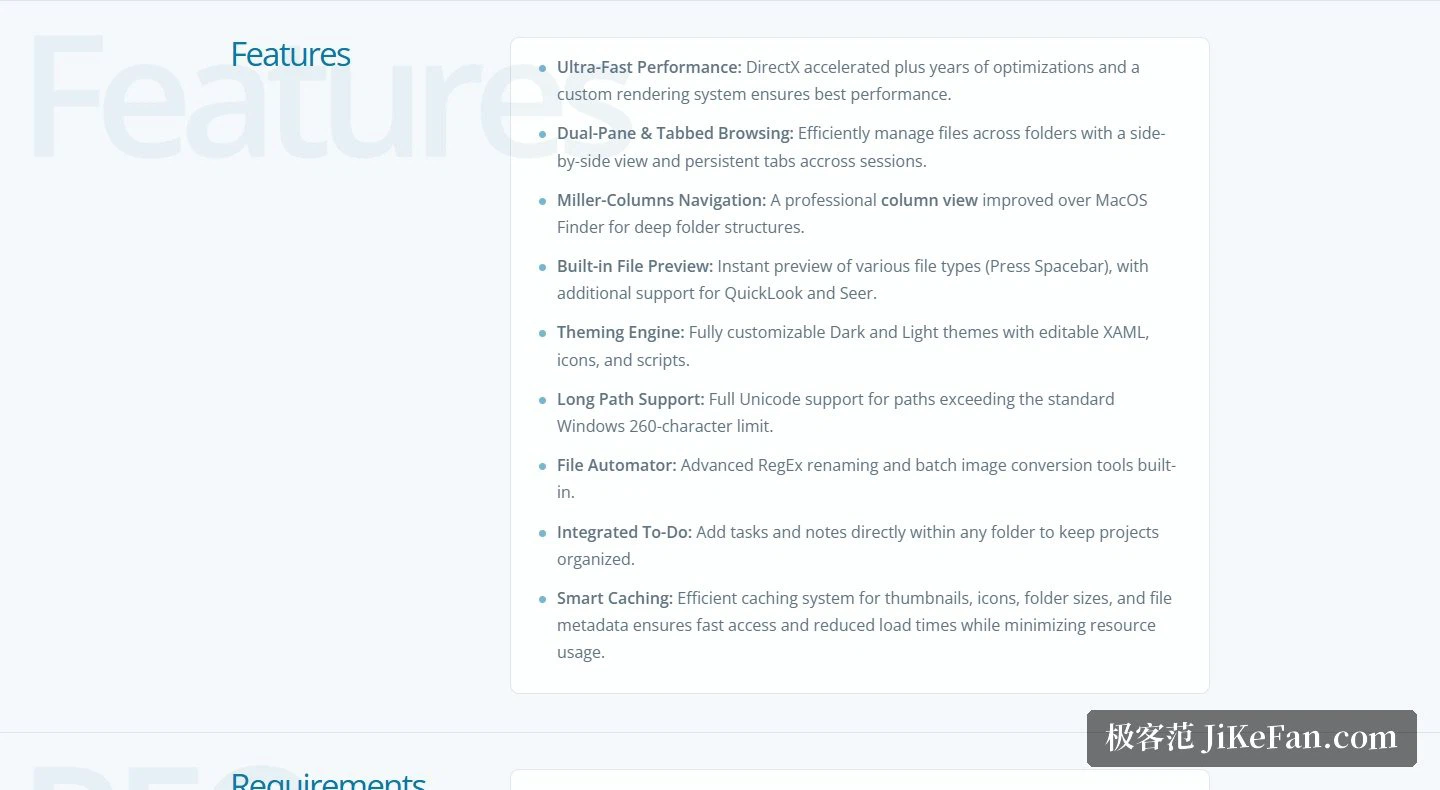
Navigation is where the effort went. The dual pane puts two folders side by side for comparison and direct dragging, and together with tabs it preserves the browsing state of different directories. The site notes specifically that tabs survive across sessions, so closing and reopening the program leaves them where they were. Miller columns spread several levels of a directory out across columns, described as an improvement on the column view known from macOS, and they suit drilling into deeply nested structures.
What it does
On the performance side it uses DirectX acceleration, a custom rendering system and years of tuning. A few things in daily use are notably convenient: the space bar summons a built-in preview, and two popular preview plug-ins are supported on top of that. Automation tools include renaming built on regular expressions and batch image conversion. To-dos and notes can be attached inside any folder. Thumbnails, icons, folder sizes and file metadata are all cached, so large directories load promptly. Paths for developers are left open as well: with a project or a folder selected you can run PowerShell, batch or Python scripts directly, and an offline manual is offered as a portable help file.
Themes and privacy
The interface can be reskinned. The XAML behind the dark and light themes can be edited, and icon and menu styles are adjustable too. On privacy the site is explicit: no personal data is collected, stored or transmitted. The program is 64-bit and written in a memory-safe language, tuned for the x64 platform with both DEP and ASLR enabled, and an ARM64 build is described as coming soon.

How to get it
The download area offers an MSI installer and lists other installation routes as well. A fourth major version is in public testing; trying it early requires the .NET 10 runtime. The scope is Windows only, and the site suggests pairing it with a 4K screen or any display above 100 PPI. For community channels the site lists three entries: an instant messaging group, a mailing list and a social account.
None of these looks large on its own. But the gestures repeated dozens of times a day are where small differences pile up: switching windows, finding again the place you had just left, waiting to learn how big a folder is. Remove those small waits and what changes first is not so much speed as fatigue.
OneCommander brings a dual pane, tabs, Miller column navigation and script extension together in one program, is free at home without ads or tracking, and asks only a one-time 30 dollars for commercial use. For anyone who spends the day stepping through directories in the built-in file manager, it is the kind of tool whose difference shows up as soon as it is installed.