
Files 4.2.9: an open source file manager with tabs and a dual pane
Summary
Files 4.2.9 is an open source file manager for Windows under the MIT licence, with tabs, a dual pane, three cloud services wired in and Git integration built into the window.
Recommend- Name
- Files
- Version
- 4.2.9
- Pricing
- Free
- Open source
- Open source
- Operating system
- Windows
- Website
- https://files.community/
- Updated
- 2026-10-06 21:52
Alternatives to the file manager that ships with Windows are plentiful, and Files is the one that took the open-source road. Its own description is straightforward: an open source file browser built for Windows, with the goal of making it less painful to organise files and folders. The project is maintained by a community of contributors numbering in the hundreds, and its code sits on a public code hosting service.
Version and licence
The download page lists 4.2.9 as the recommended stable release, with 4.2.37 as the preview build. The preview can be installed alongside the stable version, so new features can be tried early. On licensing, the repository carries two licence files, MIT and MPL-2.0, while the page itself labels the project as MIT, which keeps the bar low both for commercial use and for building on the code. On popularity, the repository has collected more than 4.5 × 10⁴ stars and 2.9 thousand forks, with over 7100 commits.
Tabs and the dual pane
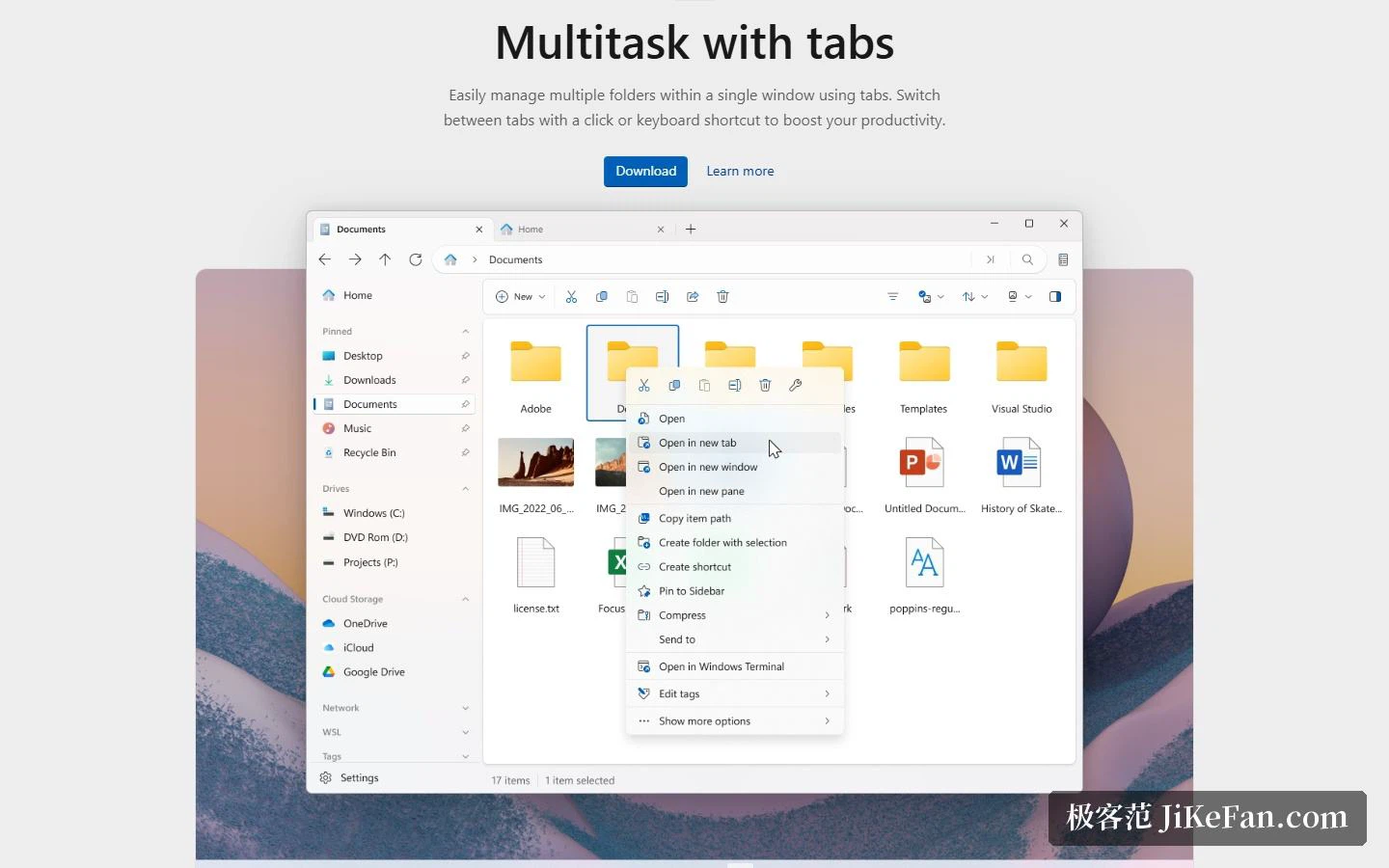
Both of the two most-used efficiency features are present. Tabs let you manage several folders inside one window, switching by mouse click or keyboard shortcut; the dual pane puts two folders side by side for comparison and for dragging. The project gives tabs an introduction page of their own, and the pitch is blunt: avoid a pile of open windows and keep the desktop clean.
What is inside
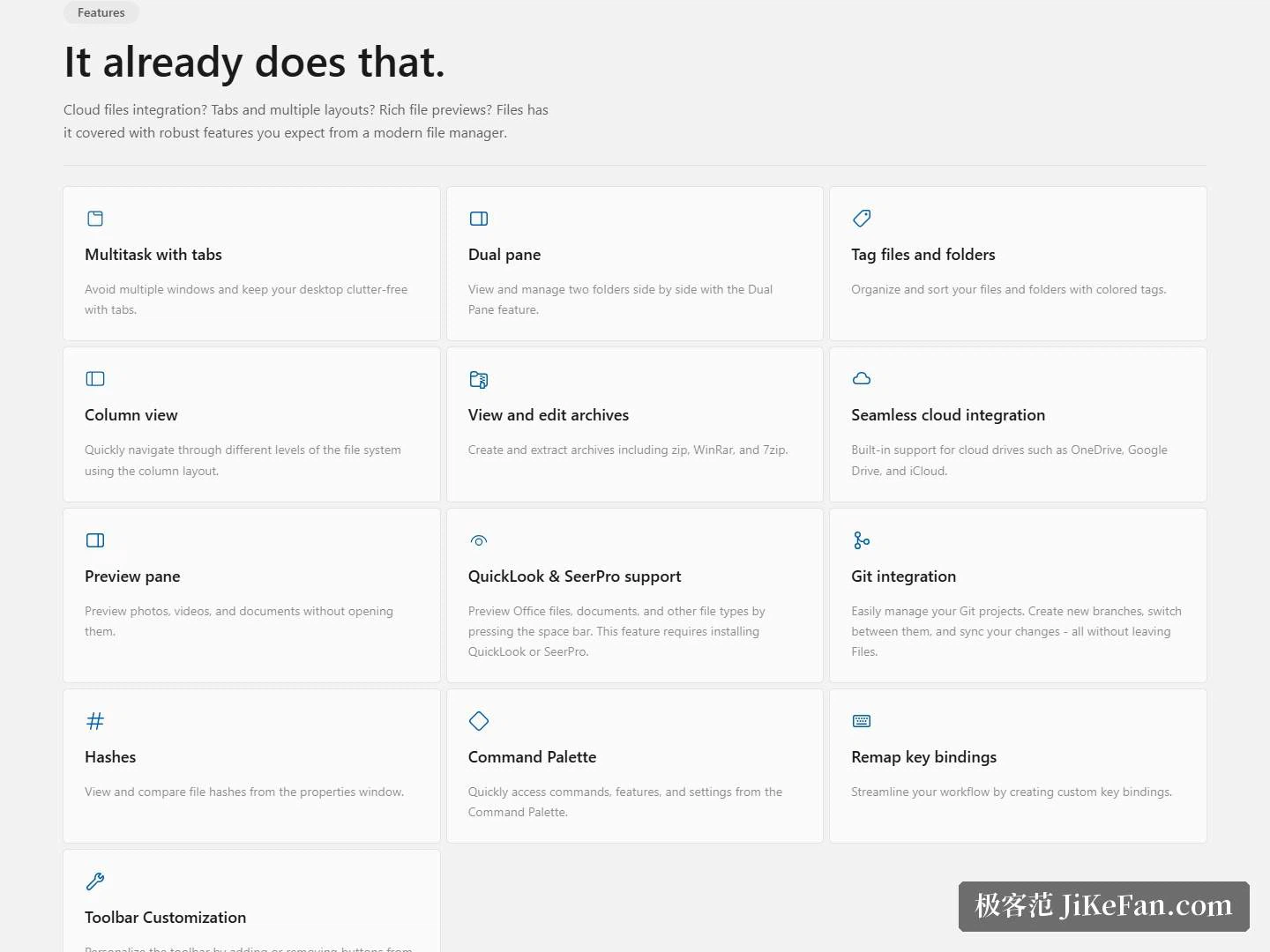
Coverage is broader than one might expect. Colour tags classify files and folders, and the column view makes it easy to drill down level by level. For archives you can create and extract zip, RAR and 7z directly. Cloud storage has three major services wired in. The preview pane shows images, video and documents without opening them, and with a preview plug-in added on top, Office files can be inspected with the space bar. There is also Git integration, so branches can be created, switched and their changes synced from inside the file manager; a properties window can display and compare file hashes; a command palette handles quick access to commands and settings; and both key bindings and toolbar buttons can be edited.
Beyond the application itself, the community maintains a batch of surrounding material: the site footer carries entries for documentation, news and downloads, while the contributor side has channels for donations, a style guide and translation work. Interface languages are steadily filled in by the community as well. For an ordinary user the most useful items are the two direct entries in the support area, one for reporting a bug and one for requesting a feature, each reachable from the site in a single click.
Themes and community
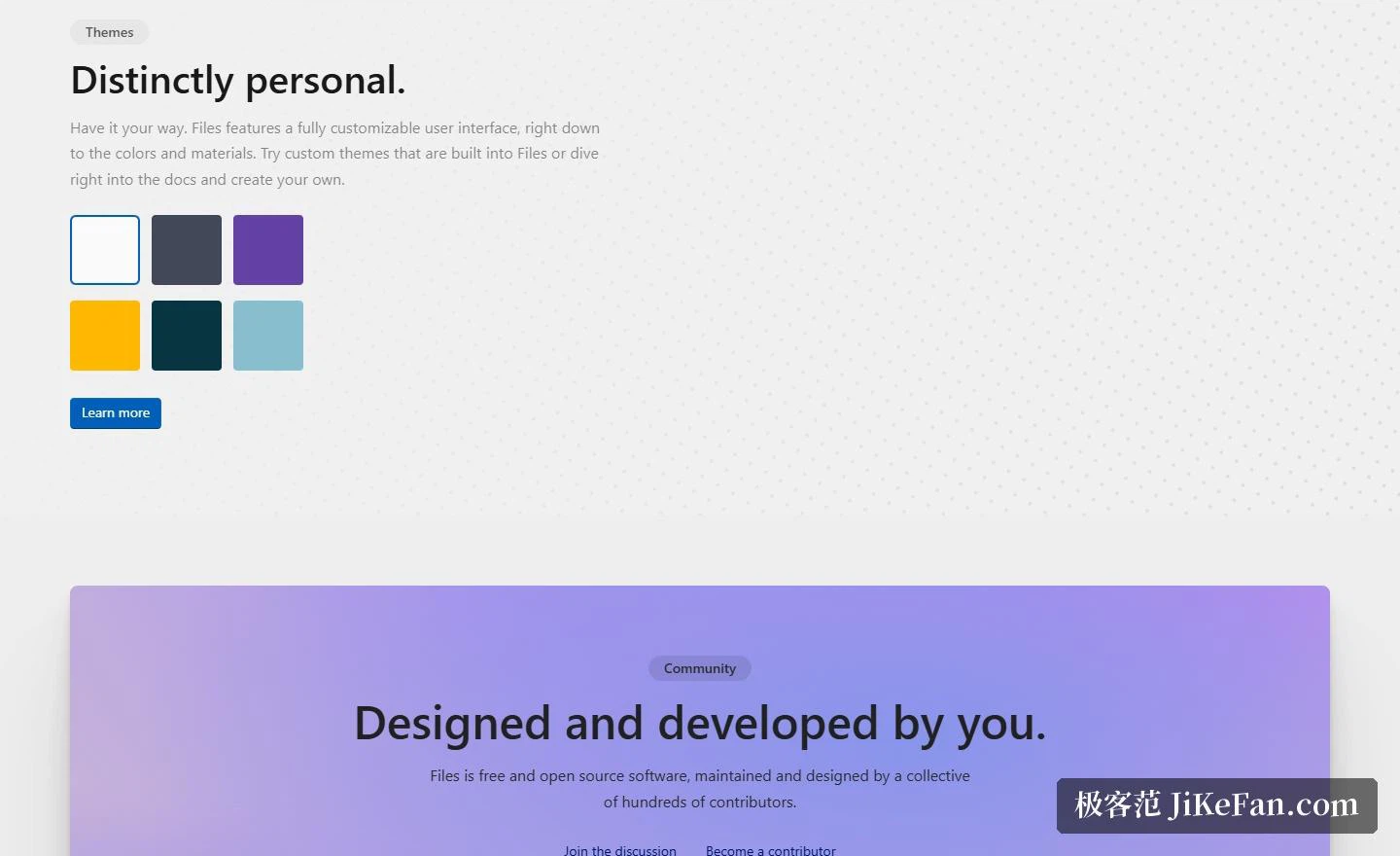
Customisation reaches all the way down to colour and material, a few themes ship built in, and a further one can be built following the documentation. The community side deserves a mention too: the project states plainly that it is free open source software, maintained and designed by hundreds of contributors, and you can join the discussion or become a contributor yourself.
How to get it
There are several routes. The site offers an install package for Windows, and the source code and installer files can also be fetched from the public code hosting service. The project also notes that buying it through the system's own app store is the recommended way to support continued development, which is worth understanding as a form of sponsorship for a project that is maintained continuously. One caveat: it targets Windows, and other systems are outside the supported range.
The value of Files lies in covering the abilities of a modern file manager through open source: tabs, a dual pane, cloud integration, Git integration and theme customisation are all there, and the licence is the permissive MIT. If you are already on Windows 11 and want a free replacement for the built-in file manager, this is one of the ones worth installing first.