
Nextcloud puts the cloud drive back on your own disk
Summary
Rent storage and the terms, the price and the location of the files all belong to somebody else. Nextcloud is the open source answer: sync, share links, permissions and version history on a machine you control, with calendar, contacts and document editing bolted on.
Recommend- Name
- Nextcloud
- Version
- 34
- Pricing
- Free
- Open source
- Open source
- Operating system
- WindowsmacOSLinuxAndroidiOS
- Website
- https://nextcloud.com/
- Updated
- 2026-10-06 21:14
Taking the drive back
Commercial cloud storage has three quiet problems, and they arrive together. Capacity is rented by the month, so the bill grows with the archive rather than with actual use. The terms can change without asking, which means the service you signed up for is not the service you will have in five years. And the files sit on somebody else servers, under somebody else jurisdiction, subject to somebody else mistake. None of these is a scandal. Together they explain why a certain kind of user stops looking for a better subscription and starts looking for a different arrangement.
Nextcloud is that arrangement. Install the platform on a small machine at home or on a virtual server in the cloud, and the drive belongs to you: file synchronisation, public share links, permissions, version history, all of it present, with the data sitting on disks you can point at. The project is the open source reference in this field, published under AGPL, free in its community edition, and old enough that the awkward parts have been argued about for years.
The word self-hosted hides a real cost, and it is fair to name it. Somebody has to keep the machine running, apply updates, keep backups, and notice when a certificate expires. That somebody is you. For a household with a spare box and a person who enjoys this, the trade is excellent. For someone who wants storage to be a utility like electricity, renting remains the more honest choice, and pretending otherwise helps nobody.
Not a drive, a collaboration platform
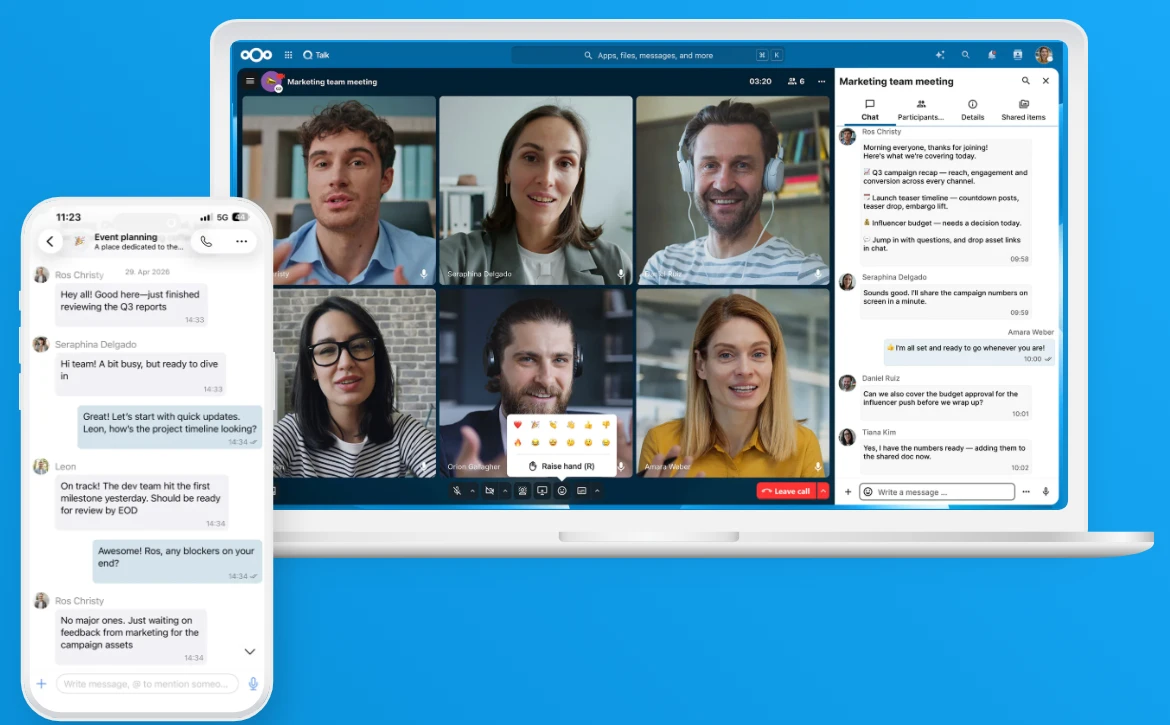
Installing it is the beginning rather than the achievement. Calendar, contacts, task boards, document editing in the browser, a photo timeline and chat are all applications you add as needed, which makes the product closer to a modular private office suite than to a file locker. Turn on three of them and it already replaces a handful of separate subscriptions with one login and one backup routine.
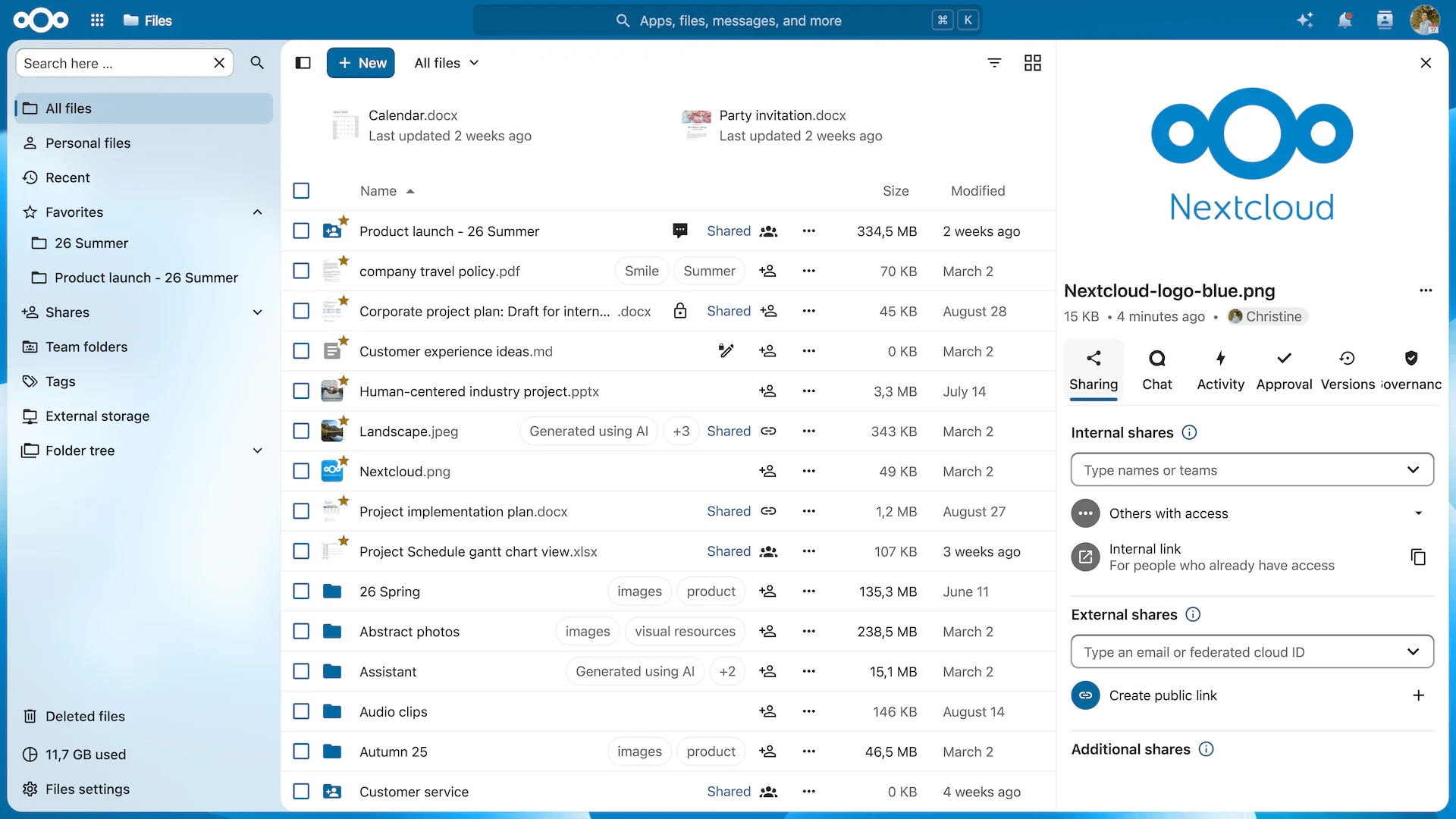
Desktop and mobile clients cover every platform, so the everyday experience is undramatic: photographs leave the phone automatically, documents edited at the office arrive at home, and the web interface is there when neither client is at hand. The version 34 series has been iterated through 2026 with performance work and security patches landing on a regular cadence, which matters more for self-hosted software than for anything rented, because here you are the one who has to apply them.
The belief underneath is data sovereignty: your files, your calendar and your working notes should live where you decide they live. Open source plus self-hosting is how you pour the foundation of a digital life inside your own fence.
Deployment notes, kept short. A household NAS or a cloud instance with 2 cores and 4 GB of memory is enough to start, and a Docker deployment can be running inside half an hour. Two things get forgotten and both hurt: scheduled backups, and HTTPS with a real certificate, since neither is optional once the machine is reachable from outside. A reverse proxy in front of it is worth the extra ten minutes.
The plugin ecosystem is the other half of the argument. Whatever the need, somebody has probably built it already: a mail client, a password vault, a mind map, a form builder, a video call server. Search the app store before assuming a gap, and the platform keeps growing in the direction its users pull it, which is a different dynamic from waiting for a vendor roadmap.
Where it fits best is not everywhere. Family photo sharing, document collaboration for a small team, a personal knowledge base, a sync target that does not expire: those are the cases where it is both the cheapest and the freest option available. What it is not is a service. It is a machine you own and are responsible for, and the satisfaction of that, or the annoyance of that, depends entirely on which side of the fence you stand.