
n8n puts every step of an AI agent on a canvas you can read
Summary
One drag-and-drop canvas, JavaScript or Python at any node, more than 500 integrations, MCP and RAG support, and a choice between your own server and the official cloud. Billing counts full executions rather than steps, and every tier allows unlimited users.
- Name
- n8n
- Version
- 20.4
- Open source
- Open source
- Operating system
- WebLinuxmacOSWindows
- Website
- https://n8n.io/
- Updated
- 2026-10-05 23:40
Wiring AI into a business process is not difficult because of one model call. It is difficult because the chain has to survive dozens of systems, end to end, without a person babysitting it. The answer n8n gives is a canvas: drag nodes in, connect them into a flow, and read the whole thing as a diagram rather than as someone's script.
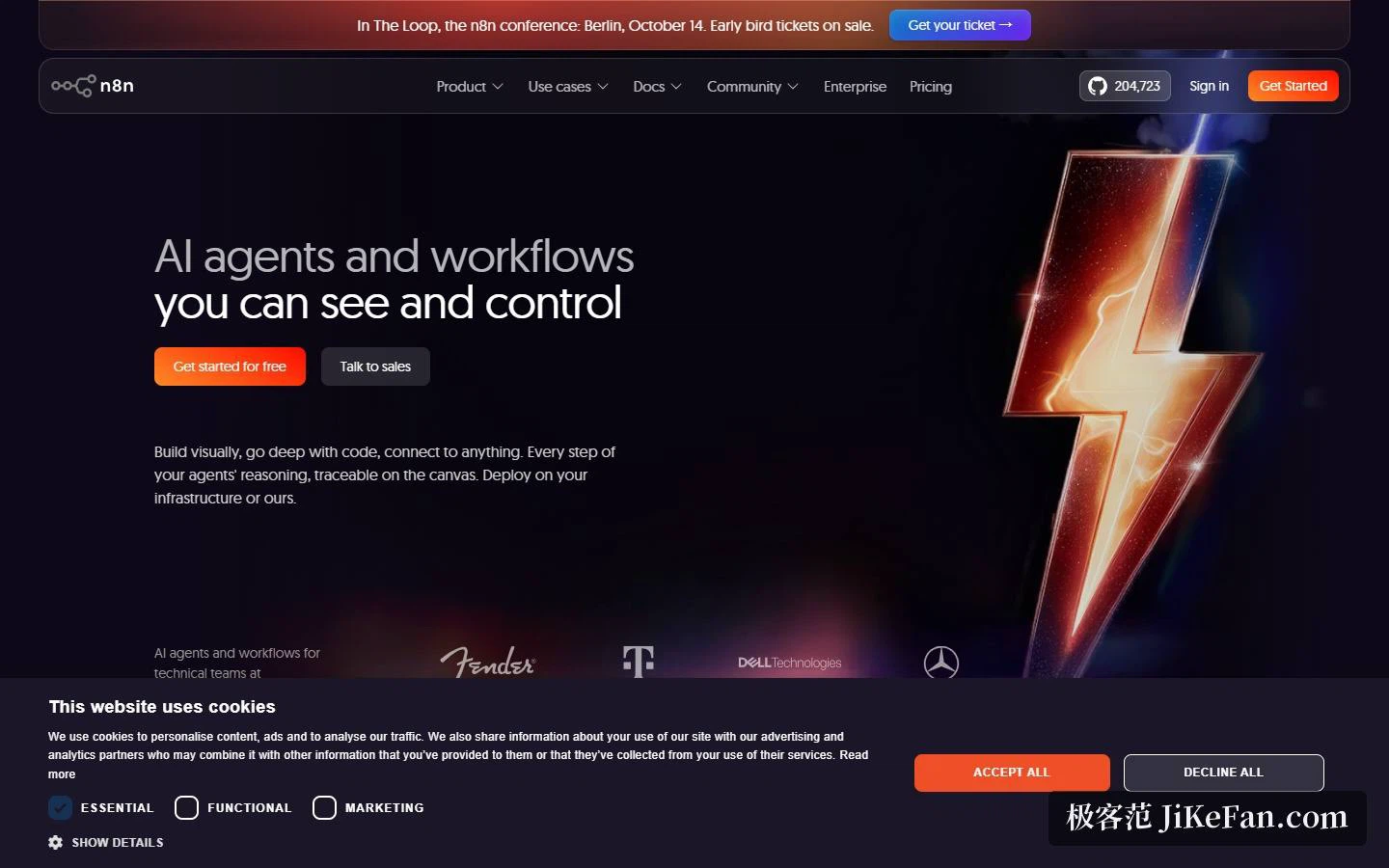
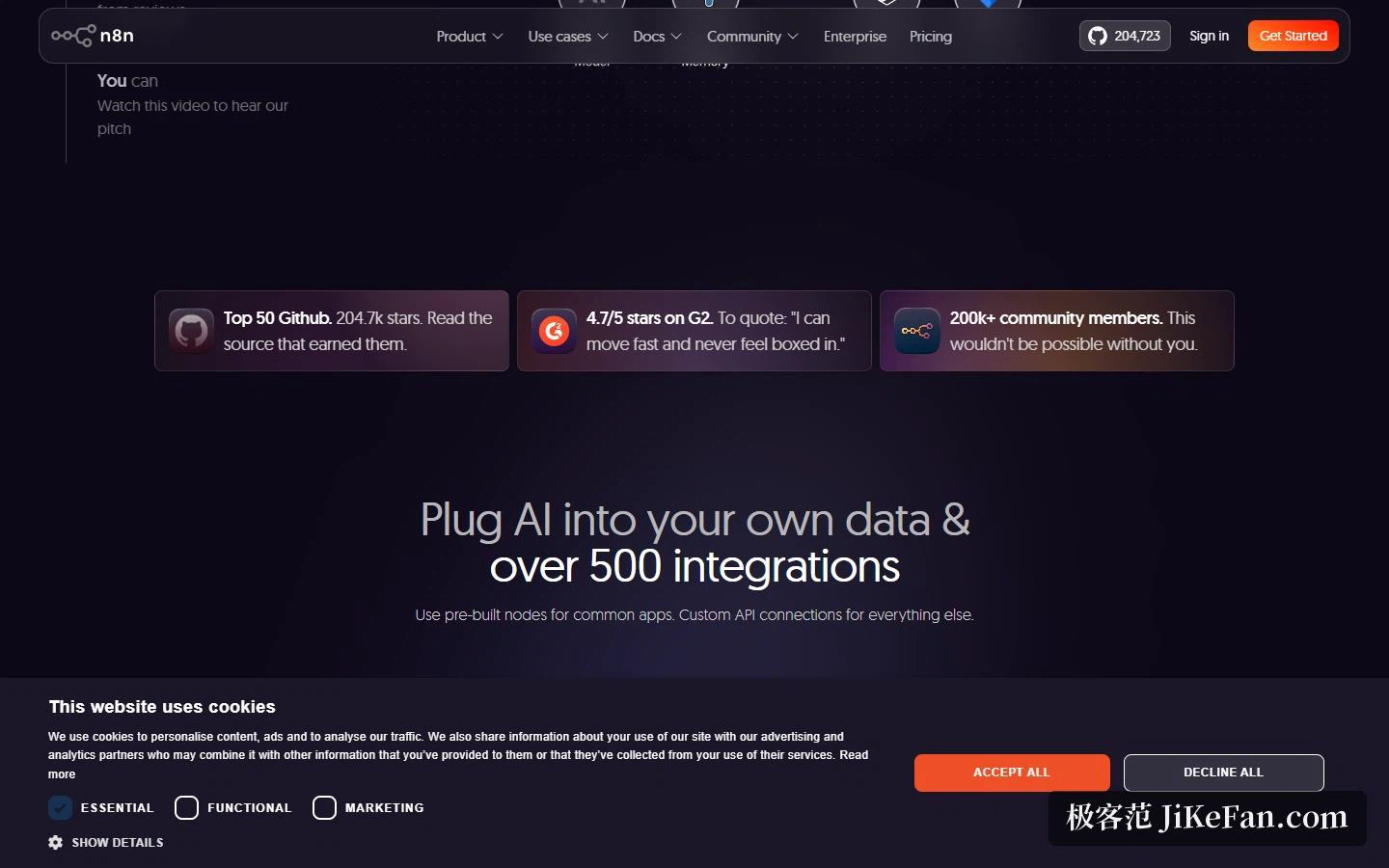
The tagline is a promise about legibility. The site puts it as AI agents and workflows you can see and control, and the practical version of that claim is that each step of an agent's reasoning stays visible on the canvas instead of disappearing into a log file. Around it sit the numbers the project likes to quote: GitHub stars counted at 204,723 on the pricing page, a G2 score of 4.7/5, and a community above 200,000 members. The footer reads 2026.
Visual and code, with neither side locked
The editing philosophy is stated as code when you need it, UI when you don't. Common logic comes from ready-made nodes; when a case needs custom handling, you can write JavaScript or Python at any point in the workflow, with input and output displayed next to that step's settings so you never have to leave the canvas to find out what shape the data is in.
On integration, the official figure is more than 500 nodes, with a custom API connector covering whatever is missing, and the catalogue is browsable on the site. On the AI side there is multi-agent orchestration and RAG, the ability to switch between hosted and offline models without rebuilding the workflow, and connections to any system that speaks MCP, with people still able to sit in the loop and approve a step.
Deployment: your own machine or the official cloud
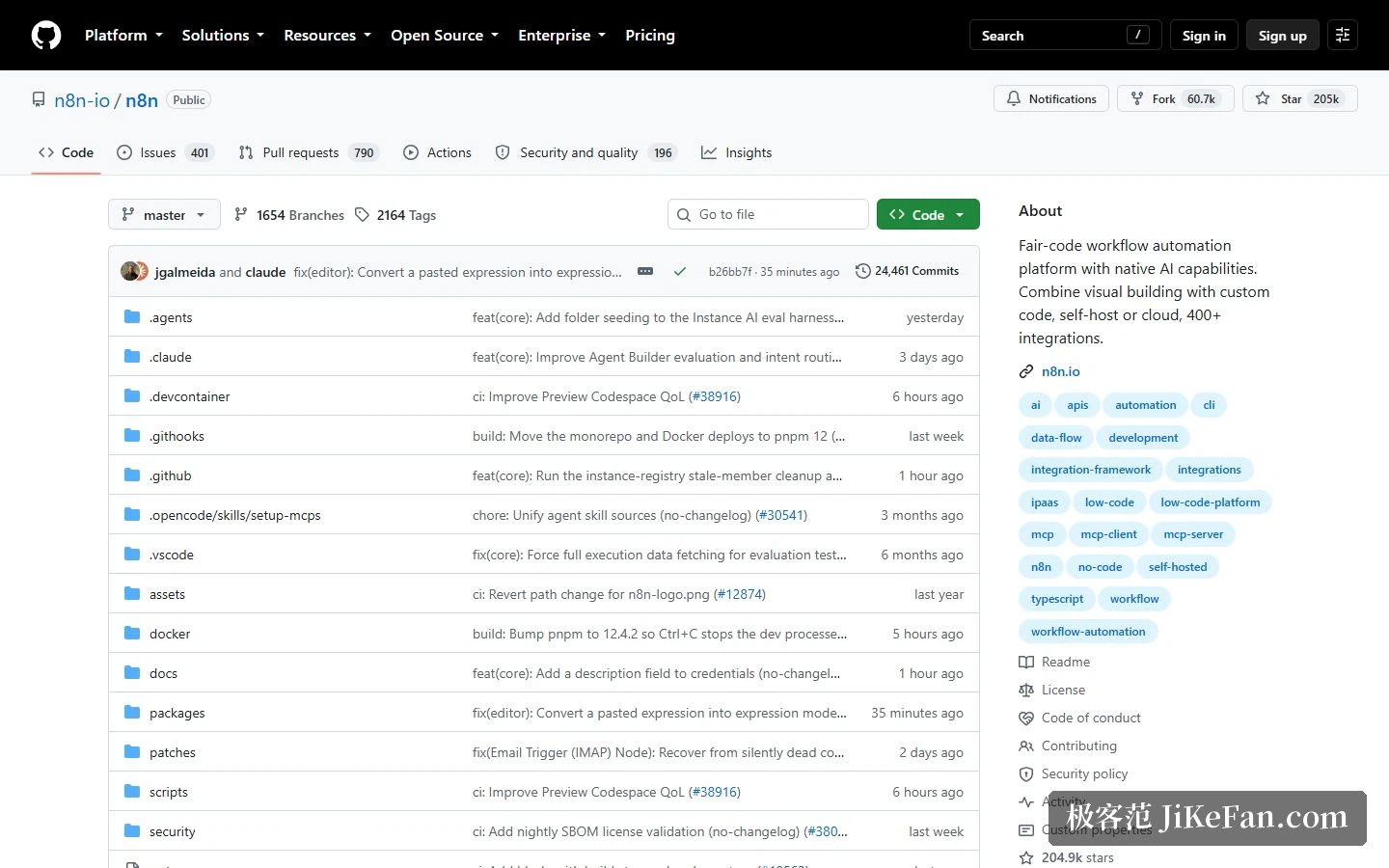
This is the clearest dividing line against comparable tools. The documentation describes full self-hosting: Docker deployment, a completely local install, even a run inside an isolated network, with the source public on GitHub, which the pricing page labels Community Edition. If you would rather not maintain infrastructure, the managed cloud is the other door.
The enterprise section lists security as SSO with SAML, LDAP, encrypted key storage, version control and RBAC. Observability covers audit logs, log streaming to a SIEM, workflow history, realtime alerts and a usage dashboard. AI governance comes down to three things: human approval, guardrails and evals. Engineering collaboration adds Git-based control, isolated environments and workflow diffing.
Pricing: pay for full executions, not for each step
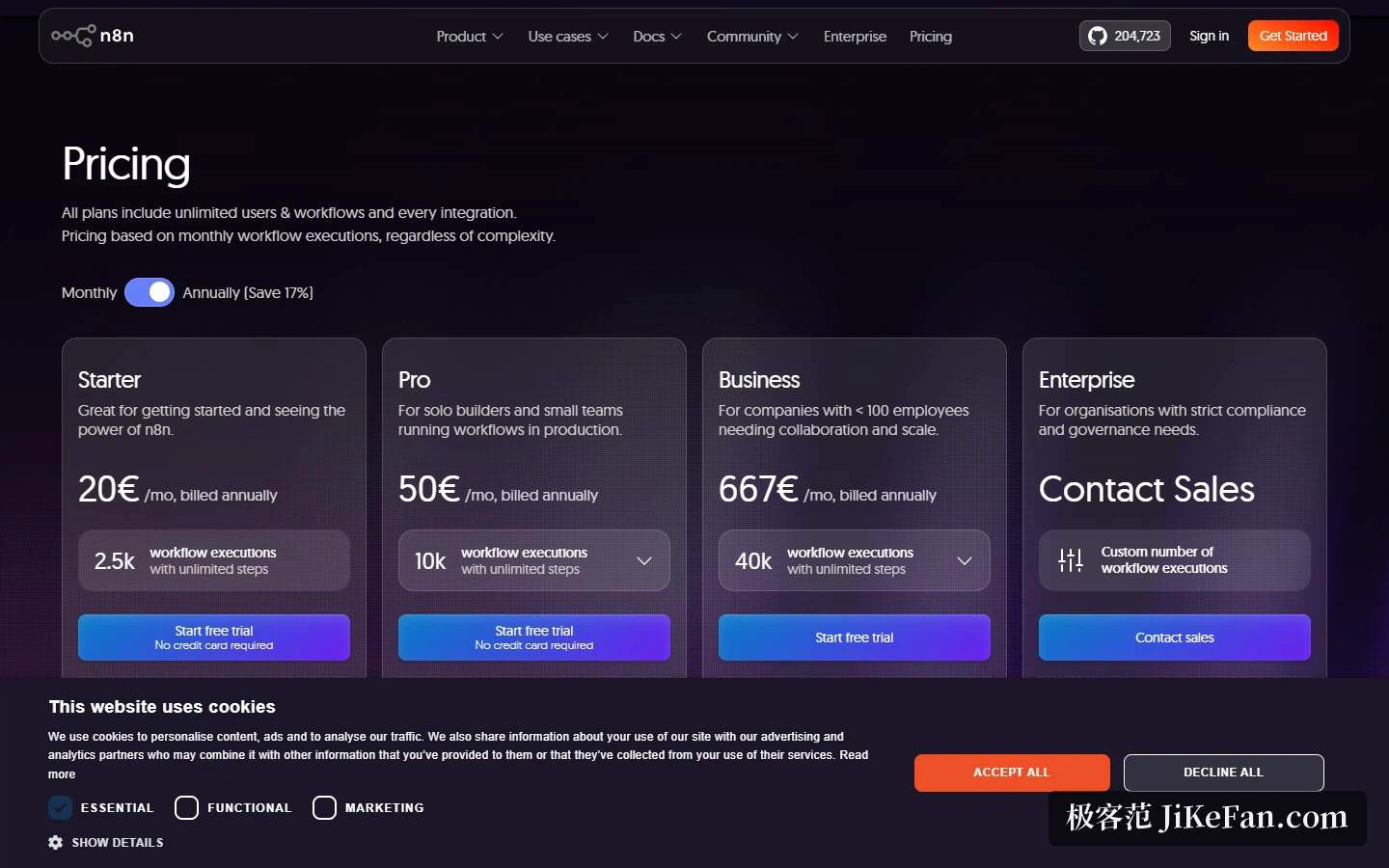
The billing rule is that a workflow counts once per run from start to finish, however many steps it contains, which separates it from products that charge per step or per seat. Every tier includes unlimited users, unlimited workflows and access to all integrations.
Starter is 20 EUR a month billed yearly, with 2,500 executions, 5 concurrent runs, 1 shared project and 2,300 AI credits a month. Pro is 50 EUR a month yearly, with 10,000 executions, 20 concurrent, 7-day insights, up to 13,700 AI credits, plus admin roles, global variables, workflow history and execution search. Business is 667 EUR a month yearly, with 40,000 executions, a move to self-hosting, 6 shared projects, SSO with SAML and LDAP, 30-day insights, a preview of the AI assistant and Git version control. Enterprise is quoted by sales, with custom execution volume, more than 200 concurrent runs, 365-day insights, an external key store, log streaming and dedicated support under an SLA.
Annual billing saves 17 per cent overall, and companies under 20 people can apply for a Start-up Plan at half the Business price.
Who it suits
The homepage sorts its examples by role: IT operations automating new-hire onboarding, security operations adding context to security tickets, engineering turning natural language into API calls, sales distilling customer insight out of reviews. Behind those sit three groups of buyers. Technical teams who want repetitive flows connected without being tied to a vendor, and for whom self-hosting plus visible source is the point. Companies threading AI into internal systems while keeping approvals and audit trails, which is what SSO, log streaming and human approval are for. And small teams watching the budget, who get billed by whole execution, a start-up discount, and a community edition they can run themselves.
What execution-based billing quietly decides
The unit of billing is also a design constraint. A workflow triggered every minute is 1,440 executions a day, so a polling design that would be cheap under per-step pricing becomes the most expensive shape available here. In the other direction, a chain of forty nodes is still one execution, which rewards breadth and encourages you to solve in one flow what you might otherwise split. That is not a defect; it nudges you toward event-driven triggers, which is usually the better engineering anyway. But it does mean the tier you need is set by trigger frequency rather than by how many integrations you use.
The hidden bill of self-hosting
Self-hosting gives you the source and the air gap, and hands you the upgrade path, the backups and the secret store in exchange. Encrypted key storage and some of the governance features are listed at the enterprise end, so a small team running the community edition should not assume the same safety net comes along by default.
Two honest notes on the official pages. First, the star count appears in two spellings: the homepage rounds it off to a tenth of a thousand while the pricing page gives the exact 204,723, so quote the figure together with where it came from. Second, cloud and self-hosted entitlements are not parallel. Self-hosting turns on at the Business tier and above, so check the plan table line by line before choosing rather than assuming the cloud column applies to both.
The real dividing line between automation tools is not how many apps they can reach, but whether you can see exactly what happened when something goes wrong.