
Motrix Download Manager Splits a File Into Pieces
Summary
A download manager that takes ordinary links, file transfers and peer to peer sources in one queue, splits each file into parallel segments, and lets you pause, resume and reorder without losing progress. Free, open source, and quiet about what you download.
Recommend- Name
- Motrix Download Manager
- Version
- 1.8.19
- Pricing
- Free
- Open source
- Open source
- Operating system
- WindowsmacOSLinuxAndroid
- Website
- https://motrix.app/
- Updated
- 2026-10-14 22:00
Why a browser download is not enough
The download built into a browser is designed for the quick case and gives up on the rest. Close the tab and the transfer stops. Lose the connection and it starts again from the beginning. Ask for six files at once and you get six transfers competing for the same narrow path with no way to order them. A dedicated manager exists because large transfers are a different kind of task: they take time, they compete with other work, and they fail in ways that should not cost the whole effort.
Segments, and what they actually buy
The core technique is unglamorous and effective. A file is divided into pieces, and the pieces are fetched in parallel, sometimes from more than one source. Two things follow. A single slow connection is used more fully, because the tool is not waiting for one request to finish before starting the next. And a piece that fails only needs itself retried, not the whole file. The result is the speed difference people notice first and the resilience they appreciate later.
One queue for every kind of source
Ordinary web links, file transfers over a dedicated protocol, peer to peer sessions and magnet references all land in the same list. That matters because real work mixes them: a project archive from a website, a large asset from a transfer server, a distribution that only exists as a torrent. Keeping them in one queue means one place to look, one progress display, one set of rules about what runs first, instead of three applications with three different ideas about priority.
Control over the queue, not just the file
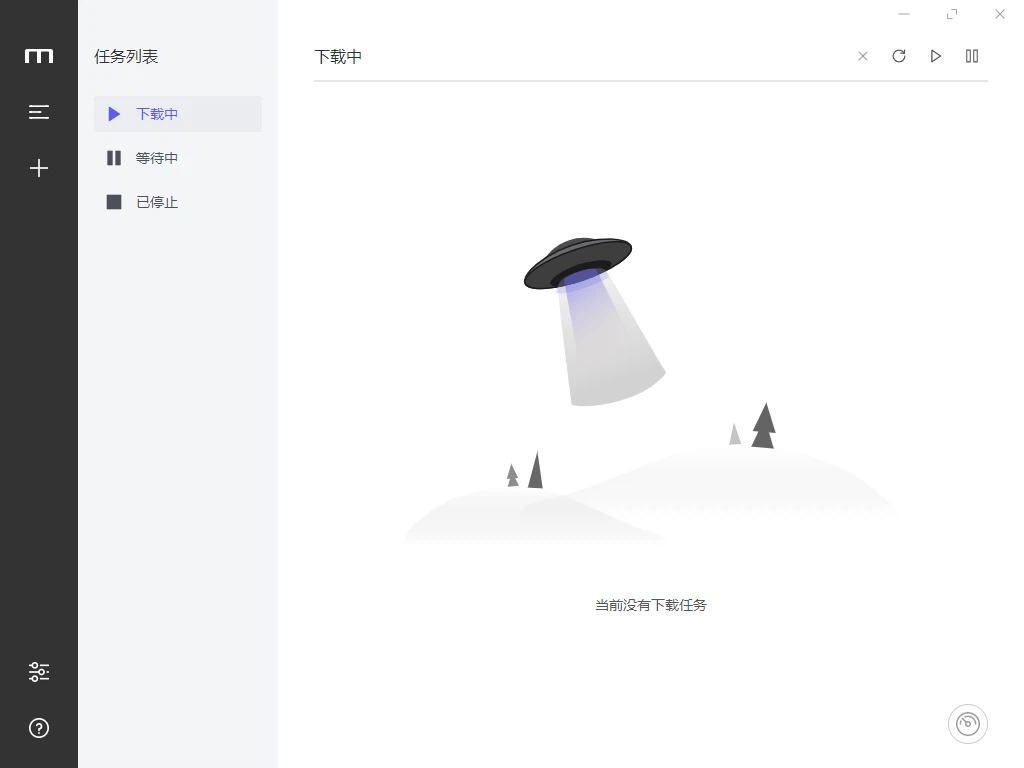
Pause, resume, remove, reorder: the list of operations is short and each one is expected to work without penalties. A pause should hold the partial data, not discard it. A resume should continue, not restart. Deleting a task should free the space it held. These sound like obvious requirements and are exactly where simpler tools disappoint, because keeping partial state across a pause is a design decision rather than an afterthought.
A background that keeps working
Long transfers should not require the window to stay open. The queue runs in the background, so a large download proceeds while other work happens, and returns to the foreground when it needs attention. For anyone who starts something overnight, the meaningful question is not how fast it goes but whether it is still going in the morning, and a manager that runs independently answers that one properly.
An interface that stays out of the way
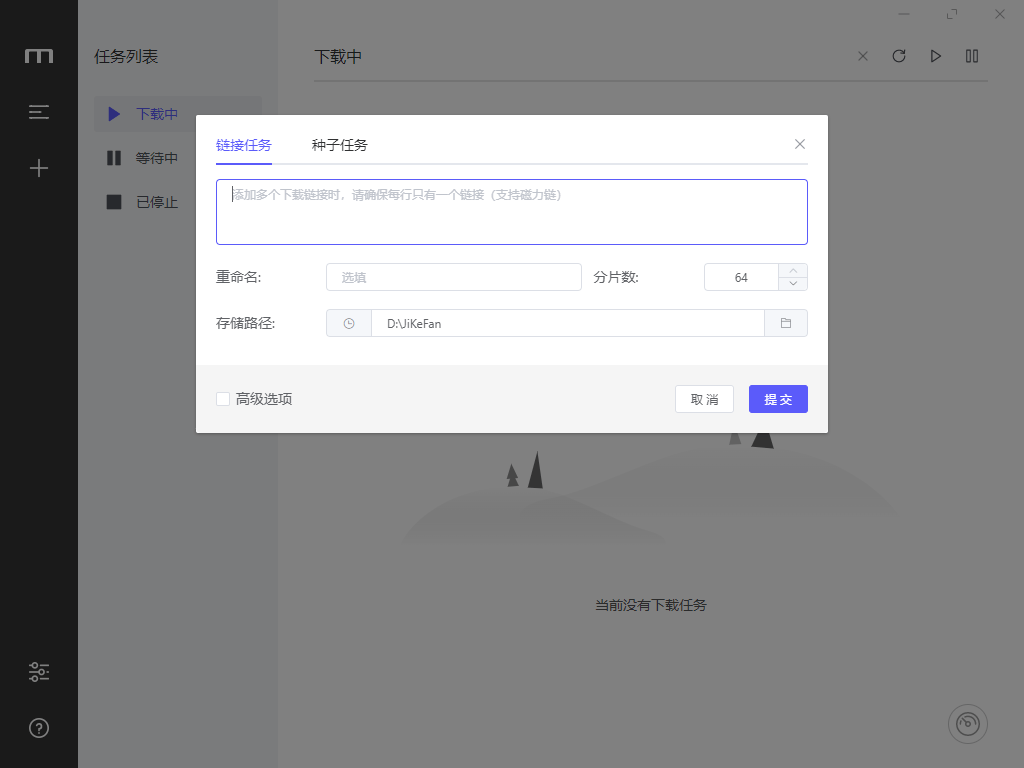
The main view is a list of tasks with progress against each, which is the only arrangement that makes sense for this kind of tool. Drag and drop adds files without a dialog. Nothing is hidden behind a menu that should be visible. For someone who downloads occasionally this is unremarkable; for someone who downloads constantly it is the difference between a tool that is glanced at and a tool that is fought with.
Extending it for what comes next
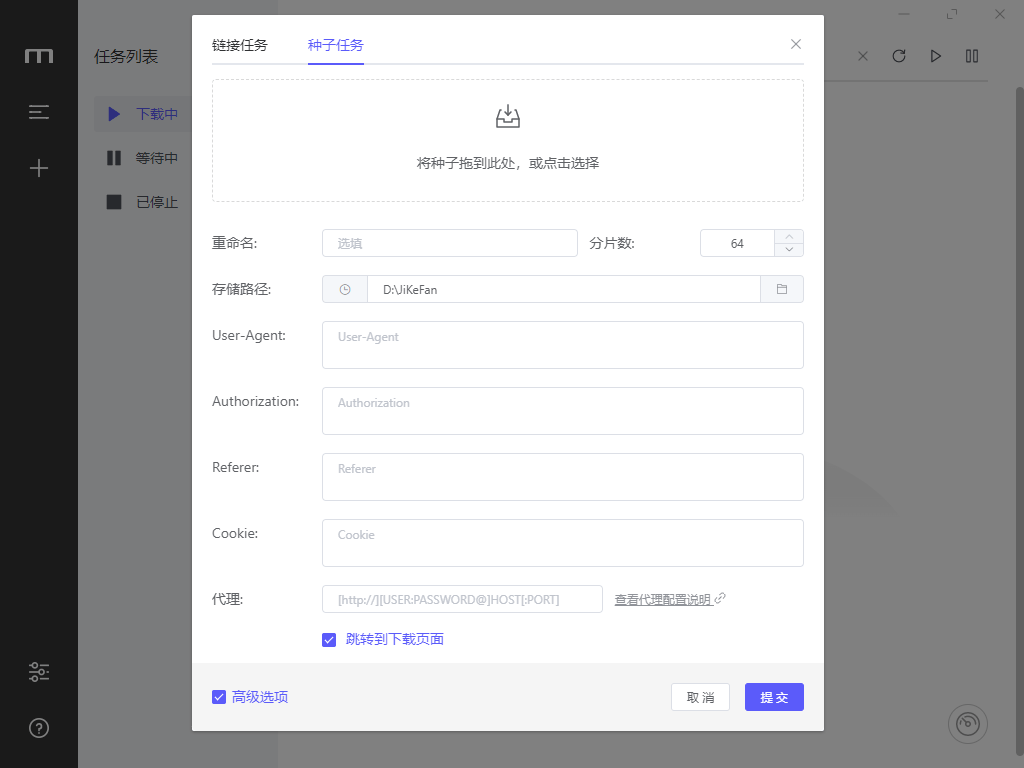
The application accepts extensions, and the community has produced ones that reach beyond plain downloading, including the ability to pull media from a page rather than a direct file and to hand a finished file to another step. This is what keeps a downloader from becoming obsolete: the transport problem stays the same while the sources keep changing shape.
Openness, and why it matters here
The project is open source, which for a program that sees every address you fetch is a meaningful property rather than a slogan. It also means the direction is not owned by a single company, so the tool cannot be reshaped around someone else's business model. And it means that anyone who wants to change how it behaves can, which is a different relationship with software than accepting whatever arrives.
Privacy as a default
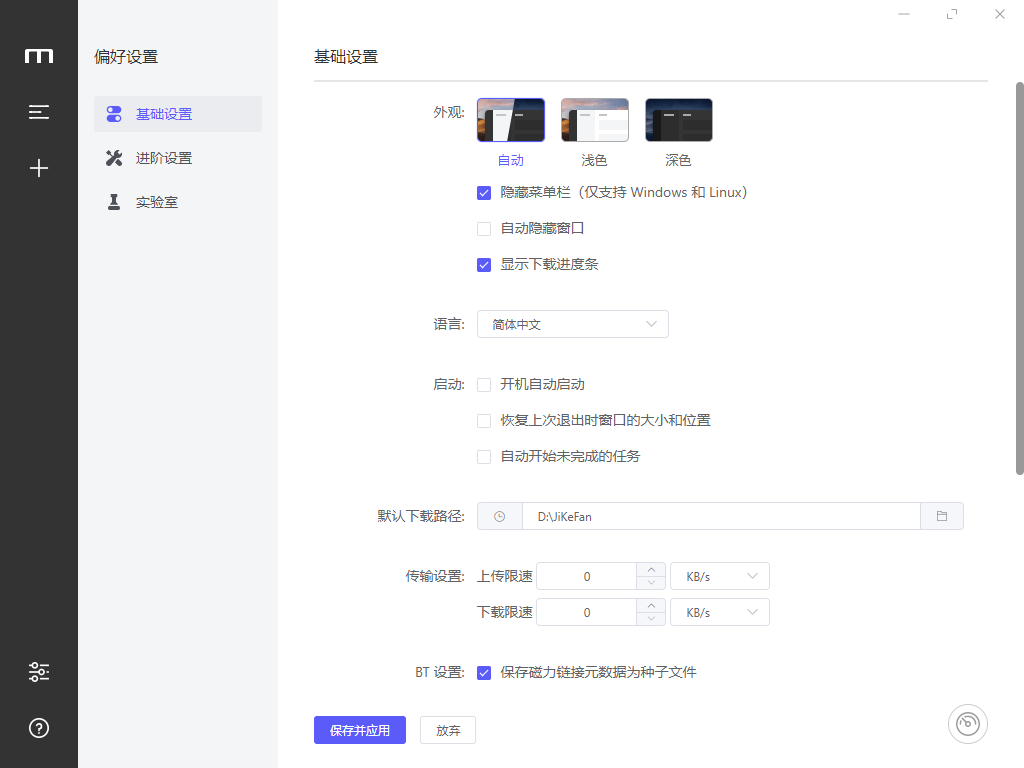
A download manager knows more about your interests than most applications on the machine, because a list of what you fetch is a portrait. The stated position here is that download activity is not collected, which is the right default and worth stating explicitly, since the alternative is common enough to be assumed. Transfers over an encrypted protocol are supported as well, so the content of a transfer is protected in transit rather than only the address being hidden.
Where it earns its place
It suits anyone whose downloads are large, numerous or unreliable: software images, video material, datasets, archives that take an hour. It suits people who lose connections and do not want to lose an hour with them. It runs on Windows, macOS, Linux and Android, so the same queue logic follows across machines. It is not a browser replacement and does not try to be: the browser keeps handling the two second download, and this takes over when the transfer stops being incidental.
The test that matters
The honest way to judge a download manager is to interrupt it. Pause halfway, close the application, drop the network, restart the machine, then resume and see whether the progress survived and the speed came back. A tool that passes that test is worth keeping installed; a tool that fails it is a browser feature with extra steps. That is the standard this one is built to meet, and it is the only one that matters once a transfer is long enough to be interrupted.