
LocalSend: Moving a File Between Two Devices With No Server in the Middle
Summary
LocalSend is an open-source tool that sends files directly between devices on the same network: no account, no cloud, no internet connection, and a receiver who has to accept each transfer.
Recommend- Name
- LocalSend
- Version
- 1.17
- Pricing
- Free
- Open source
- Open source
- Website
- https://localsend.org/zh-CN
- Updated
- 2026-10-06 22:38
The problem with sending a file was never bandwidth
LocalSend is an open-source tool that transfers files between devices sitting on the same network, and it runs on Windows, macOS, Linux, Android and iOS. The interesting thing about it is not speed, which on a local network is almost never the constraint. It is that the ordinary ways of moving a file between two machines one owns all involve something unnecessary: an account, an upload, a cable, a messaging application used as a courier, or a folder shared with permissions that were set once and never reviewed. Each of those solutions works, and each of them sends the data somewhere it did not need to go.
The arrangement here is the smallest possible one: two devices that can see each other exchange the file, and nothing else participates. That has a consequence people notice only after the first week, which is that the transfer works when the internet does not. A conference room with bad wifi, a machine on a bench in a workshop, a phone and a laptop in a place with no coverage at all — these are the cases where a local-only path stops being a philosophical preference and becomes the only thing that functions.
No account is the feature, not the absence of one
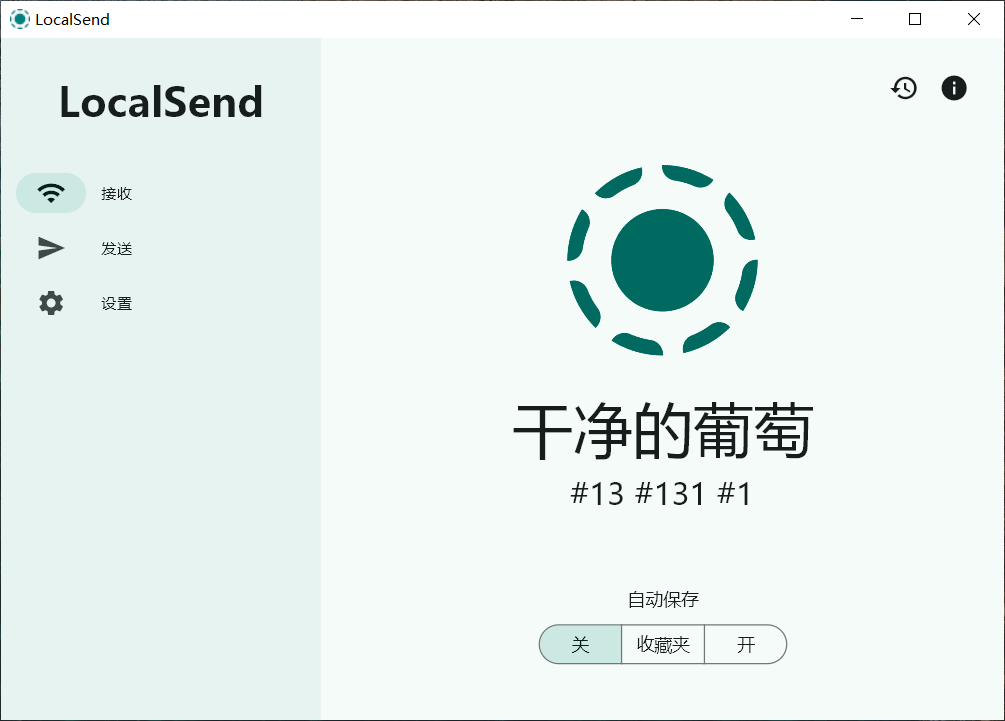
There is nothing to sign in to, which means there is no identity to leak, no usage to profile and no service that can decide the feature is being retired. Devices find each other on the network and appear in a list, and a device is identified by what it announces about itself rather than by an account it holds. This is a smaller claim than privacy marketing usually makes, and it is a more durable one: a system with no accounts cannot start requiring them without becoming a different system.
The cost is that the list is only as trustworthy as the network. On a home network with three devices that is easy. On a large shared network, the list can contain things that are not yours, which is why the receiving side matters as much as the sending side.
Encryption, and what it is protecting against
Transfers are encrypted in transit, and an optional password can be added so that a device will not accept a transfer from someone who does not know it. It is worth being precise about the threat being addressed. The data is not crossing the public internet, so the classic interception problem is smaller than it would be for a cloud service; what remains is the shared network, where a large office or a hotel is full of devices that are not necessarily friendly. Encryption in transit covers exactly that, and the password covers the simpler case of someone on the same network trying to push a file at a device that is sitting there accepting everything.
The receiving side is the part people underestimate. A transfer tool that accepts whatever arrives is a way to have files appear on a machine without anyone deciding they should. Requiring an explicit acceptance for each transfer is a small friction and the correct default: the person at the receiving machine is the only one who knows whether this sender, at this moment, should be allowed.
Five platforms is an argument, and a cost
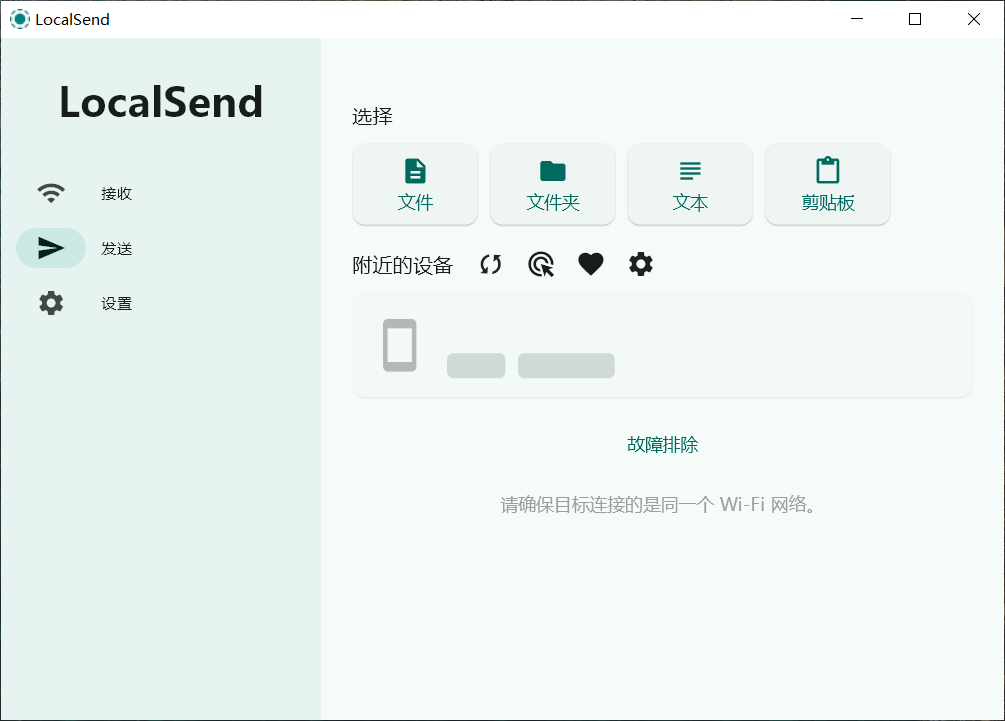
The support for five platforms is the reason the tool is useful rather than clever. The awkward transfers in ordinary life are not between two computers of the same kind; they are between a phone and a laptop, between a tablet and a machine in another room, between the device that has the file and the device that needs it. Any tool that covers only half of those pairs leaves the other half to a cable or an upload.
The cost is that five platforms means five implementations of the same behaviour, and consistency becomes the hard part. A file that arrives with its name mangled, or its timestamp reset, or its permissions lost, is a transfer that half worked — and those failures are not evenly distributed across operating systems, which is exactly why they are easy to miss during development on one of them.
Clipboard sync and a hotkey: the small things that get used daily
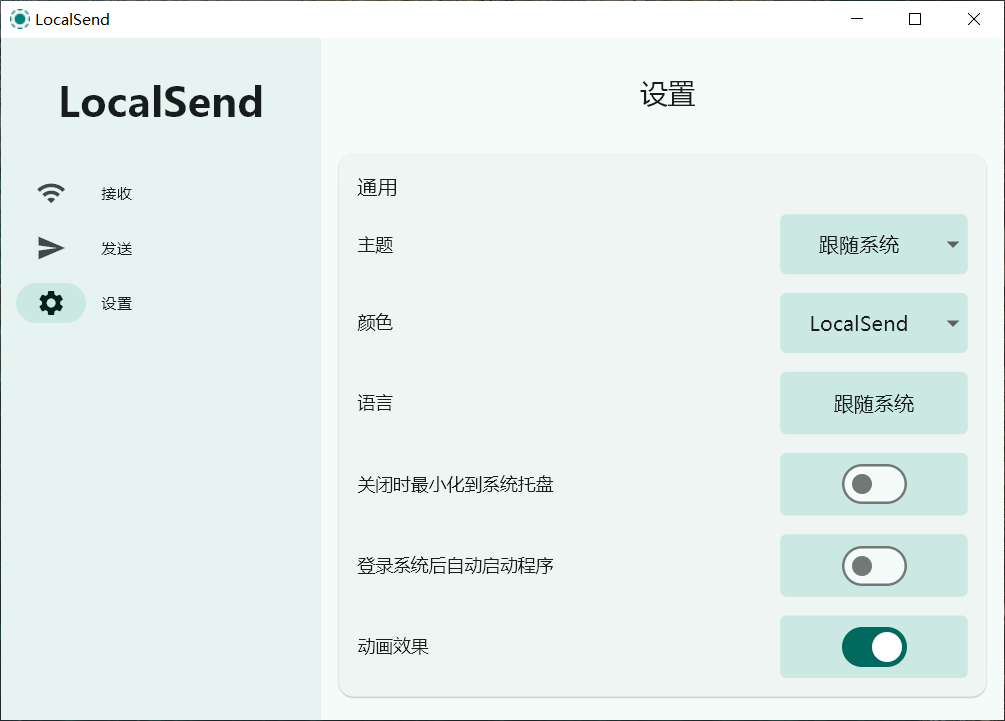
Two features in the program are disproportionately useful relative to their size. Text copied on one device can be sent to another, which solves the problem of moving a short string — a URL, a code fragment, an address — between a phone and a computer without inventing a message to oneself. And a global hotkey brings the transfer panel up from anywhere, which matters because a utility that requires finding its window first is a utility that gets used less than it should.
What an open licence changes here
For a transfer tool the licence matters more than usual, because the program is asking for a position on the network and access to files. Source that can be read means the claims about what leaves the device can be checked rather than believed, and it means the tool can be built for a platform the maintainers did not target. It also means the tool can outlive its maintainers, which for something that sits in the path of a person's own files is not a romantic consideration but a practical one.
The boundaries worth knowing before relying on it
Three of them. It is a transfer tool, not a synchronisation service: it moves a file when asked and keeps no state about what should be where, which is a strength until someone expects a folder to stay in step. It works on the local network, so two devices on different networks, or on a network that isolates clients from each other, will not see one another — a common surprise in hotels, campuses and some corporate wifi. And it depends on both parties having the program, which makes it a good tool among people who have agreed to use it and a poor one for sending something to a stranger.
Where it fits
The honest description is that this replaces a set of habits rather than a product: the cable that is never in the bag, the message to oneself with a file attached, the upload to a service that will be asked to hold something it did not need to see. For anyone who moves files between their own devices more than occasionally, and who has noticed that the existing routes are longer than the distance the file actually travels, it is the shortest path available — and the shortest path is usually also the one that leaves the fewest copies behind.