
LibreOffice review: six office tools, one install, no licence fee
Summary
Word processing, spreadsheets, presentations, drawing, databases and formulas in one free package, maintained by a foundation rather than a vendor, with documents that save to an open format by default.
Recommend- Name
- LibreOffice
- Version
- 26.8
- Pricing
- Free
- Open source
- Open source
- Operating system
- WindowsmacOSLinux
- Website
- https://www.libreoffice.org/
- Updated
- 2026-10-08 16:39
One installation, an entire office
Office software is a permanent, invisible cost for both companies and individuals, and most people have stopped noticing it because it arrives bundled with a new machine or a workplace agreement. LibreOffice answers the question directly: word processing, spreadsheets, presentations, vector drawing, databases and a formula editor in one download, all of it free, all of it open source, with no tier that unlocks a feature you need next Tuesday.
The governance is the part worth understanding. It is maintained by a non-profit foundation rather than a vendor with a subscription to protect, which is why the format question is settled the way it is: new documents default to the open standard, so the file does not become a hostage. You can open it in ten years, on another platform, with another program. That is a small sentence with large consequences for anyone who has ever tried to read a document from 2003.
Compatibility is no longer the weak point
The reputation for poor compatibility is largely a memory of a previous decade. Interoperability with Microsoft formats has improved steadily, and for the ordinary traffic of a working week, a document or spreadsheet that arrives by mail opens correctly, edits correctly and returns without surprises. Complex layouts, embedded macros and heavily formatted templates remain the cases that need checking, which is a narrower caveat than the old blanket warning.
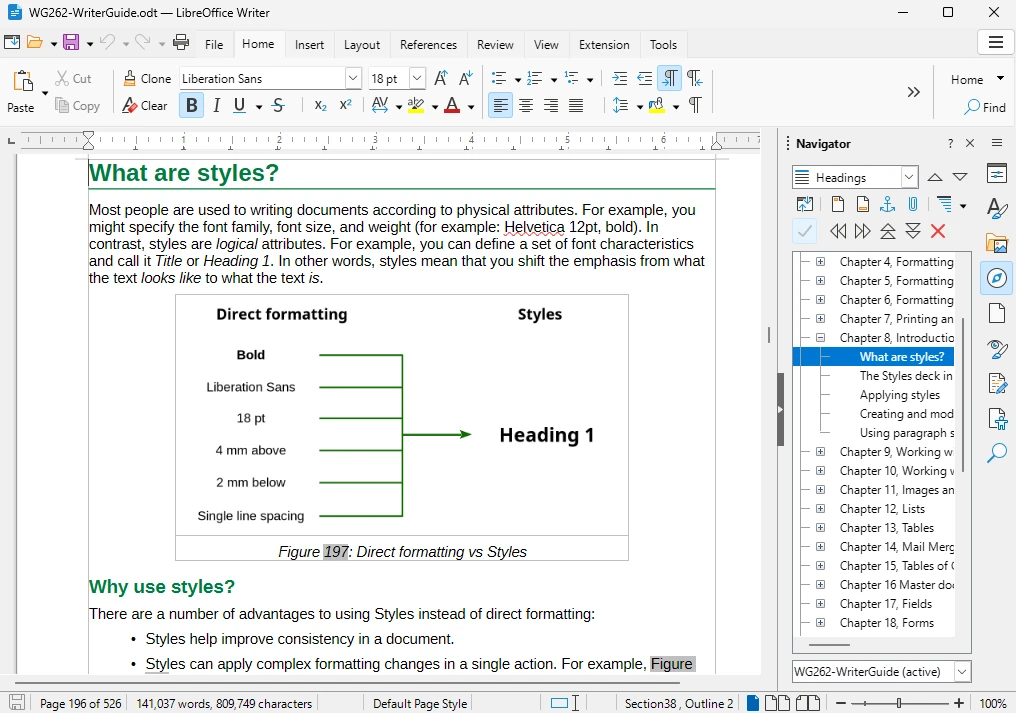
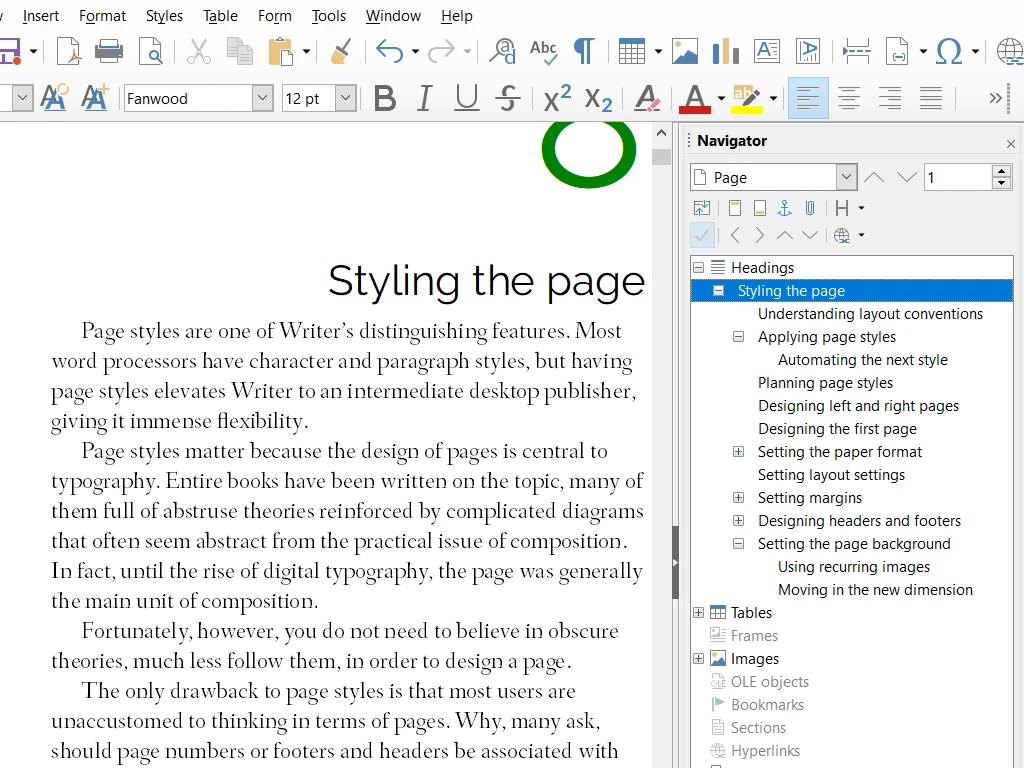
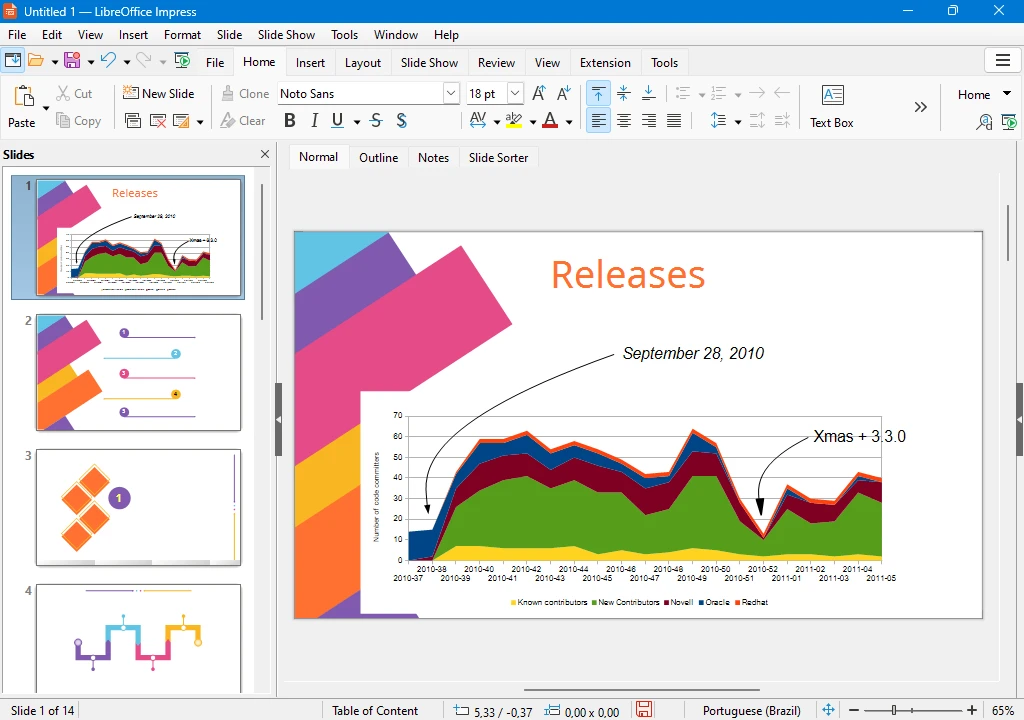
The suite itself keeps moving. Major versions arrive roughly on a yearly rhythm, the interface has been modernised without being rearranged for its own sake, and performance work has made large spreadsheets noticeably less painful. Each component is a proper application rather than a viewer: Writer handles styles and master documents, Calc covers pivot tables and a wide function library, Impress is adequate for the presentations most people actually give.
Who it fits, and the honest trade-offs
Students on a budget, institutions that care about data sovereignty, Linux users who need a working office suite by default, and anyone who resents paying annually for software they use at ten percent of its capacity. It also coexists with an existing office suite without conflict, which makes the decision reversible: install it, use it for a week on real work, and judge from that rather than from a review.
The trade-offs are real. Collaboration in real time through a browser is weaker than the cloud-first competitors, some advanced spreadsheet functions take a different shape, and specialist workflows built around vendor-specific features will need mapping. Support is community-based, which is excellent for common problems and slower for exotic ones, and organisations deploying at scale should plan a pilot rather than a switch.
LibreOffice proves that infrastructure software does not need licence fees to survive: twenty years of relay by a community has nailed the words free and professional together.
Practical advice. Save a copy in the Microsoft format when a document leaves the building, and keep the open format for your own archive, so you get both compatibility and durability. Test macros and complex layouts on a sample before converting a whole department. Learn the shortcut for paste as unformatted text, which solves most of the copying between applications. And check the version: the still branch is the one for production machines, the fresh branch for people who want the new features.
One detail that decides adoption more than any feature: tell colleagues which format you are sending. Most compatibility complaints in practice are not file format failures at all, but two people assuming different things about the same attachment.