
Puma Browser review: a model on the phone, so the conversation stays there
Summary
Most AI assistants send your conversation to a server. This mobile browser runs an open model on the phone instead, works offline, and lets you switch to a cloud model when you actually want one.
Recommend- Name
- Puma Browser
- Version
- 20260923
- Pricing
- Free
- Open source
- Proprietary
- Operating system
- AndroidiOS
- Website
- https://www.pumabrowser.com/
- Updated
- 2026-10-08 16:41
AI in the browser, with the conversation staying on the device
Using a cloud assistant always involves a small bargain: the question, the page you are reading and whatever context you paste all travel to a server you do not control. Puma Browser proposes a different arrangement. It runs an open model directly on the phone, so summarising a page, asking a question or drafting a paragraph happens locally, works with no connection at all, and leaves the data physically on the device.
Privacy here is a design principle rather than a setting. There is no account to create, no conversation history uploaded, and no advertising model funded by behavioural data. When you want a stronger model, you can connect a cloud provider of your choice, which turns the arrangement into a switch you control: local by default, remote when you decide the trade is worth it.
A browser with its own ideas about the web
The ambition goes beyond putting a chat box in a toolbar. Alongside ordinary addresses, it resolves decentralised naming and storage protocols, so a single address bar also reaches the wider open web rather than only the sites that a large platform indexes. Whether you use that capability daily or never, it signals the intent: this is a browser built for a web that is not entirely owned by four companies.
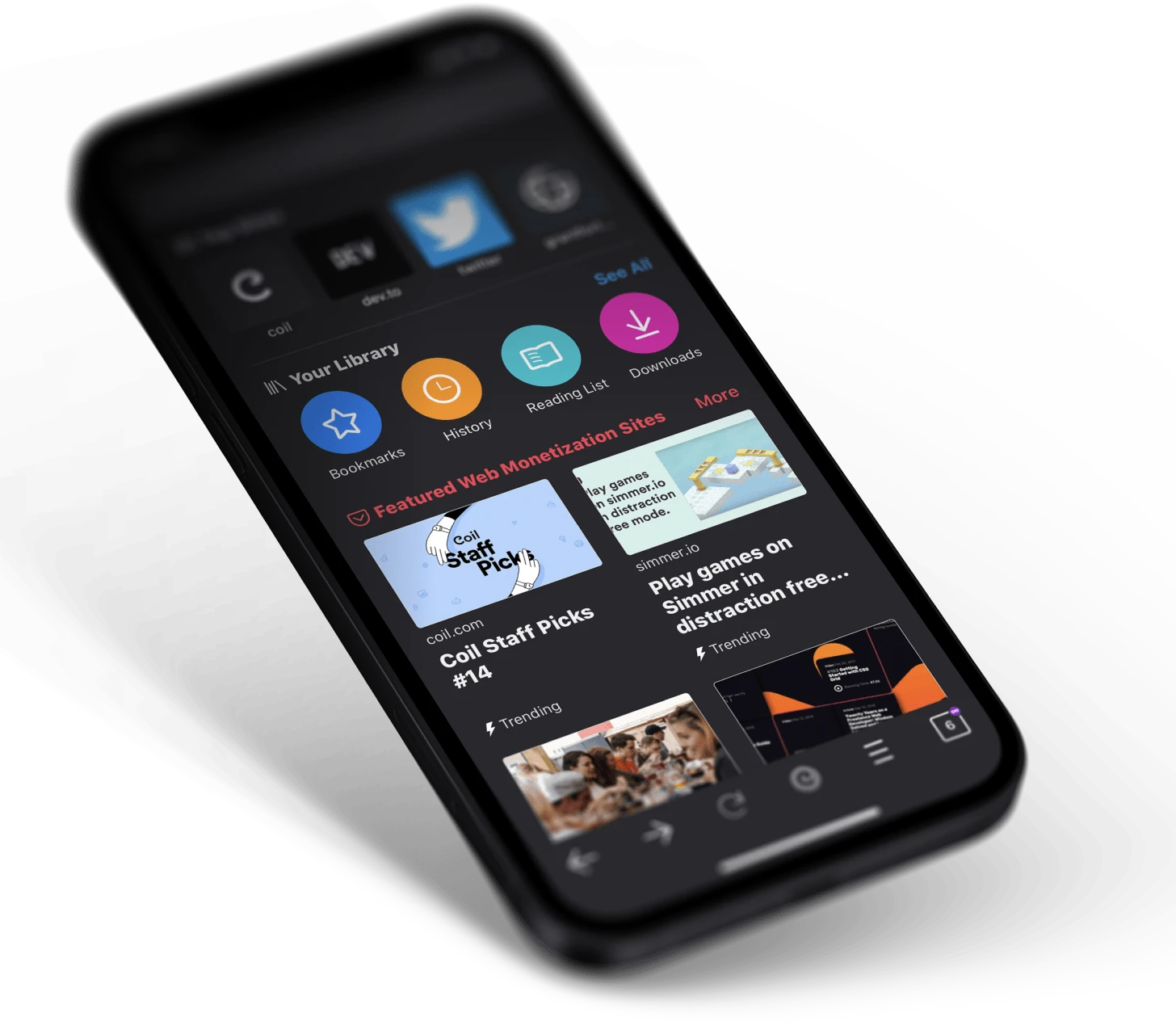
The assistant and the page are integrated rather than adjacent. A long article can be summarised without copying it into another application, a foreign-language page can be translated and condensed in one step, and the selected text is the natural input for a question. That sounds minor until you have done the copy-paste version a few dozen times; the difference is a workflow rather than a feature.
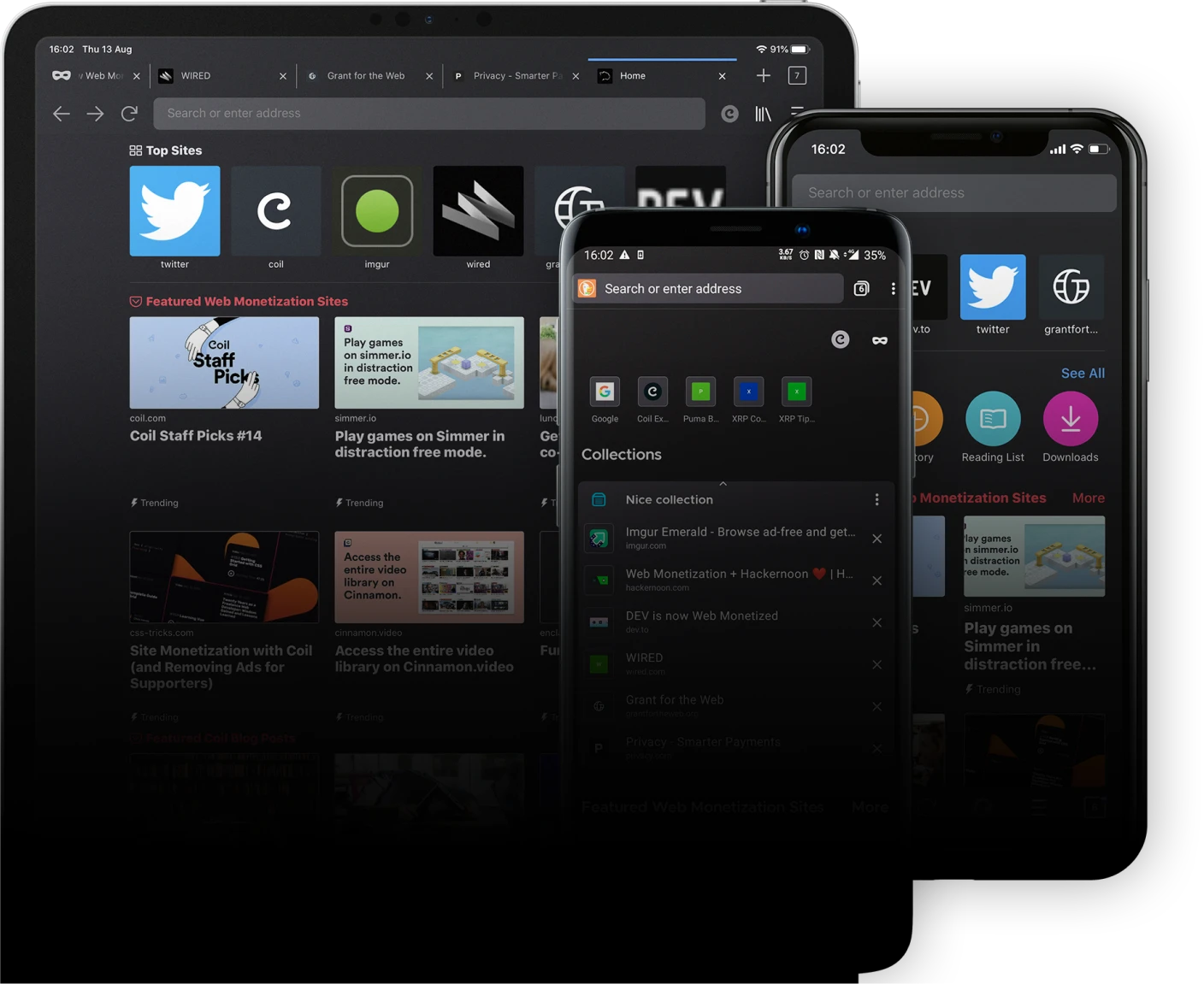
The small models that run on a phone are not the strongest available, and the app does not pretend otherwise. What they lack in capability they make up for in availability: instant, private, free of per-token cost, and usable on a train. For summarising, rewriting, translating and question answering over a page, that is usually enough, and the honest recommendation is to use the local model for those tasks and reach for a cloud one only when a task genuinely needs more reasoning.
What to expect, and what to watch
On-device inference costs battery and memory. A long conversation with a local model on an older phone will warm the device and drain it faster than browsing would, and the very first model download is a one-off wait over a decent connection. These are the physical limits of the approach, not defects, but they decide whether it suits you.
Installs have passed a million, the project is actively developed, and it is free to download. As with any young browser, extension support and some site-specific quirks are works in progress, so treating it as a second browser for reading and research rather than replacing the one you depend on is the sensible entry.
Puma is betting on a new normal: assistants will live inside browsers, and the ones that win will be those willing to keep the conversation on your phone.
How to start. Download a small local model first and try it offline with aeroplane mode on, which makes the privacy claim concrete rather than theoretical. Set summarising long articles as your default use, since that is where the local model performs best relative to its size. Configure a cloud provider only after you have a task that needs it, not before. And read through the privacy settings once, because a product chosen for its principles deserves to have those principles actually enabled.
One caveat worth stating plainly: a local model can be wrong in the same ways a cloud model can, and it has less knowledge of recent events. Treat its output as a first draft that needs checking, especially for anything factual, and the tool becomes genuinely useful rather than quietly misleading.