
Kerish PC Doctor 4.95: a family doctor that watches the hardware
Summary
A maintenance suite that behaves like a follow-up visit rather than a repair shop: temperature, load, battery state and disk health watched continuously, with cleaning only when the machine is idle. Version 4.95 shipped in August 2026.
Recommend- Name
- Kerish PC Doctor
- Version
- 4.95
- Pricing
- Paid
- Open source
- Proprietary
- Operating system
- Windows
- Updated
- 2026-10-06 13:18
Most maintenance tools work on the logic of repairing after something breaks. The name here carries a different idea: the vendor calls it a personal doctor for your computer and sets the slogan at round-the-clock care. The site lists four duties, monitoring the hardware, preventing crashes as they would happen, repairing errors and defending against viruses. The company has been at this since 2005, and the page claims more than 17 years on the global market with 75 million downloads to date. The current release is 4.95, dated 2026-08-16, a 48.3 MB package, and it runs on Windows 11, 10, 8.1 and 7.
Monitoring: temperature, load and battery
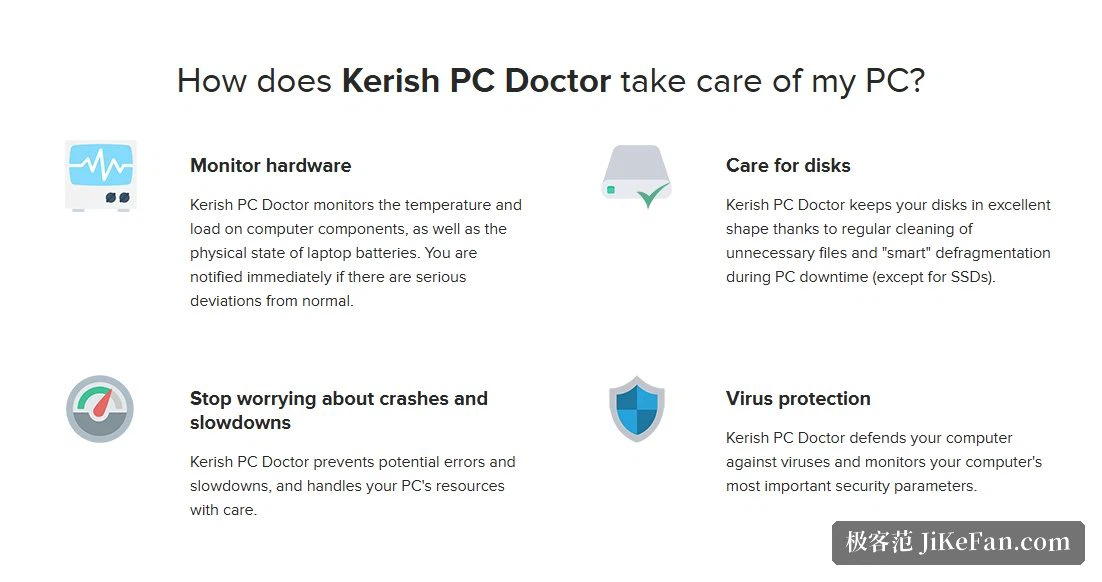
Hardware monitoring is the part that least resembles a cleaning tool. The site states that it watches the temperature and load of the components and the physical state of a notebook battery, and that a notification arrives as soon as a reading drifts clearly away from normal. On a desktop that means cooling trouble surfaces early. On a notebook the battery reading earns its place, because the battery is the one component bound to wear down, and most people notice only once runtime collapses.
Crash prevention sits alongside it. A separate column says the tool prevents potential errors and stutter and handles system resources carefully. Together the two give the doctor metaphor its substance: not rescuing a broken system, but naming an anomaly before it turns into a fault.
Disk: cleaning on a cycle, defragmentation when idle
The disk column says the drive is kept in good shape by regularly removing unnecessary files and by a smart defragmentation that runs while the computer is idle. Two words carry the design, regular and idle. Cleaning happens on a cycle, defragmentation only when the machine is not busy, so neither competes with you while you work.
Worth noticing is the qualifier in brackets: solid-state drives are excluded. That small sentence matters more than it looks. Defragmentation means something on a mechanical drive, whereas on a solid-state drive it is not merely unnecessary, the extra writes work against its lifespan. Excluding those drives outright shows the logic is chosen per medium rather than one set of actions applied to every disk.
Security: virus defence and parameter monitoring
On protection the site states that the machine is guarded against viruses and that the most important security parameters are monitored. The positioning needs saying plainly: this is a maintenance tool, protection is one layer within it, and it is not the equivalent of a full antivirus suite. The vendor lists it next to hardware monitoring, disk maintenance and crash prevention as one of four main duties, which places security inside overall care rather than in a separate security product.
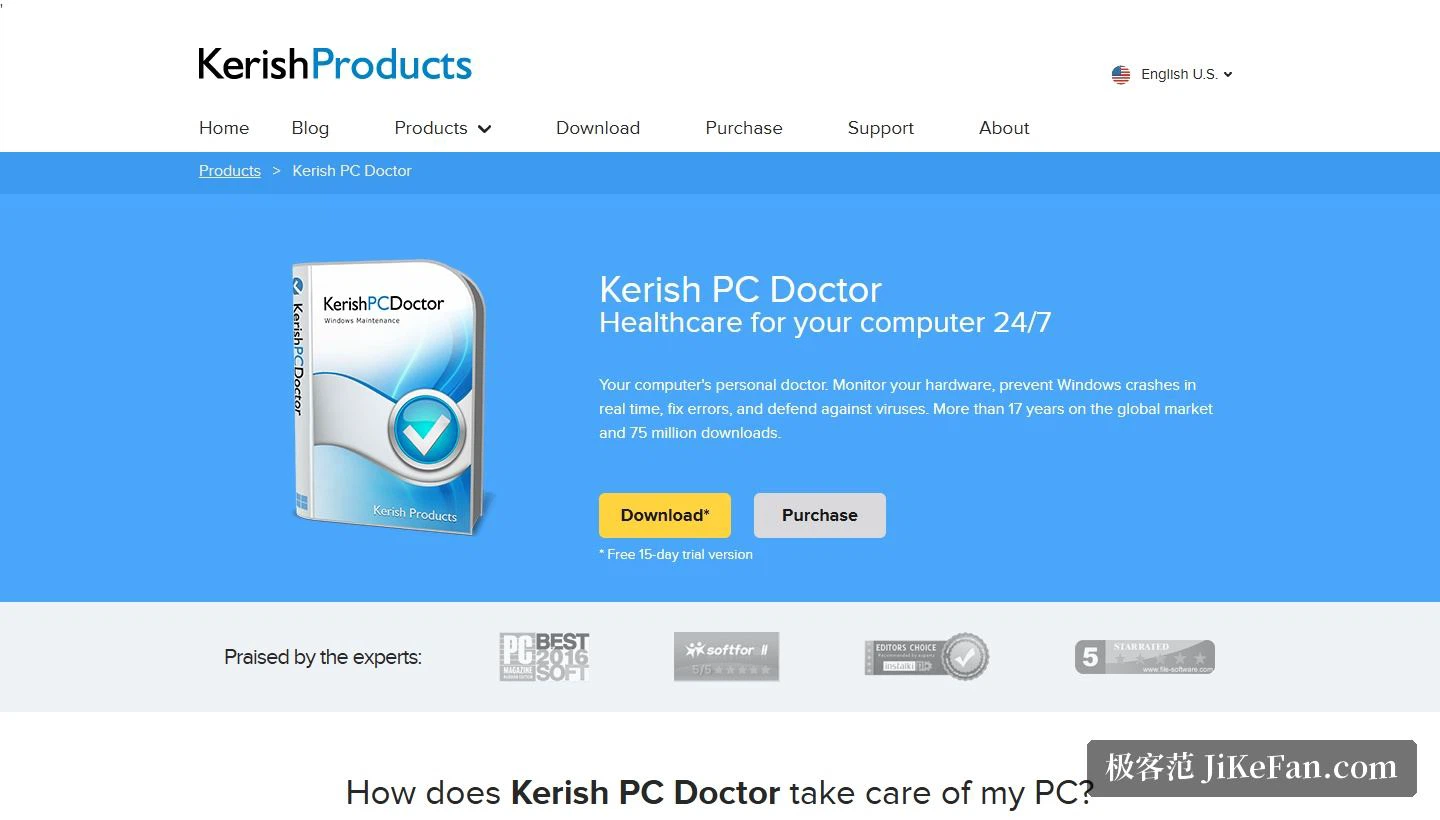
The technical section is blunt: latest version dated 2026-08-16, version 4.95, 48.3 MB, supporting Windows 11, 10, 8.1 and 7. Coverage reaches from the newest release all the way back to 7, so old machines are included, and beside the button the page notes a 15-day free trial.
Six more jobs it takes on
A column headed with what else it can do lists six items, a wider spread than the name suggests. Driver updates are said to cover more than 100,000 known devices and to be refreshed monthly. Data recovery is said to bring data back even after deletion. A shredder is said to destroy data reliably enough that it cannot be recovered. A game mode offers a dedicated acceleration technique. Solving computer problems has been turned into a list of typical cases fixed with one selection. Fine-tuning reaches hidden system settings.
Of those, driver updates and data recovery are the two with real weight. A catalogue in the hundred-thousand range refreshed every month means a replacement piece of hardware will most likely find a matching driver. And recovery after a mistaken delete stands exactly opposite the shredder, one undoing the loss, the other making sure nothing can be undone, which between them covers both ends of a file's life.
Price and licensing
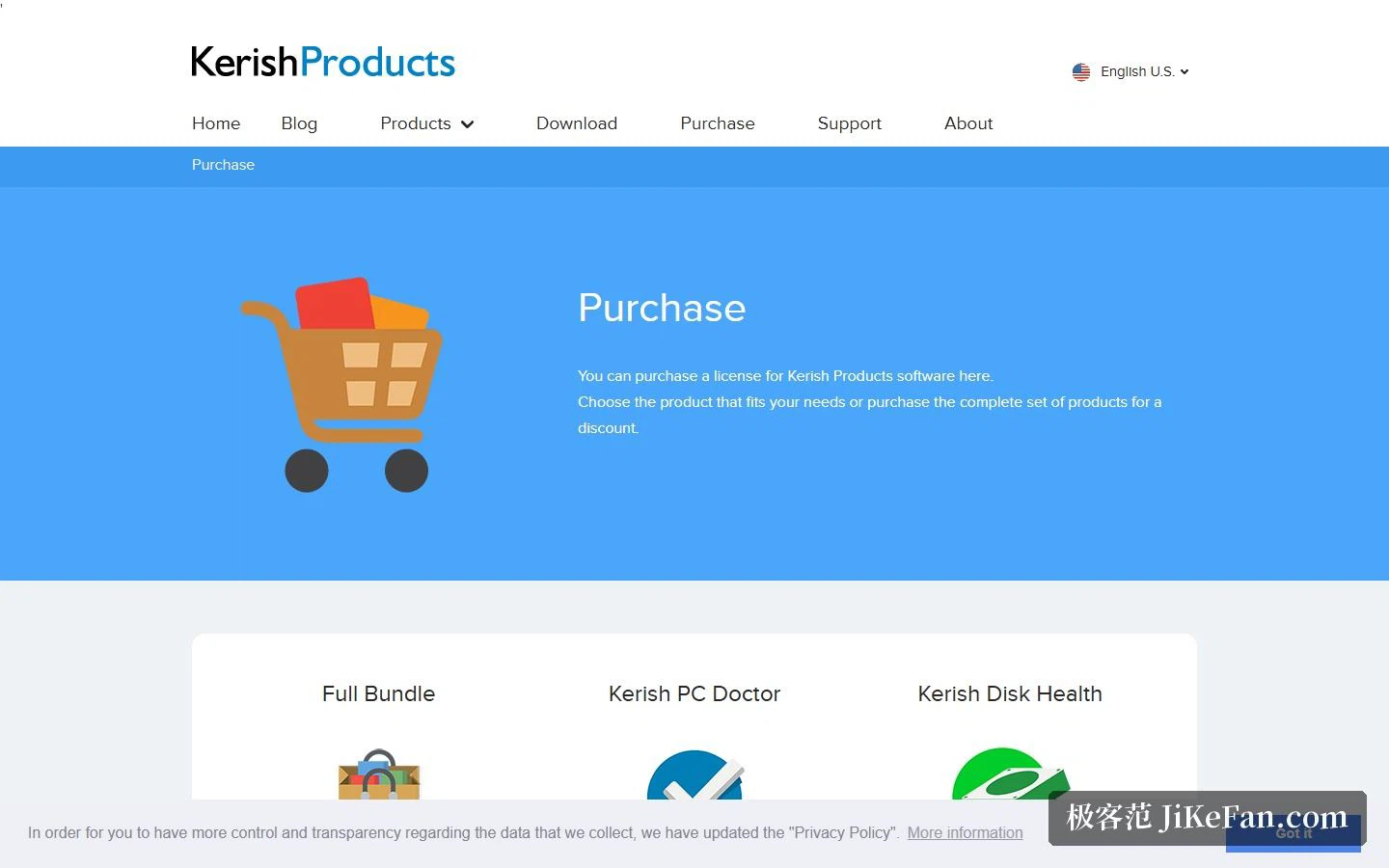
The purchase page states licences of 1 to 3 years at 14.95 to 24.95 dollars, tiered by term. The same page lists a separate product for predicting disk lifespan at the same 14.95 to 24.95 dollars, and a bundle of everything at 24.95 to 34.95 dollars.
Converted, three years works out better than one, and the sum buys several years outright rather than being a monthly subscription, which sits lighter with anyone who dislikes automatic renewals. The other side of a three-year term is that you have to keep using it, or the money is spent for nothing.
Who it suits, and what to watch
Three groups. Notebook owners first, since continuous monitoring of battery state and thermal load is worth more on a machine that travels and many faults announce themselves before they turn serious. Second, people who want one tool for several jobs, because monitoring, cleaning, protection, drivers, recovery and shredding share a window instead of being scattered across half a dozen downloads. Third, people on old systems, where a supported range down to 7 is broader than most of the field manages.
Three cautions. It is paid software offering a 15-day trial rather than a feature-limited free edition, so the trial is the only chance to test what you need before paying. Defragmentation does not apply to solid-state drives, which the page excludes explicitly, so anyone on such a drive should know where that capability stops. And the protection is one layer of a maintenance tool rather than a complete antivirus suite, so a dedicated security product is still needed wherever full cover is required.
Calling a maintenance tool a doctor shifts the emphasis from cure to follow-up: temperature, load, battery and disk state watched over a long stretch, anomalies named before they harden into faults. After 17 years the thing being sold is less the cleaning than the assurance that somebody has been keeping an eye on it.