
Kdenlive 26.08.3 spends its release on stability
Version 26.08.3
Summary
Kdenlive 26.08.3 closes its release series with recovery for damaged projects, dependable autosave and fixes for three repeatable crashes, still free and without a watermark.
Recommend- Name
- Kdenlive
- Version
- 26.08.3
- Pricing
- Free
- Open source
- Open source
- Operating system
- WindowsmacOSLinux
- Website
- https://kdenlive.org/
- Updated
- 2026-11-14 23:00
When you cut a forty-minute interview, what actually wears you down is rarely a missing effect. It is the project file that refuses to open halfway through, or the timeline that freezes the whole interface after one drag. Kdenlive 26.08.3 is the November closing update of this open-source video editor, and it adds no new panels. The effort went into narrower questions: whether a damaged project can still be salvaged, how many autosave copies survive, and why switching clips left the audio monitor dragging the interface to a halt. The editor is maintained by the KDE community, installs on Windows, macOS and Linux, ships under the GPL, and exports without a watermark or a length limit.
The announcement calls this the last maintenance update of the 26.08 series and talks about stability from beginning to end, never about features.
When a project will not open, there are still steps back
The worst accident in editing software is a broken project file. A full disk, a power cut, an external drive dropping offline: any abnormal exit can leave a project that does nothing when double-clicked. Version 26.08.3 walks that path again. The recovery flow for damaged projects tolerates more, and a failed save keeps the autosave copy instead of losing both the new and the old file. Handling of archived projects changed as well: symbolic links that point at a project are now refused, so nobody can link an archive directory elsewhere and watch the project fail mysteriously on another machine. These sound like small items until the first time one of them happens to you.
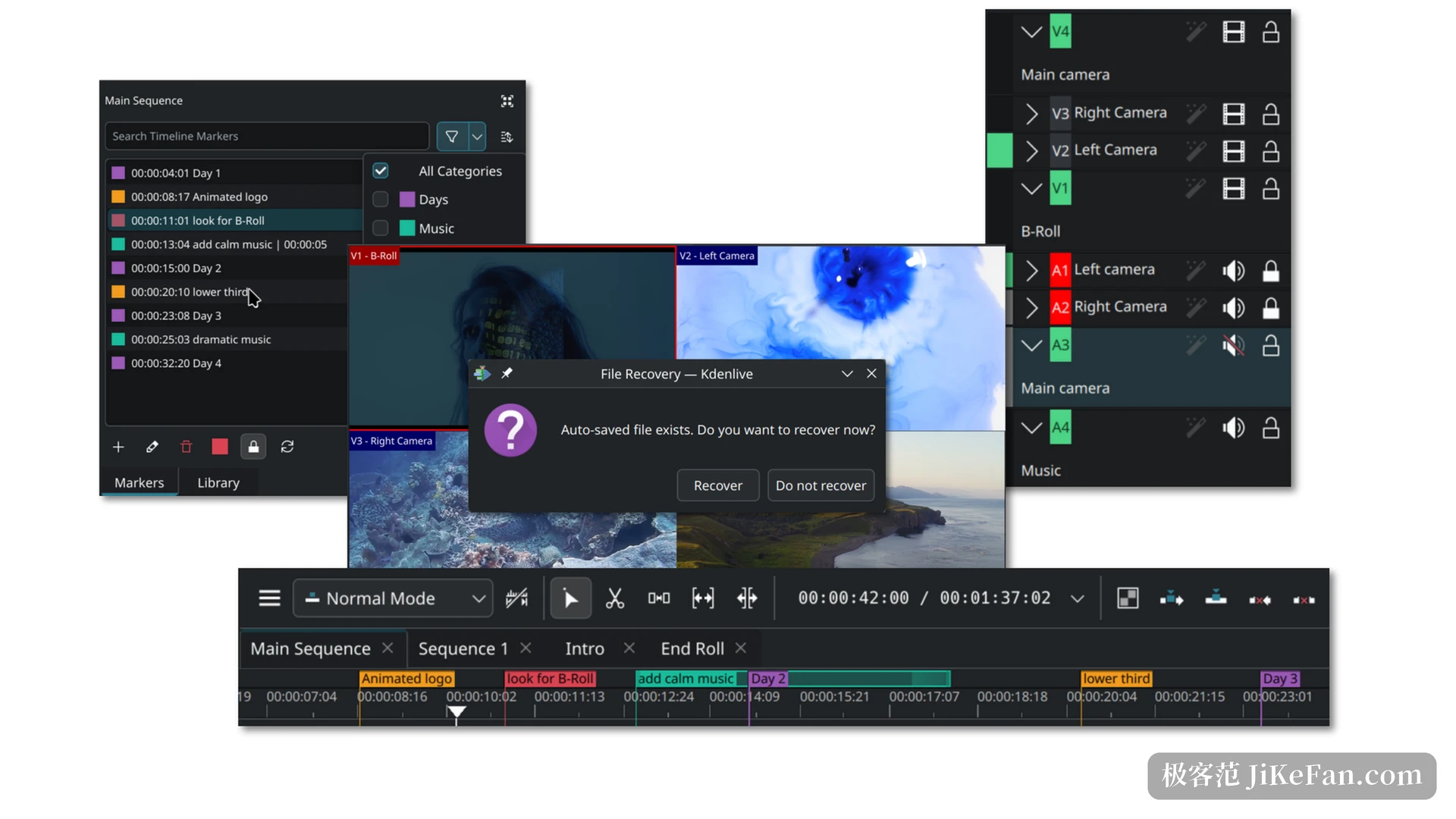
The crashes sat in three specific places
This round of repairs is tightly focused. A non-linear fade used to end the program outright and now carries a null check. The audio monitor crashed when its window was dragged narrow, and both RGB Parade and Waveform appear on the list. Switching clips while the audio monitor refreshed used to freeze the interface for several seconds, and that is handled too. A low disk warning when rendering passes twenty-four minutes, a crash from cancelling a task that has just finished, and an exit when pasted material fails to load all close in the same pass. Anyone cutting on proxy files will recognise the last one: pull the drive holding the source footage and those clips on the timeline turn into red placeholders.
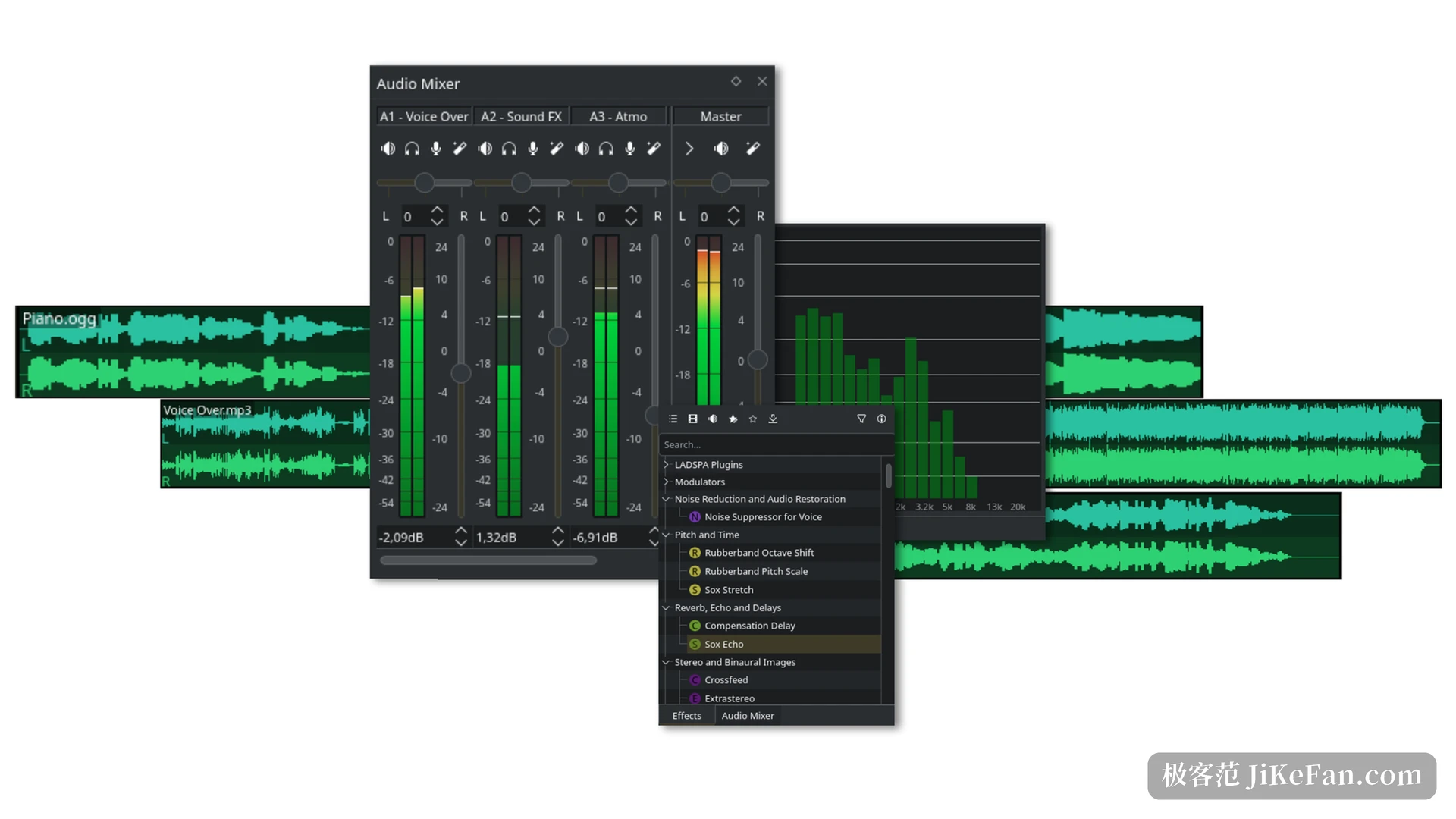
The unremarkable gestures on the timeline
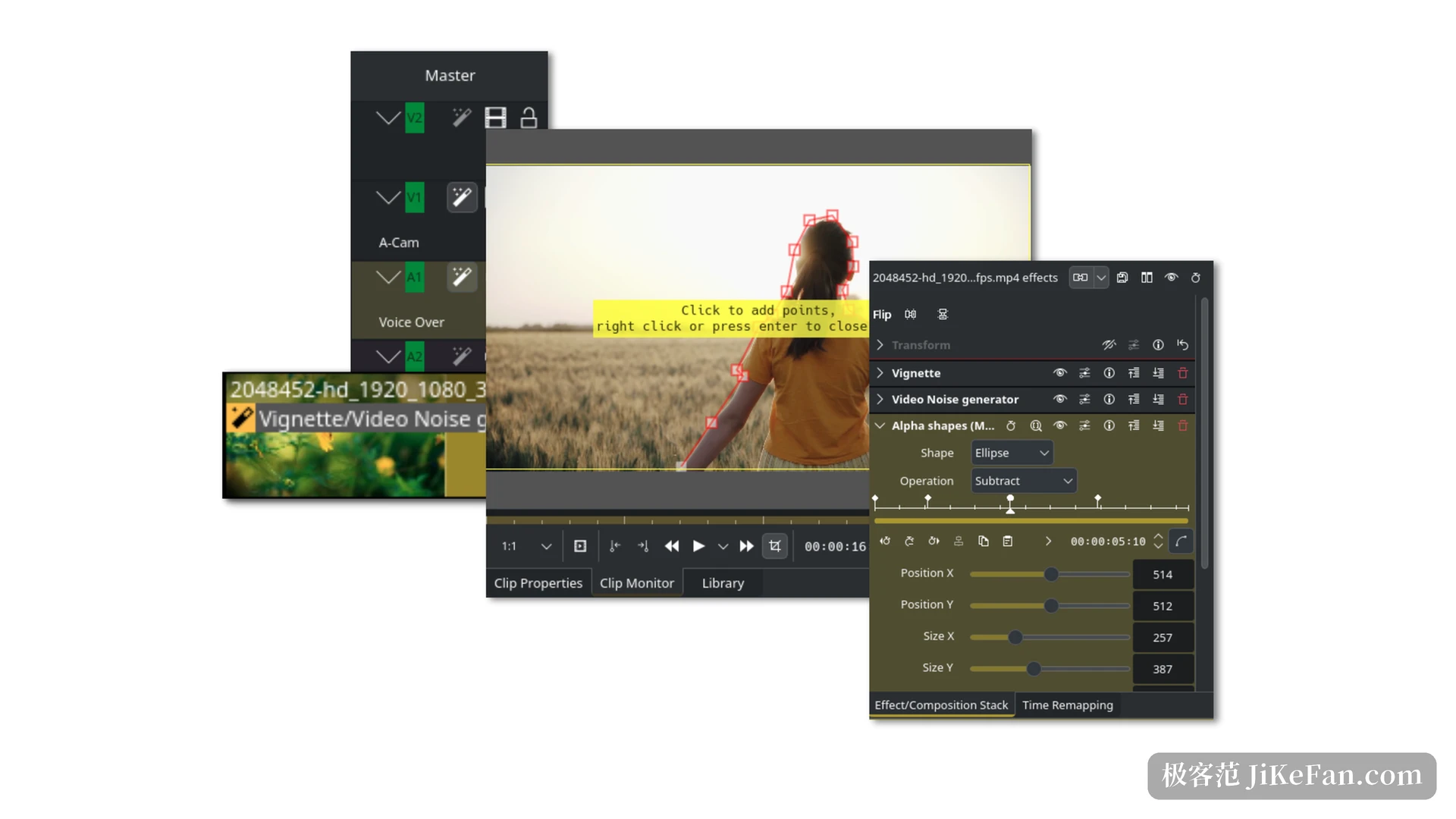
The 26.08 release itself brought the more everyday changes. Tracks can be dragged up and down on the timeline to reorder instead of going through a menu, clips can inherit the timecode carried by the source material, and the playhead can be set to return to the start once playback stops. Copying a clip, dragging a clip marker with the mouse, and copying a selection out into its own sequence are all filled in. The default transition became dissolve, because it now handles the alpha channel correctly, and shift-clicking in the mixer monitors solo on several tracks at once. None of this sells an editor, yet all of it is pressed dozens of times a day.
Proxy editing and automatic subtitles are the real entry fee
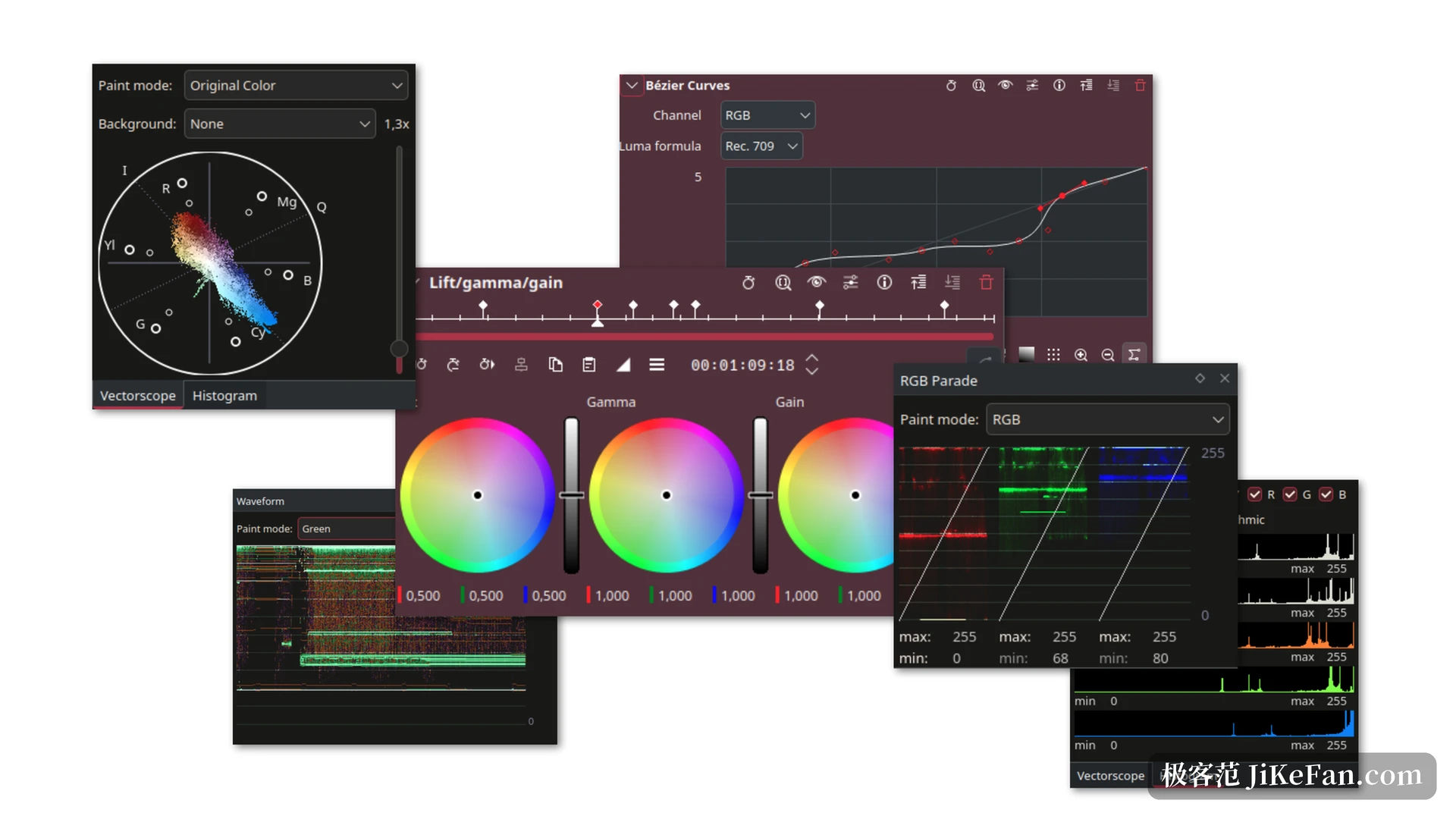
Cutting 4K footage on an ordinary laptop depends on proxy editing: low-resolution copies sit on the timeline while export switches back to the original. Kdenlive makes this a project-level switch, flipped once in the project settings, so preview smoothness and final quality stop interfering with each other. Subtitles come from local speech recognition: install the matching model and subtitles can be generated straight from the audio track, then corrected sentence by sentence for timing. The model is a separate download, which is easy to miss on first use, and people who cannot find the entry point conclude the feature does not exist. The colour panel offers LUTs, basic correction and a set of scopes covering histogram, vectorscope, RGB Parade and waveform, enough for checking a delivery and for a little stylistic grading.
How large is the free part, really
Kdenlive is licensed under the GPL, has no account system and no login, adds no watermark, and imposes no free-version export limit; income comes from donations. The cost sits elsewhere. The 26.08 line raised the required versions of MLT and other base libraries, so an older Linux distribution may need dependencies added first. Version numbers read as year and month, with a major release each April, August and December and maintenance updates after the dot, so anyone chasing new builds should not stop at the point-zero release. The panel layout is crowded on first launch, with project bin, monitors, effect stack and timeline sharing one screen, and the first two days take some adjusting.
If you are carrying a long-running project, the value of this update is not in a feature list but in the gaps where things used to get lost. Projects recover, autosave holds, and the crash points are plugged one by one, which for a free tool counts for far more than a few extra transitions.