
PasteFerry shares one clipboard across machines
Summary
PasteFerry 2.12 links the clipboards of Mac, Windows, Linux and Android machines: copy on one, paste on another, with history and file transfer included.
Recommend- Name
- PasteFerry
- Version
- 2.12
- Pricing
- Free
- Open source
- Open source
- Operating system
- WindowsmacOSLinuxAndroid
- Website
- https://pasteferry.cc/
- Updated
- 2026-11-14 23:00
PasteFerry is a utility that ties several devices into one clipboard. Copy a passage on the Mac, switch to the Windows machine and paste, and the text is there; copy a screenshot and the picture follows. It runs on macOS, Windows, Linux and Android, the desktop build stands at 2.12.0, it is published as open source under AGPL-3.0, and no account is needed anywhere.
Moving a passage from one computer to another used to mean sending it to a file-transfer chat, then logging in on the other side, opening it and copying again. Those middle steps were pure waste.
Which step it deletes
Carrying content between devices has long leaned on a chat app's transfer helper, a draft mail, or a USB stick. All of them share one property: they stretch a five-second copy-and-paste into a procedure that needs windows switched back and forth. PasteFerry erases that step. Once two devices are paired, the clipboards themselves start syncing, and the moment the copy completes the other end can already paste.
What travels is not only plain text. Formatted text keeps its formatting, images go across, single files and whole folders too, and the vendor's line is that anything under fifty megabytes is sent as soon as it is copied while larger content takes another channel.
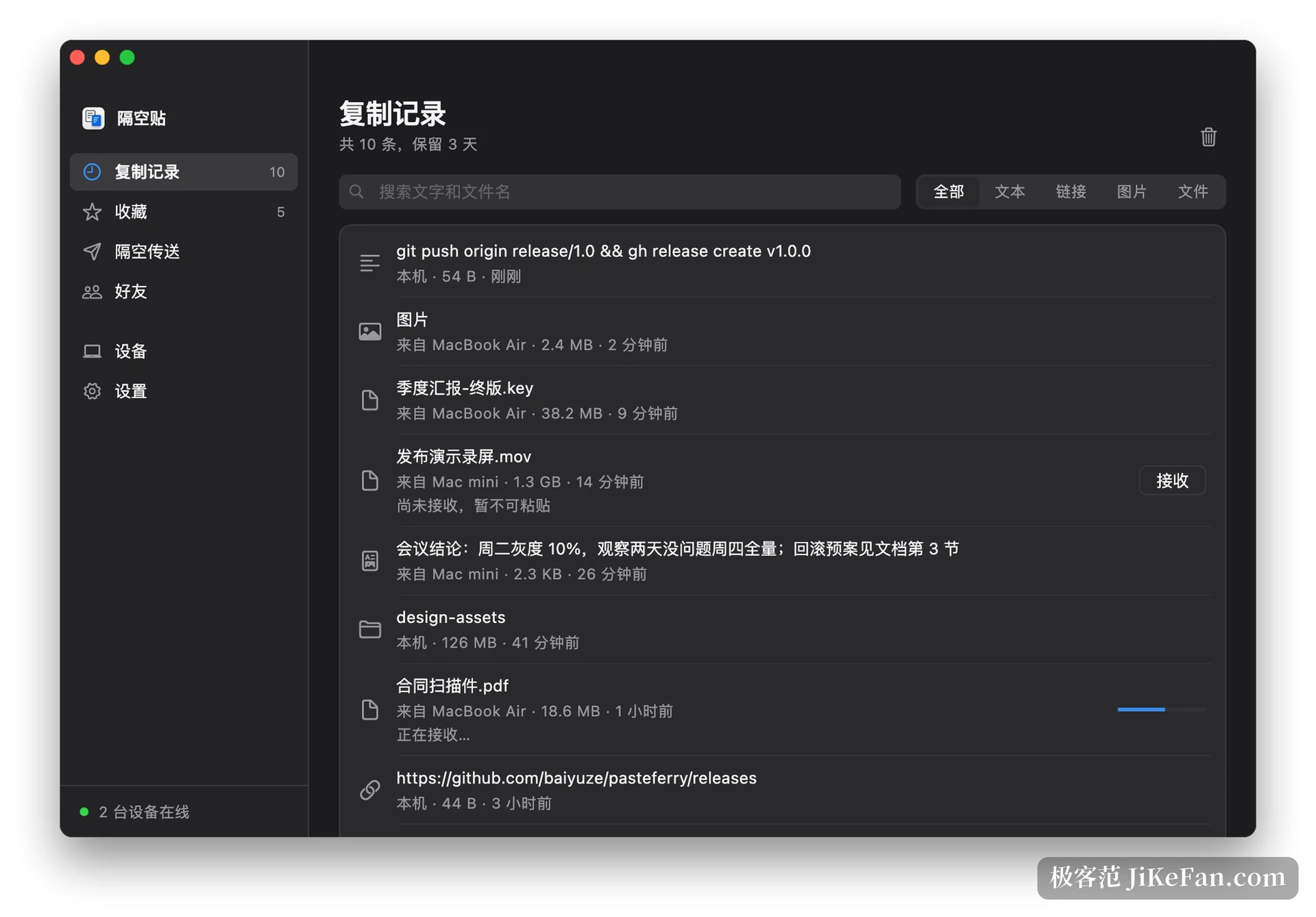
History and quick pasting
What has been copied stays in a history, three days by default, searchable by text or by file name, with pinyin search for Chinese. This layer answers a different question from cross-device syncing, namely where the passage copied a moment ago went, and it earns its place even with a single computer.
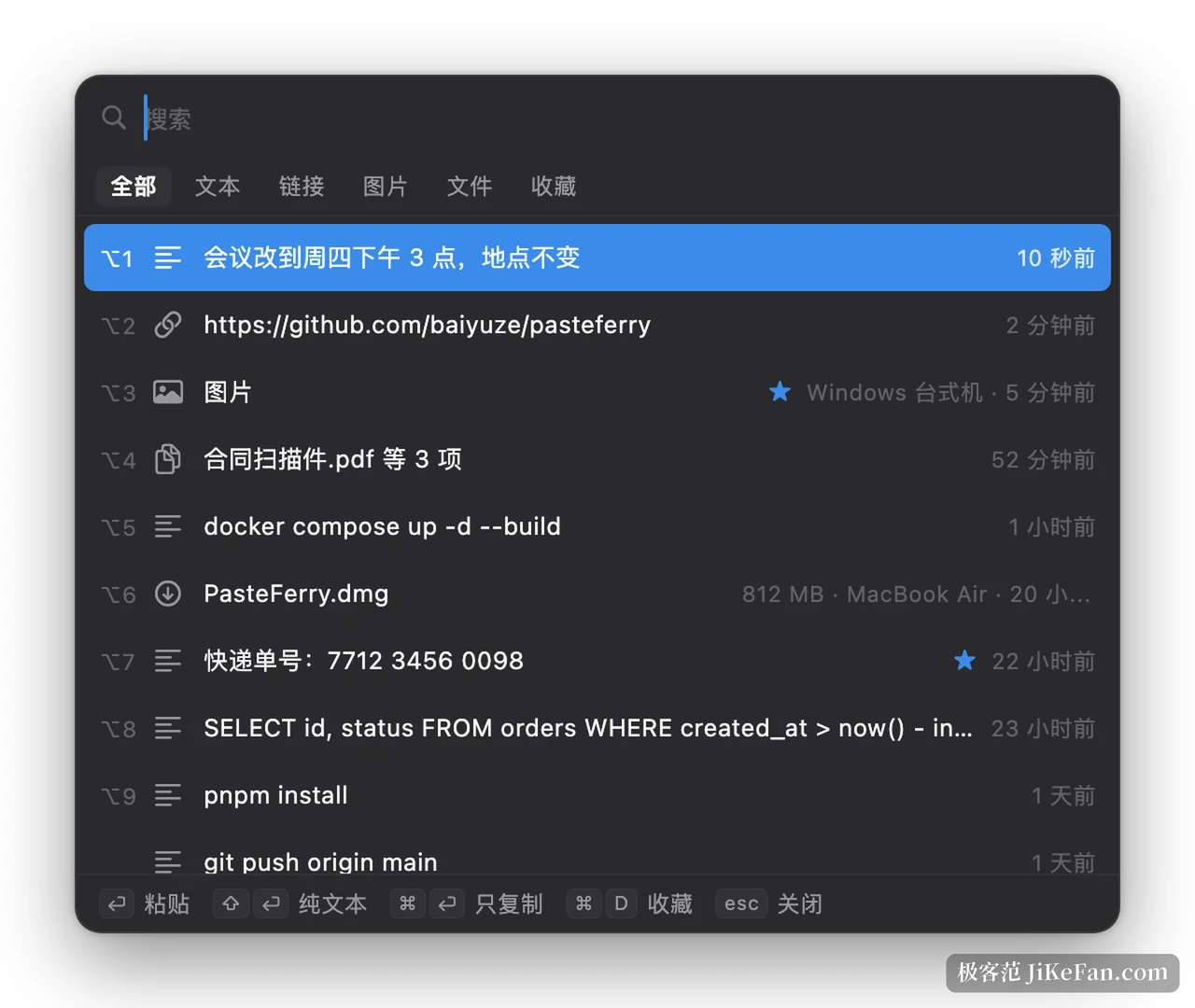
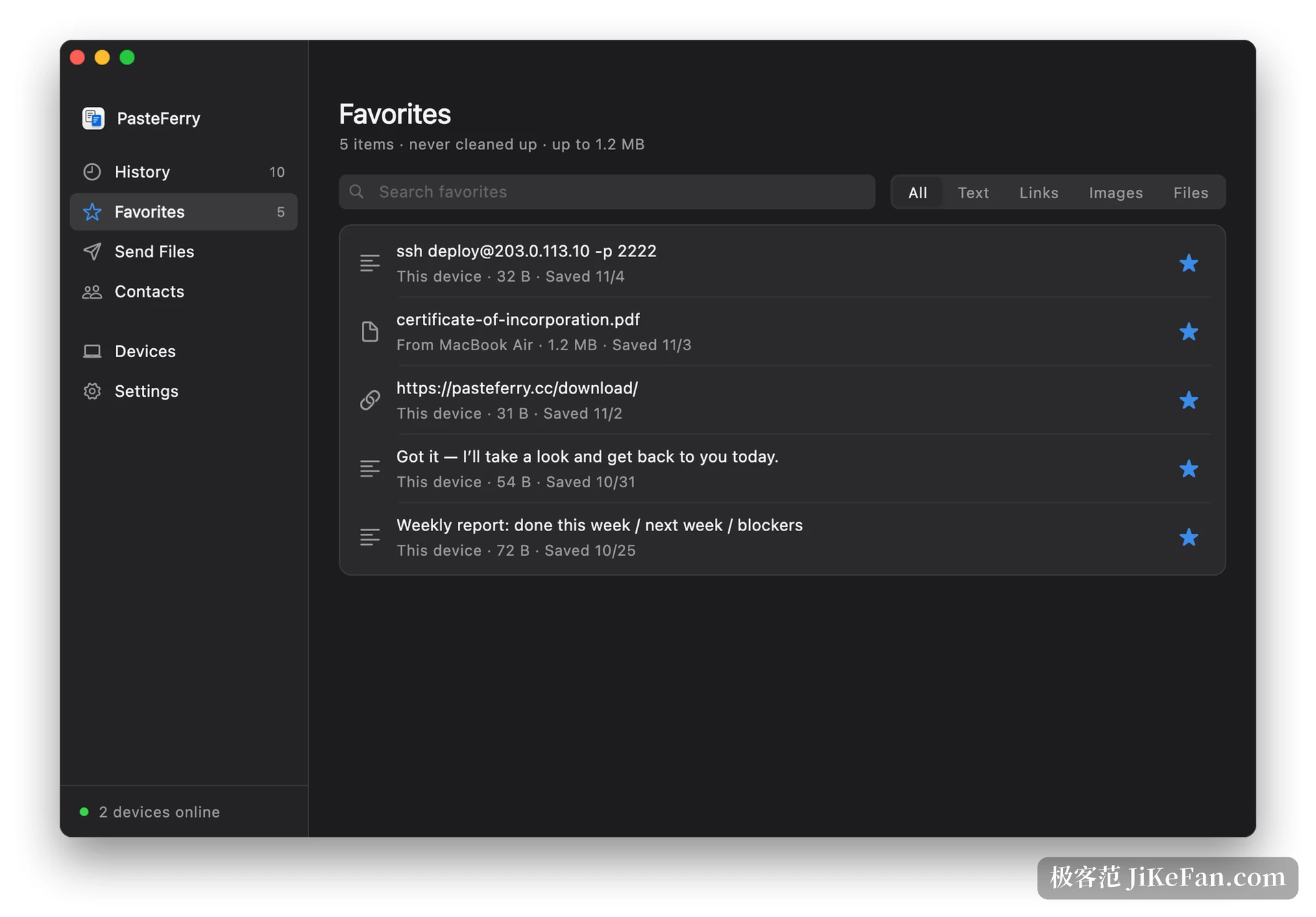
The history opens on a shortcut: Alt+V on Windows, Option+V on the Mac, which pops up the recent list, and choosing one pastes it straight into the current window without a trip back to the source. Frequently used items go into favourites, which never expire, which suits tracking numbers, addresses and fixed replies that get pasted over and over.
Version 2.12.0 changes the plumbing of file transfer
No new interface elements arrived in this release; what changed is how direct file transfer behaves on a slow network. According to the notes, a slow direct transfer may now try up to four independent connections, keeps the extra ones only while throughput actually improves and drops the rest; if one of them fails midway, unacknowledged blocks are replayed rather than restarting the whole transfer. Blocks sent in parallel are verified one by one before reassembly, and the whole file is still verified afterwards.
The change only takes effect once both ends are upgraded; with one side on the old build the transfer process stays as before, and pairings, friend list, history, themes and settings all survive the update. In daily terms, big files across cities or across carriers, where a direct link is unstable, now tolerate interference better than they did.
How much freedom the themes allow
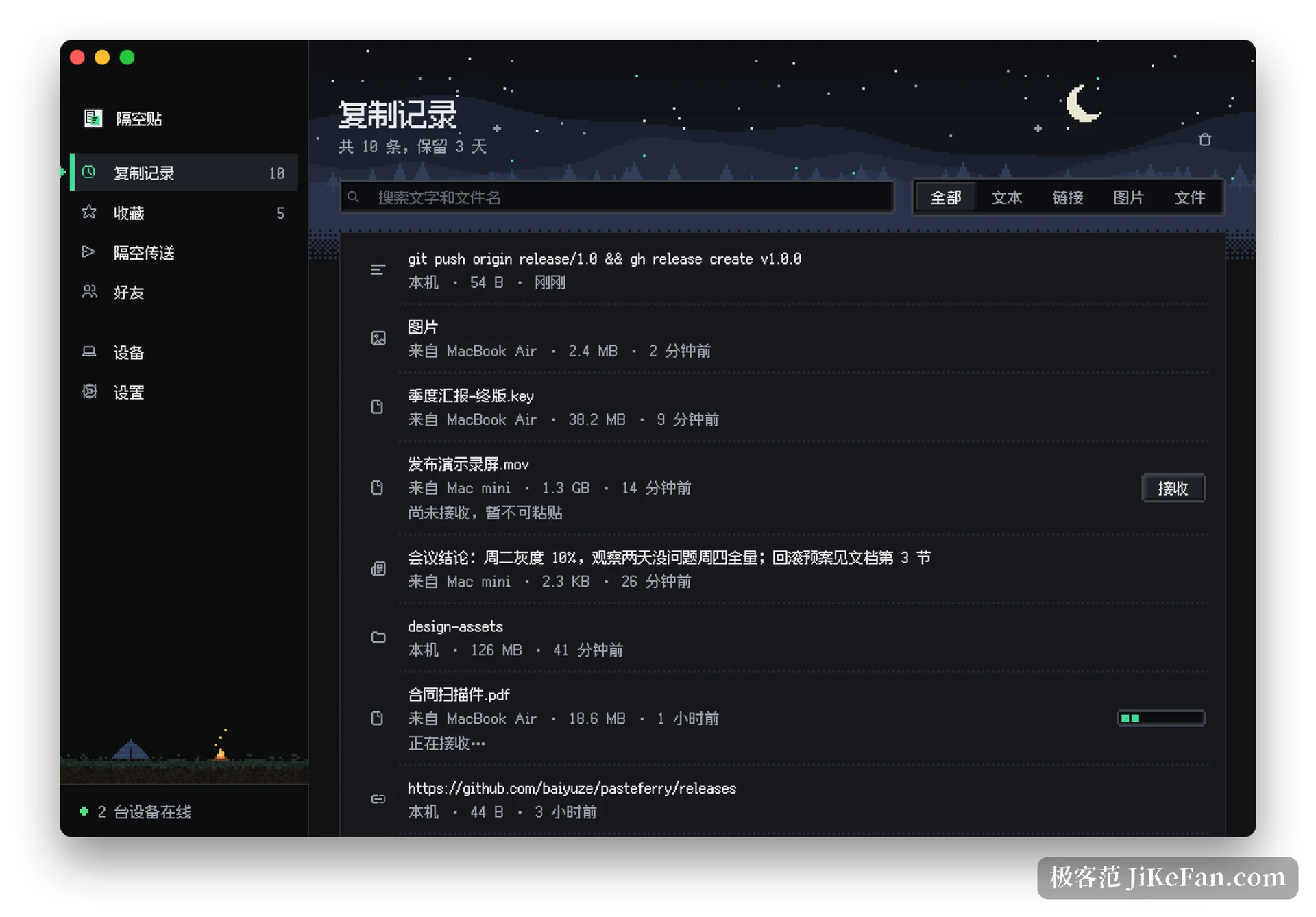
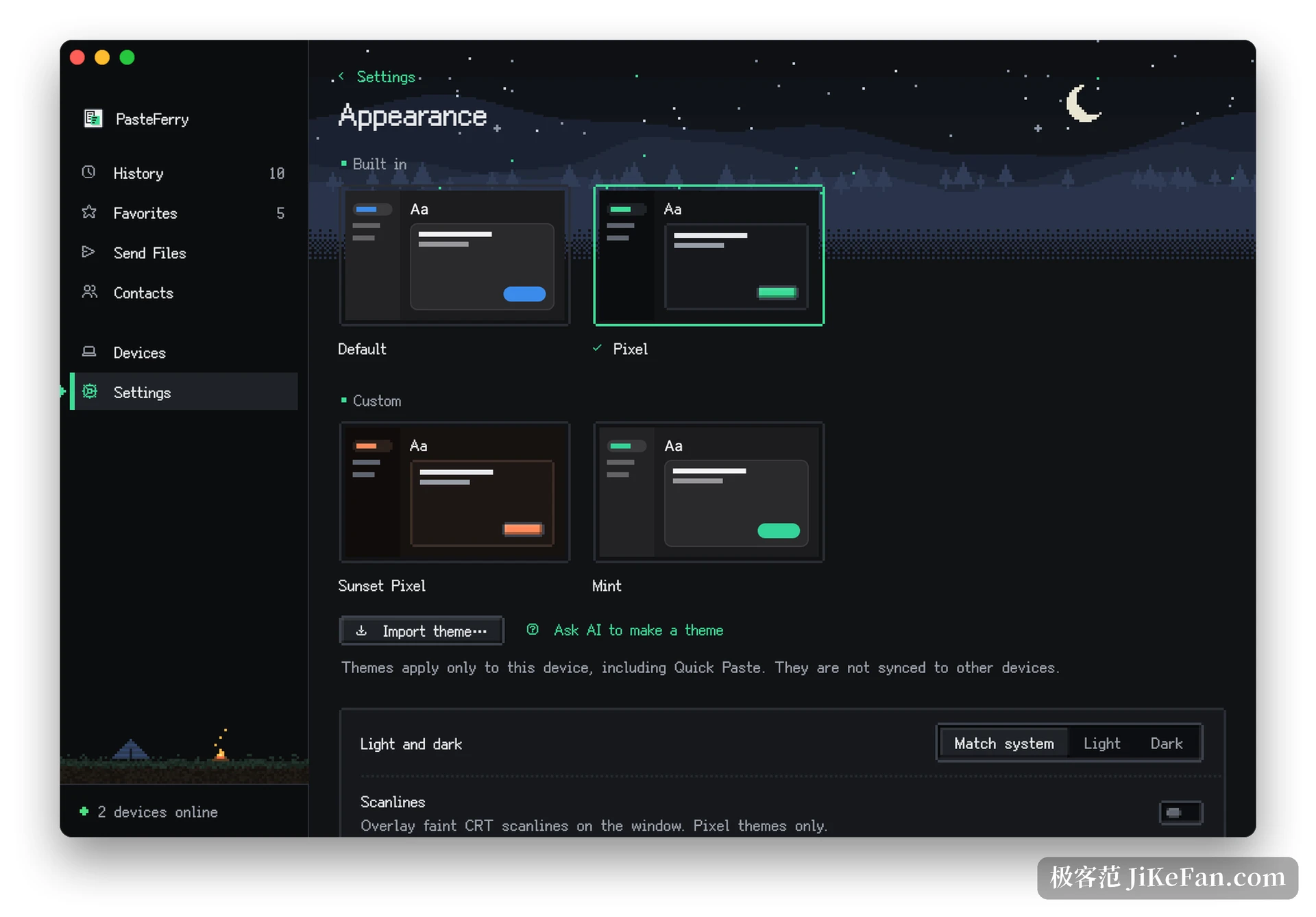
Since 2.10 the theme system is open. A pixel-art look ships with it, homemade themes can be imported, and an AI tool that understands the theme format through MCP can design a palette and apply it. Theme files live on the machine, export and import are available, and nothing syncs automatically to other devices. For a small tool opened many times a day, whether it looks right does affect the willingness to keep using it.
The interface covers Simplified Chinese, Traditional Chinese, English and Japanese. On the desktop a command line reports the background state, the paired devices, the recent clipboard records and the settings, all as read-only JSON, which drops neatly into a script or a status bar tool.
How devices connect, and what happens to the data
Under one router the easy path is the shortest: install the program on both devices, enter the pairing code, compare the security fingerprints shown on each side, and reconnection happens by itself afterwards with no server involved.
Outside one network the vendor's relay can be switched on, with a free allowance counted in daily traffic that direct transfers do not consume. Transport is encrypted end to end and connections prefer the direct route, so the service never sees what is copied. For a clipboard tool this is a hard requirement rather than a feature: what passes through a clipboard tends to be passwords, private keys, unpublished drafts, and leaving those in plain form on somebody's server is a trade with no proportion.
Who it suits
Anyone with two or more devices on the desk feels the difference first, especially a Mac and a Windows machine side by side, or one computer at home and another at the office. Developers move commands and configuration fragments with it, designers move screenshots and colour values, admin and sales staff move order numbers and addresses; the same act in different clothes.
For someone with a single computer who has never found the clipboard too small, it means little, and the installation will likely be forgotten without loss. Nor is it free of costs: the PasteFerry installer is not code-signed yet, so the first run needs a manual approval, and the project started in October 2025, which means frequent updates and a product still growing. Before installing a syncing tool on a work machine, it is worth checking whether internal policy allows one.