
TigerVNC 1.16 shares Wayland desktops and rebuilds its shortcut system
Summary
TigerVNC 1.16 arrives with a server component for sharing Wayland desktops, a native viewer whose long-standing F8 menu has been replaced by a proper shortcut system, a searchable address history and two quick fix releases.
Recommend- Name
- TigerVNC
- Version
- 1.16.2
- Pricing
- Free
- Open source
- Open source
- Operating system
- WindowsmacOSLinux
- Website
- https://tigervnc.org/
- Updated
- 2026-10-06 19:49
A long-running VNC option that still ships updates
TigerVNC is a VNC client and server for Windows, macOS and Linux, with sources available. On top of the protocol itself it borrows the compression and transport ideas that similar projects have worked out over the years, which is why it holds up on ordinary connections rather than only on a fast local network. The everyday uses are unglamorous and constant: reaching a Linux desktop from another machine, giving someone remote assistance, or managing a box that has no monitor attached at all.
The project has been developed by a company rather than by a single volunteer, and its binaries are published on a public open-source hosting site. That arrangement matters more than it sounds. A remote-desktop tool is the kind of software you install once and then depend on for years, so a predictable release process is a feature in itself.
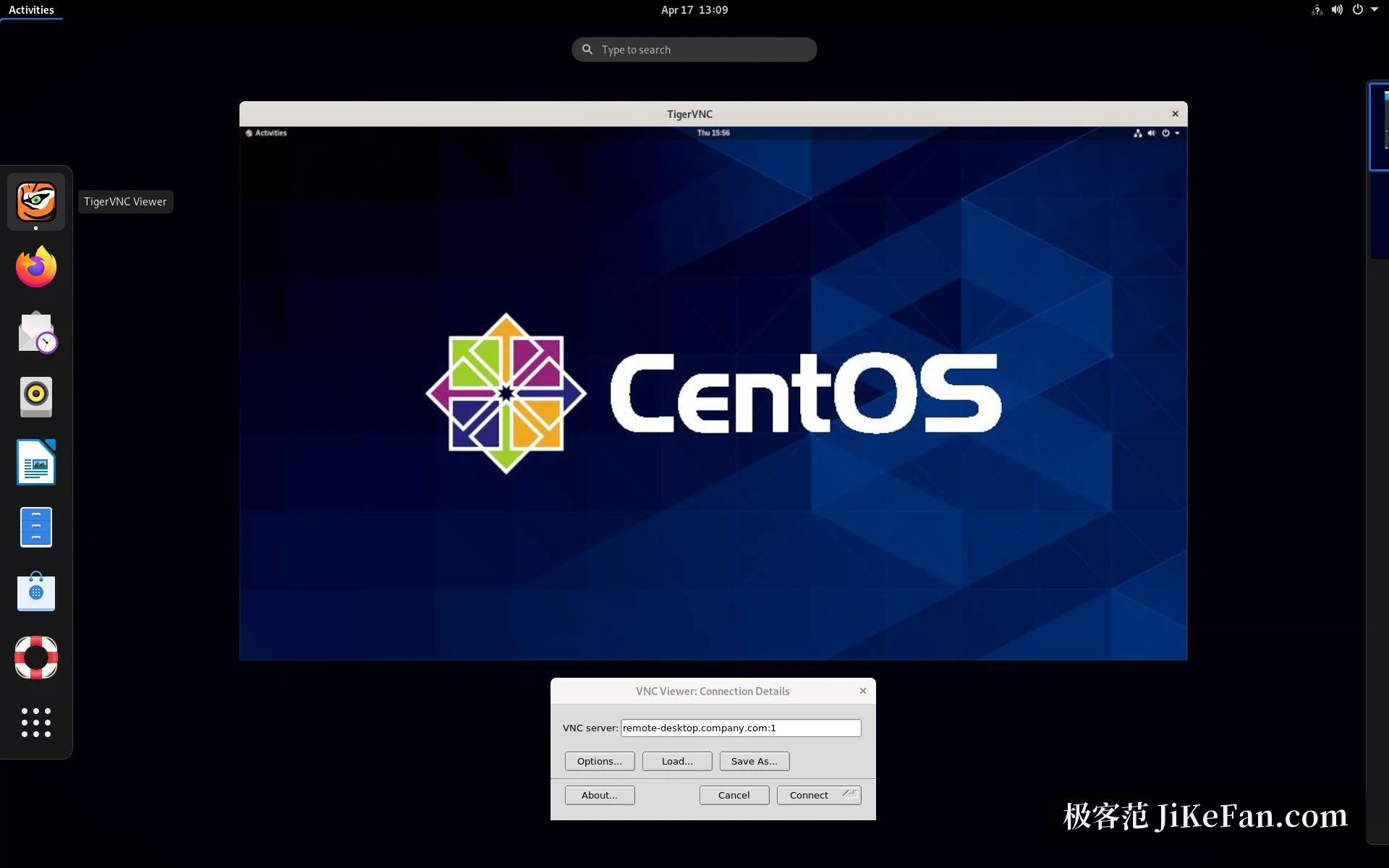
What changes in 1.16
Version 1.16.0, released on 27 January 2026, is a substantial release rather than a tidy-up. The most visible addition is a server component for sharing a Wayland desktop. As more distributions move their default session to Wayland, the older way of sharing an X11 screen no longer applies everywhere, and this component fills that gap instead of leaving users to fall back on a session type they would rather not run.
The native viewer got a new shortcut system, replacing the F8 menu that had been the entry point for years. Toggling full screen and forwarding system keys are now more direct, and the windowed mode can send system keys as well. On Windows almost every system key can be intercepted and passed through, with the exception of the three-key secure attention sequence that Ctrl+Alt+Delete performs; on macOS the interception works differently and asks for explicit permission the first time it is used. Anyone who has ever pressed the wrong combination in the middle of a remote session will recognise why this was worth redoing.
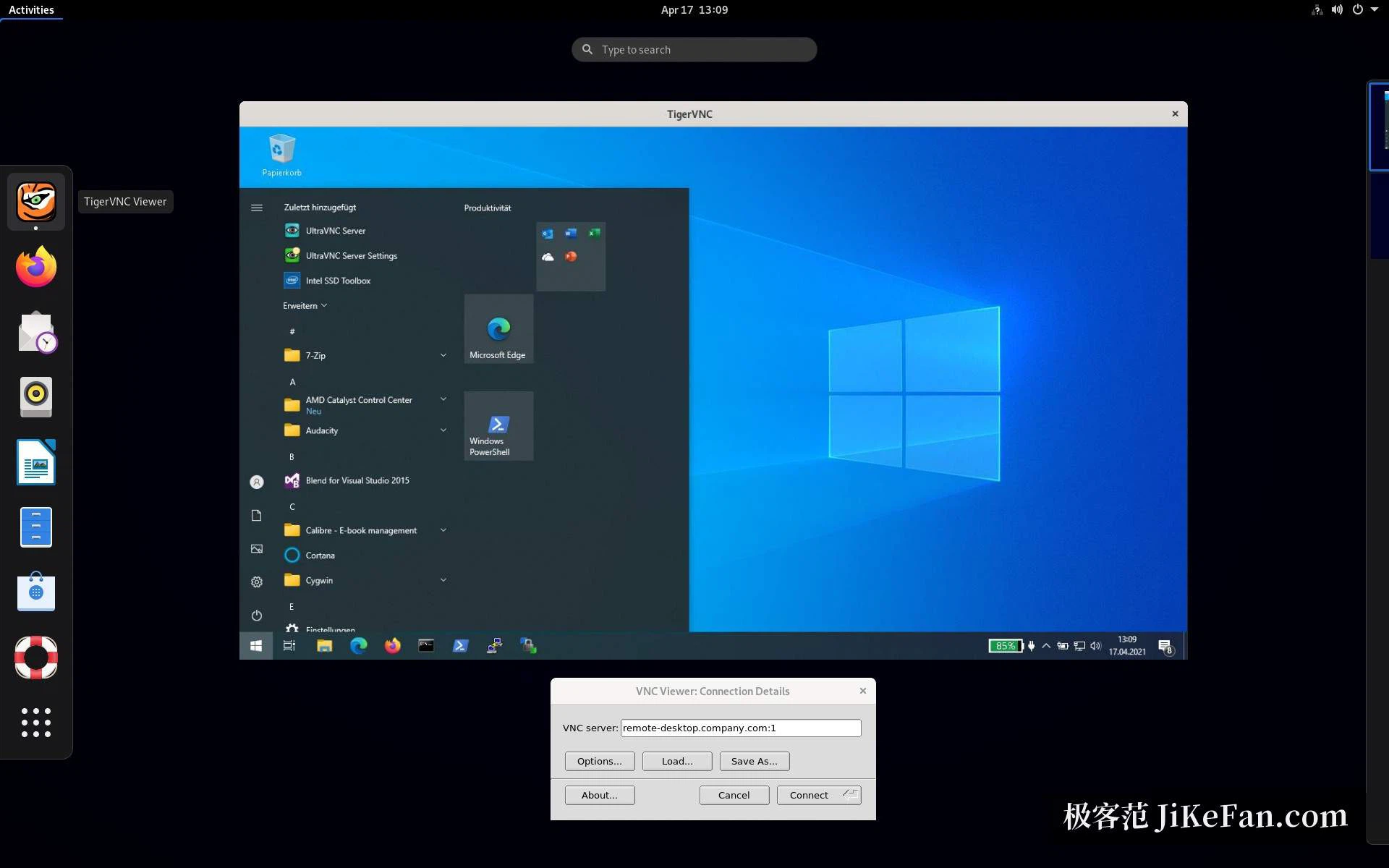
Smaller work in the viewer
Several details around connecting were polished: the server address field keeps a searchable history, scaling a remote session responds more promptly, and the Java viewer controls scaling more finely than before. The previous release carried changes that are just as practical, and they are still worth knowing about. The native viewer and the Unix server handle the extra back and forward mouse buttons, the X-based server component can redirect the clipboard, the viewer can remember a user name and password so that reconnecting does not mean typing them again, and the pointer still appears as a normal arrow when the server sends an empty cursor.
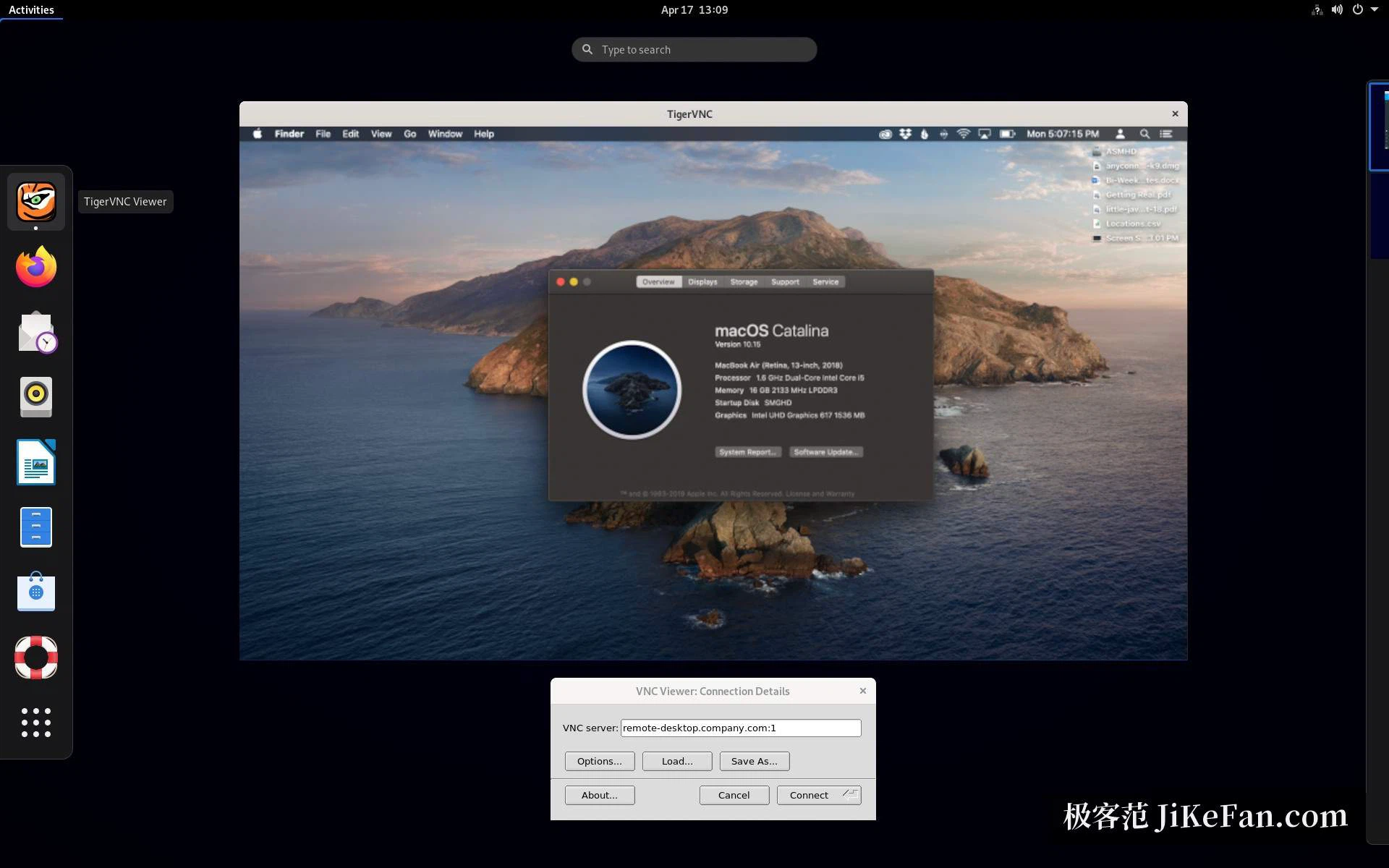
Versions, packaging and one caution
Versions 1.16.1 and 1.16.2 followed in quick succession. Both are fix releases, mainly addressing a security problem in the server component, and the project advises affected users to update soon rather than wait for the next feature release. On packaging, 1.16 adds builds for version 10 of the enterprise Linux distribution, without the development libraries, and drops the packages for the 20.04 long-term release and for version 7 of the enterprise distribution. As of September 2026 the stable version is 1.16.2.
One caution belongs here rather than in a footnote. VNC transmits the screen as images, and any session carried across the open internet should travel inside an encrypted channel with a properly chosen authentication secret. That is not new in this release, but a Wayland component that makes sharing easier also makes it easier to share more than intended, so the habit is worth repeating.
For a cross-platform remote desktop that does not depend on a vendor's service, TigerVNC remains a sound choice: open source, small, and updated on a regular rhythm. The Wayland support in this release is the part that matters most; anyone wanting to share a desktop on a recent Linux distribution now has a stronger reason to put it first.