
Immich 3.4 review: tags, JPEG XL and passkeys on mobile
Summary
Immich 3.4 brings tags to the phone, adds JPEG XL decoding and passkey sign-in, and keeps face recognition and search on your own machine.
Recommend- Name
- Immich
- Version
- 3.4
- Pricing
- Free
- Open source
- Open source
- Operating system
- LinuxWebiOSAndroid
- Website
- https://immich.app/
- Updated
- 2026-11-15 12:09
Immich is a self-hosted photo library tool that puts every picture back on hardware you own: a Linux machine at home or a NAS in a cupboard, apps for Android and iOS, and a browser window for everything else. Version 3.4 landed on November 10, with a 3.4.1 patch two days later. The jump in the version number is small, and the changes sit exactly where long time users had been complaining.

Tags took two years to reach the phone
The tagging system arrived in August 2024, inside release 1.113.0, and it was built differently from albums. One photo can carry several labels at once, seaside, family, 2025, and those labels do not exclude each other. A query then filters by condition, which sounds more flexible than an album and in practice is.
One sentence in that release hid the catch: tags worked on the web only. Plenty of readers skipped past it. Some rebuilt an entire library around tags, then opened the phone and found a plain stream sorted by date, and had to walk to a computer to look at a topic. That state lasted two full years.
Immich 3.4 closes it. Android and iOS now show and edit tags the way the browser does, as long as the server has the feature switched on.
JPEG XL and passkeys repair the same kind of gap
Two more things came to mobile alongside tags. The first is JPEG XL decoding. The format compresses better than the common JPEG, and community measurements put files at twenty to thirty percent smaller for the same visual result. Browsers had read it for a while, phones refused. With decoding in place, anyone storing JXL originals no longer needs a second copy just for previews.
The second is passkeys. Until now there were two ways in, a password or a third party account. The 3.4 release candidate added passkeys, the final build shipped them, and a phone can now open the library without typing anything. The same batch smoothed timeline scrolling and fixed a set of display, sorting and zoom problems, none of them new features and all of them things people touch dozens of times a day. The 3.4.1 patch then repaired error recovery and logging, and raised the resolution of images in the desktop widget.
What Immich covers is a whole pipeline
The program is not a place to park files. It takes the chain from capture through upload, sorting, search and sharing, and holds all of it. Once backup is on, new shots go up when the app opens and on a periodic background run. The first time you pick a folder for backup, Immich computes a checksum for every file and skips whatever the server already holds, so nothing crosses the network twice. Transfers default to Wi-Fi only, and the switch can be changed.
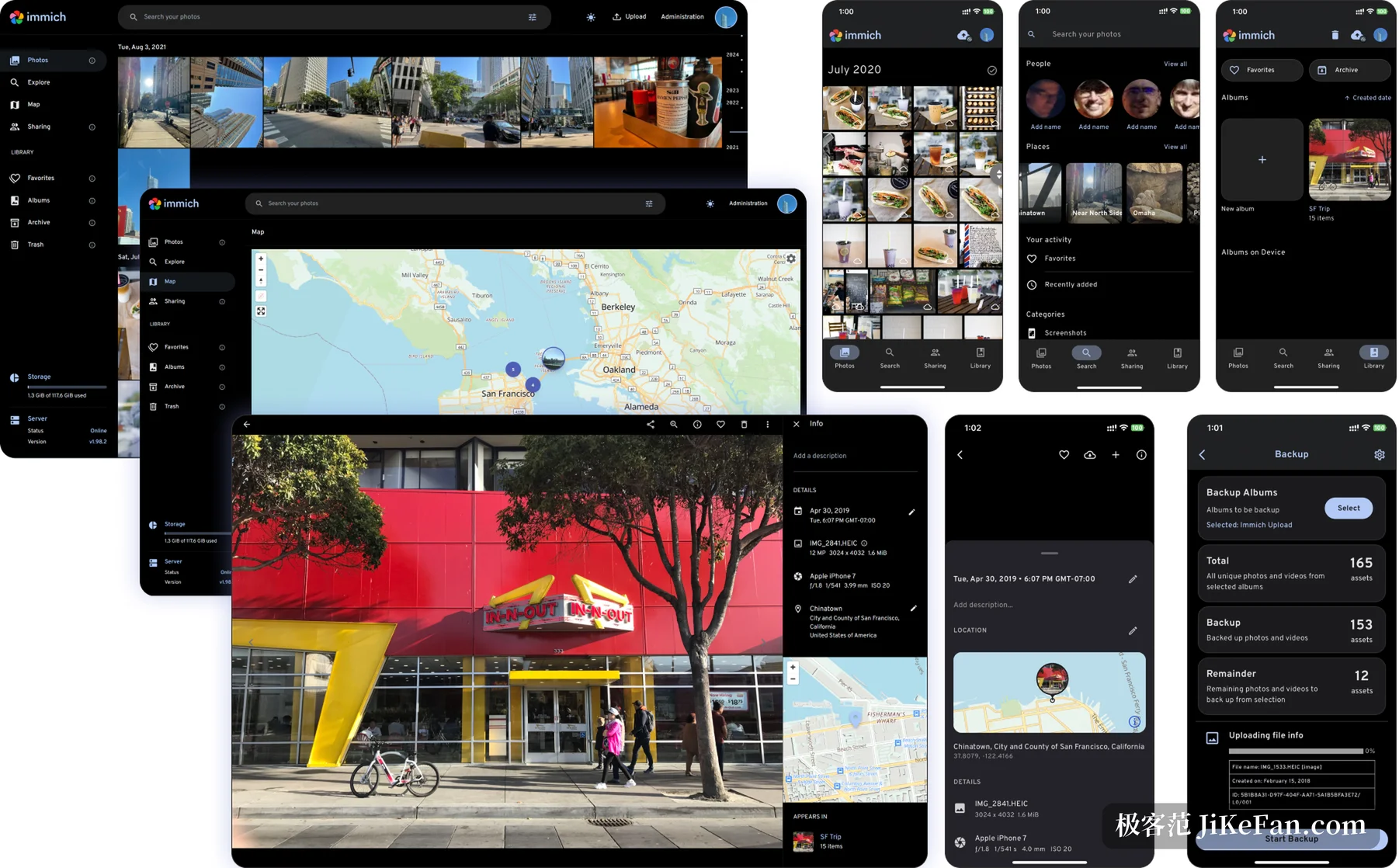
The machine learning layer is where the distance shows. Face detection, clustering and natural language search all run on your own hardware, and no image leaves the house. Face recognition wants about 1 GB of memory, semantic search rather more, and a tight machine can switch that part off. A discrete graphics card speeds the work by an order of magnitude: a library that keeps a four core processor busy for hours may finish in one hour on a GPU. Albums, the map, memories, favourites, duplicate detection, RAW and panoramas, read only external folders, the feature list is the complete one.
What self-hosting saves, and the bill attached
The obvious gain is that nobody charges by the gigabyte each month. The cost changes shape instead: machine, disks, backups and upgrades stay in your hands. The official documentation is blunt about one point.
The database holds metadata and user information only. Images and videos kept in the upload directory have to be backed up separately by hand.
So a protected database is not a protected photo collection, and a dead disk means everything is gone.
The project notes also warn against treating the library as your only backup, and the warning is not politeness. Breaking changes have landed between major versions, and some upgrades failed in the middle of a database migration. Backing up before a version move is basic operation rather than caution. The hardware floor is not low either: the documentation asks for 6 GB of memory and two cores, 8 GB is steadier, and machine learning adds more on top.
That is what a release like Immich 3.4 is worth. It adds nothing dramatic and closes the half finished experiences one by one, the ones that existed on the web and not on the phone. For people already running the library it is the most practical kind of update. For people still deciding, the phone is no longer the weak spot, and the balance tips a little further this way.