
HiBit Uninstaller 4.0: a four megabyte toolbox that starts with removal
Summary
One developer's free tool that keeps removal at the door and puts a small maintenance kit behind it: monitoring what an install touches, clearing store apps and extensions, and a shredder for what must not survive.
Recommend- Name
- HiBit Uninstaller
- Version
- 4.0.10
- Pricing
- Free
- Open source
- Proprietary
- Operating system
- Windows
- Website
- https://www.hibitsoft.ir/
- Updated
- 2026-10-06 02:37
In the uninstaller category almost everyone has gone for big and complete, stacking cleaning, acceleration and protection on top of removal, with packages running to tens or hundreds of megabytes and a service that wants to stay resident afterwards. This one takes the other road: the product page gives version 4.0.10 and an installer of 4.32 MB, offering both an installed and a portable form. It is the work of a single developer, who says on the about page that he has been programming since 2010, that web development is his day job, and that he built the site in 2017 to hand out his own programs for free. The copyright runs from 2017 through 2026, which makes this a personal project kept up for nearly ten years.
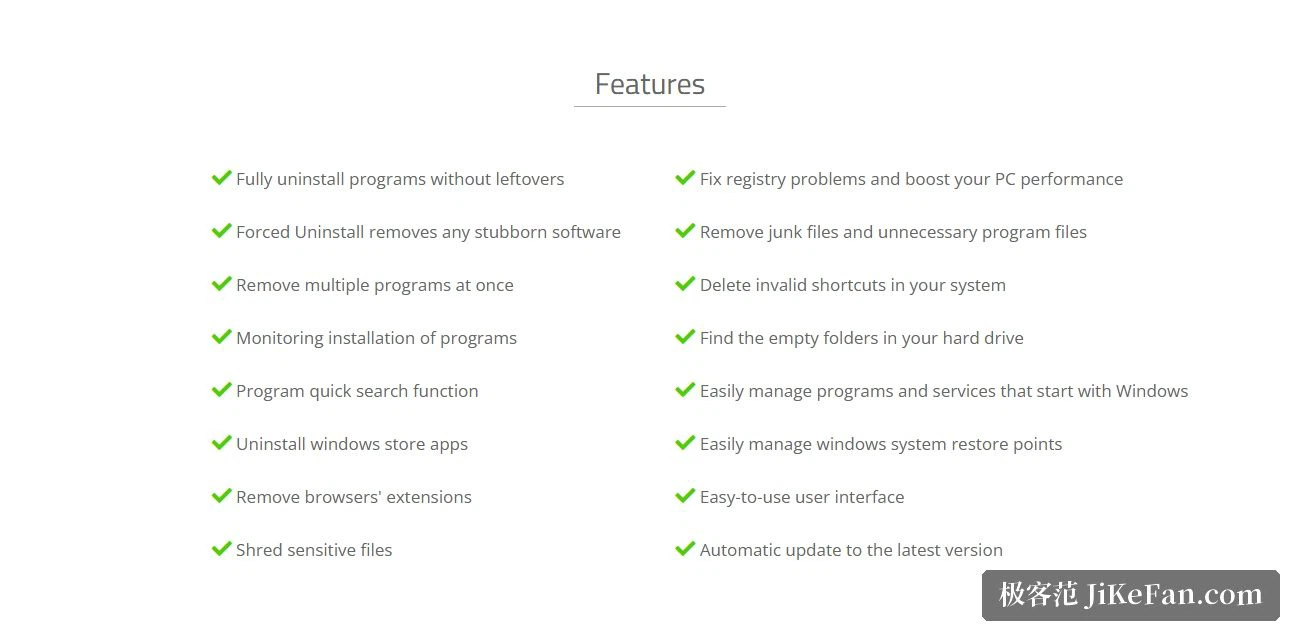
Eight lines devoted to removal
The feature list splits in two, and the first half is removal itself: complete removal without leftovers; forced removal, described as being able to take off any stubborn software; removing several programs at once; monitoring an installation; quick search for a program; removing store applications; removing browser extensions; and shredding sensitive files. The main slogan names the three targets together, stubborn software, store applications and browser extensions.
Three of those deserve a separate word. Monitoring an installation means recording where a program wrote at the moment it went in, so that removal can follow the record instead of guessing afterwards, and that is the main dividing line between a serious uninstaller and a plain one. Removing store applications matters because those do not use the traditional removal channel, and a click in the system list often does nothing, so a dedicated entry saves real trouble. The shredder sits in the same list as removal because it is for content that is no longer wanted but must not simply be deleted, logs or exported files carrying account details, for instance.
The other half: system optimisation tools
The second half of the list is a different matter altogether: repairing registry problems and improving performance, removing useless files and leftover program files, deleting invalid shortcuts, finding empty folders on the drive, and managing the programs and services that start with the system as well as restore points. The home page sums this group up as system optimisation tools, set beside removal as the product's two halves.
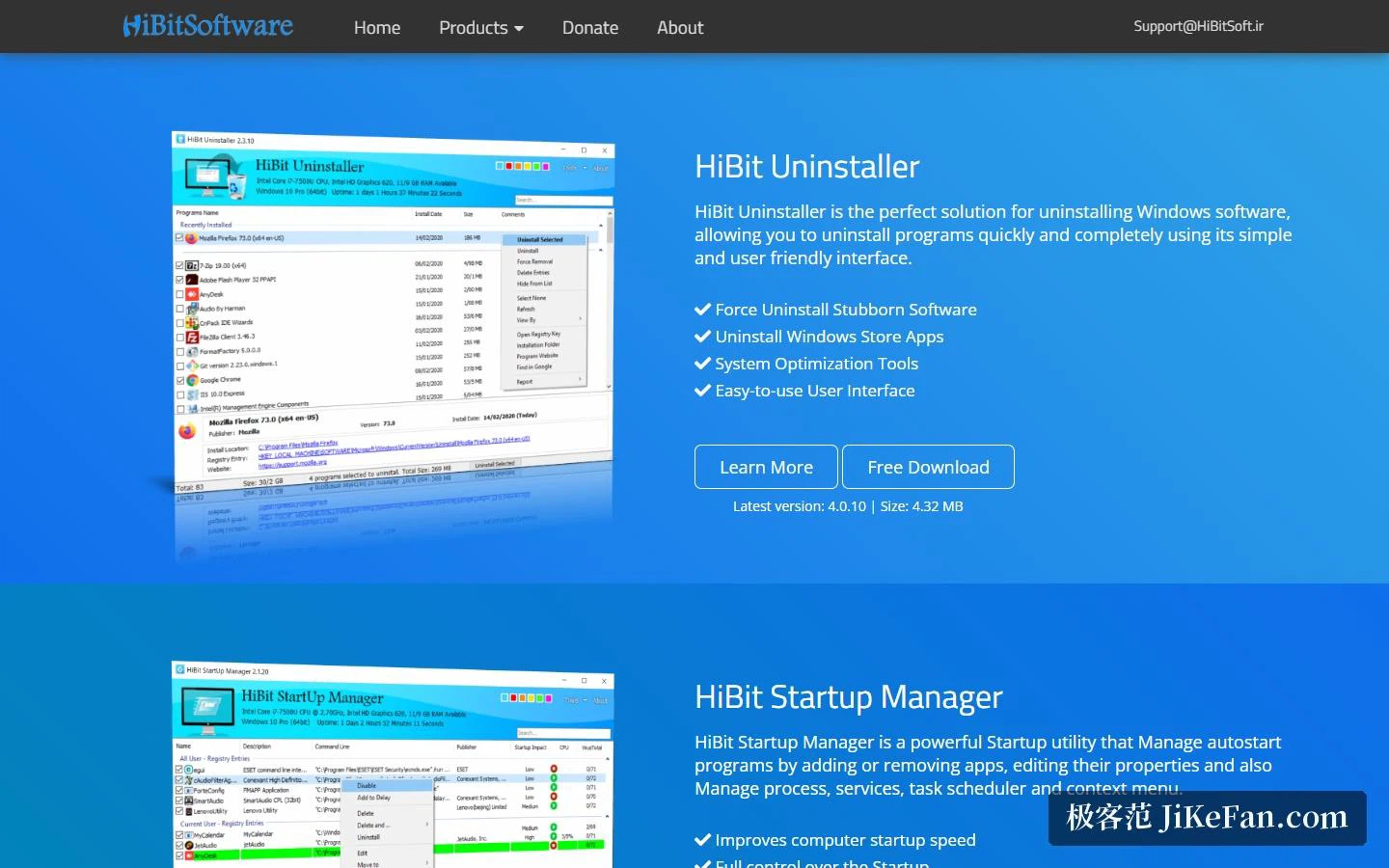
Put another way, this is closer to a toolbox than to a plain uninstaller. Removal is the entrance, and the small clean-up jobs that follow a fresh installation come along with it. The author has also made a separate startup manager, for programs, services, scheduled tasks and context-menu entries that start with the system, shown on the site next to the uninstaller. The two do not overlap, and can be used together when startup items need finer handling.
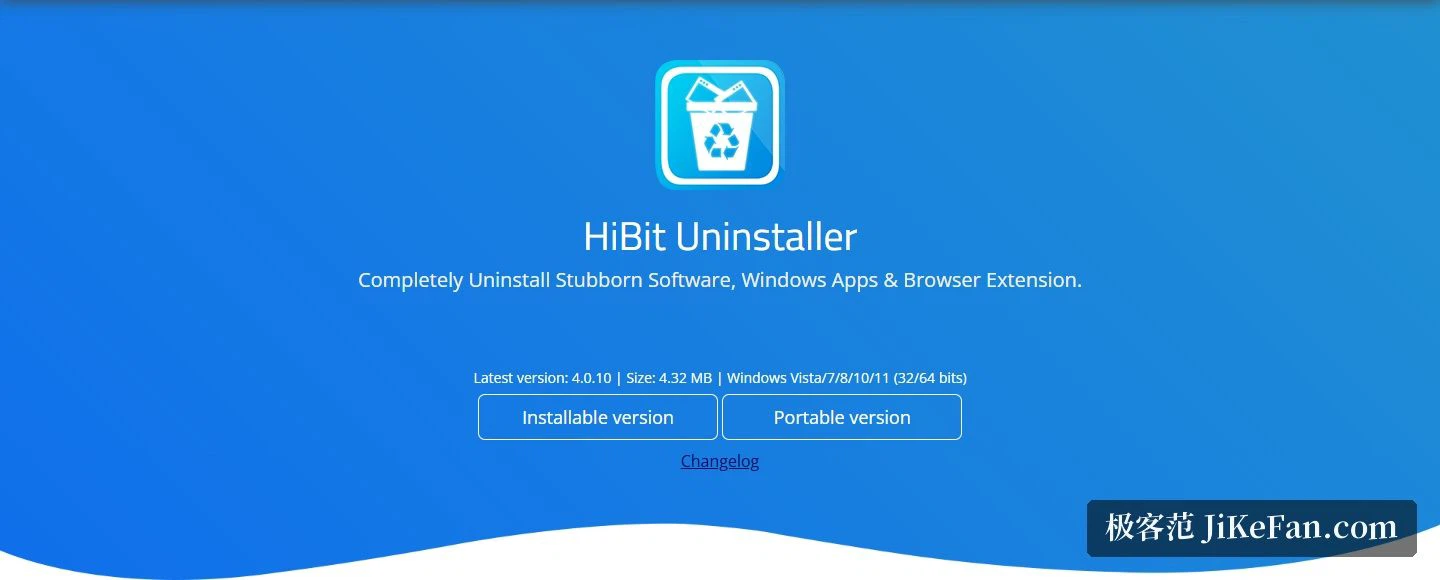
Compatibility, and two forms
The system line is written straight: Windows Vista, 7, 8, 10 and 11, 32-bit and 64-bit both supported. That spread is wider than most of the field, so machines on old systems are included. The page also states that it updates itself to the latest version, which saves checking by hand.
Offering both an installed and a portable edition affects how it is used rather than what it does. The portable edition writes nothing into the system, runs straight after unpacking, and can live on a memory stick, which for anyone maintaining several computers is often more practical than the installed version. As for size, 4.32 MB means it takes almost no room and adds no resident process to carry around.
When it is worth considering
If the need is the occasional removal of one program, the system's own feature is usually enough. The cases that genuinely call for this are about three: software whose own uninstaller errors out, stalls halfway, or leaves a pile of folders and registry entries behind, which is exactly what forced removal is for; a new or long-neglected machine where a dozen programs have to be dealt with in one go, where batch selection saves a great deal of repeated clicking; and the things the system's own entrance cannot reach, namely store applications and browser extensions.
There is also periodic upkeep. Once installation monitoring is switched on, every new install leaves a record, and over time that record becomes an inventory in itself, so a later clean-up no longer depends on memory. With quick search, finding one target among a hundred installed programs takes a few keystrokes, and on a crowded machine the difference is obvious.
One thing should be said: this is a free work shared by a single developer, with no promised response time for support and no enterprise tiers. For the great majority of desktop users, though, removal, forced removal and batch removal plus a set of handy clean-up tools already cover most of what comes up day to day, and it weighs four megabytes.
The interesting choice here is not the size but the shape: keep removal as the entrance and put the rest behind it as small tools rather than as a suite. That way a machine does not gain a resident service just to lose a program, and the cleaning that follows an installation comes without a second download.