
GitKraken Desktop: the commit graph as a map you can actually read
Summary
GitKraken Desktop turns repository history into a coloured graph where branches and merges are legible at a glance, with drag to merge, an undo for almost everything and a proper conflict editor. The 12 generation adds a session panel for running several coding agents at once.
Recommend- Name
- GitKraken Desktop
- Version
- 12.0.1
- Pricing
- Free
- Open source
- Proprietary
- Operating system
- WindowsmacOSLinux
- Website
- https://www.gitkraken.com/
- Updated
- 2026-10-06 21:52
This is the tool that set the standard for graphical version control
Read a branch structure in a terminal and it looks like a tangled heap. The commit graph in GitKraken Desktop draws the same history as a coloured map: where a branch split off, where it came back, which line is ahead and which is behind, all of it legible from colour and position rather than from careful reading. The more interesting part is how you act on it. Drag one branch onto another and the merge is done. The context menu covers the operations people actually use. Almost every action can be undone, which is the detail that decides whether a beginner dares to click at all, and how much time an experienced user saves by not typing.
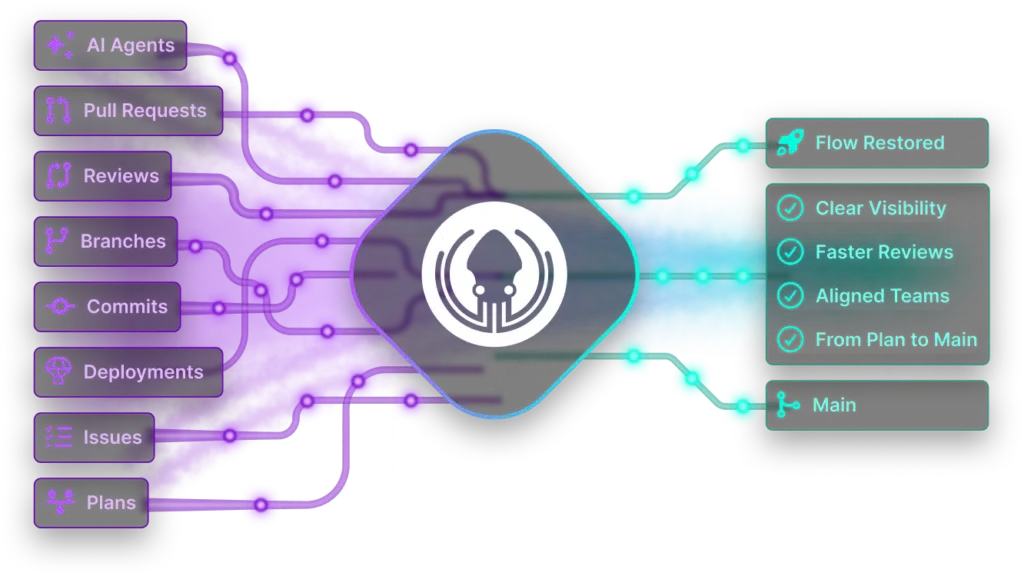
That combination is why it has sat at the front of this category for years. A graph you can read is pleasant; a graph you can act on without fear is the thing people stay for.
Generation 12: a cockpit for work that runs several agents at once
The 12.0.1 release in April landed on a real shift rather than a fashion. Running several coding agents in parallel has become ordinary, and managing them was the awkward part. The new session panel handles the setup: create a session and it makes an isolated working tree, runs the preparation commands the environment needs, and starts the agent tool you point it at. State cards for several sessions sit side by side, so who is running, who is waiting for input and who has failed can be taken in at a glance, and cleaning up afterwards removes the working tree instead of leaving directories behind.
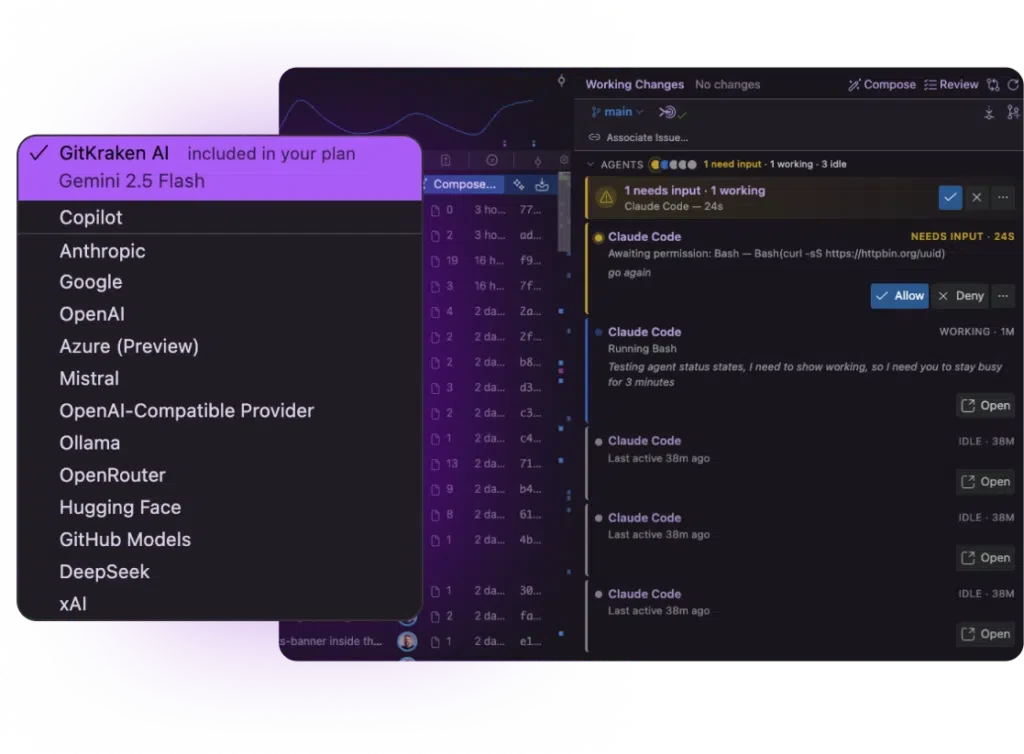
The embedded terminal was rebuilt as well, with multiple sessions, files dragged straight in, and proper ligature rendering. Layered on top of the existing graph and conflict editor, the result is a competent control desk for a way of working that did not exist when the tool started.
What is good about GitKraken is the kind of good where using a graphical interface costs you nothing in credibility. It does not hide the command line capacity, it translates complicated branch relationships into a picture you understand at a glance. Reading the history of code should always have been this direct.
Licensing needs to be stated plainly. The free tier works on public repositories. Private repositories need a paid subscription, and teams have higher tiers above that. For someone learning the system or contributing to open source, the free tier is enough.
Two practical notes. The interface is in English, but the icons carry their meaning clearly, so the climb is short. Resource use sits towards the upper middle of its category, and an older machine will notice; worth checking before committing a laptop to it.
If the branch model has always felt like something other people understand, starting from this graph is the shortest route in. You see the shape first, and the vocabulary makes sense afterwards, which is the opposite order from a manual and works far better.
The conflict editor deserves its own sentence. Resolving a clash in two panels and a wall of markers is where most people give up and start over, which is a terrible trade. Seeing both sides side by side, taking one block or the other, and editing the result in place turns the worst moment of the workflow into twenty seconds of reading.
There is a second, less obvious gain from the graph being clickable. The mental model stops being something you memorise and becomes something you look at, and once a model is visible, the commands start to make sense as actions you have already seen performed.
The session panel is likely to matter most to people who would not have described themselves as early adopters. It takes a way of working that arrived suddenly and gives it a place to live, with the clean up handled. That is usually what separates a technique from a habit.
One last observation about the undo. Being able to take back a drag, a reset or a rebase changes behaviour, not just safety: people explore, and exploring is how the model finally clicks.