
Geek Uninstaller 1.5.4: three megabytes that only uninstall
Summary
One small archive, no installation, no resident service, and a feature list that stops at removal. The free edition covers personal use, while the paid tier adds install tracking, batch removal and support.
Recommend- Name
- Geek Uninstaller
- Version
- 1.5.4.180
- Open source
- Proprietary
- Operating system
- Windows
- Updated
- 2026-10-05 18:39
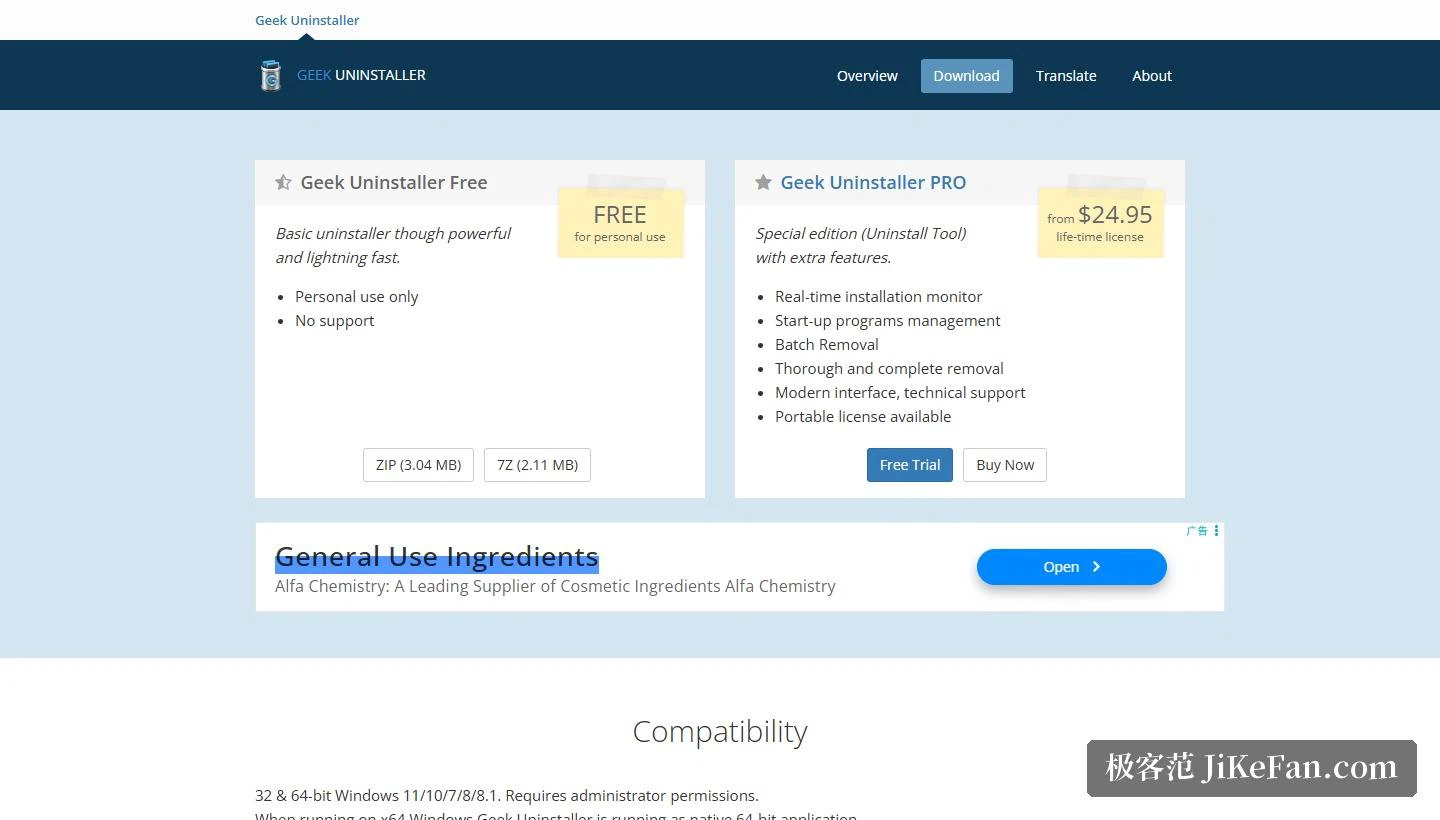
Among uninstallers there is a school that goes for small and single-purpose: nothing installed, nothing resident, no pile of extras, just the one job done quickly. This one is the representative of that school, and its page gives the size as 3.04 MB in a ZIP archive and 2.11 MB in the other compressed format, a number smaller than many an update patch for ordinary software. It has been going since 2012, and the current version is 1.5.4.180, released on 2026-08-19.
What fits in three megabytes
Size is the most obvious trait, and it decides how the tool is used: it arrives as an archive that needs only unpacking, it installs nothing, and it leaves no pile of files behind in the system. The compatibility section lists 32-bit and 64-bit Windows 11, 10, 7, 8 and 8.1, notes that administrator rights are required, and points out that on a 64-bit system it runs as a native 64-bit application. What that sentence means in practice is that a build is provided per bit width, rather than a 32-bit program running inside a compatibility layer.
Low requirements, small size and no installation all point at the same way of working: keep it on a memory stick or a rescue drive and run it on whatever machine needs attention. That is why it has held a place in maintenance kits for so long. It does not need to be trusted enough to live on the machine; it is taken out when needed and gone afterwards.
Free and Pro: four things added
The page sets the two tiers side by side and the differences are clear. The free edition is marked as being for personal use and described as a basic uninstaller that is nevertheless powerful and quick, with no technical support. So the free edition does not do little, the limits are about context and service, since company use and after-sales help fall outside it.
Pro is marked as a lifetime licence starting at 24.95 dollars, called a special edition with extra features. Five capabilities are listed: real-time installation monitoring, startup management, batch removal, more thorough removal, and a modern interface with technical support; a portable licence is available as well. Two things are worth noticing. It is a lifetime licence rather than a yearly subscription, which puts the payment closer to a one-off purchase. And the page states that the Pro product is based on the same code, so the two are of one origin with different reach.
A history of fixing recognition
The release notes show where the effort goes. 1.5.4.180, dated 2026-08-19, moves the removal of the built-in browser and its companion apps over to forced removal, fixes a crash while scanning leftovers, and adds small improvements. 1.5.3.170, from 2025-11-24, adopts a safer algorithm for detecting traces and improves icon detection. Before that, 1.5.2.165 fixed incorrect detection of install locations for browser apps, 1.5.0.160 added an optional dark mode for Windows 10 and 11, and 1.4.8.145 set Windows 7 as the minimum.
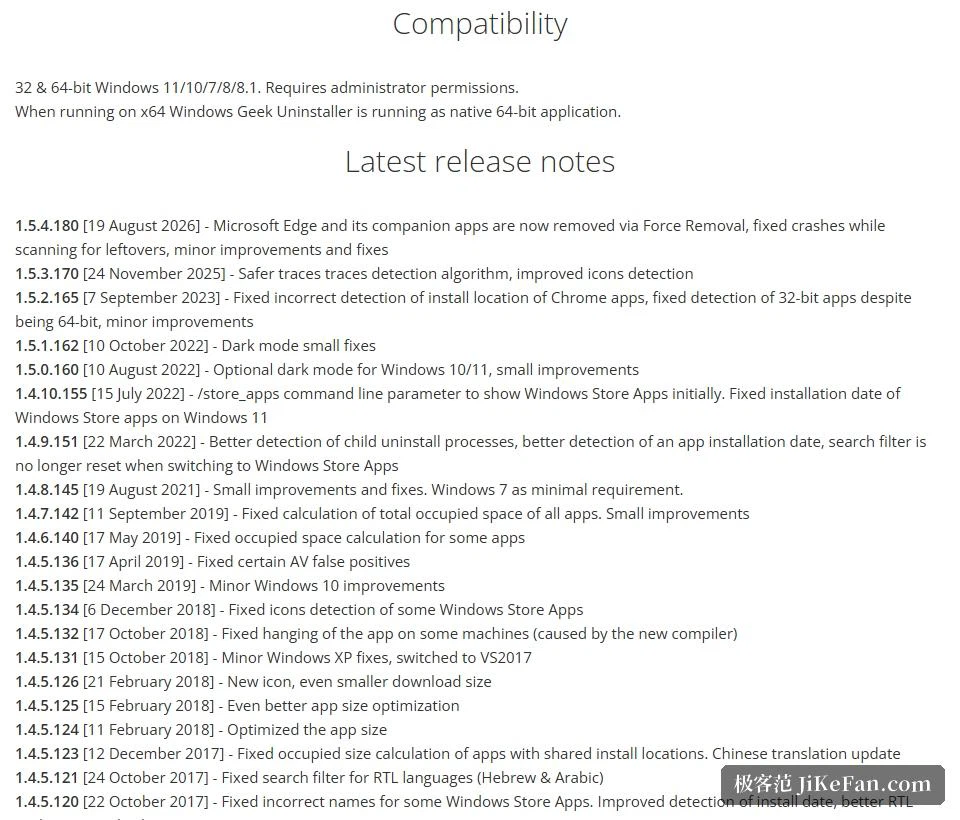
Read together, the entries cluster around recognition: install location, icons, traces, and the judgement of what kind of application something is. The hard part of an uninstaller was never the deletion itself but deciding what belongs to a given piece of software and what must not be touched. Once recognition is right, cleaning can be attempted, which is why the effort keeps returning there.
Who it suits, and what to watch
Three groups. First, people who want a tool to carry, since three megabytes unpacked fits any memory stick and runs on somebody else's machine as well. Second, people who want uninstalling without a bundle of extras, because there is no registry tuning and no startup acceleration here, just removal. Third, people on old machines, where support reaches from Windows 11 all the way back to 7 and the hardware threshold is low.
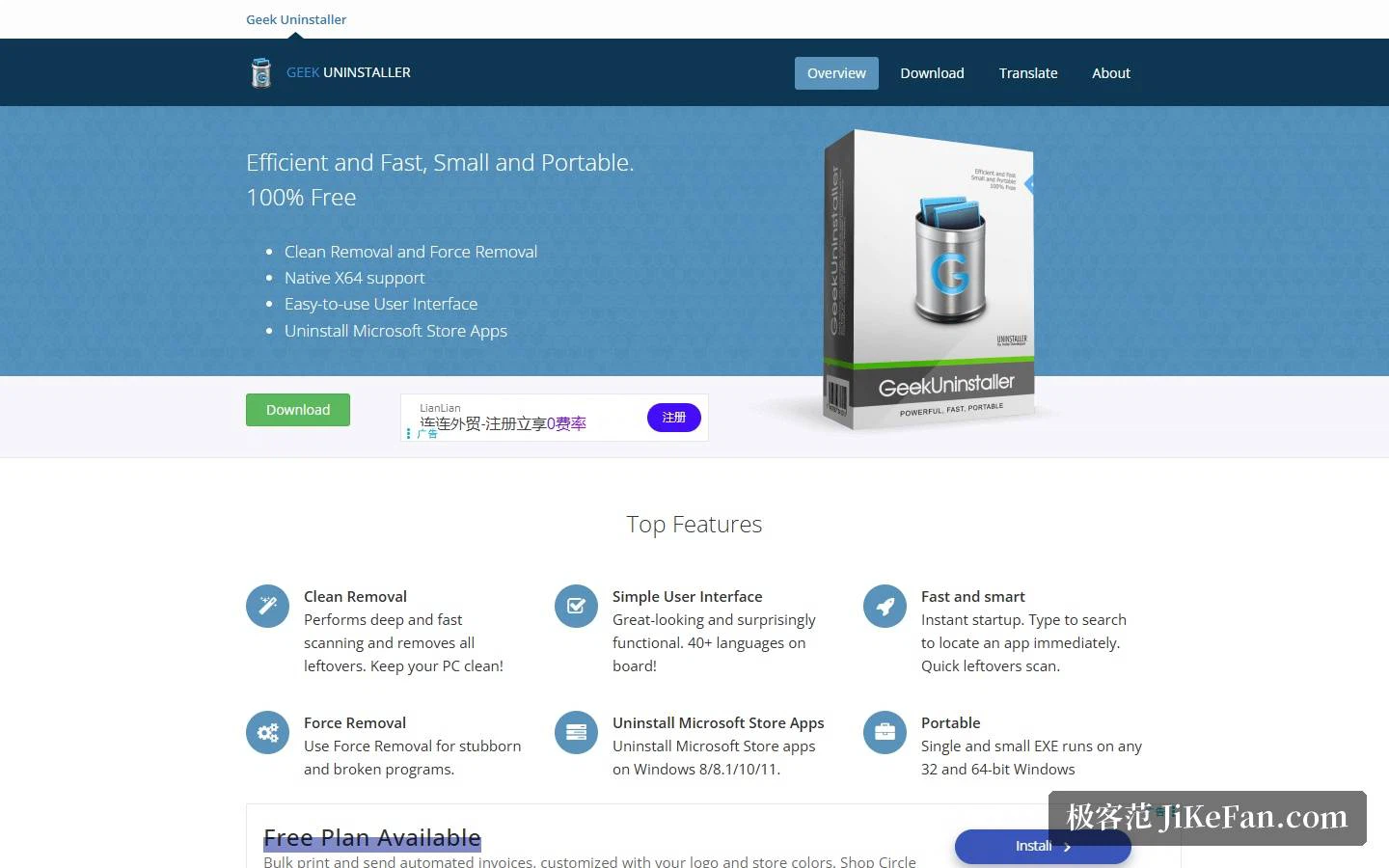
Three cautions. The free edition is for personal use and carries no technical support, so company use needs a Pro licence, which the page states plainly. It needs administrator rights to work properly and cannot show its full ability under a restricted account. And the interface languages are limited, listed as English, German, Spanish, Norwegian and Russian, which matters to anyone used to working in another language.
Getting a tool down to three megabytes tests restraint more than technique. For well over a decade this one has done nothing but uninstall, spending its effort again and again on recognising correctly which files belong to a program and which must not be touched. A short feature list is no loss; the judgement being right is what lets a user click.