
Final Cut Pro 11.2: a magnetic timeline, and keying without a green screen
Summary
A professional editing suite that runs only on the Mac. The magnetic timeline closes gaps by itself, a learning-based mask separates a subject without any green screen, speech becomes subtitles on the timeline, and hours of footage can be searched by describing what you want. Bought once, tried for ninety days.
Recommend- Name
- Final Cut Pro
- Version
- 11.2
- Open source
- Proprietary
- Operating system
- macOS
- Updated
- 2026-10-06 17:53
Fast and professional, which is not usually the same thing
Final Cut Pro is a professional post-production suite that runs only on the Mac, and the range of people using it is unusually wide: independent creators cutting a weekly video in a bedroom, and post houses turning out broadcast work, both on the same application. It is deeply tuned for the vendor's own processors, which shows up as clips landing on the timeline almost the instant they are dropped, and as 8K material that plays back without stuttering. Version 11.2 was current as of September 2026, and a new user can work through ninety days of the full feature set before deciding whether to buy.
A timeline that closes its own gaps
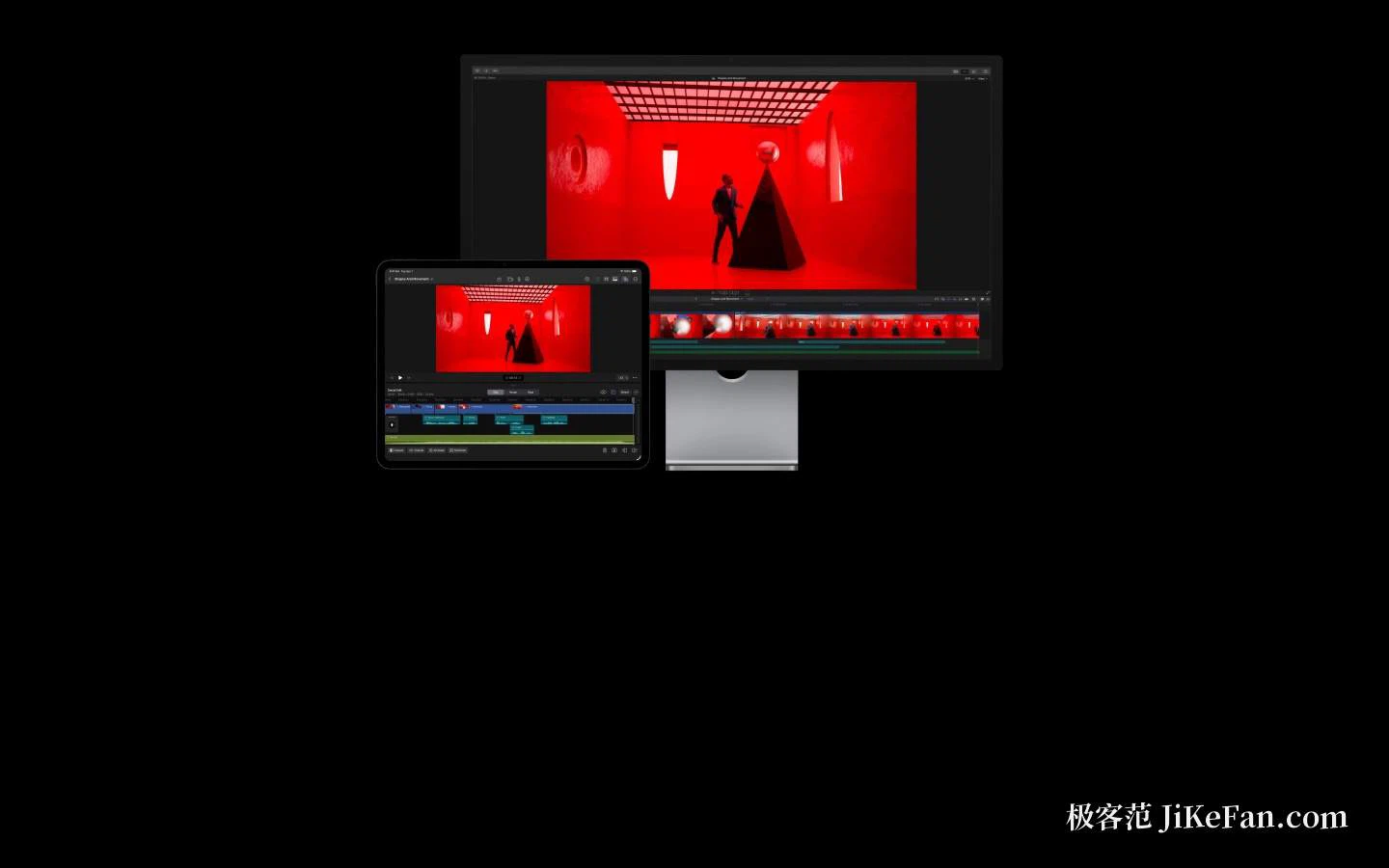
The signature feature is the magnetic timeline. Clips snap against each other instead of floating on parallel tracks, so deleting a section in the middle makes everything after it slide up to fill the space rather than leaving a hole to be repaired by hand. Reordering a sequence, or dropping a cross dissolve between two shots, is a drag of a clip and nothing more. For someone arriving from track-based editing the logic takes an hour to feel natural and then becomes difficult to give up. A built-in guided tour and a sample project mean the first session can be an actual edit rather than a manual.
Dull labour handed to the machine
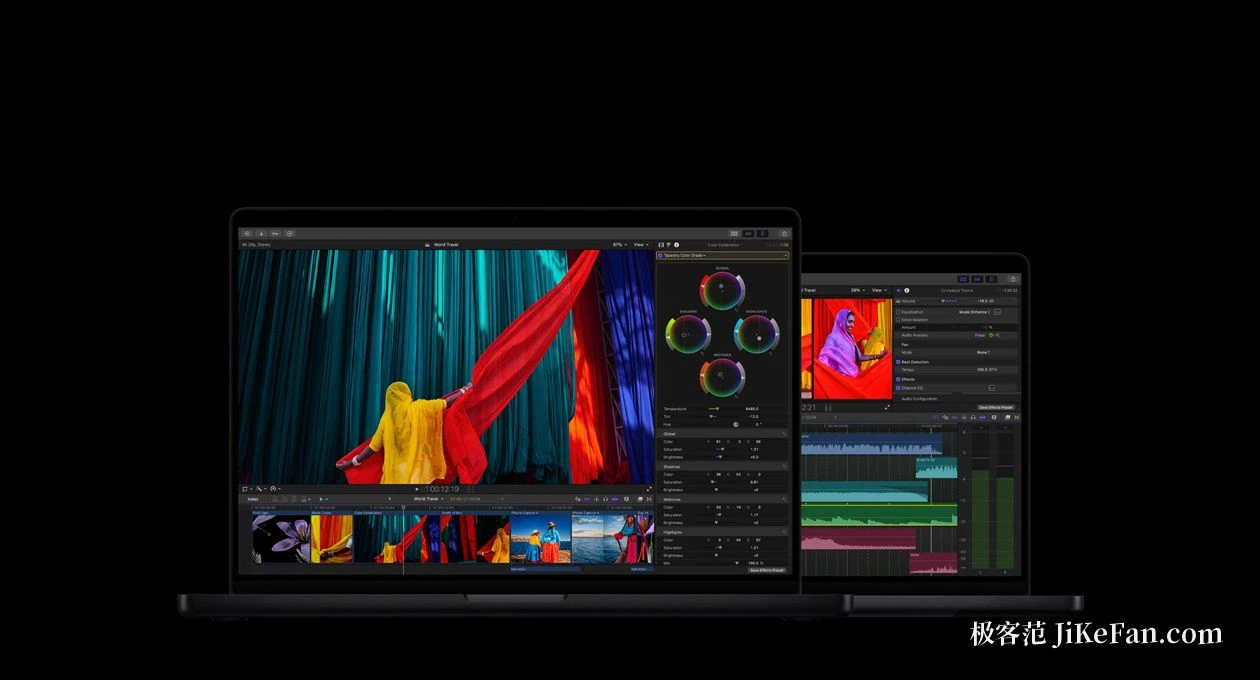
The versions of the last two years have automated a good deal of the repetitive part of the work. A magnetic mask separates a person or an object from footage shot without a green screen, which removes the frame-by-frame rotoscoping that used to consume entire evenings. Speech to subtitles builds caption bars directly on the timeline, and correcting a line afterwards is far quicker than typing a subtitle file from scratch. Transcript search and visual search are newer still: describe the shot in an ordinary sentence and the application looks through hours of material for it. Beat detection marks the drum hits in a music track, so cutting a sequence to the rhythm is a matter of placing edits on the markers rather than counting bars by ear.
Formats and colour, where the professional floor sits
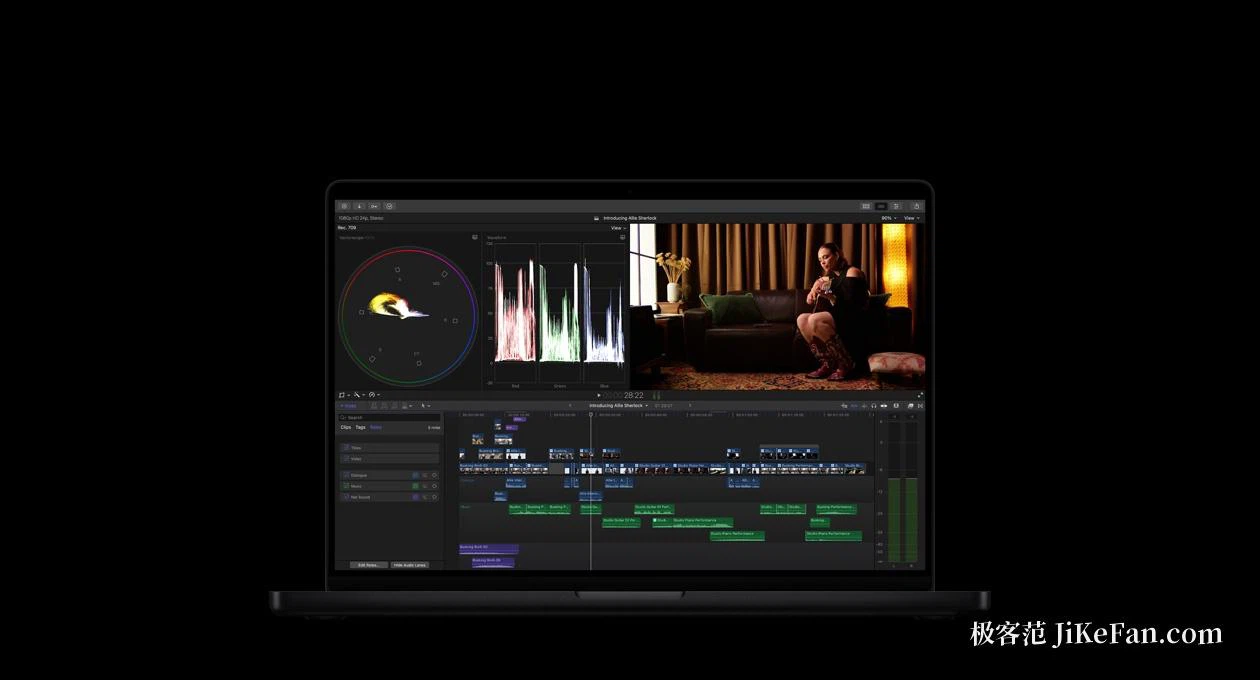
Footage from a phone and footage from a cinema camera both import directly in the common professional formats, with no transcoding step in between. For material recorded natively on a phone, the newer versions expose finer control over exposure and colour temperature, and Log footage recovers its true colour once the official LUT is applied. Import and editing of spatial video are supported as well, which is preparation for the display hardware that is coming rather than a feature for today.
Multicam work and media management that survives long projects
For interviews, weddings and event coverage, the application synchronises several camera angles by time automatically, and switching between them is a click, the way a live broadcast cuts between cameras. The media library carries keywords, ratings and smart collections, so a few thousand shots can be narrowed down to the handful that are wanted without scrolling. The timeline handles high frame rate projects and immersive video too, which means a feature, a short film and a vertical clip for a phone screen all sit inside one workflow instead of three.
Sound and picture effects are in the box
Editing is only part of what ships. Colour grading, audio processing and subtitle authoring each come with a full set of tools: colour wheels, curves and professional scopes are all present, and the noise reduction and reverb that most projects need are ready without a search for plugins. When a title sequence or a piece of motion graphics needs to be more elaborate, a companion animation application works alongside it, and projects pass between the two without an export step.
The arithmetic of buying once
The Mac edition is a one-time purchase at just under three thousand yuan, and later major versions have long been free to existing owners, so there is no subscription hanging over the work. A separate monthly subscription edition exists for the tablet, which suits lighter editing away from the desk. For anyone already editing on a Mac, the fit with the system and the hardware is close to seamless. Whether it suits a particular person is a question ninety days of trial will answer better than any description.