DS4Windows 5.0: an open-source mapper that makes a PlayStation pad work in PC games
Summary
A great many PC games outside Steam only understand the Xbox pad, so a PlayStation controller either goes unnoticed or reports the wrong buttons. DS4Windows reads the real input, rewrites it through a profile and hands the system a virtual pad the game recognises, with per-game profile switching and unusually deep haptic tuning in the 5.0 line.
Recommend- Name
- DS4Windows
- Version
- 5.0.6
- Open source
- Open source
- Operating system
- Windows
- Updated
- 2026-10-06 05:15
Why a PlayStation pad needs a translator
Outside Steam, a great many PC games speak exactly one controller dialect, and it is the Xbox one. Plug in a DualShock or a DualSense and the game either ignores it or reads the buttons out of place, so that the confirmation prompt sits on the wrong face button and the camera swings when nothing has been touched. DS4Windows is an open-source input mapper, released under the GPL version 3, built for that gap. It reads what the pad actually sends, DualShock 4, DualSense, Switch Pro and several others among them, passes the stream through a profile that can rewrite any part of it, and then presents the system with a virtual pad of the kind the game expects. Most titles see a controller they recognise and simply work. The project has been carried forward by a succession of maintainers rather than one author from start to finish, and the 5.0 line arrives with a rebuilt interface and a new virtual-pad backend behind it; updates through September 2026 have been frequent.
One profile, any output
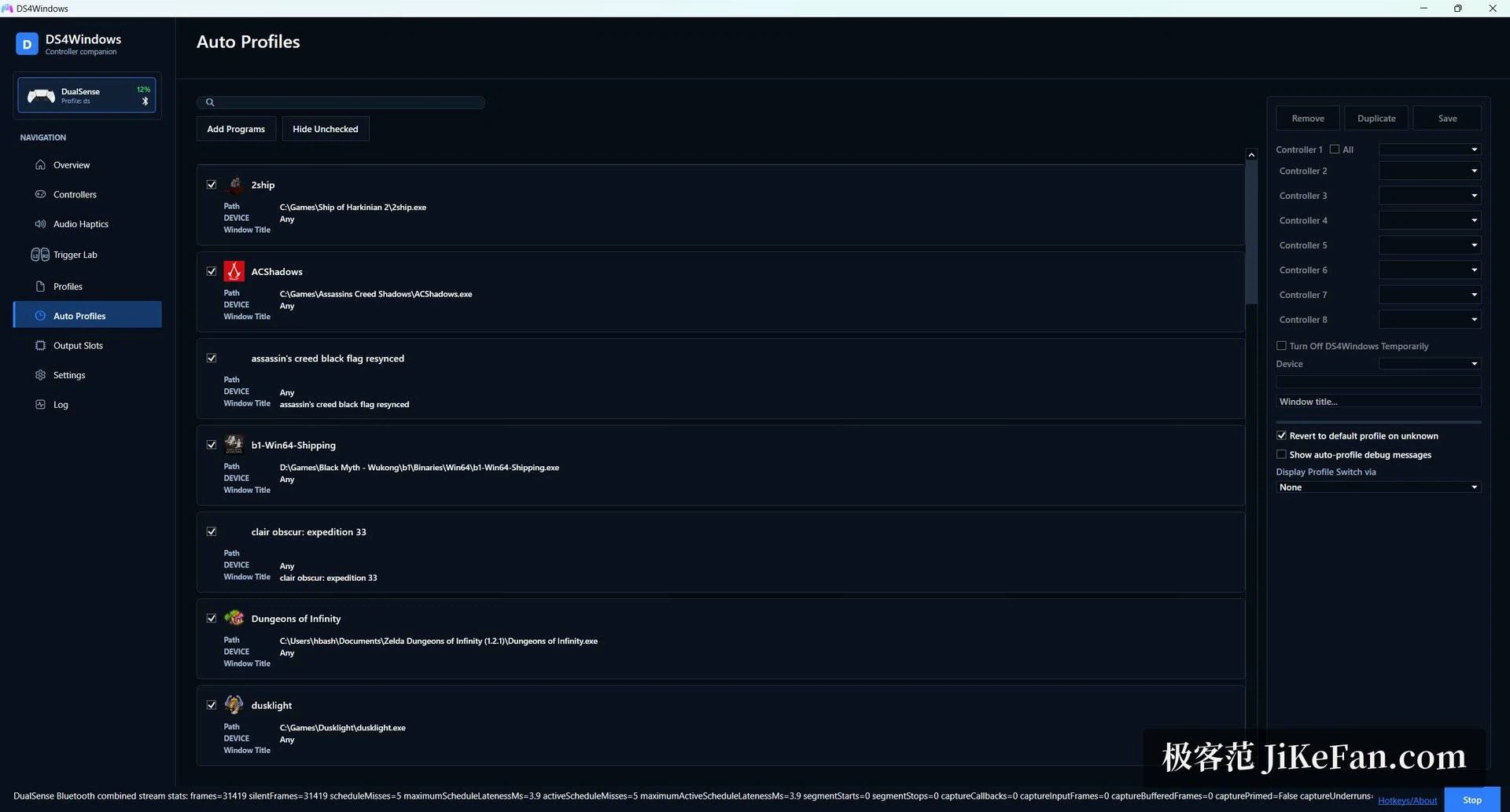
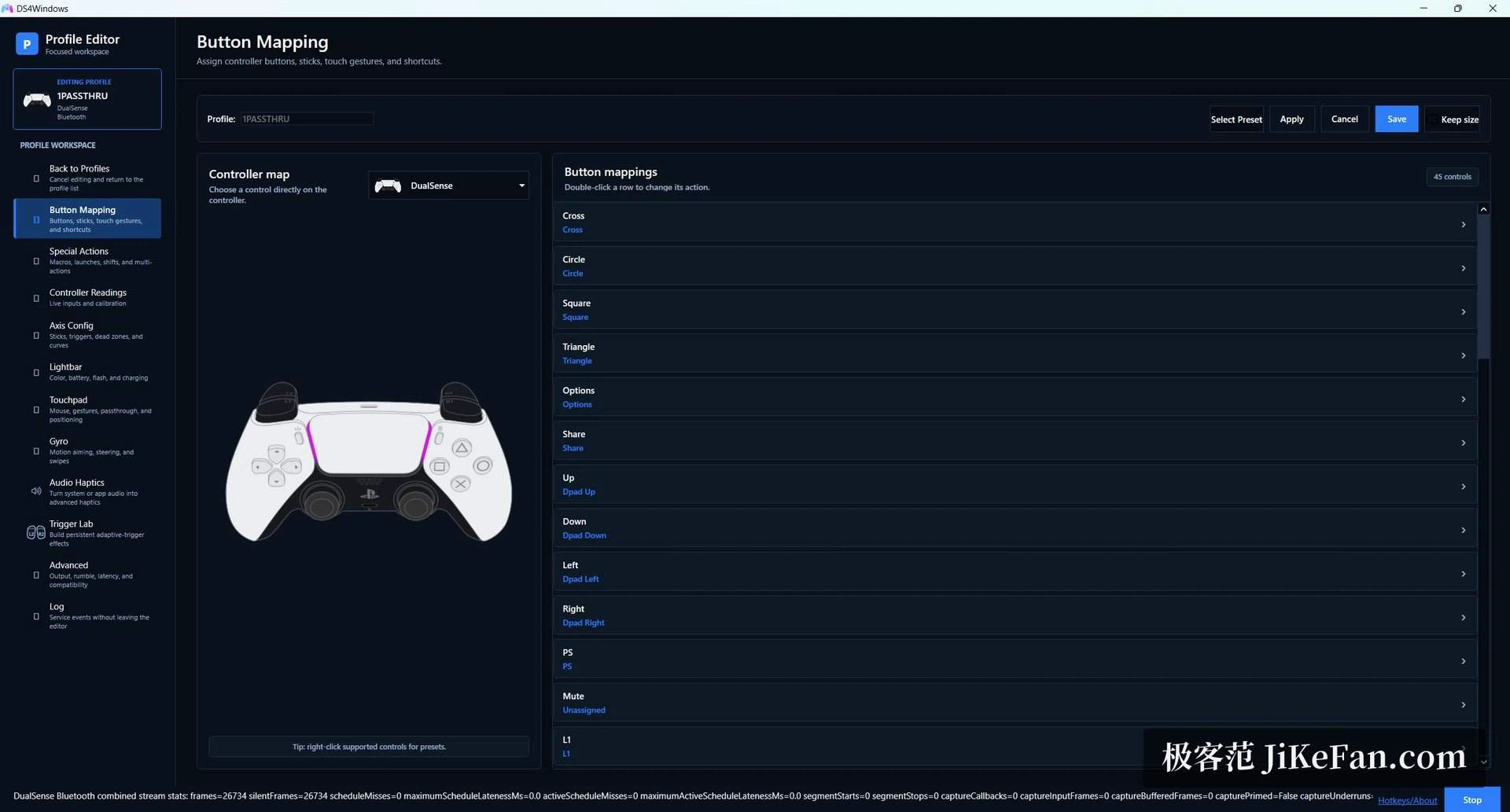
The mapping layer is finer than the usual trick of pretending to be an Xbox pad. The physical controller stays what it is; the output side can present itself as an Xbox 360 pad, a DualShock 4, a DualSense or a Switch Pro controller, so that a single profile can be pointed at whichever identity a particular game prefers. Inside a profile every button can be reassigned, stick dead zones and sensitivity curves adjusted, the light bar colour chosen and the rumble strength set, while the gyroscope and the touchpad are switched on only when something genuinely uses them. Connection handling can be automated as well: when a named game window becomes active the matching profile loads by itself, and when the game closes the previous state comes back, so several pads with several profiles can coexist without stepping on each other.
What the 5.0 line adds
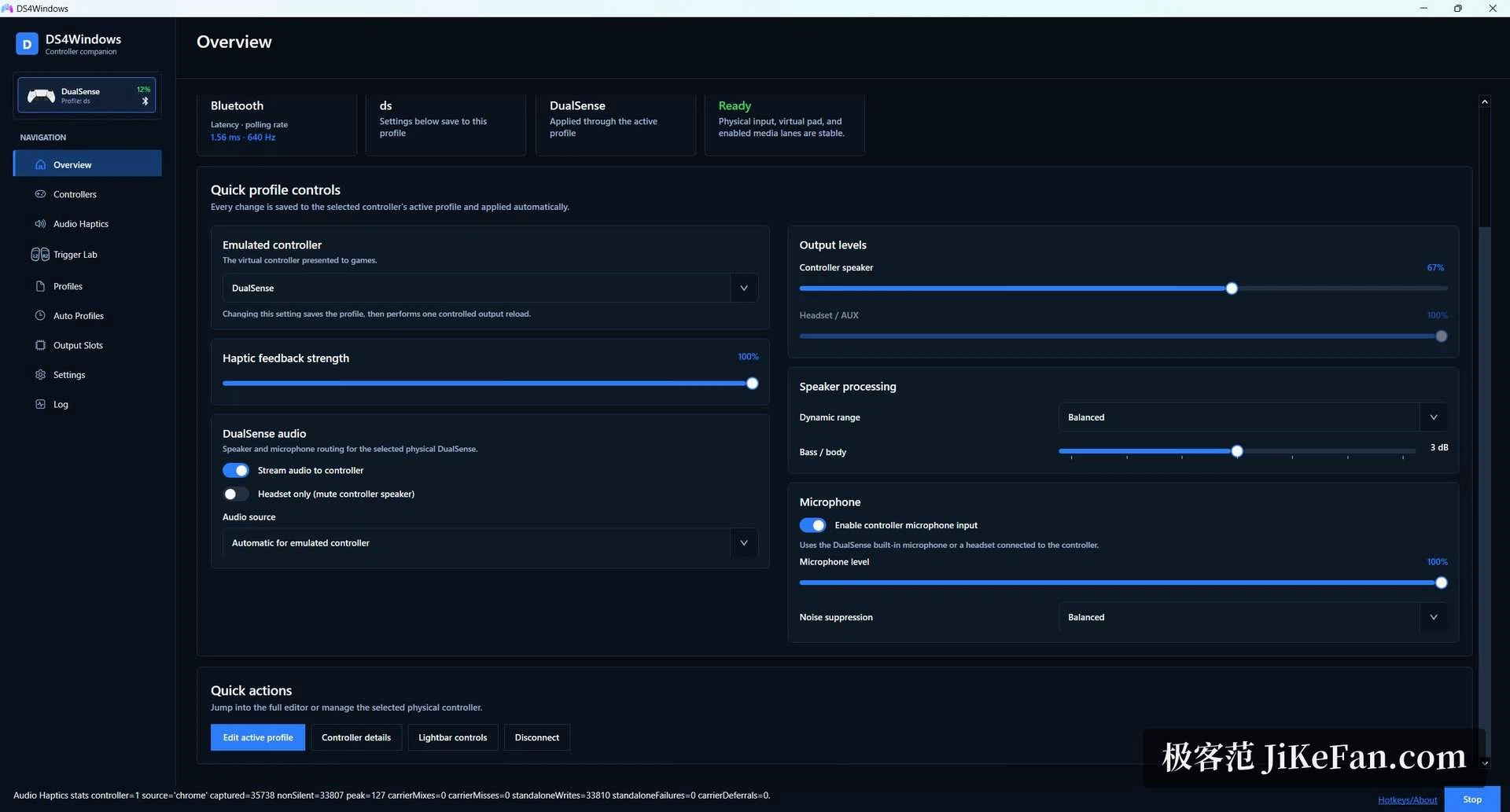
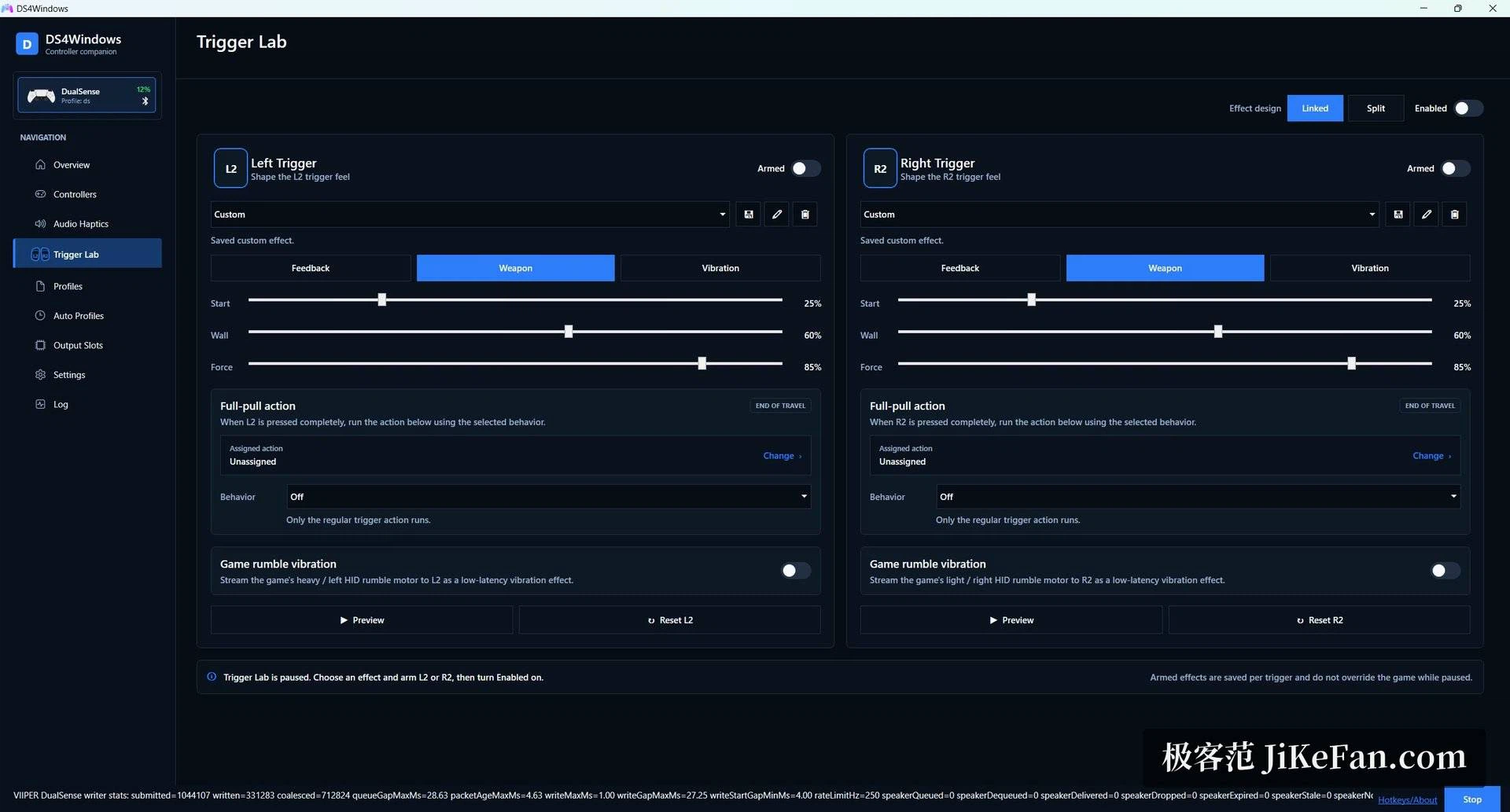
The newest branch reaches further into the hardware than earlier versions did. Trigger Lab lets the L2 and R2 triggers carry force-feedback effects designed per trigger, and previewed while the effect is being built rather than only after it has been saved. Audio haptics turns the sound of the whole system, or of one application on its own, into haptic vibration on a DualSense, mixed with whatever the game is already sending. Bluetooth audio routing lets the pad act as a speaker or a headphone output, and the pad microphone can be offered to the system as an input. Latency gets unusually close attention: feedback distribution runs on its own accelerated path, and long sessions do not drift into the sluggish feel that cheaper mappers develop over time.
Connections, and the one setting worth knowing
Both a wired USB link and Bluetooth work. In Bluetooth mode the mapper sits on top of the stack the operating system already provides, and the official wireless adapter is supported as well for a link that holds up better at range. One caveat is worth repeating because it accounts for a large share of puzzled reports: Steam carries its own PlayStation controller support, and leaving both layers active means every input is mapped twice, which surfaces as buttons that trigger the wrong action. Switching Steam's own support off for that title resolves it. Some older games are also fussy about which virtual device they are handed, and changing the output type in the profile usually settles the matter. Community documentation covers the recurring questions, and the small utilities people actually need, stick drift correction and button debouncing among them, are built into the configuration window rather than shipped separately.
Requirements, and the portable option
A single offline installer is published, and it takes care of the virtual pad driver that has to be present before any of this can work; a portable build that starts from a folder and travels on a USB stick is offered beside it. The software asks for a 64-bit system and a reasonably recent runtime, and the first launch walks through a short wizard instead of posing anything exotic. For anyone who plays PC games with a controller in hand, it belongs in the same first-evening batch as drivers and launchers.