
DeSmuME 0.9.14: where a two-screen handheld still has a desk to sit on
Summary
DeSmuME is the oldest open-source emulator for the handheld with two stacked screens, maintained since 2006 and available for the three desktop systems. A scaling factor pulls 3D scenes far past the native 256x192, a dynamic recompiler covers slow machines, and the frame-accurate toolchain with a scripting debugger is what makes it a workbench rather than a toy.
Recommend- Name
- DeSmuME
- Version
- 0.9.14
- Pricing
- Free
- Open source
- Open source
- Operating system
- WindowsmacOSLinux
- Website
- https://desmume.org/
- Updated
- 2026-10-06 17:45
A pair of screens that still has a place on a desk
A handheld with one screen stacked above another was the first game machine a great many people owned, and the shape of it — picture on top, finger on the bottom — was rarely copied afterwards. The oldest open-source project written for that hardware has been going since 2006 and is still maintained today, with builds for the three desktop systems.
A second project aims at the same hardware with accuracy as its entire goal. The two are complements rather than rivals: one treats getting every instruction right as the point, the other treats completeness and the depth of its tooling as the point. Which one you open depends on whether the afternoon is for playing, for recording, or for studying.
Picture quality, from mosaic to something legible
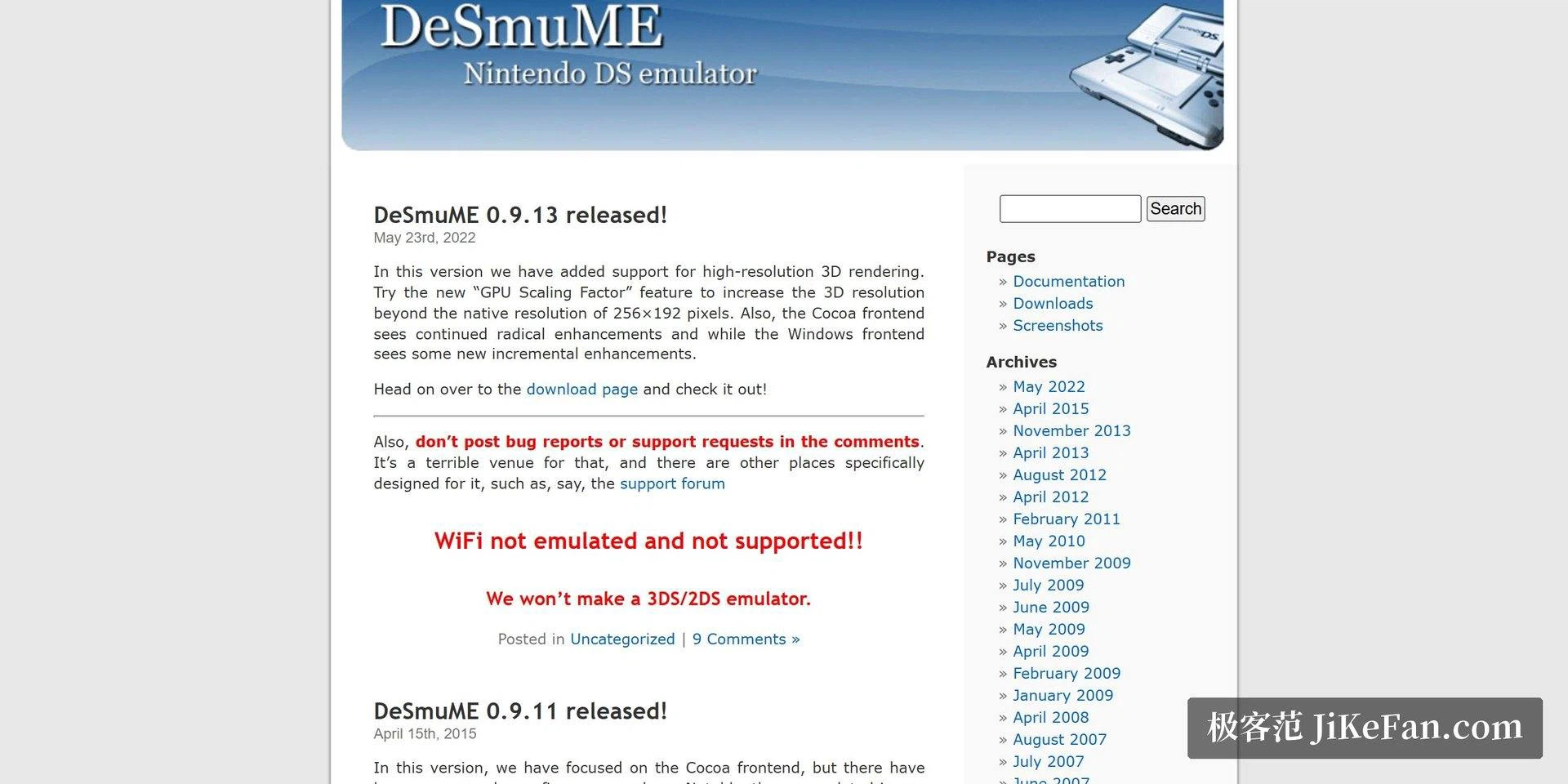
High-resolution 3D rendering, added with 0.9.13, was the watershed. A scaling factor pushes 3D content far beyond the native 256x192, and a two-screen game on a 1080p monitor finally stops looking like a mosaic. The 2D menus and the pixel art stay at their original ratio, which matters just as much: blow those up and all that arrives is soft edges and invented detail.
When the machine cannot keep up there is a second switch, a dynamic recompiler. The documentation says plainly that it brings a large speedup, at the price of the occasional self-modifying routine that needs it switched off to run correctly. Release 0.9.14 also works on vertex maths, text rendering and the OpenGL ES drawing path, and that is the part older integrated graphics notice first.
The toolchain is the actual draw
Save states write and read at any moment, and cheat codes work with a common published format. What makes the project hard to replace is the frame-accurate toolchain and the scripting debugger: single-frame advance, frame-by-frame playback, input recording. Speedrunners and researchers treat it as a workbench, not as a toy.
A gamepad works the moment it is plugged in, and the touch layer is handed to the mouse. For the games that want constant tapping and circling, a stylus or a drawing tablet changes the experience more than any setting does.
What it does not do
It does not supply games. An emulator and a game are two separate things: the program is free and open source, while the game files have to be obtained legally by whoever wants them. Nor does it pretend to be a phone app. The interface is desktop-shaped, dense with menus and shortcuts, and a first session asks for a little patience. Saves do not travel to a cloud by themselves, so moving to another machine means carrying them across.
None of that stops it from being the first stop. It is mature enough that most problems already have an answer written down somewhere, and for a tool you intend to keep for years, an answer you can find tends to matter more than one more feature.
Who ends up keeping it
The people who stay with it tend to share one habit: they want to look at what the machine is doing rather than only at the picture. A memory viewer, a register panel, the ability to stop halfway through a frame and step — none of that shows up in a screenshot, and all of it is why the project has outlived hardware that stopped being sold years ago.
Everyone else is served too, and cheaply. The settings that matter fit on one screen, the defaults are sensible, and nothing needs preparing before the first game runs. That is the rare combination: deep enough for the person who will spend a weekend inside it, quiet enough for the person who wants ten minutes.
What it asks in return is your own material and some patience for a desktop interface of an older school. Neither is unreasonable, and both explain why it is still here while several smoother attempts are gone.
The life of a tool is decided less by its feature count than by how its explanations survive. Questions asked a decade later still get answers because someone hit the same wall in between and wrote it down, and for anyone starting out that is the most solid guarantee available.
For a return to the two-screen years, this project is complete enough and its tooling deep enough to serve as the starting point; anyone chasing absolute accuracy can compare other work afterwards. Settle where the game files come from first, and worry about the settings second.