
CloudConvert: a conversion workshop that lives in the browser
Summary
CloudConvert converts more than two hundred formats in a browser: documents, images, audio and video, ebooks, archives converted between each other, CAD drawings and fonts. The free plan gives ten conversions a day with a one gigabyte limit per file and a five-minute limit per job, files are removed after processing, and a REST API lets a script or a pipeline take the conversion step over entirely.
Recommend- Name
- CloudConvert
- Version
- web
- Pricing
- Free
- Open source
- Proprietary
- Operating system
- 网页版
- Website
- https://cloudconvert.com/
- Updated
- 2026-10-06 09:06
When installing software is not worth it
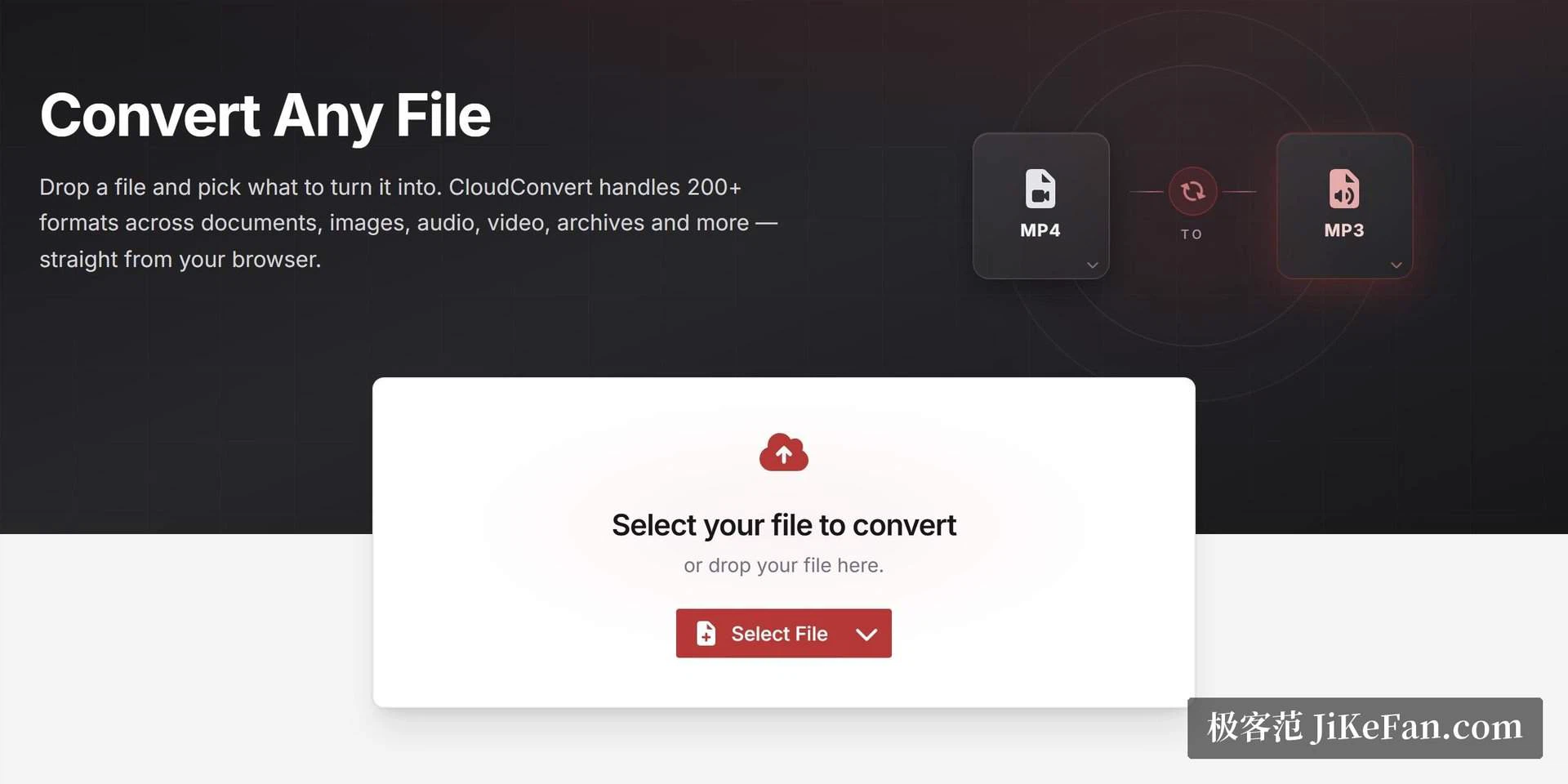
Someone sends a file in a format nothing on the machine will open, and the honest calculation is that installing a program for one document costs more than the document is worth. This is the case the service exists for: drag the file into a browser tab, choose the target format, press the button. Three steps, no installation, no account needed for the free allowance.
The format list is the part that makes it useful rather than merely convenient. More than two hundred formats are covered, and the coverage goes well past the obvious: documents, images, audio and video, ebooks, archives converted between each other rather than merely unpacked, and the corners people usually give up on — CAD drawings and font files.
What the free plan actually gives
Ten conversions a day, a maximum of one gigabyte per file, and a five-minute ceiling on a single job. For someone who converts a document now and then, or resizes a picture for a form that insists on a specific type, that is enough and the limits rarely come up. For anything heavier the arithmetic changes quickly, and there are two ways to pay.
Credit packs are bought once and stay valid, which suits bursty use: a month with three big deliveries followed by two quiet ones. A monthly subscription brings the cost per conversion down and lifts the limits on file size and processing time, which suits a team that converts something every day. Choosing between them is a question of predicting your own rhythm rather than of comparing headline prices.
The API is the real product
A conversion job here is composed of three stages: import, convert, export. That decomposition is what makes it usable in automation — a file can be pulled from one place, converted, and delivered somewhere else, with the middle step never touching a person. Connections to more than fifty common storage and collaboration services are available without writing an integration, and the documentation is complete enough to work from.
Pay-per-use pricing fits that model: a script that runs twice a week costs almost nothing, while a batch job pays for what it actually consumes. Anyone who has maintained a local conversion pipeline knows the hidden cost is not the conversion but the toolchain — codecs, libraries and the version of each that the last update broke. Handing that step to a service is a way of deleting a maintenance burden rather than paying for a feature.
There is also an insurance argument for the breadth. A tool installed locally covers the formats its author thought about; a service with two hundred of them covers the ones you will meet in six months and cannot name today. When the alternative is asking a client to re-export a file, that coverage is worth more than it looks.
What happens to the files
The platform holds an information security certification, and uploaded files are removed after processing, with a maximum retention of twenty-four hours. For a document containing client data, that is the sentence worth reading twice: it is not a promise that nothing is stored, but a defined window, which is what an auditor will ask for anyway.
It does not remove the need for judgement. A confidential contract or a set of personal records should still not be uploaded to any third party without a reason, and where the answer matters, a local tool is the better choice. For the everyday traffic of formats — screenshots, exports, a scan that arrived as an unusual type — a service with a clear retention window is the pragmatic answer.
For an emergency conversion the free allowance is enough, and the two things worth paying for are the breadth of formats and the API: the first rescues an afternoon, the second removes the step from the workflow entirely. Before committing to heavy use, count how bursty your usage really is, because packs and subscriptions reward opposite habits.