
Control D: encrypted DNS with per-device rules, and a free tier that already blocks ads and malicious names
Summary
A configurable encrypted DNS service running since 2021. The free tier works from a preset resolver address with no account and blocks malicious names and advertising; paid tiers add custom rules, several configuration profiles and traffic redirection.
Recommend- Name
- Control D
- Version
- 20260920
- Open source
- Proprietary
- Operating system
- WindowsmacOSLinux
- Website
- https://controld.com/
- Updated
- 2026-10-05 08:03
Filtering at the resolution layer
Extensions and blocking applications have to be set up on each device in turn, and a new device or a new application quietly slips past them. This service works one layer lower: once a device or a router points at its resolver address, every name lookup on the network passes through the policies held there, and advertising, trackers and malicious domains are stopped before a connection is ever opened. A browser, a system update and a household appliance are treated the same way.
The transport is encrypted throughout, with name resolution carried over HTTPS, over TLS and over QUIC, while traditional plain resolution and IPv6 keep working for older equipment. The service has been running since 2021.
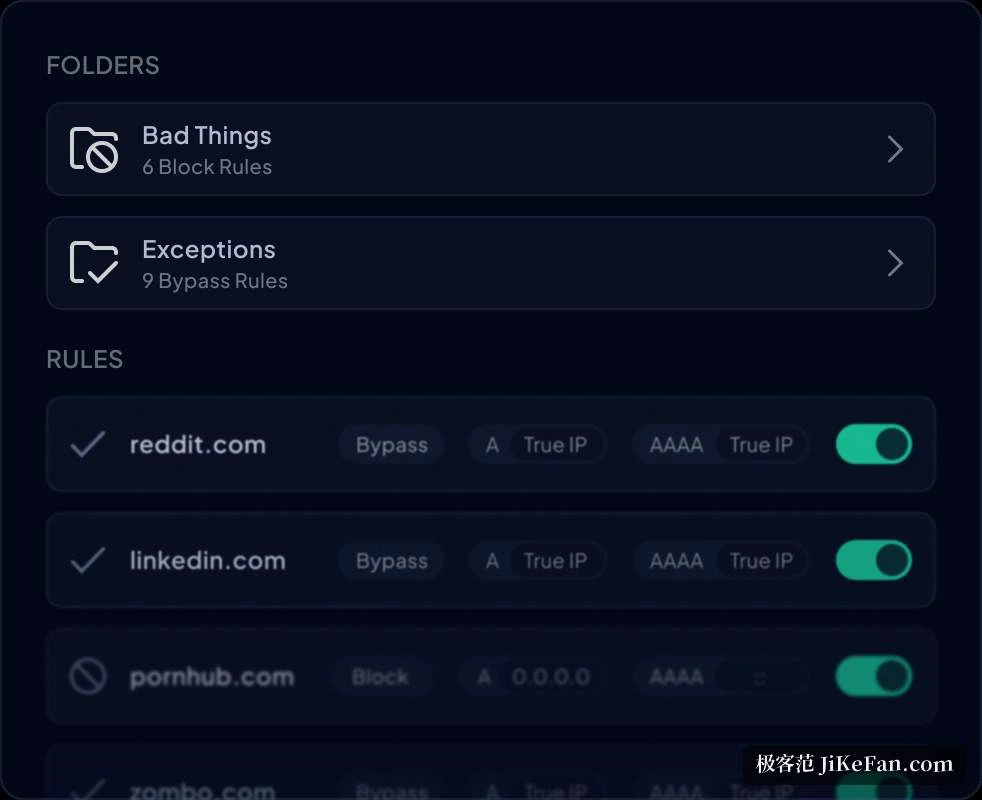
One change on the router covers the whole house
The great advantage of filtering at this layer is reach. A television, a games console or a robot vacuum cannot take a browser extension, but anything on the same network falls under the rules automatically. Deployment is flexible in the other direction as well. Pointing the router at the resolver address settles the whole household in one setting; a single device can use the official client, or the encrypted resolution that the operating system already understands; and a laptop taken on a trip keeps its rules because the profile travels with it.
A browser extension is offered too, which shows on screen which rule the current request ran into, and can switch a category of blocking on or off for a moment.
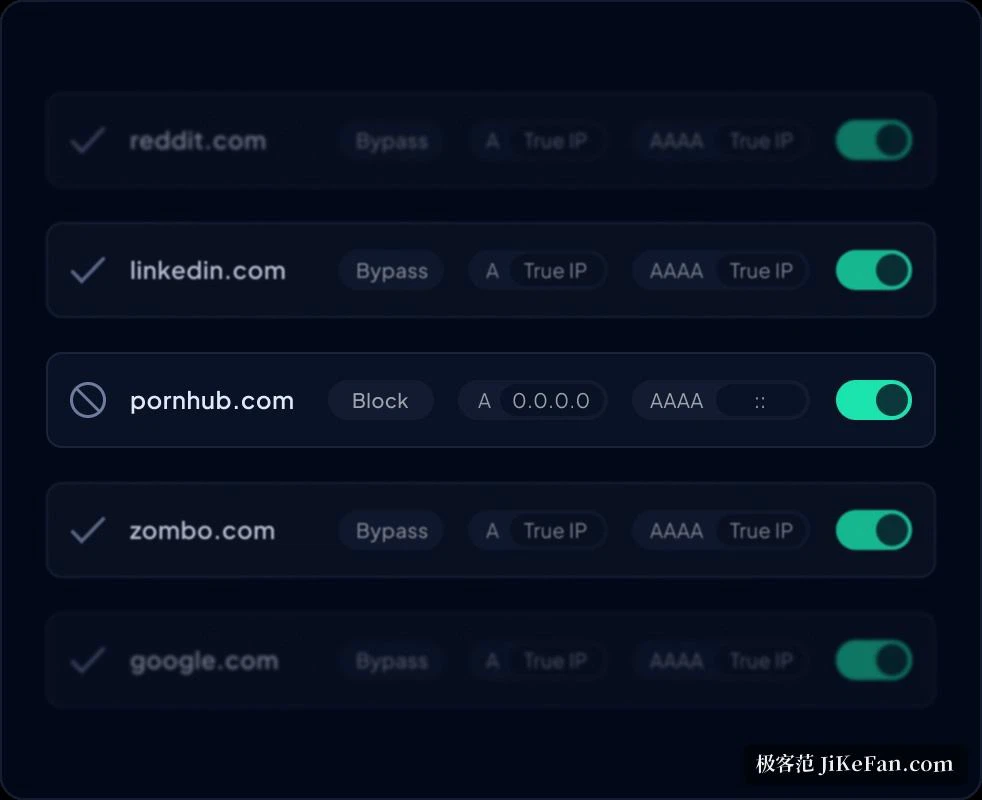
The free tier needs no account
Several preset resolver addresses cover different intentions: blocking malware, blocking advertising and trackers, keeping social networks out, a family-friendly set, and an unfiltered set for a network where censorship is the problem. Changing the resolver setting on a device is enough to put one to work, and no account is required.
Finer control is where the paid tiers begin. At 3 dollars a month, or 30 dollars a year, twenty content categories open up along with more than 1000 services that can be blocked one by one, custom rules, several configuration profiles and detailed analytics. At 6 dollars a month, or 60 dollars a year, traffic redirection is added: traffic for a chosen service or domain can be routed through more than 100 nodes in over 60 countries, without installing anything extra.
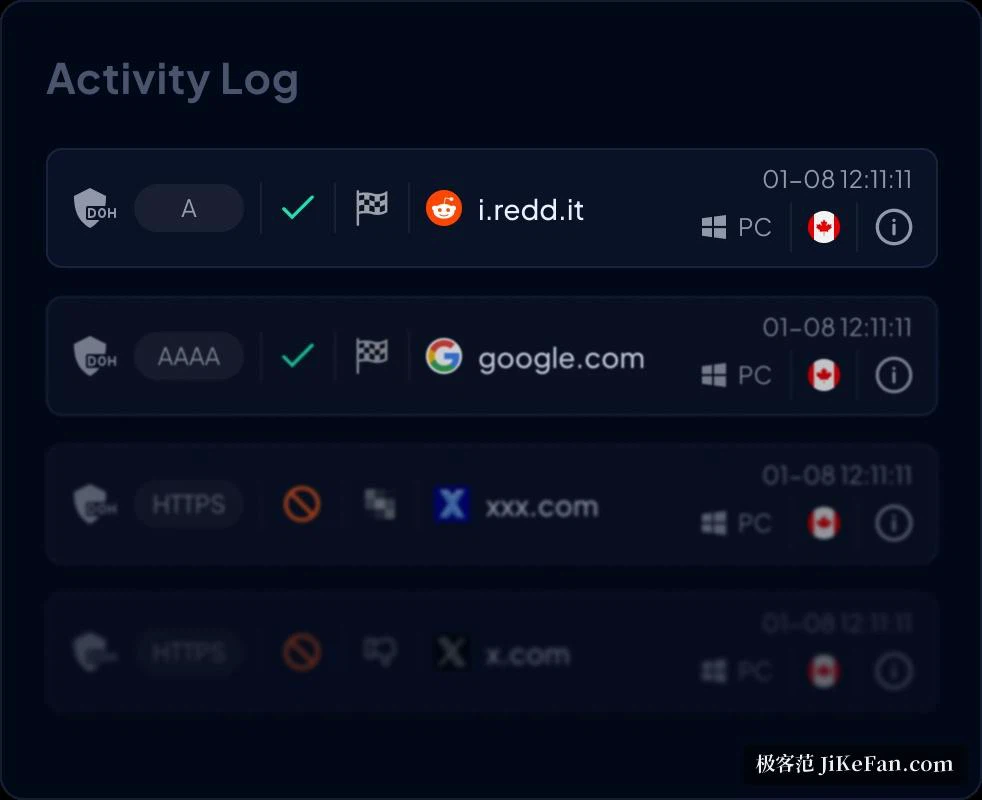
Different rules per device, and per hour
The most practical part is the configuration profile. Each device can hang under a different profile: strict filtering on a child s tablet, nothing but malicious names blocked on a work machine, and neither affects the other. Profiles can also be stacked when a combination is needed. The panel shows the resolution history and the blocking counts for each device, so which names were stopped, and who asked for what and when, can be checked rather than guessed.
Scheduled rules are supported as well: a school-hours window can tighten the social and gaming categories automatically, and the evening can let them back. The published figure for malicious domain blocking, quoted from a third-party test, is 99.98 percent, and the lists behind it are refreshed from threat intelligence and pattern judgement.
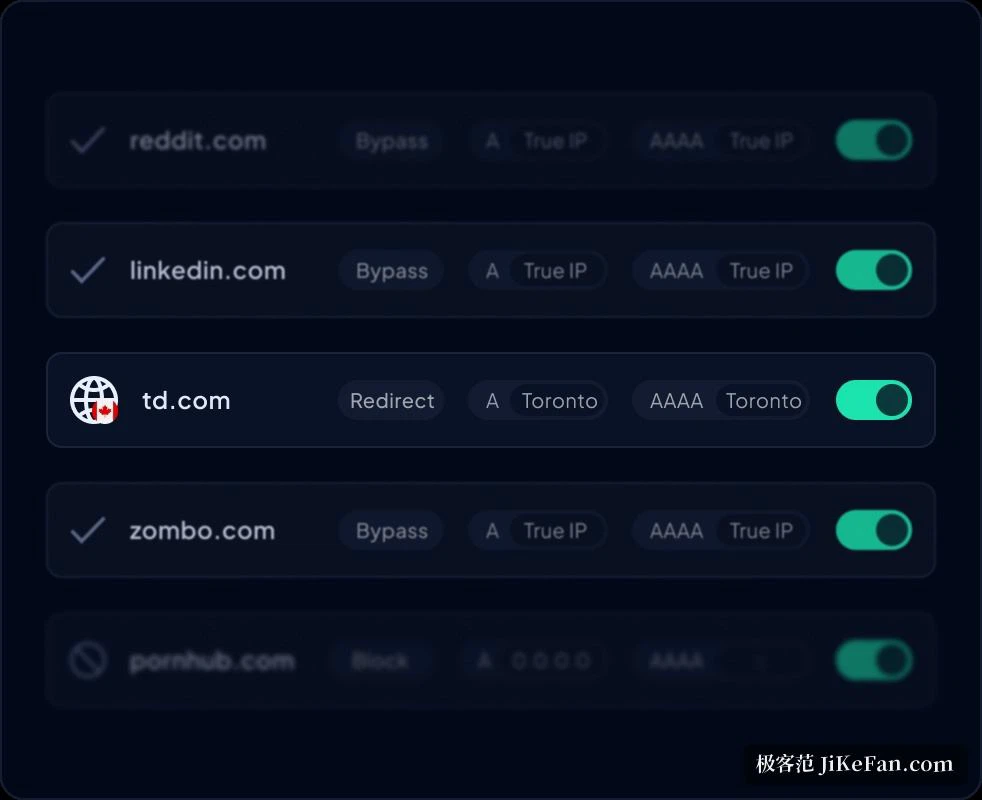
Platforms, teams, and the cost of trying
Clients exist for Windows, macOS and Linux, companion applications for the two main mobile systems, and routers can be configured in batches; everything ends up managed from one web panel, with an API for automation. Small teams get multi-tenant handling, audit logs and compliance reports, billed per endpoint.
The cost of finding out is low. Try a free resolver address first and watch what gets blocked. If a site is stopped by mistake, a whitelist entry lets it through. Once the result looks right, the finer filtering and the redirection are there to be switched on.