
Browser Use splits into an agent and a rented browser, priced per hour
Summary
One half takes a task and returns a result, the other rents your own Playwright code a remote browser with a stealth profile. The open library is MIT licensed, and the billing is per hour and per token rather than a subscription.
Recommend- Name
- Browser Use
- Version
- 0.02
- Open source
- Open source
- Operating system
- WebLinuxmacOSWindows
- Website
- https://browser-use.com/
- Updated
- 2026-10-06 21:19
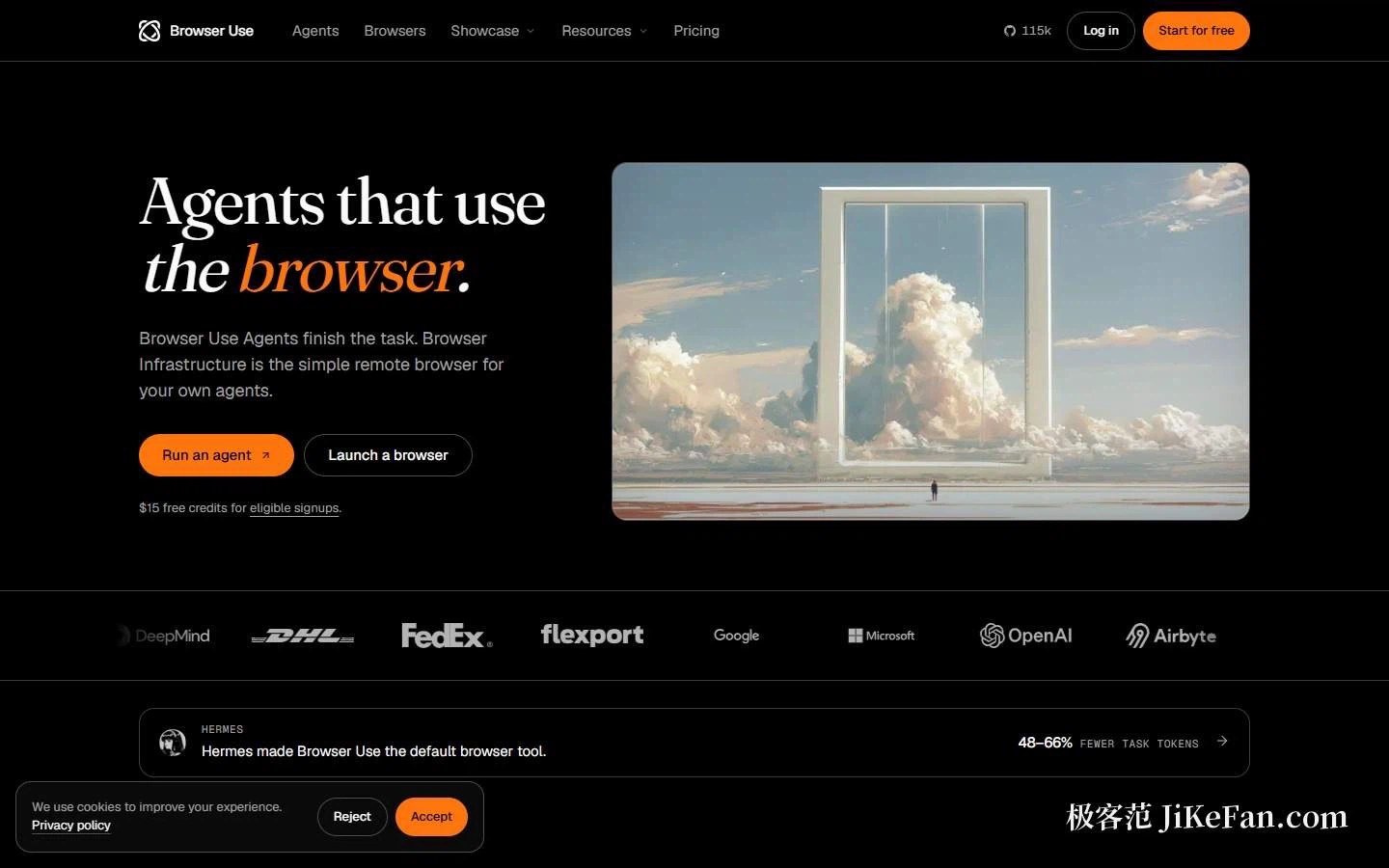
Letting an agent drive a browser is an idea Browser Use arrived at early, and the project has run further than most. The tagline on the site is as plain as it gets: agents that use the browser. The product then splits in two. Browser Use Agents takes a task and hands back a result. Browser Infrastructure rents a remote browser to your own agent. The two buttons above the fold follow that split, run an agent and launch a browser, with a star count of 115,000 in the corner.
The benchmark that measures success and cost together
The headline number comes from a benchmark the project built itself, called Internal Bench Hard. Across 106 tasks, Browser Use reports an 82 percent success rate at 17 cents per task. The comparison rows put three frontier models at 62, 59 and 59 percent, with per-task costs of 3.40, 1.55 and 2.20 dollars respectively.
What matters is the unit being measured. The page states it as task success on 106 tasks alongside cost per solved task, which is a different question from the price of a single call. A cheap model that fails half the time is expensive, and a benchmark that ignores that is a price list pretending to be an evaluation.
The remote browser side has its own set of figures: on a reach benchmark over 71 protected sites, the project reports 81 percent against 77, 67 and 47 percent for three other services. Both sets come from benchmarks the project constructed, with samples and comparisons of its own choosing, so the sensible reading is that a buyer should test against their own target sites.
The showcase is more concrete. The site claims 42 recordings of real runs, with tasks that include finding two adjacent cinema seats, filling a pickup cart at a home improvement store, exporting portal results to CSV, running a quality check over a website, playing chess from a live board, running browser tasks inside a chat workspace, and clearing 100 lines of Tetris.
Three ways in, from cloud to local
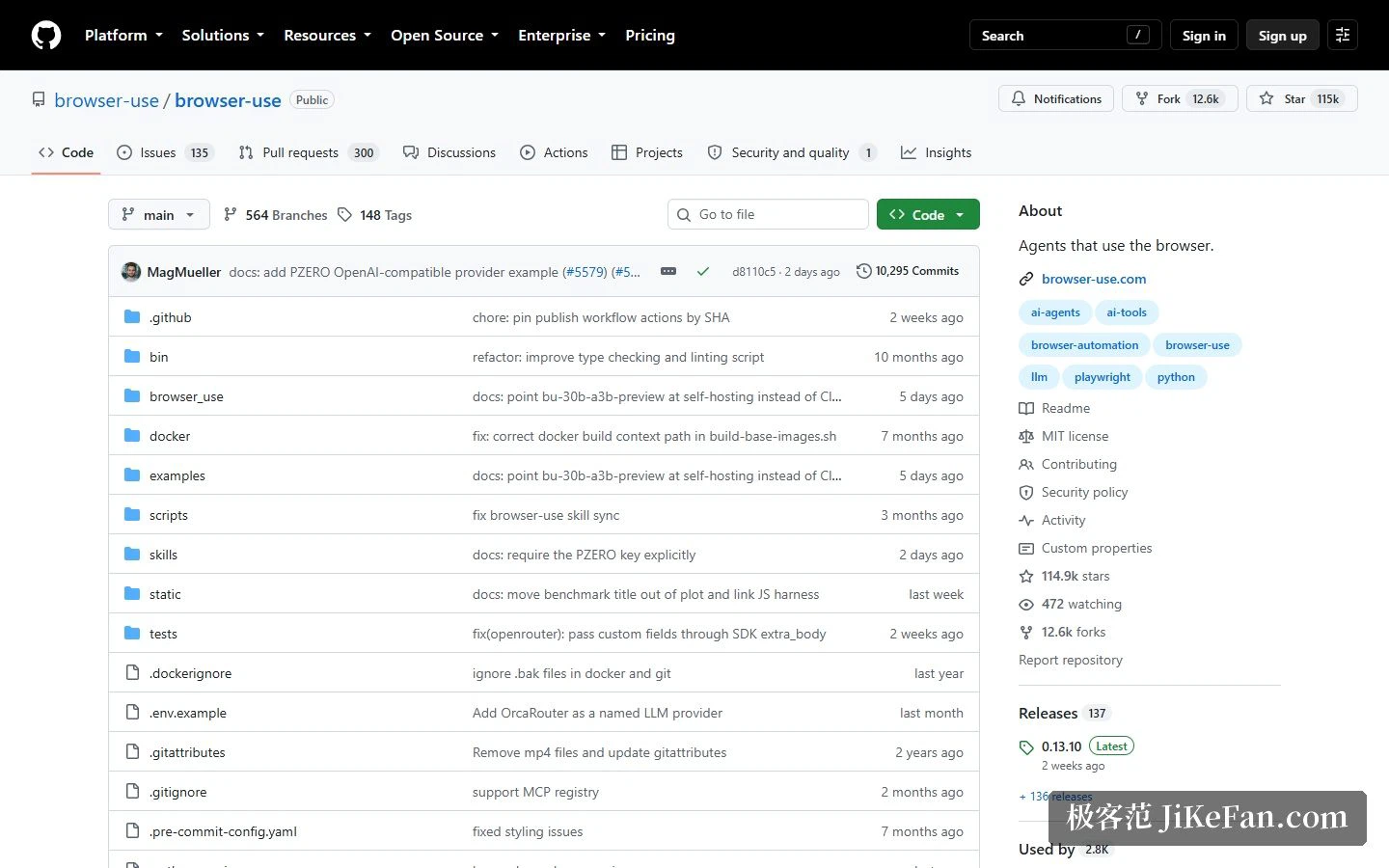
The readme cuts usage into three. Fully managed cloud, where you call the hosted agent and it drives the browser, with a stealth browser, profiles, recordings and a data policy underneath. A command line route, where you paste a prompt into your coding agent and let it install the tool and connect to your own browser. And the Python library, which runs the open agent in your own code, needs Python 3.11 or newer, and asks only for an install and a model key. The example task is to look up a repository's star count, after which the agent opens a browser, finds the answer and prints it; the model can be a third party or the project's own, and the browser can be local or in the cloud.
Two cloud routes, and one way to waste money
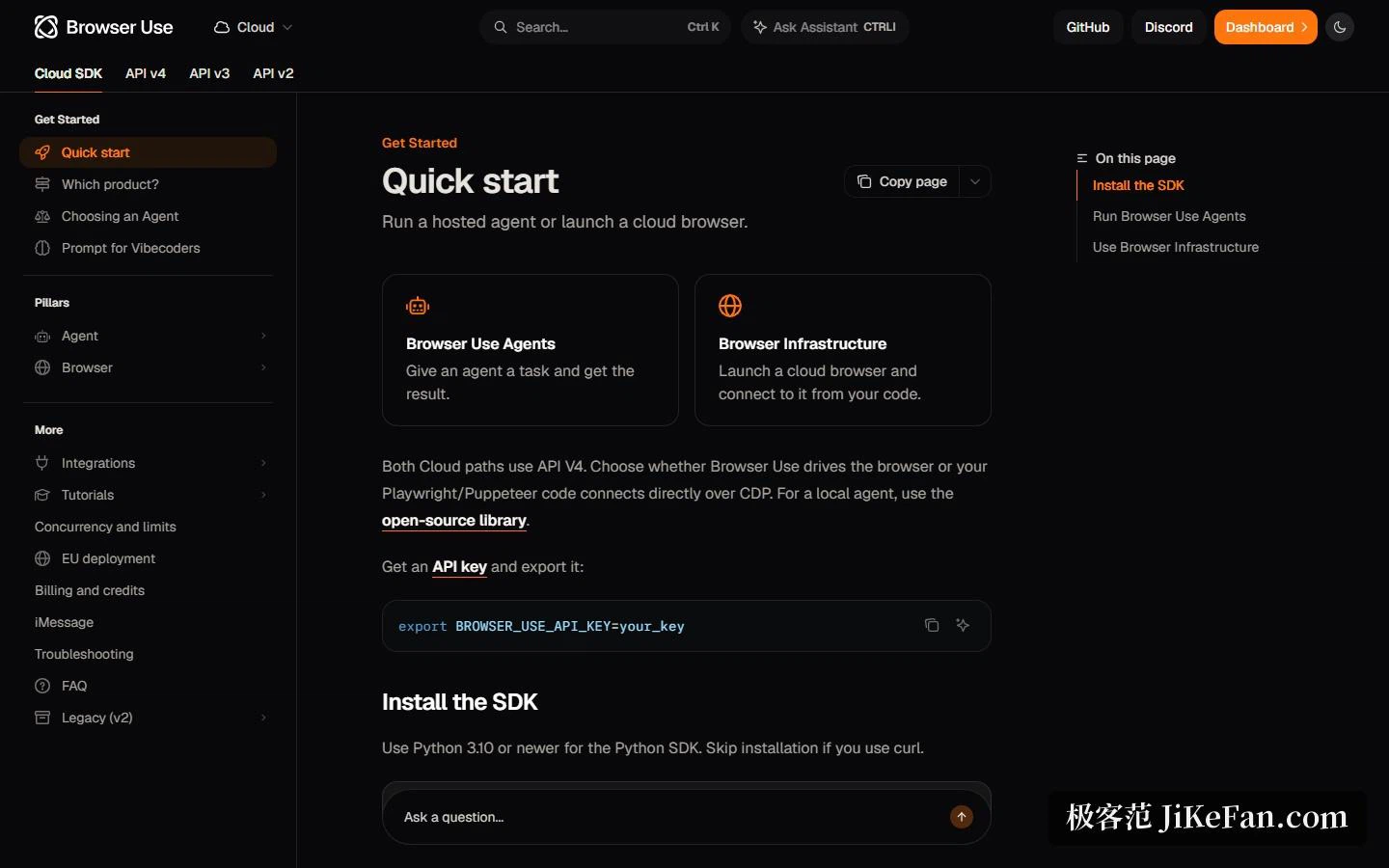
The documentation separates the cloud side into two products, both on the fourth version of the API. Browser Use Agents is the one where you supply the task and it drives the browser. Browser Infrastructure is the one where your existing Playwright or Puppeteer code connects over CDP to a hosted browser, which suits teams that already have automation code and only want to change where it runs.
There is a trap worth repeating because it costs real money: disconnecting the CDP session does not stop the hosted browser. The session has to be stopped explicitly when you are done, or the meter keeps running. The cloud SDK needs Python 3.10 or newer; with a key in hand, creating a task, waiting for it and fetching the result is three lines of core code.
Pricing: pay as you go, no subscription
Credits start at 5 dollars, there is no subscription and they do not expire. A browser costs 0.02 dollars an hour plus traffic. Browser Use Agents charges the model cost plus 20 percent, then adds browser time and traffic on top. New sign-ups that qualify receive 15 dollars in credit.
Read the structure rather than the numbers and two products appear. If you only use the hosted browser to run your own Playwright code, the cost is close to renting a machine by the hour with stealth and a proxy attached. If you let their agent do the work, you are buying model tokens with a twenty percent margin on top. Neither is a subscription, which means idle months cost nothing and a busy month can cost more than a plan would.
The open side has its own figures: about 115,000 stars, 23,100,000 downloads a month, an MIT licence, 366 contributors and 137 releases, written almost entirely in Python. The project is explicit that it runs in the cloud or on your own machine, and the licence is the reason that sentence is credible.
Who it suits
Three groups. Small teams that need repetitive web operations automated and would rather not maintain their own anti-bot and captcha work, which is exactly what the protected-site reach figure is selling. Engineering teams with Playwright flows already written, who only want to move the execution environment to the cloud and therefore take the infrastructure route with minimal change. And developers who want browser control exposed as a tool for their own agent, where both the command line and the MCP direction have entry points.
What the two headline figures can and cannot tell you
Both numbers are self-reported, on benchmarks the vendor designed, which does not make them false but does limit what they prove. A success rate on 106 tasks says the project is competent on the kind of task its authors chose. It does not say what happens on the site you actually care about, with the login you actually have, at the moment a bot check appears.
The same caution applies to cost per solved task, which is the more interesting of the two because it folds failures into the price. That is the right accounting, but it also means the figure moves with the task mix: a suite of easy tasks and a suite of hostile ones will produce very different numbers from the same system.
Two honest notes
First, both of the impressive comparisons come from the project's own benchmarks, so run your own targets before committing. Second, the billing trap above is the practical risk in the cloud products: an abandoned session keeps charging, so wrap the work in something that stops it even when the code fails.
The real threshold for a browser agent is never whether it can click a button, but whether it can still find its way back after the target site blocks it.