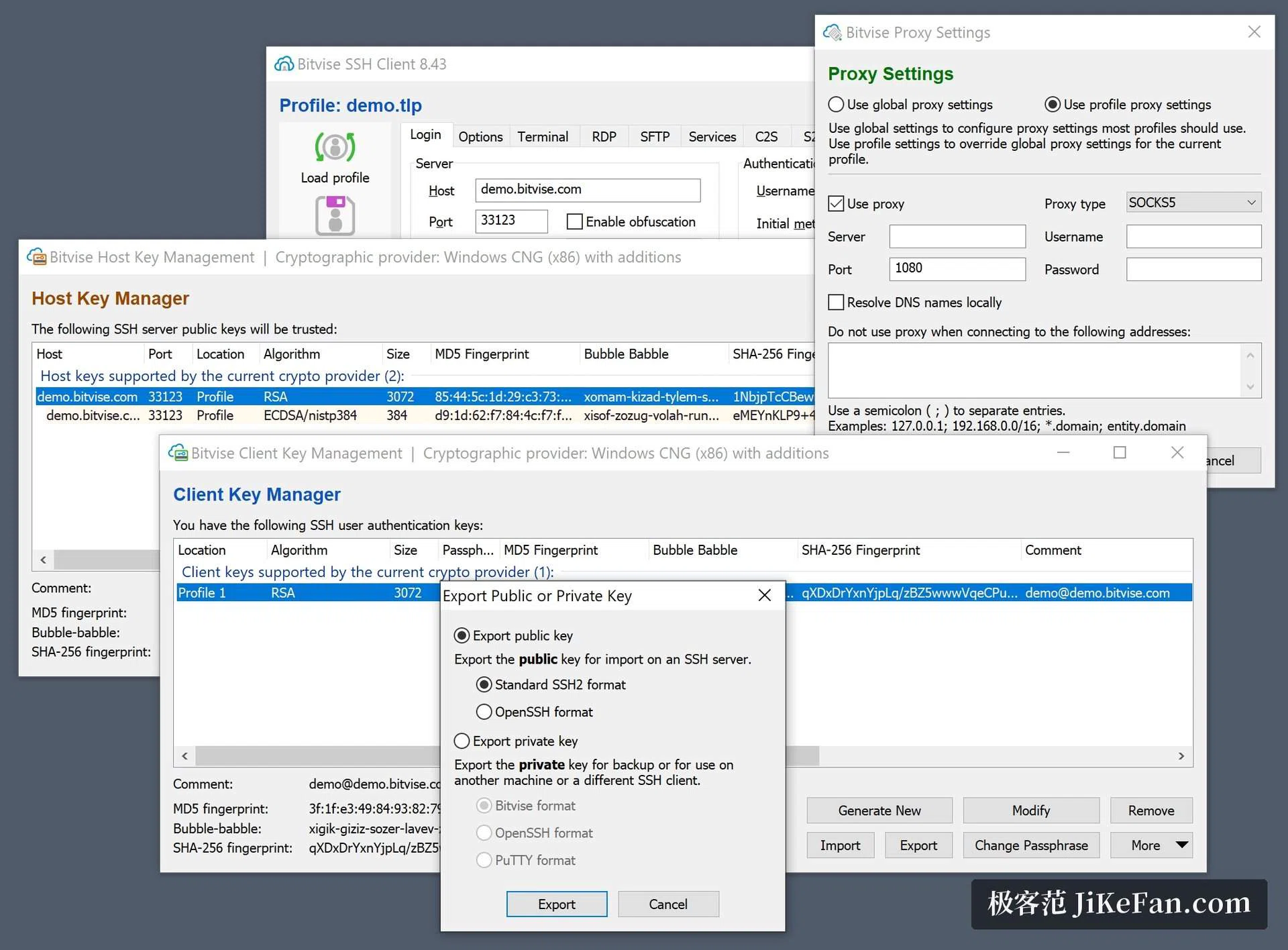
Bitvise SSH Client keeps terminal, file transfer and tunnels in one Windows window
Summary
An SSH and SFTP client rooted in Windows: two pane terminal emulation, visual file transfer, one click remote desktop tunnelling and scriptable command line tools. Version 9.66, free for individuals and organisations alike.
Recommend- Name
- Bitvise SSH Client
- Version
- 9.66
- Pricing
- Free
- Open source
- Proprietary
- Operating system
- Windows
- Updated
- 2026-10-06 14:46
An SSH client rooted in Windows
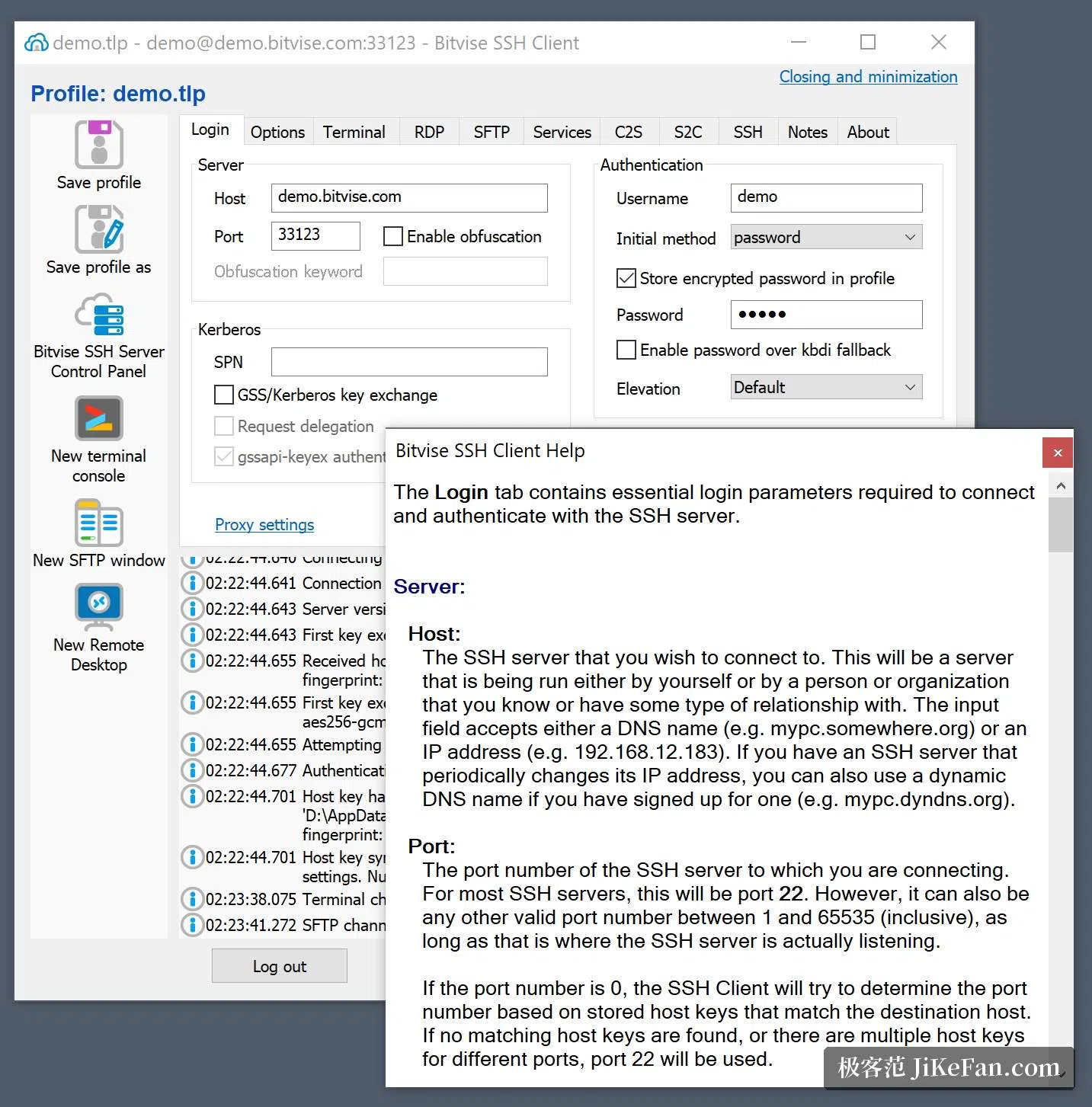
The range of systems this one covers runs from the newest Windows 11 and Windows Server 2025 all the way back to Windows XP with its third service pack and Windows Server 2003, and installers for 32 bit and 64 bit systems are both supplied. The vendor's opening statement is that the client is free for every use, organisations included, and that connecting is a matter of running the installer. Terminal emulation, file transfer and tunnel management sit in a single window: the login tab remembers the host, the port, the user name and the authentication method, so moving between several servers during a day does not mean typing the same details again, and a dark colour scheme is offered for people who spend hours looking at a terminal. The design decision worth noticing is what is absent: no separate windows for files and for sessions, which is where most of the daily friction in this kind of tool comes from.
A two pane terminal and graphical SFTP
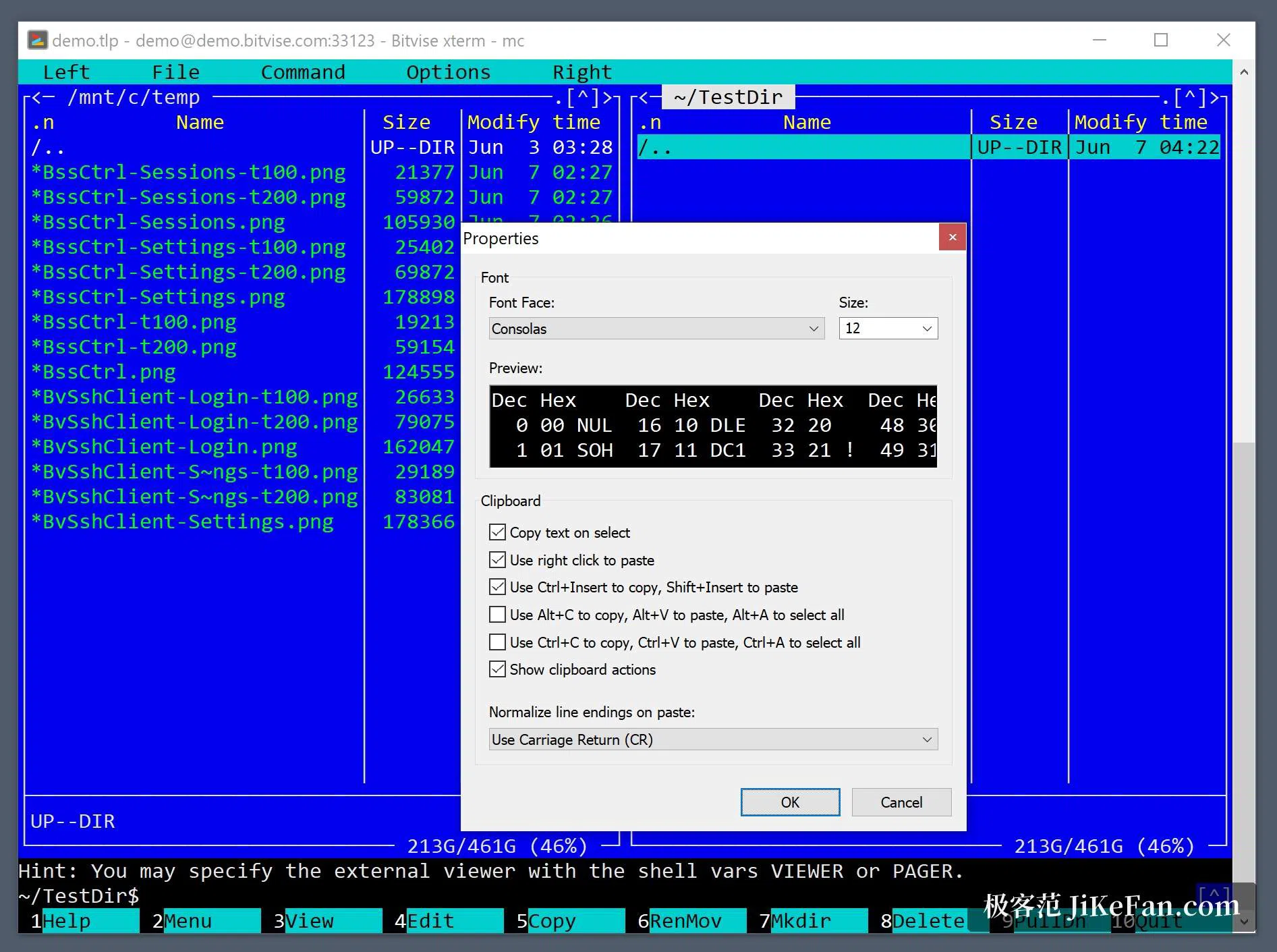
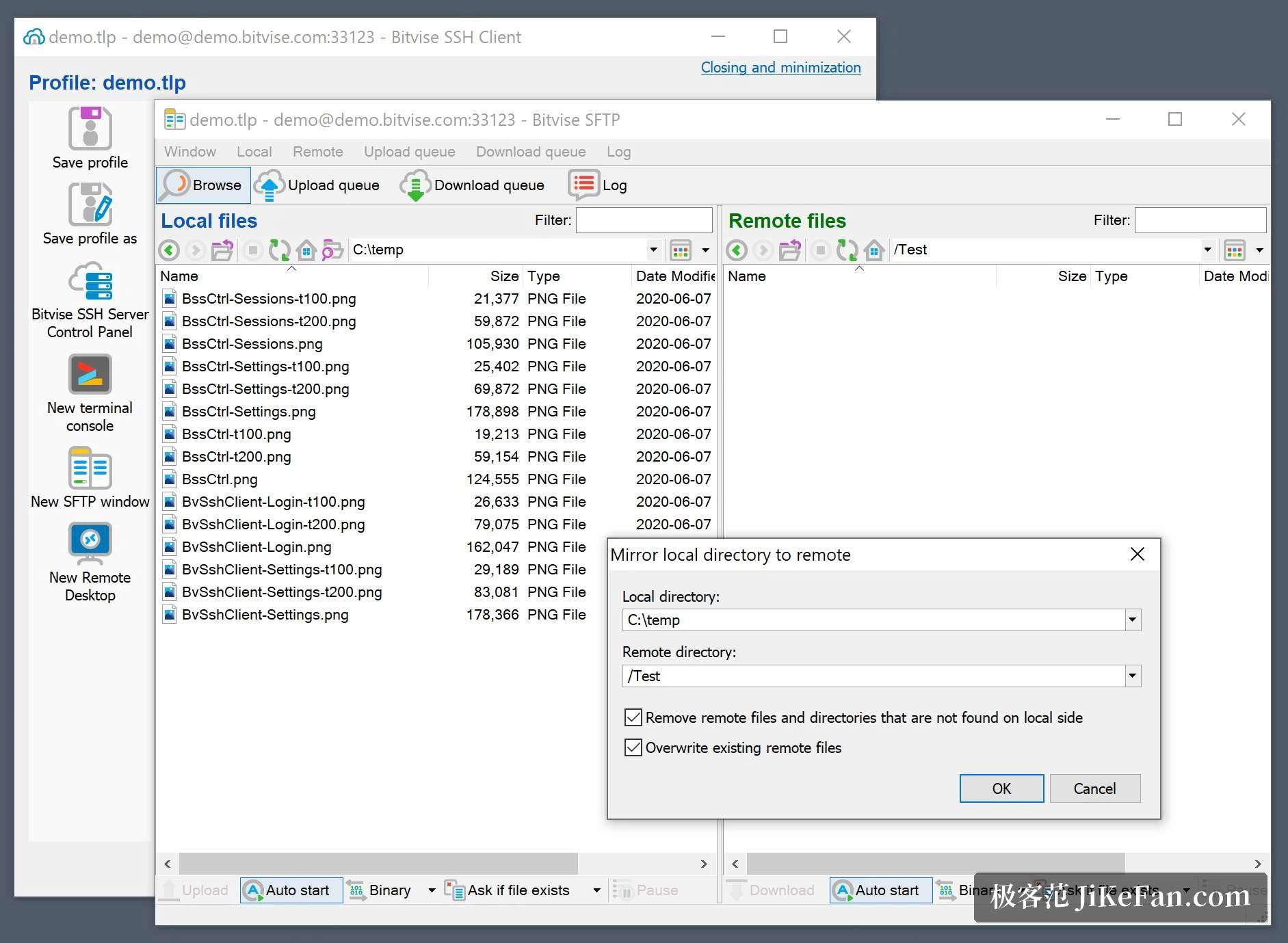
The terminal speaks three protocols, its own, xterm and vt100, and colours and fonts can be saved per session rather than set globally. The file panel is laid out in two columns with the local side on the left and the remote side on the right, and it handles resumed transfers, recognises text files and walks subdirectories recursively; on a server that supports the sixth version of SFTP it can verify integrity before resuming. A remote directory can be mounted as a drive letter, after which any Windows program reads and writes those files as though they were local, and older FTP clients can be brought in through a bridge that carries them over SFTP. That last detail matters in practice, because the tool left behind in a workflow is usually the one nobody wants to rewrite.
Authentication, encryption and compliance
Authentication covers Ed25519, ECDSA and RSA public keys, with a full interface for managing key pairs. In a corporate setting the SSPI route reaches Kerberos 5 and NTLM, which delivers single sign on across the organisation, and the host side verifies Kerberos 5 as well. On encryption the vendor states that the client can be one part of a solution meeting PCI, HIPAA or FIPS 140 validation requirements, and post quantum key exchange is supported. The login form also offers a jump host, connecting to a relay before reaching the final target, which matches networks where operations expose a single entrance. A further switch scrambles the protocol when enabled on both ends, making it harder for an observer on the wire to tell what is actually being spoken.
Tunnels, remote desktop and command line tools
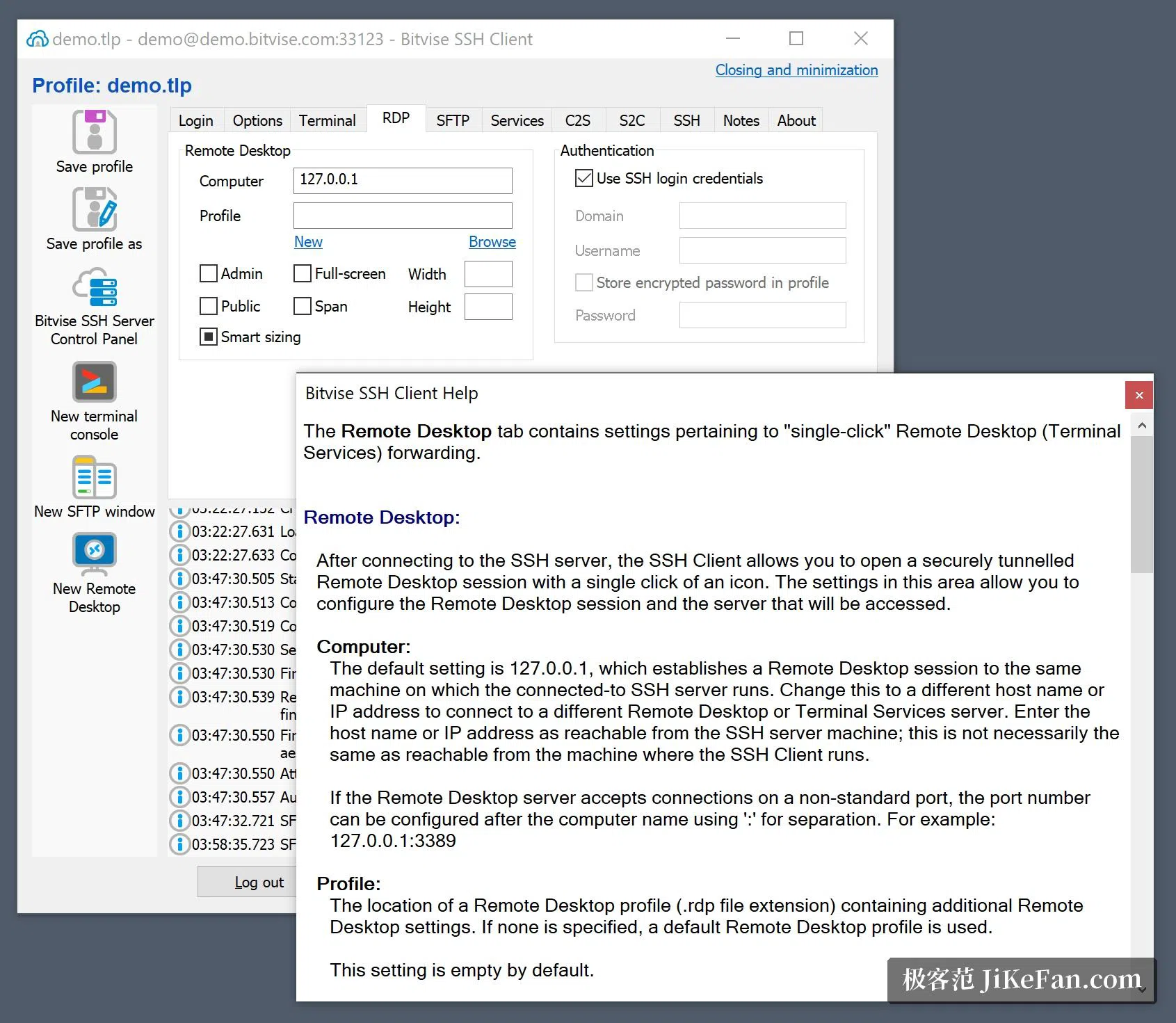
Port forwarding is where it is strongest. Dynamic forwarding carries a SOCKS and an HTTP CONNECT proxy inside it, and forwarding to a Unix socket on the server side works too; a remote desktop session can be tunnelled with one click so that it travels over the encrypted path instead of in the open. Beyond the window, the package brings several command line programs: one for scripted file transfer, one for running commands remotely, one for a console terminal, and one that handles tunnels and drive letter mapping, with a library for the NET platform and PowerShell examples alongside. Every setting can be pushed out through configuration files, which is what makes the tool usable across a fleet of controlled machines rather than one at a time.
Version, size and licensing
The current version is 9.66, the package weighs 26.3 MB, the official installer is signed with an extended validation certificate and the download material explains how to verify it. During an upgrade the installer recognises a version already present and removes it first, keeping personal settings intact, and a portable build exists besides the installed one. On licensing, the client itself is free to use and the vendor charges nothing for it; money is asked for the server side products and for support. The vendor also states that no promotional component is bundled and that no user data is collected for sale. There is no artificial intelligence inside the program, and the vendor says such models are used only while developing, to improve the reliability of the code.